SOURCE-CHECKED01
An unknown tracker alert on iPhone: find the item and keep its details
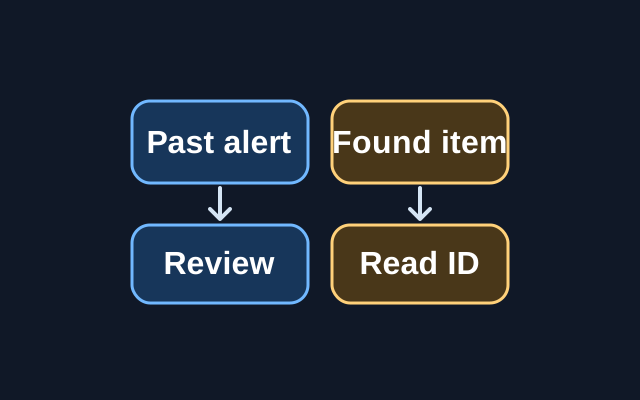
A previous alert can be reviewed in Find My, but Apple’s step for viewing a tracker’s serial number or device ID requires the physical item.
TOPIC / HOWCURIO
Understand the phones, computers, browsers, and digital services you use every day, from new features to familiar frustrations.
154 STORIESEXPLORE THIS TOPIC
Get more from the technology you already own. Explore useful features, changes worth knowing about, and ways to solve everyday problems.
SOURCE-CHECKED01
A previous alert can be reviewed in Find My, but Apple’s step for viewing a tracker’s serial number or device ID requires the physical item.
SOURCE-CHECKED02
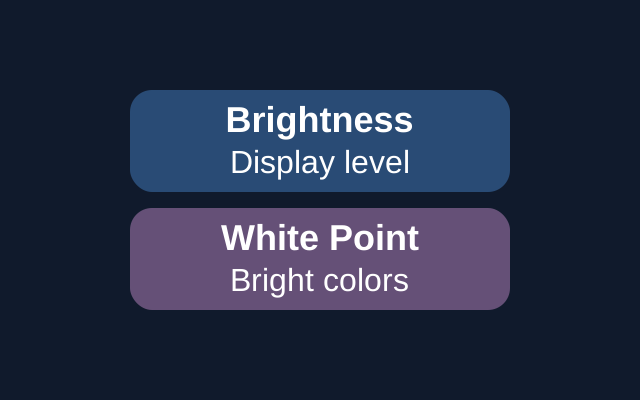
On iPhone, the Control Center slider adjusts screen brightness. Reduce White Point is a separate setting that tones down the intensity of bright colors. Color Filters serve a different purpose and can change how images and videos look.
SOURCE-CHECKED03
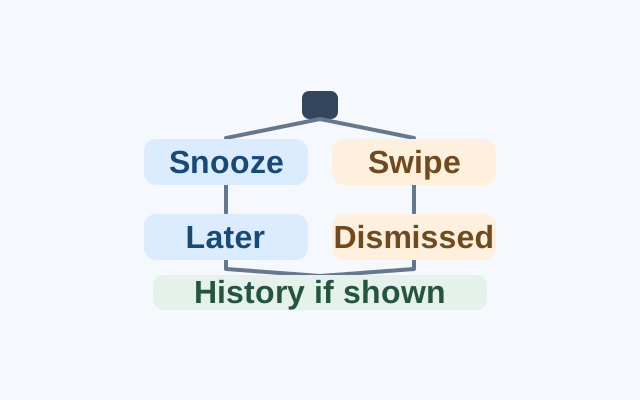
Enable notification snoozing, postpone a specific alert, and distinguish that action from swiping it away. Notification history can help identify either kind of alert on devices that support it.
SOURCE-CHECKED04
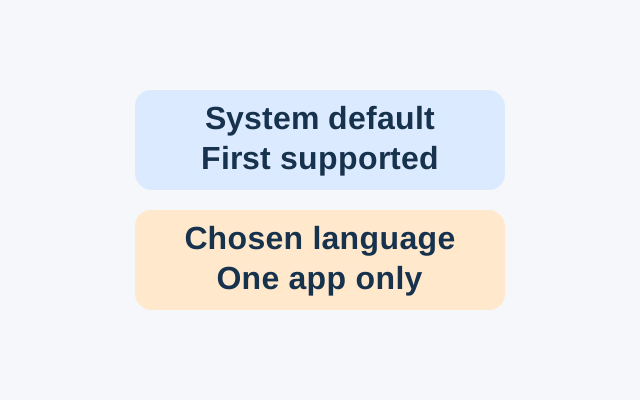
Android’s App Languages setting lets you choose a language for an individual app. An app following the system default instead uses the first language in the system list that it supports.
SOURCE-CHECKED05
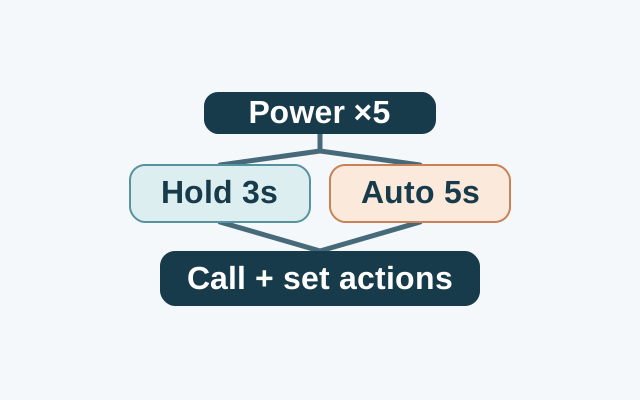
After five or more power-button presses, Android Emergency SOS either waits for a three-second touch and hold or starts after a five-second countdown. The start method is separate from the emergency contacts, information sharing, and recording options you configure.
SOURCE-CHECKED06
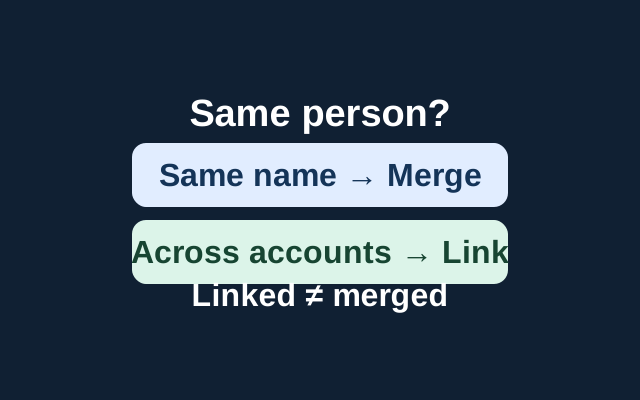
Apple’s Contacts guide describes two actions: merge reviewed cards with the same first and last name, or link cards for one person across accounts. Linked cards appear as one unified contact but remain separate source cards.
SOURCE-CHECKED07
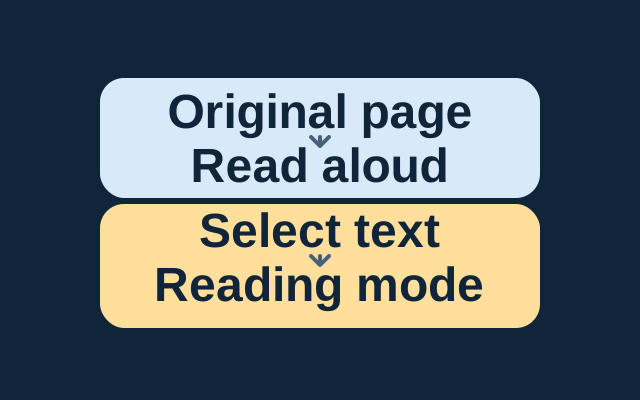
Edge can read a webpage aloud in its original layout. For a passage, select the text and open it in Reading mode before starting Read aloud.
SOURCE-CHECKED08
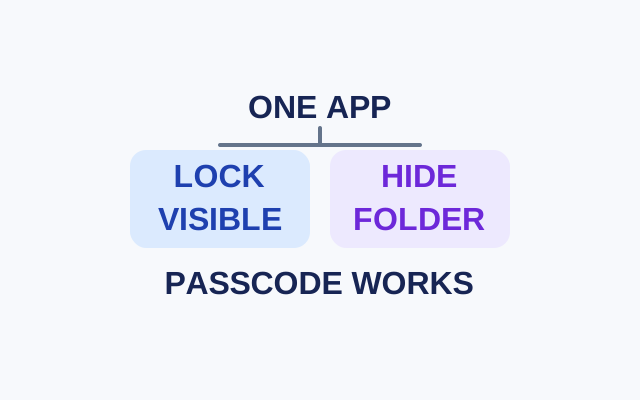
Locking requires authentication to open an app while leaving its icon visible. Hiding also moves an eligible App Store app to the authenticated Hidden folder. Both choices allow passcode authentication.
SOURCE-CHECKED09
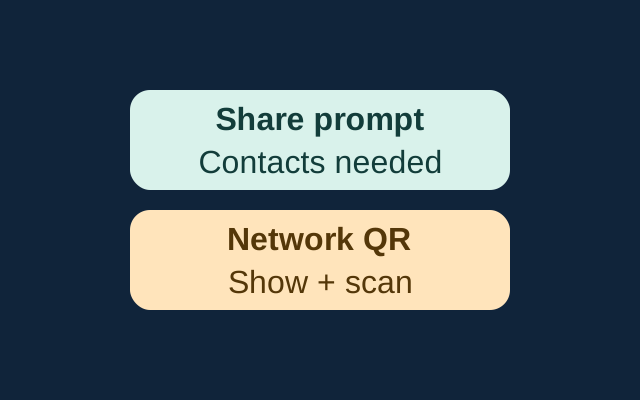
Apple’s sharing prompt requires nearby, prepared devices and mutual Contacts entries. The iPhone guide also documents a network QR code that someone can scan to join.
SOURCE-CHECKED10
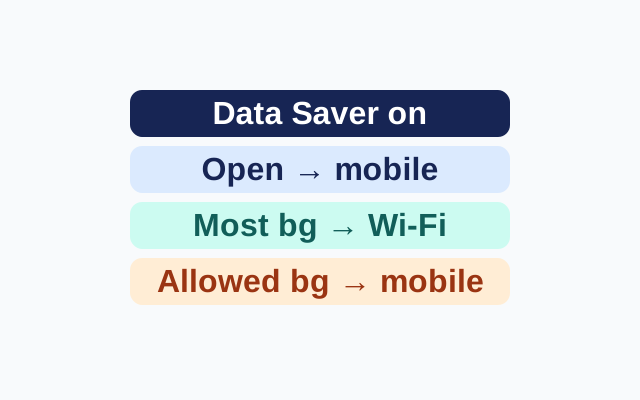
Data Saver lets active apps use mobile data but limits most background data to Wi-Fi. Unrestricted data provides an app-specific exception.
SOURCE-CHECKED11
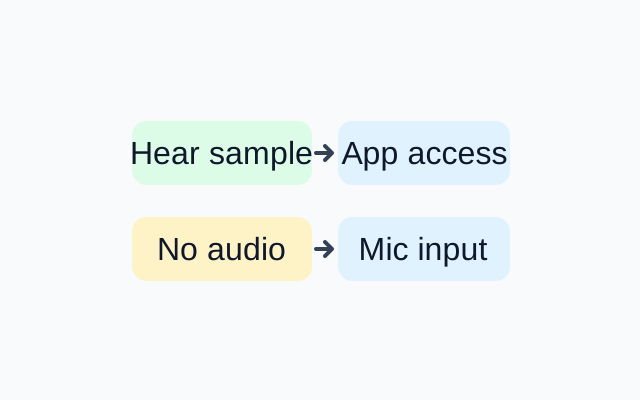
An audible sample shows that Windows recorded sound from the selected microphone during the test. If an app still fails, check its microphone permissions. If the sample is silent, revisit the selected input and its volume.
SOURCE-CHECKED12
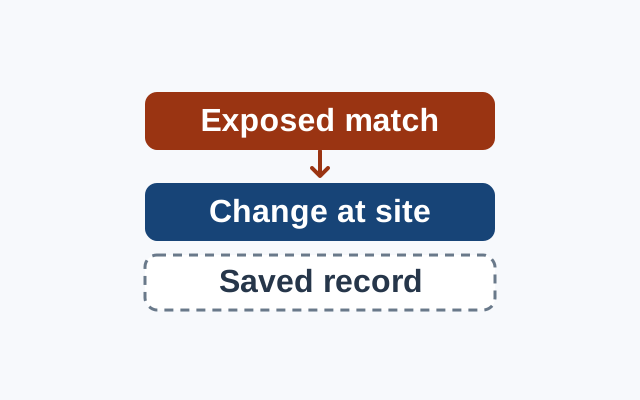
A breach warning concerns an exposed credential. Change the password at the affected website; treat Chrome’s saved record as a separate concern.
SOURCE-CHECKED13
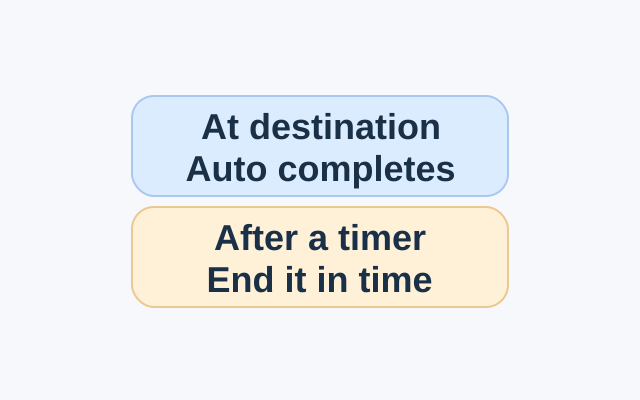
An arrival Check In completes when your iPhone reaches the destination. A timed Check In needs you to end it before the chosen period expires.
SOURCE-CHECKED14
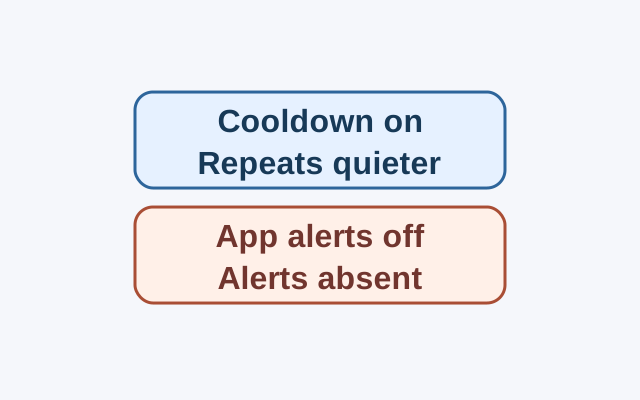
On Pixel phones running Android 14 or later, Notification cooldown can lower the volume of repeated notifications from the same app. Whether alerts still appear helps determine which setting to check first.
SOURCE-CHECKED15
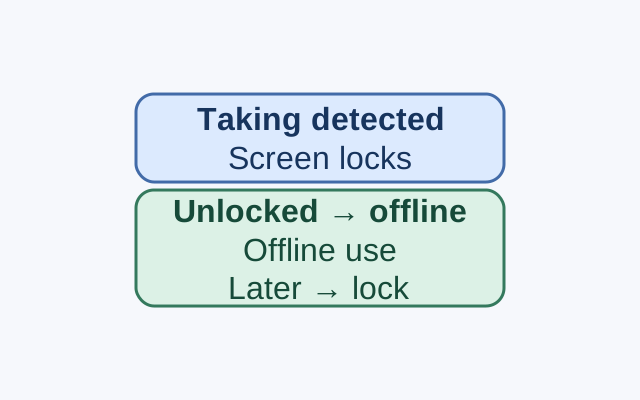
Theft Detection Lock responds to a detected taking. Offline Device Lock responds after an unlocked phone is used offline for a short period. Check each control separately.
SOURCE-CHECKED16
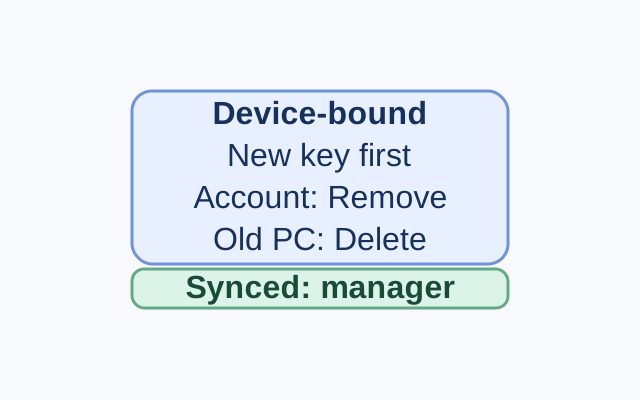
An old Windows device may hold a passkey locally, while a synced credential manager can make its passkey available on a new device. A Microsoft account may also list the passkey as a sign-in method. Each location has a different management control.
SOURCE-CHECKED17
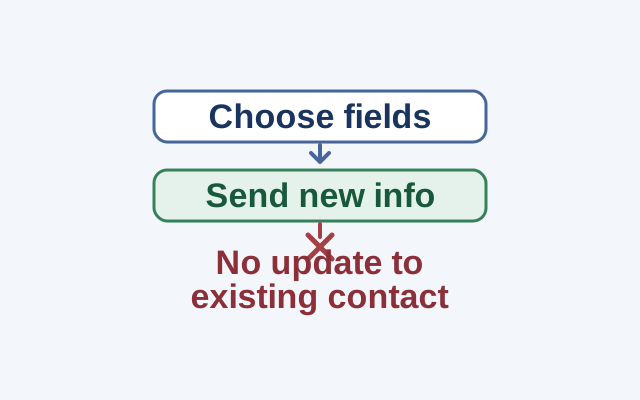
NameDrop lets you select fields when sharing your card. It sends new contact information; it does not update an existing contact.
SOURCE-CHECKED18
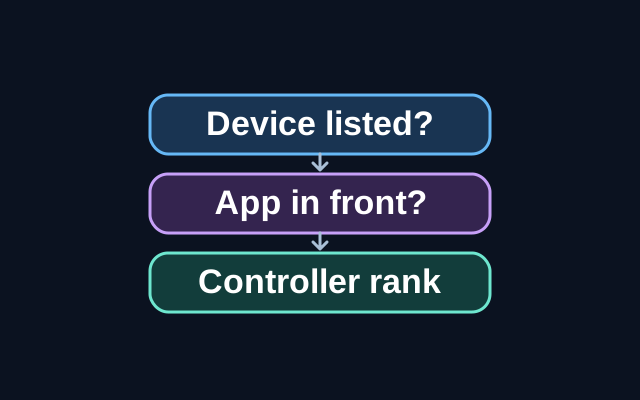
A troubleshooting guide to the different controls that can override a Windows Dynamic Lighting effect.
SOURCE-CHECKED19
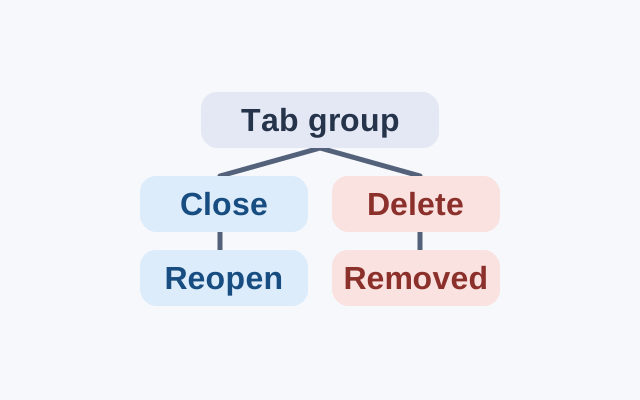
Chrome saves tab group changes automatically. A closed group can be reopened; deleting a group removes it from devices using the same Google Account.
SOURCE-CHECKED20
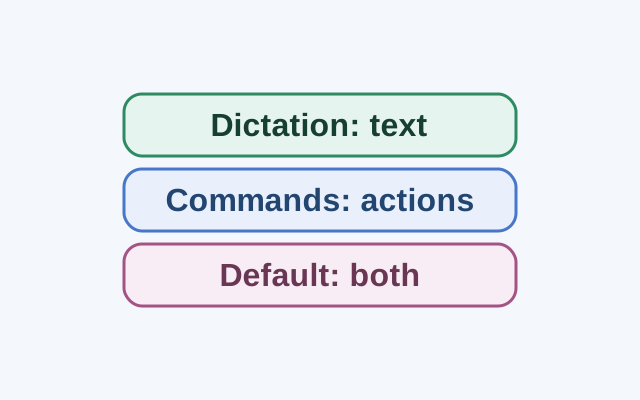
Dictation mode treats spoken input as text in an editable field. Commands mode is for actions; Default mode handles both commands and dictation.
SOURCE-CHECKED21
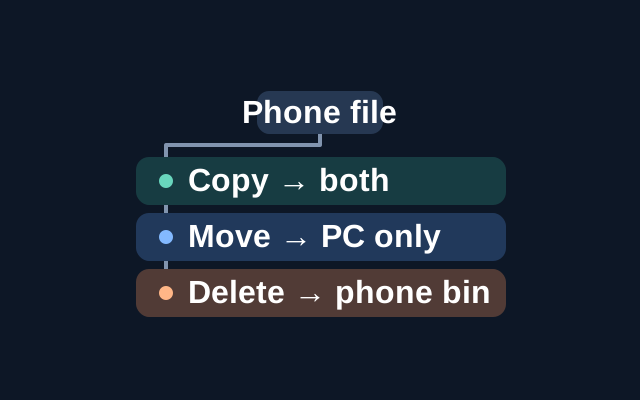
Microsoft’s File Explorer feature lets a paired Android phone appear in Windows 11 File Explorer. Copying a file to the PC keeps the phone original; moving relocates it; deleting through this view sends it to a recoverable folder on the phone.
SOURCE-CHECKED22
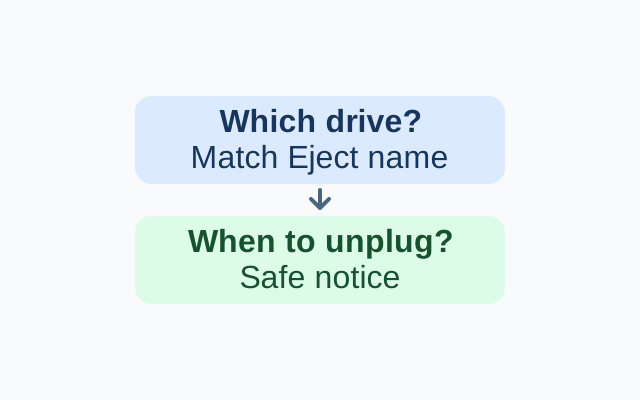
The named Eject entry identifies which drive you selected; the Safe To Remove Hardware notification tells you when removal is safe.
SOURCE-CHECKED23
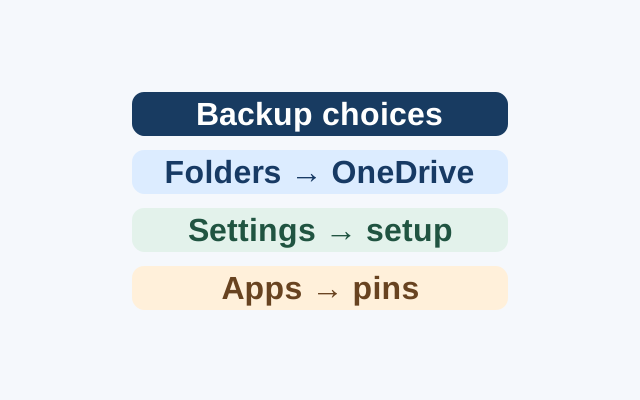
Selected folders become available through OneDrive. Supported preferences can return during Windows setup, while apps return as pins that may lead to restoration or an installer.
SOURCE-CHECKED24
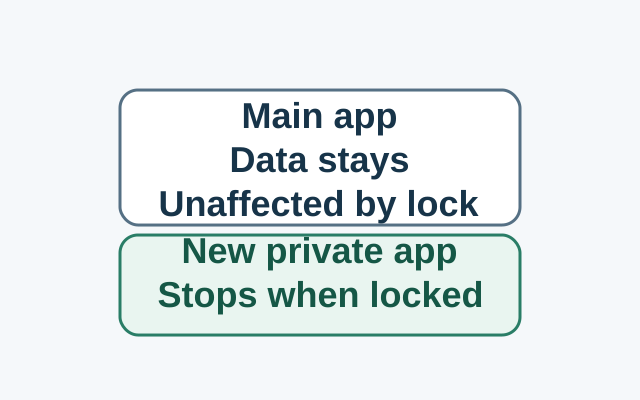
Installing in Private Space creates a separate app instance. The original app and its data stay in the main space; locking stops the private instance, while the original is unaffected.
SOURCE-CHECKED25
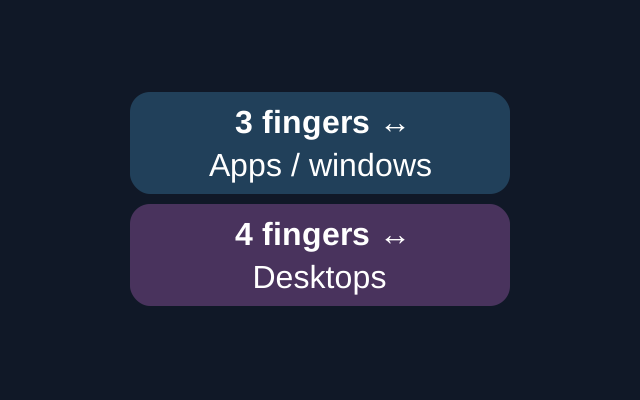
A sideways three-finger touchpad swipe switches between open apps or windows; four fingers switches desktops. Windows has separate settings for the two gestures.
SOURCE-CHECKED26
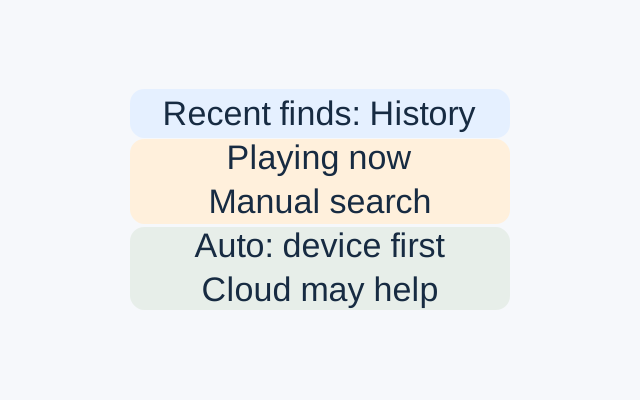
History lists songs Now Playing recently identified. Use its search or date and time filters for an earlier song; use manual search while a song is playing now.
SOURCE-CHECKED27
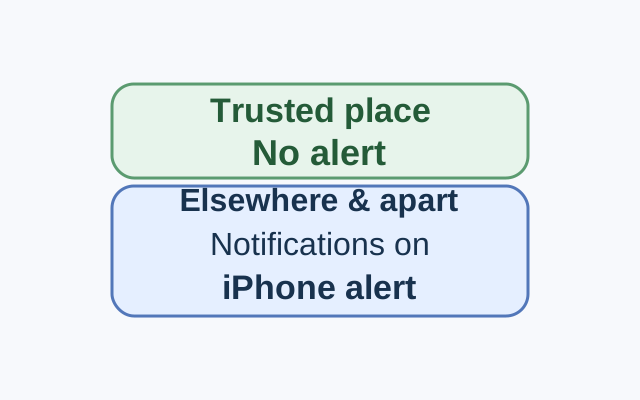
Set the alert from the device sharing your location. In a worked example, an iPhone receives the alert for a selected Mac left elsewhere, while leaving that Mac at a Trusted Location stays quiet.
SOURCE-CHECKED28
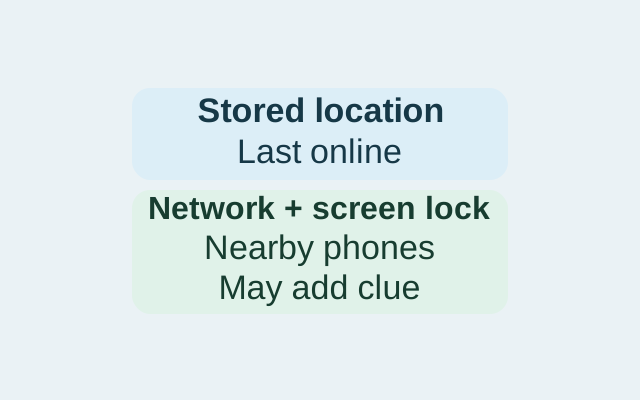
Find Hub can retain an encrypted recent location, use nearby Android devices to help find an offline phone, or do both. The setting controls which routes are available; power-off finding also depends on phone support and other conditions.
SOURCE-CHECKED29
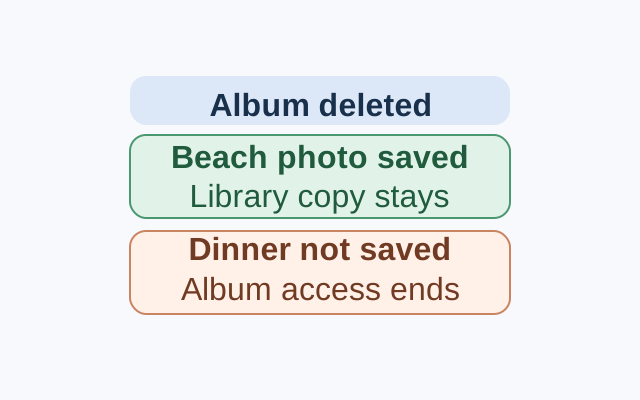
A Shared Album invitation provides access; saving a photo or video creates a library copy that remains after the album is deleted.
SOURCE-CHECKED30
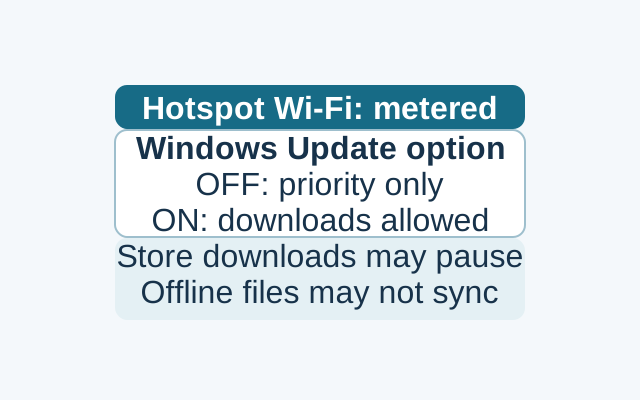
A metered Wi-Fi setting reduces background data use, but priority updates may still download and some syncing may pause. Windows Update has a separate option to allow downloads over metered connections.
SOURCE-CHECKED31
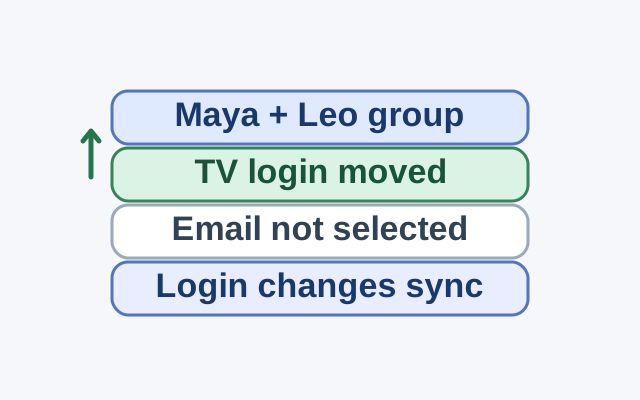
Group membership sets who shares access; selecting a credential and tapping Move sets what enters the group. Changes to a shared credential appear on everyone’s device.
SOURCE-CHECKED32
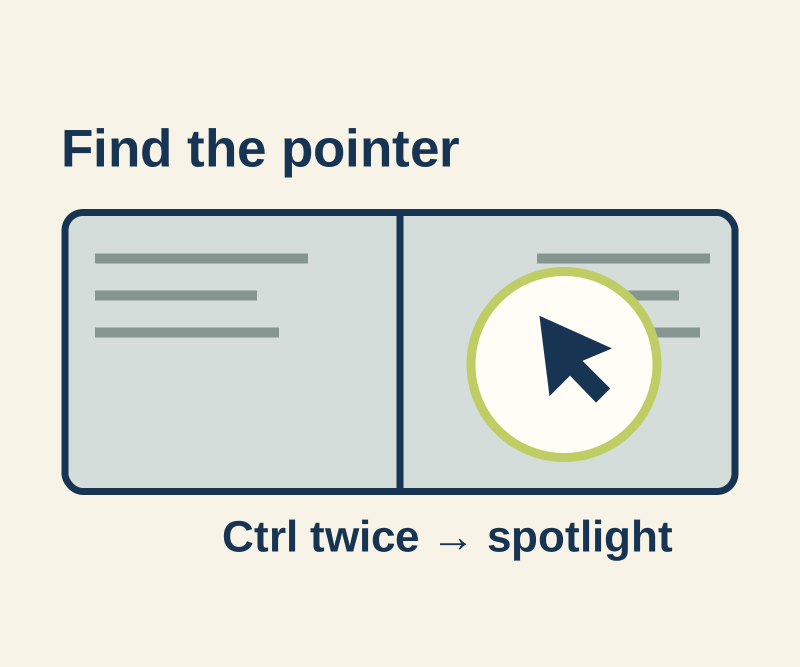
Windows can circle the pointer after Ctrl is released. PowerToys adds a spotlight with a different trigger and separate click feedback.
SOURCE-CHECKED33
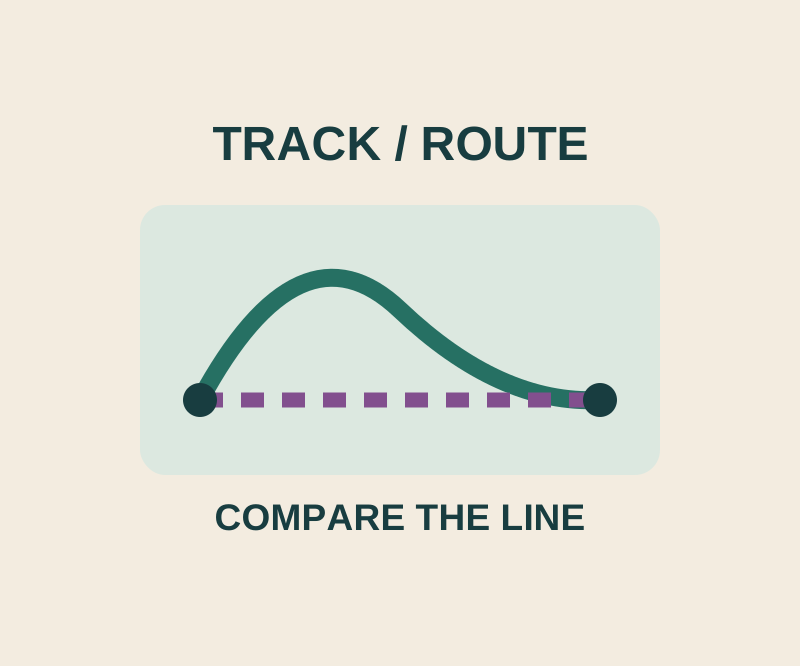
A GPX track keeps someone's line on the map; Route to calculates a separate journey.
TESTED34
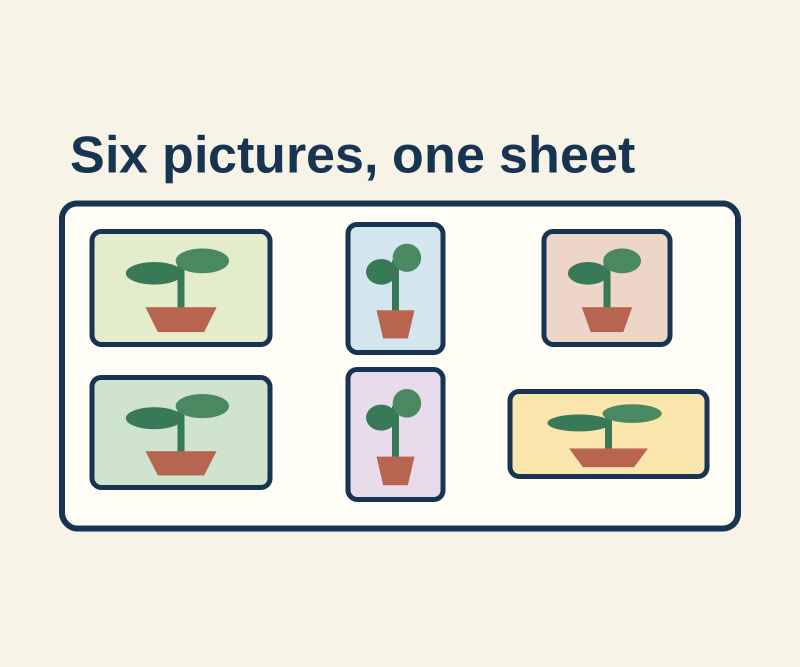
Six mixed portrait and landscape drawings become a labeled sheet. Use the finished example and the command that produced it.
TESTED35
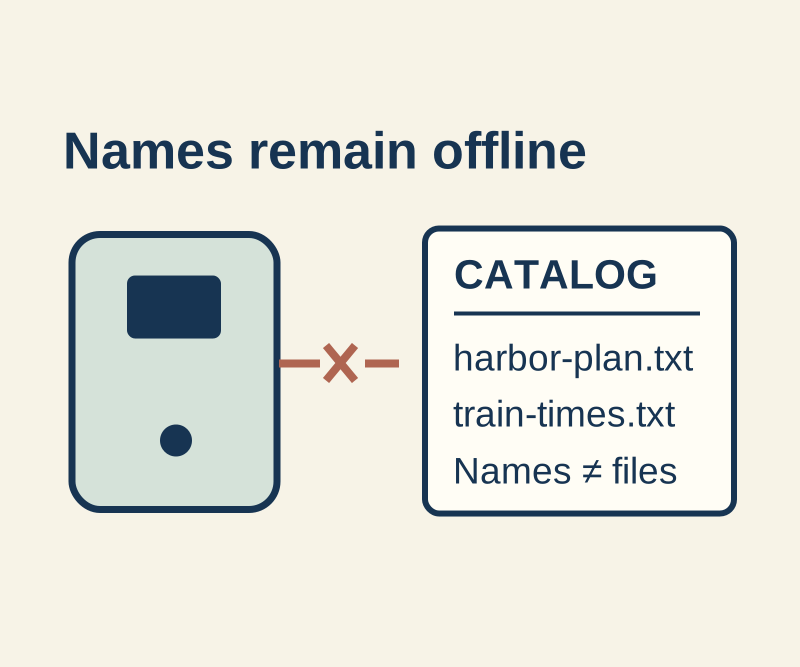
A saved catalog remembers names and folders when a USB drive is absent. The files themselves still need the drive.
SOURCE-CHECKED36
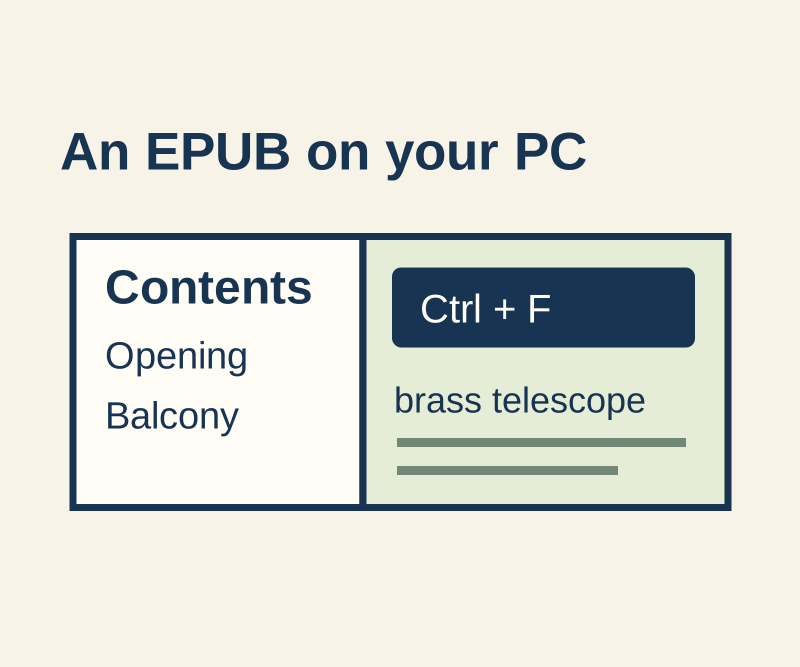
Try an original three-section EPUB with a known search phrase, contents links and favorites on Windows.
SOURCE-CHECKED37
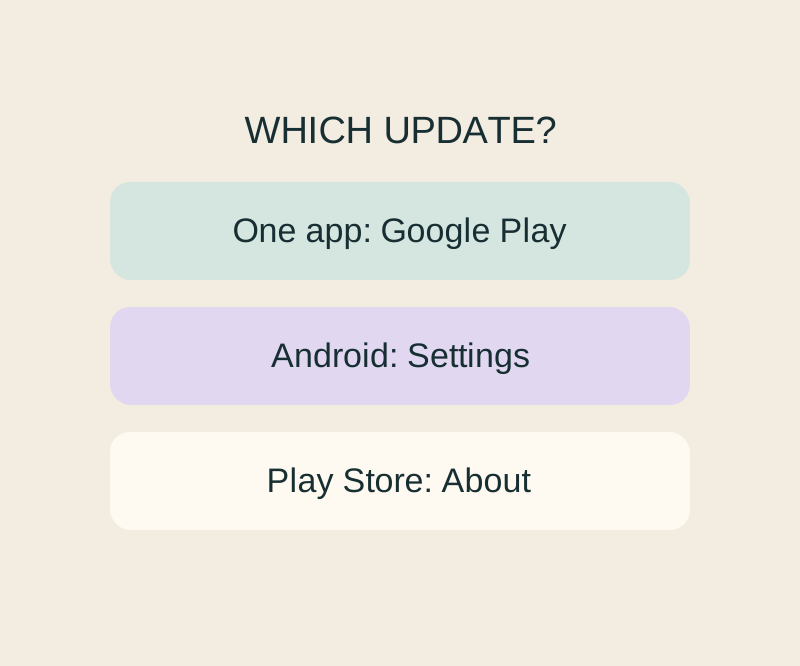
Update, Open and a stuck download lead to different next checks; an Android up-to-date message cannot settle all three.
TESTED38
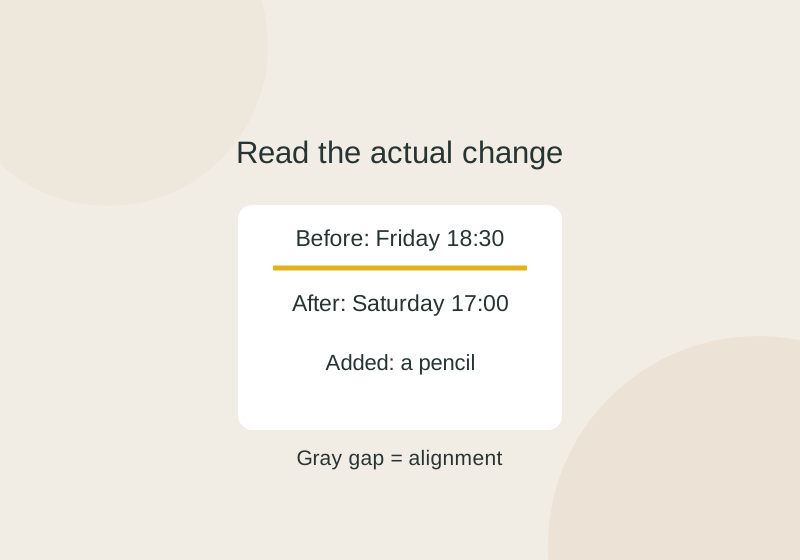
A before-and-after book club plan changes its day and time and adds a pencil. WinMerge’s native report shows why a gray gap is not a blank source line.
SOURCE-CHECKED39
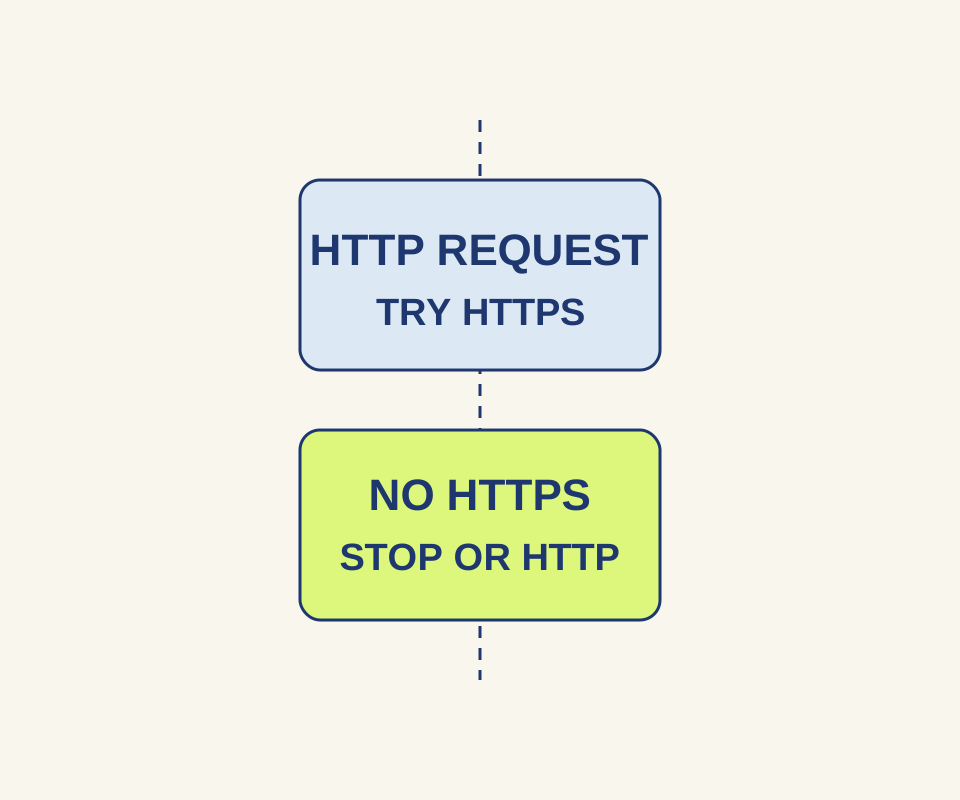
An HTTPS-Only warning calls for a connection decision. A browser exception leaves HTTP unencrypted.
TESTED40
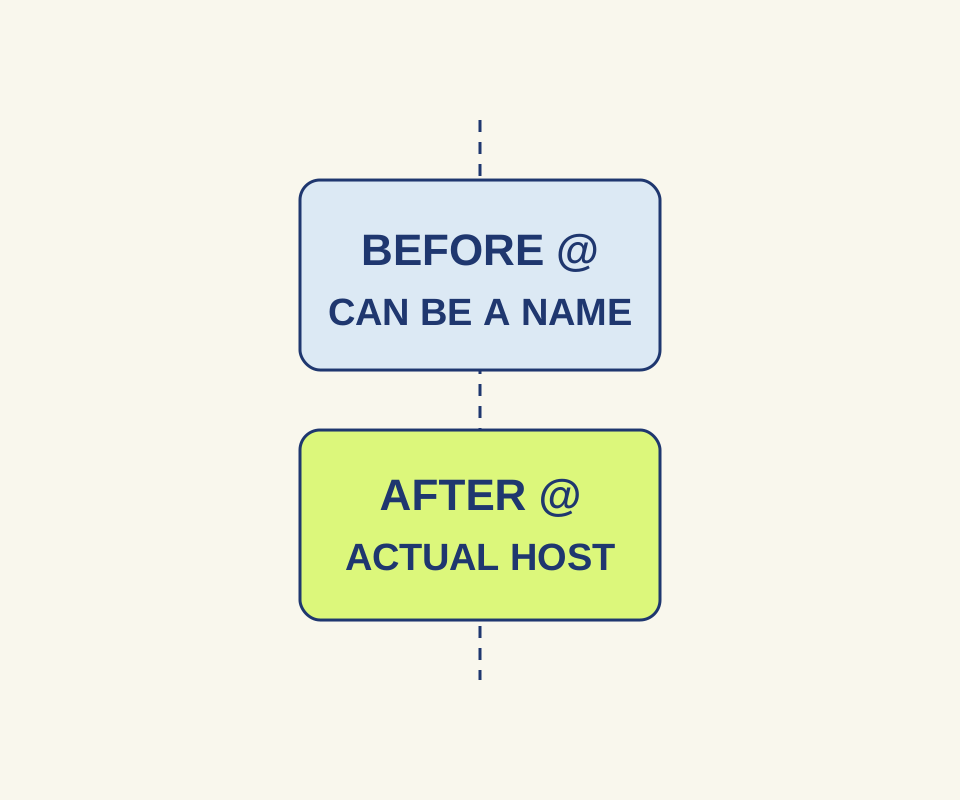
A familiar name can appear before @ or inside another website's host. Read the address before opening it.
SOURCE-CHECKED41
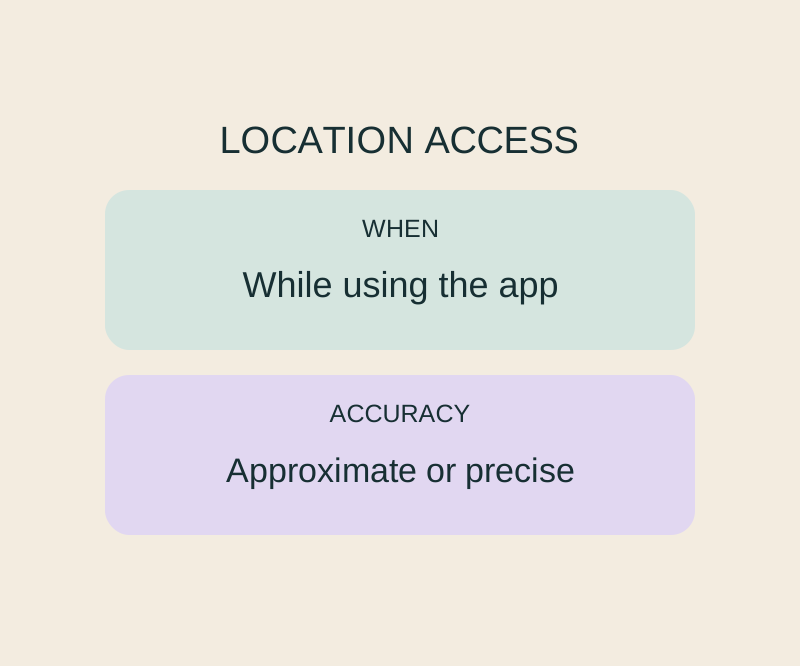
Precise Location and While Using the App control different parts of the same permission.
TESTED42
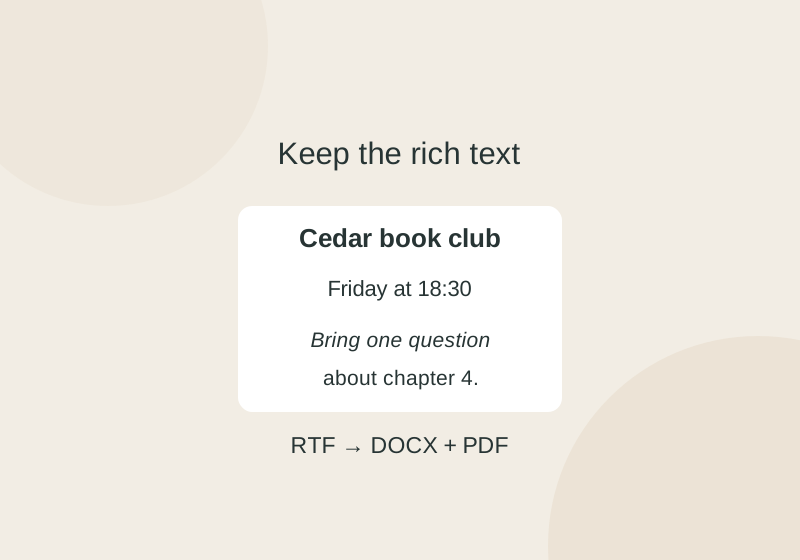
A small book club RTF, its converted DOCX and a PDF reference show what to preserve when opening an old rich-text document.
TESTED43
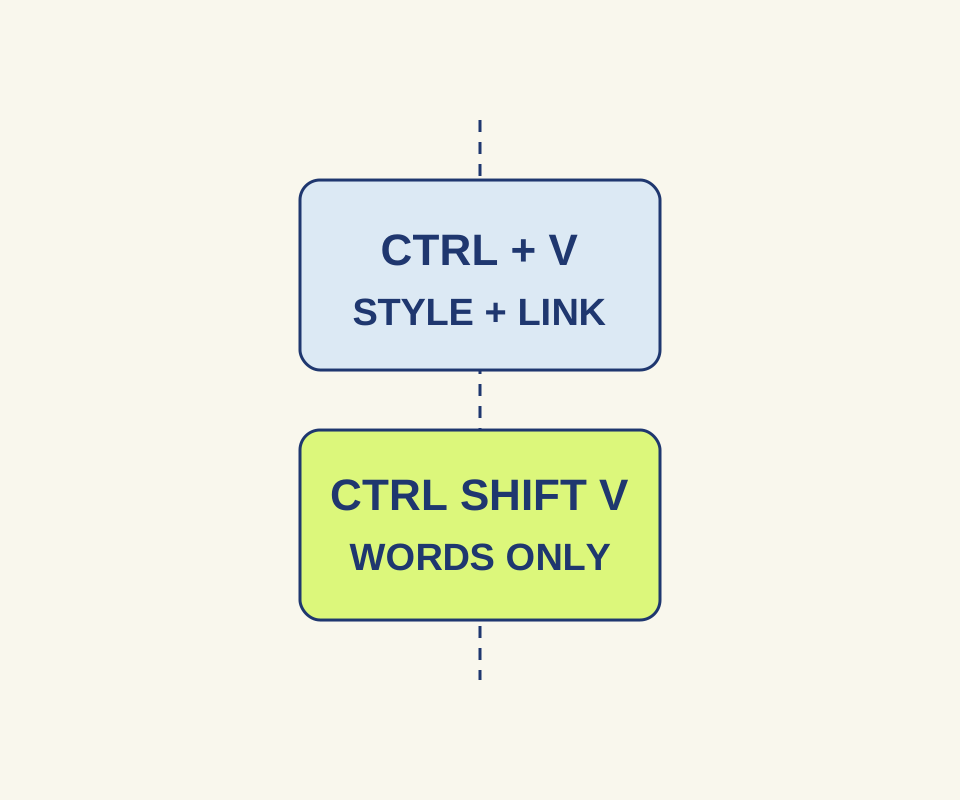
Plain-text paste kept the words in our Chrome exercise but removed the clickable Schedule link.
TESTED44
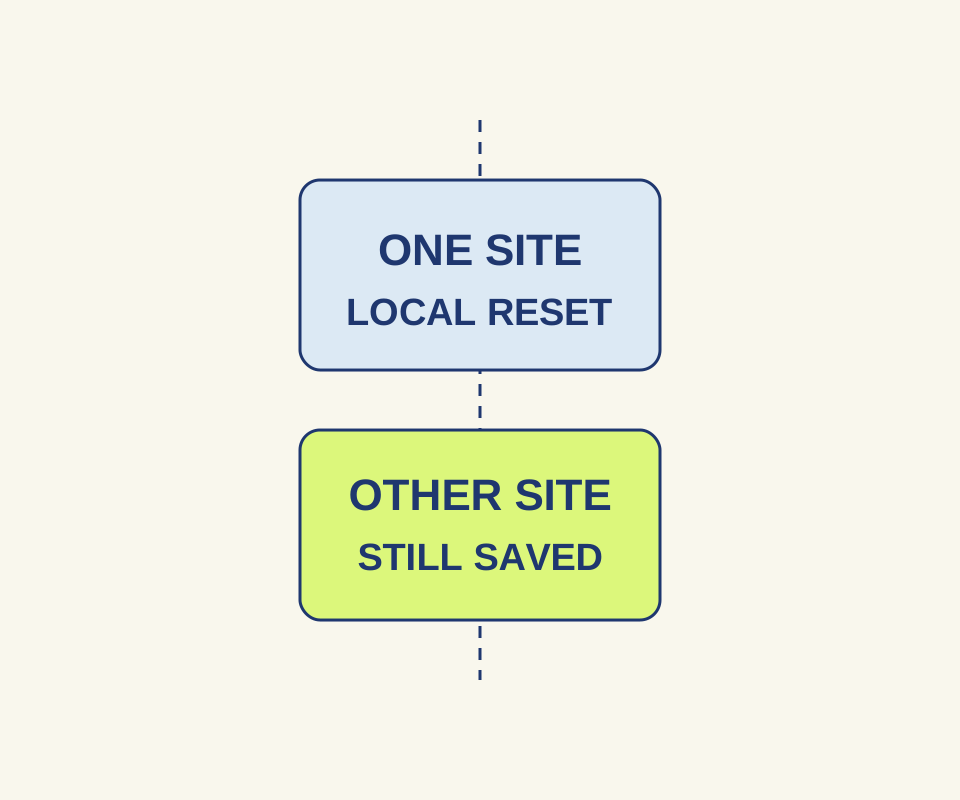
A controlled site reset cleared one local site's cookie and storage while a second site kept both.
SOURCE-CHECKED45
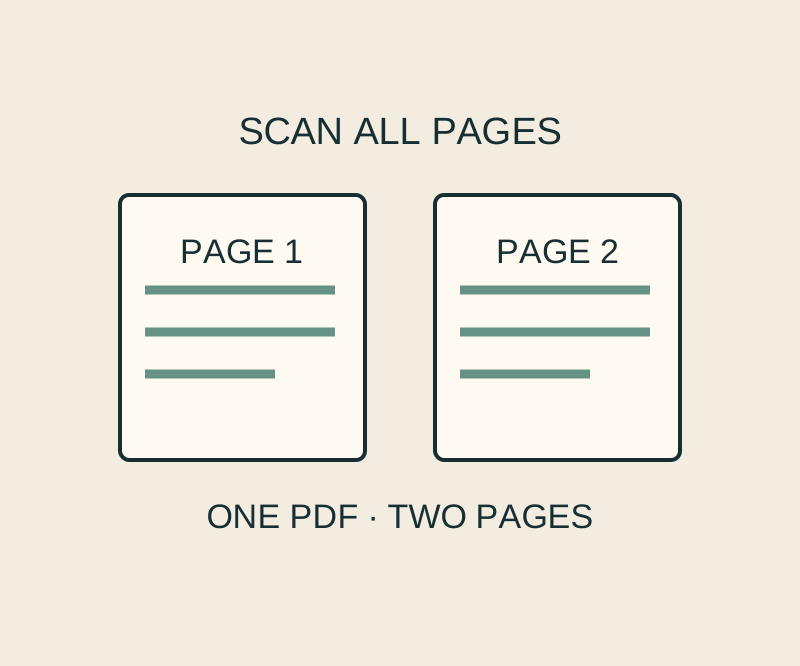
Keep several paper pages in one scan and inspect the corners before treating the PDF as finished.
SOURCE-CHECKED46
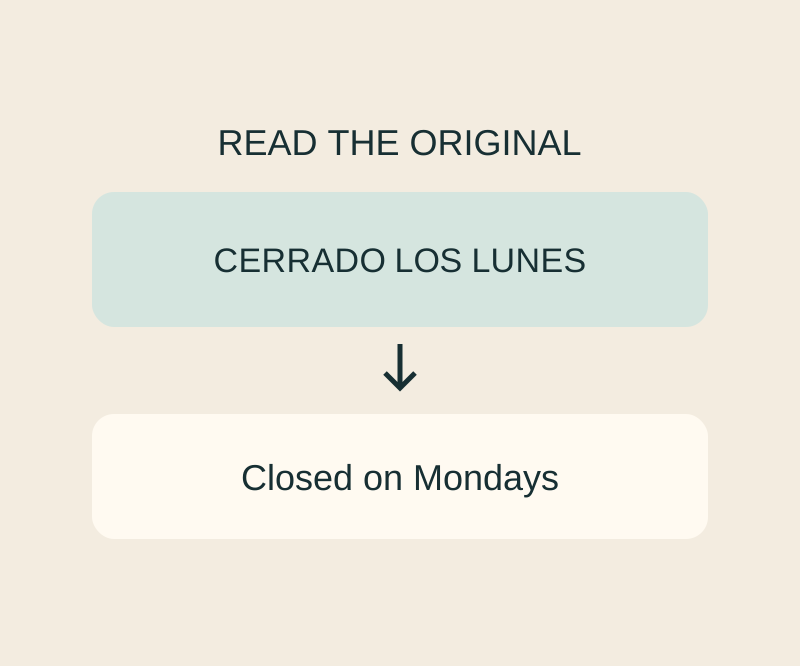
A screenshot can go into Translate without another camera shot; check recognition before trusting the wording.
TESTED47
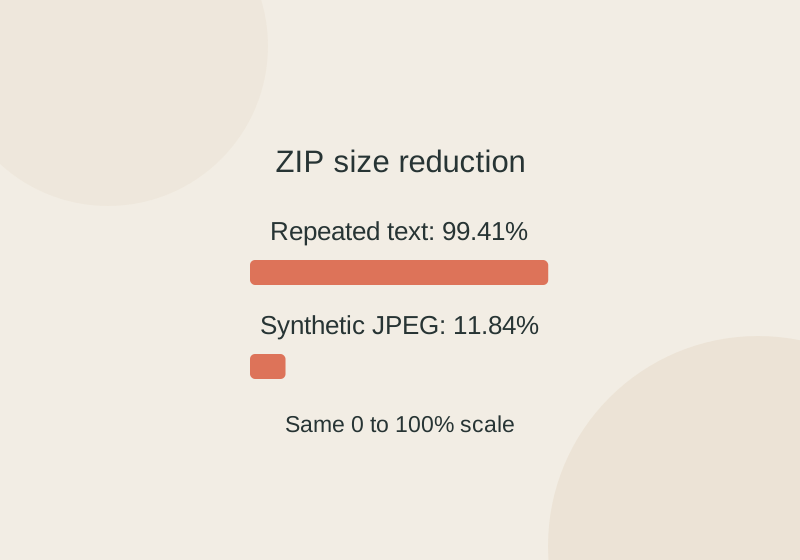
The same ZIP settings shrank a repeated shopping list by 99.41% and a synthetic JPEG by 11.84%. Try the files and see what survived extraction.
TESTED48
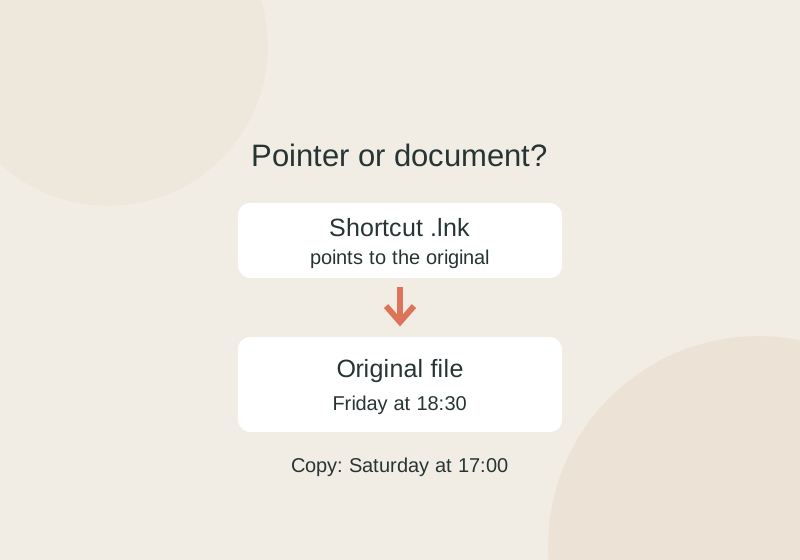
Copying a .lnk shortcut preserves its pointer to the original. A separate document copy can change without changing the original.
SOURCE-CHECKED49
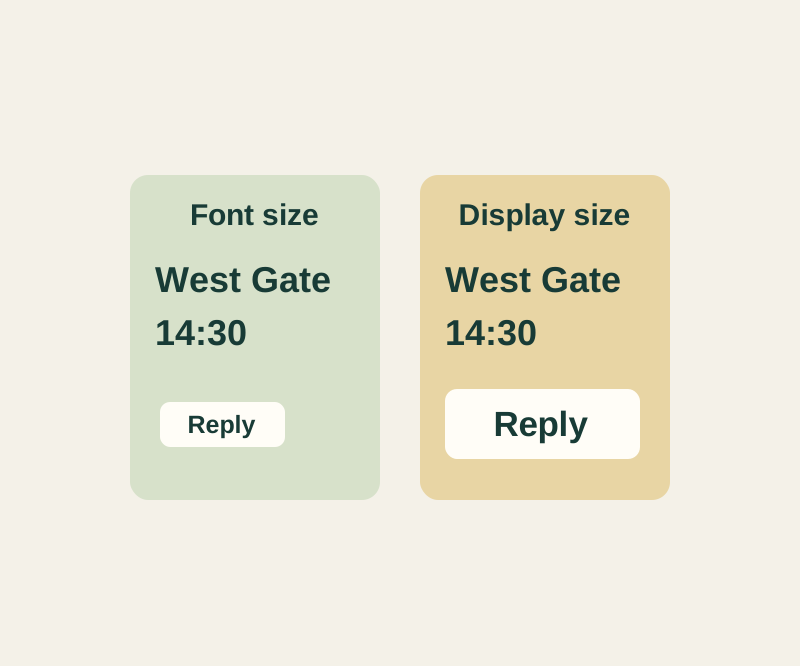
Make the letters easier to read without automatically making every control larger.
SOURCE-CHECKED50
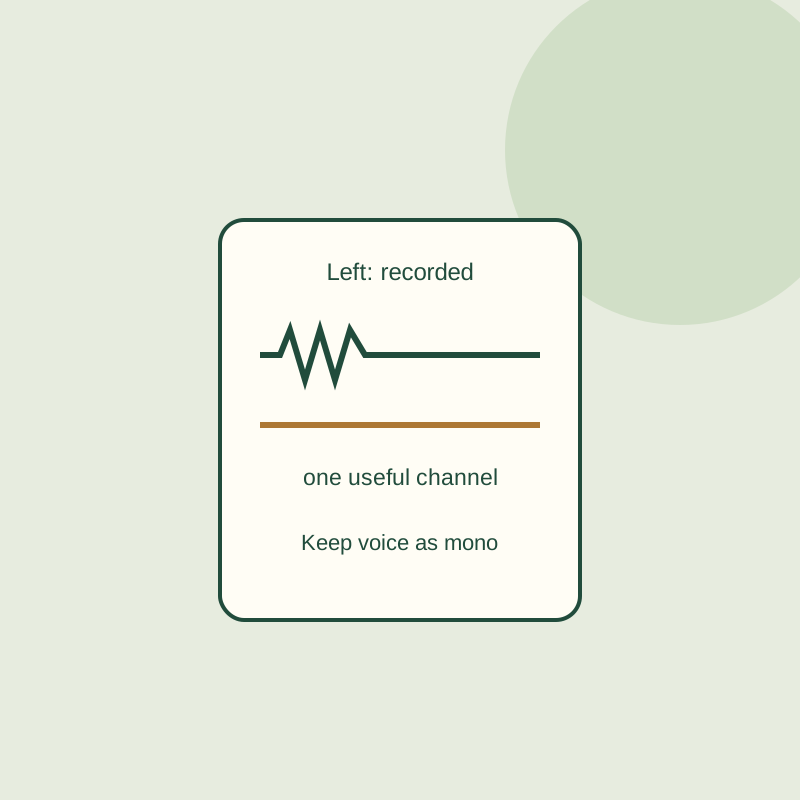
A silent right channel does not need to be duplicated. Keep the recorded voice, remove the empty track, and export a mono copy.
SOURCE-CHECKED51
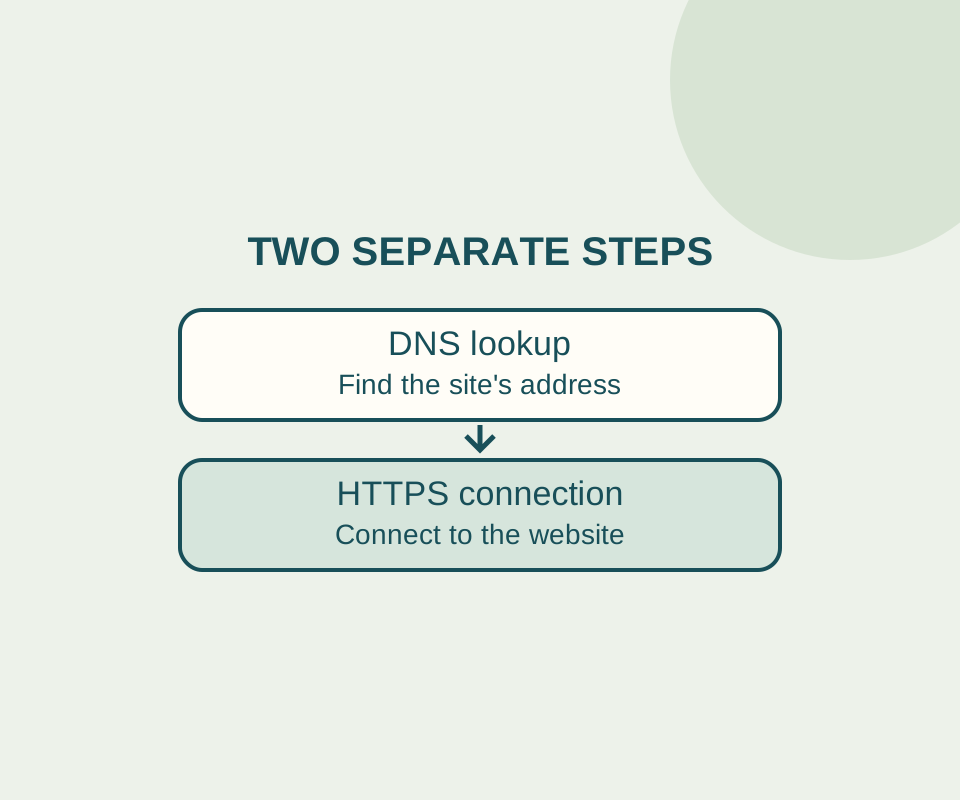
Automatic Secure DNS can fall back to an unencrypted lookup. A custom provider follows a different rule, so record the original setting before changing it.
TESTED52
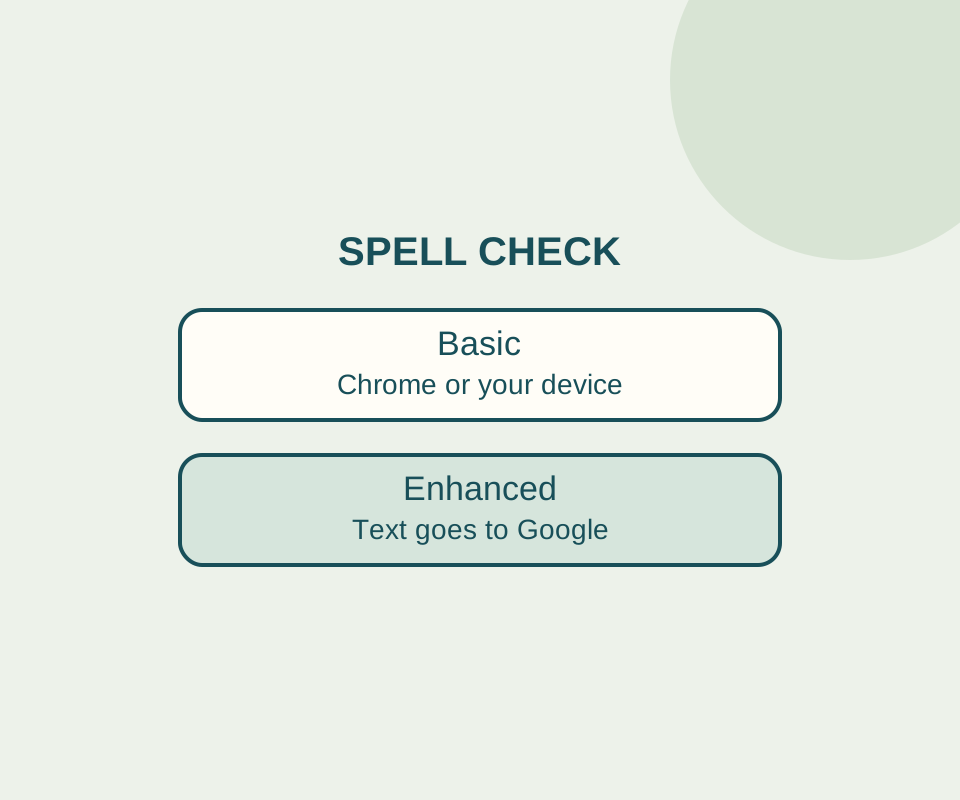
Basic spell check keeps text away from Google for spelling. Check the language and custom dictionary before switching it off.
SOURCE-CHECKED53
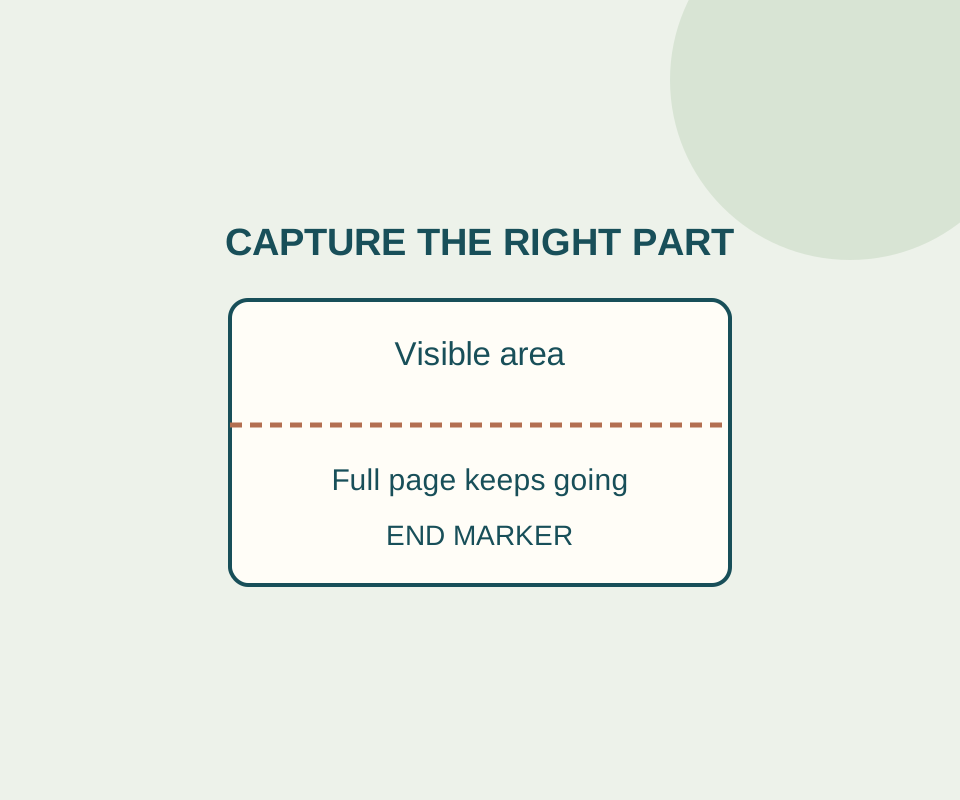
A full-page PNG can include the bottom of a long page, but a selected region is easier to read when someone needs one detail.
SOURCE-CHECKED54
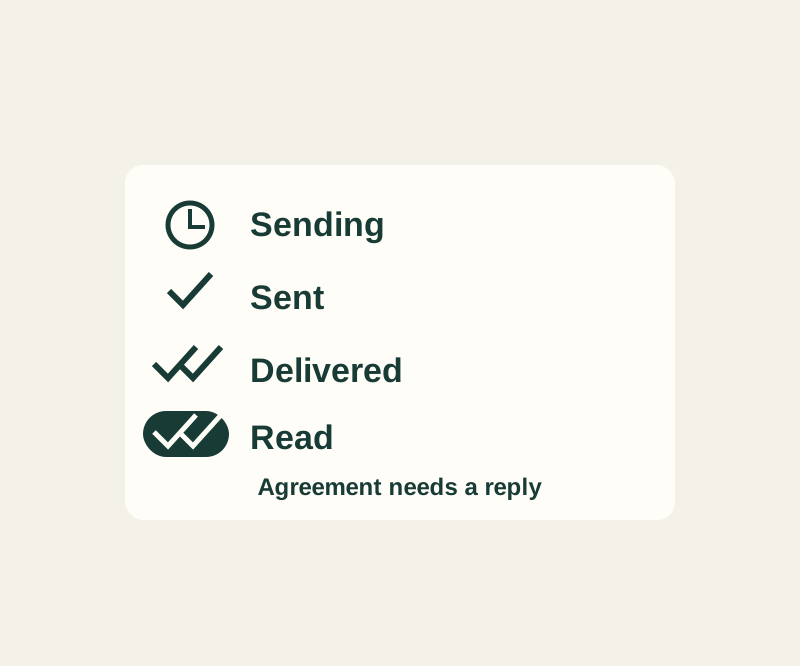
Two checks can confirm delivery without confirming a reply, attention or agreement.
TESTED55
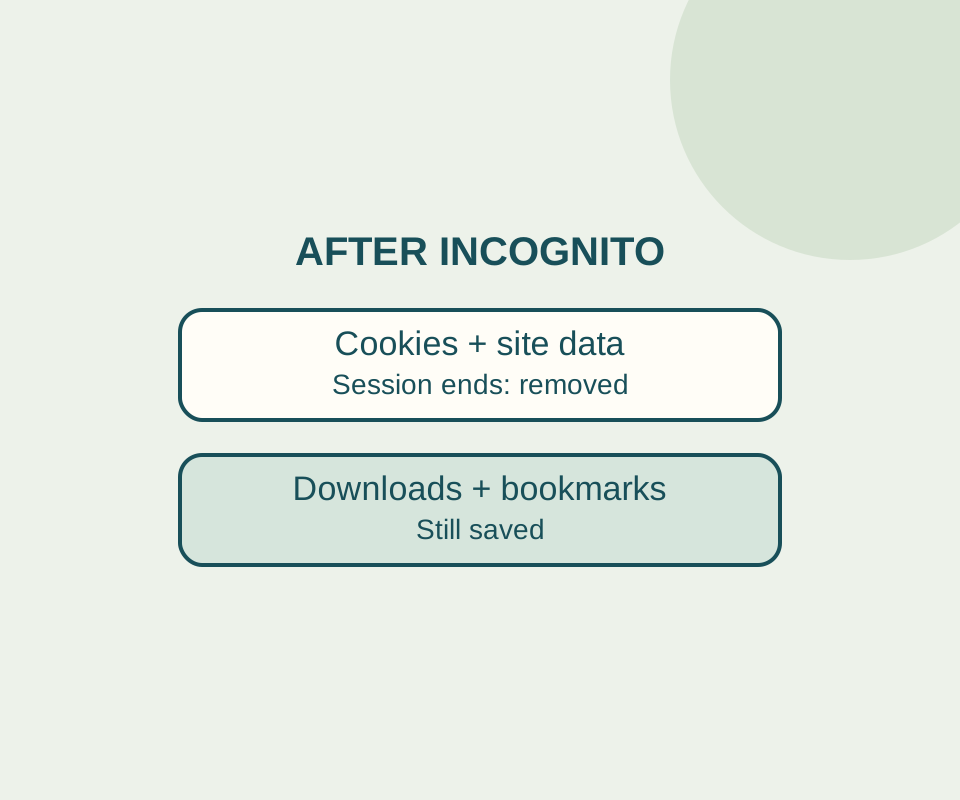
Closing every Incognito window ends the private session. Downloaded files and saved bookmarks still need separate attention.
SOURCE-CHECKED56
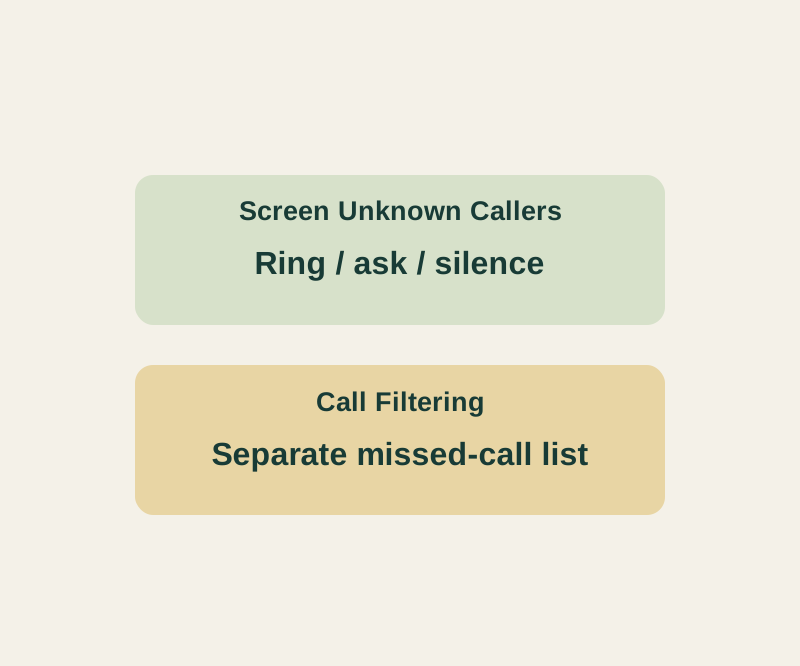
The setting that controls ringing is separate from the list that holds unknown missed calls.
TESTED57
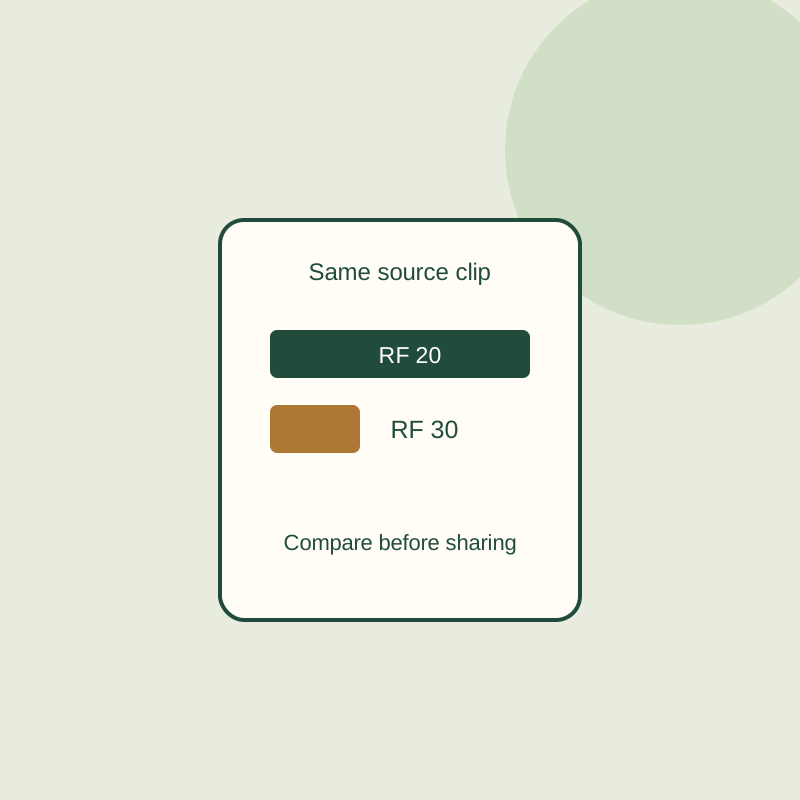
Three downloadable versions of the same eight-second clip show how the RF number changes output size. Your own source still needs a preview.
SOURCE-CHECKED58
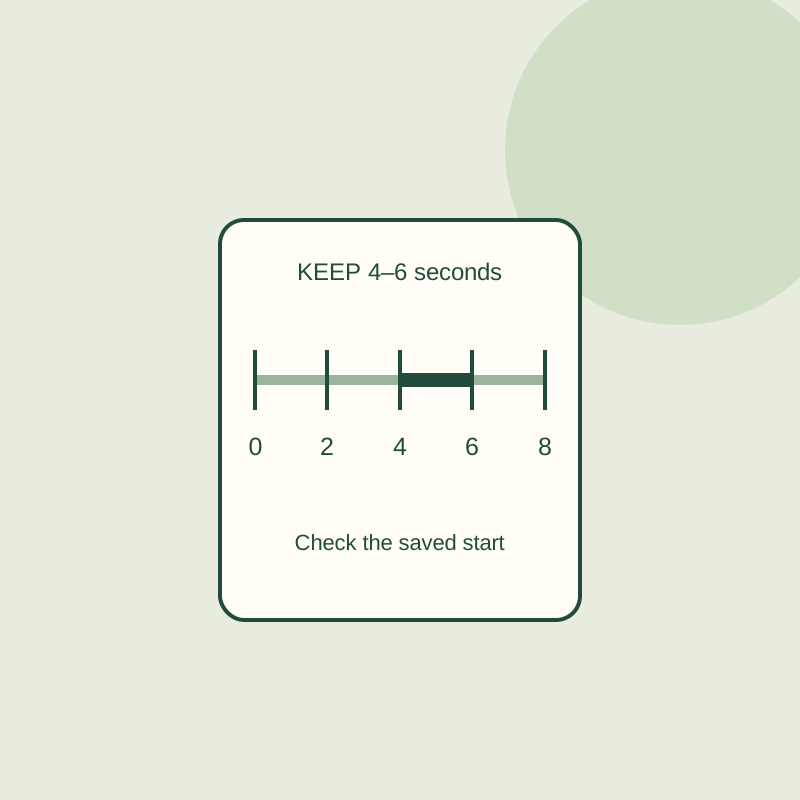
Keeping compressed video avoids another encode, but cut points can move. An eight-second practice clip shows the difference between a segment and its saved boundary.
SOURCE-CHECKED59
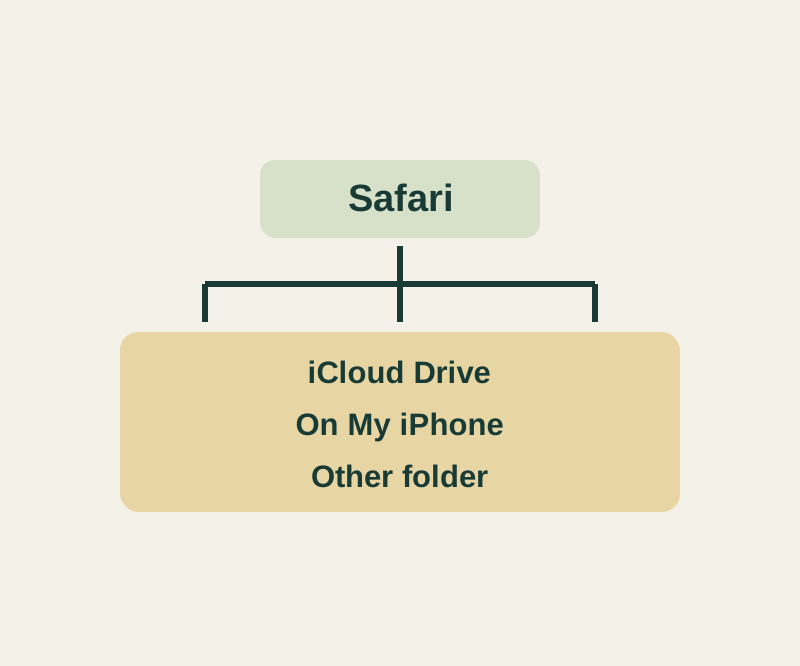
A file preview, a download in progress and a saved file need different checks.
TESTED60
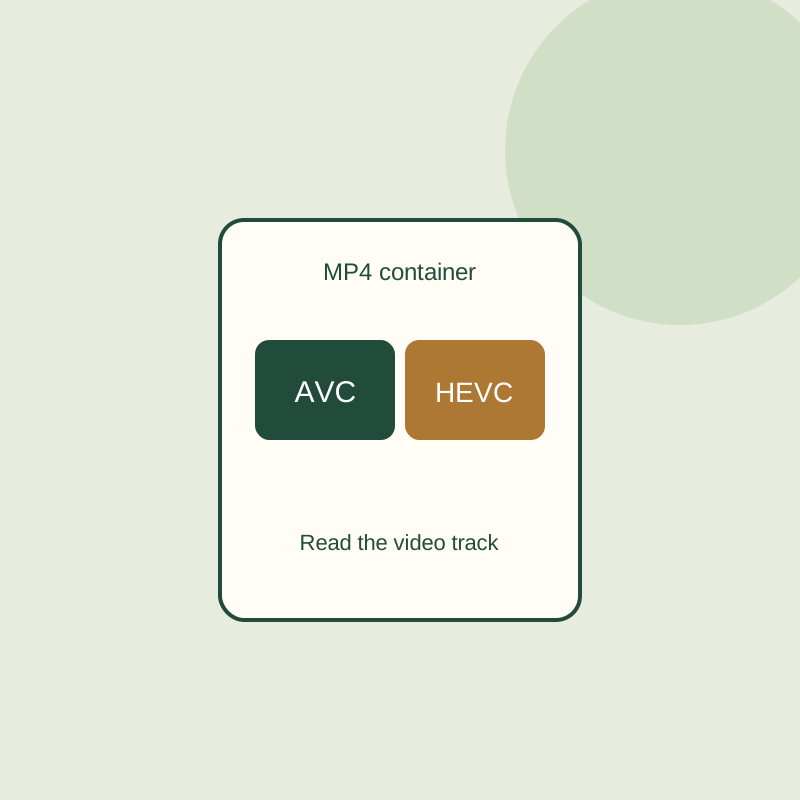
The MP4 suffix does not identify the video codec inside. Inspect two original files and see why renaming one does not convert it.
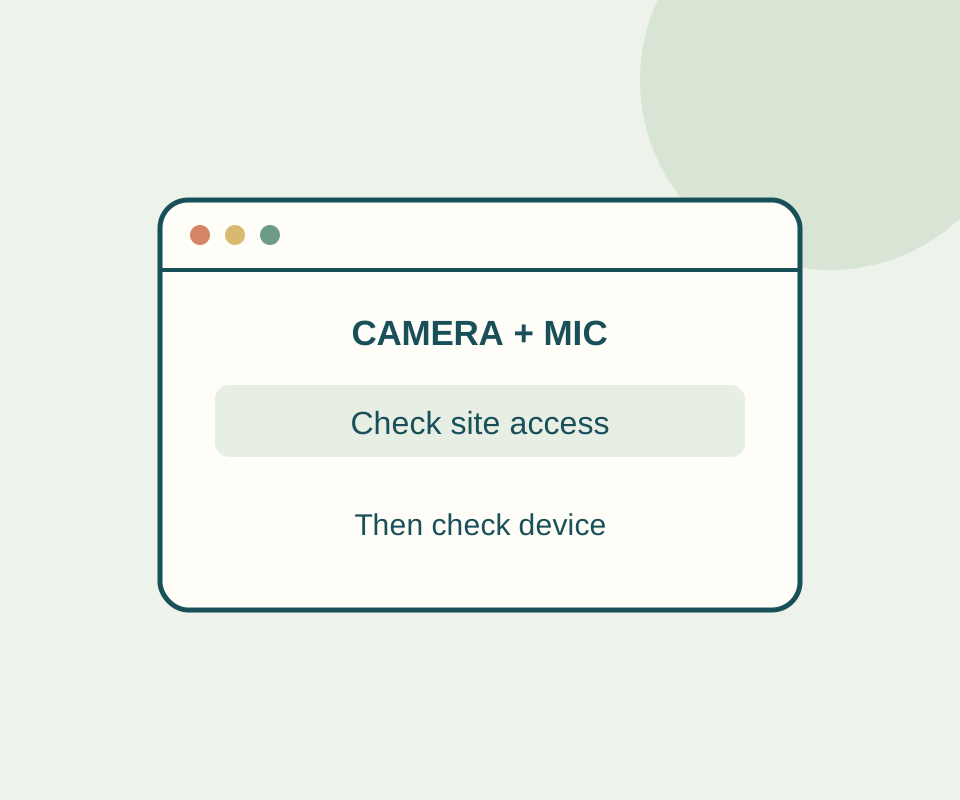
TESTED61
A permission preflight checks camera and microphone independently without opening a stream; a controlled Chrome setting change shows prompt, denied and granted.
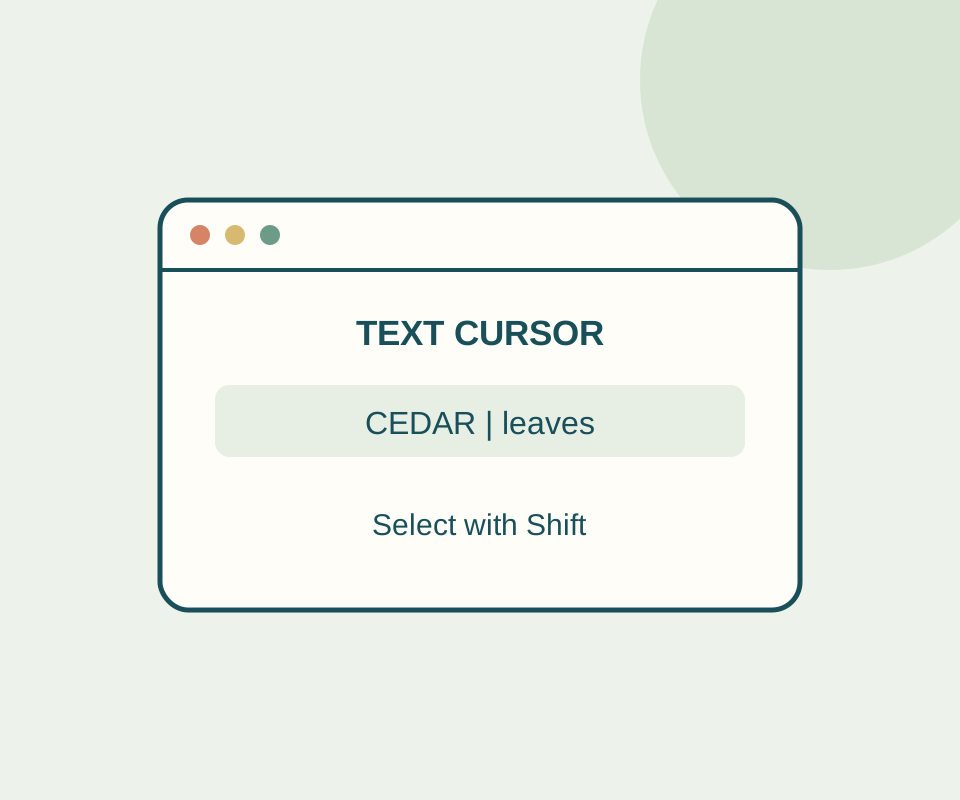
TESTED62
Try a fixed sentence, select CEDAR with Shift and the arrow key, and distinguish a browsing cursor from an editable field.
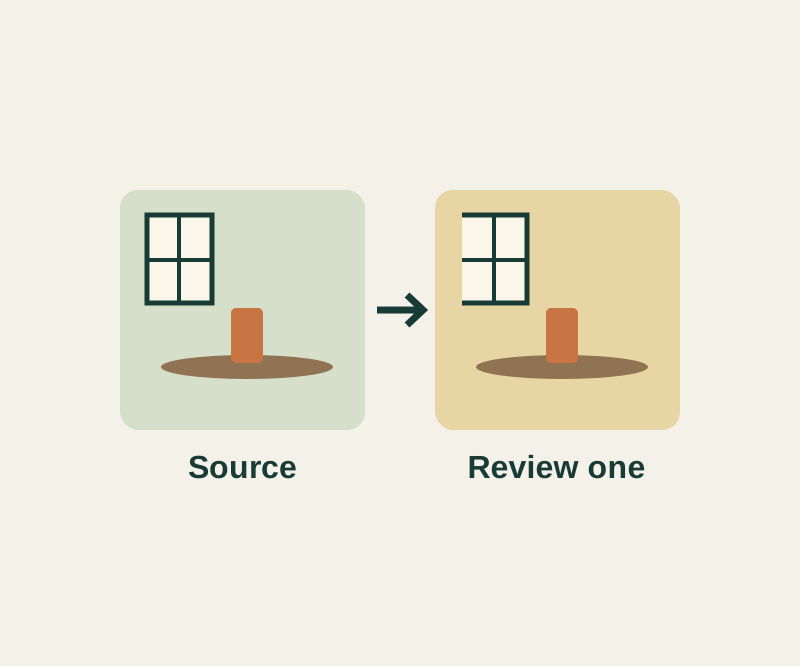
SOURCE-CHECKED63
A window-lit sequence can share a starting edit; night, sunlight and stage shots need separate judgments.
SOURCE-CHECKED64
A cover photo can hide other useful frames. Open the stack before choosing what to send.
TESTED65
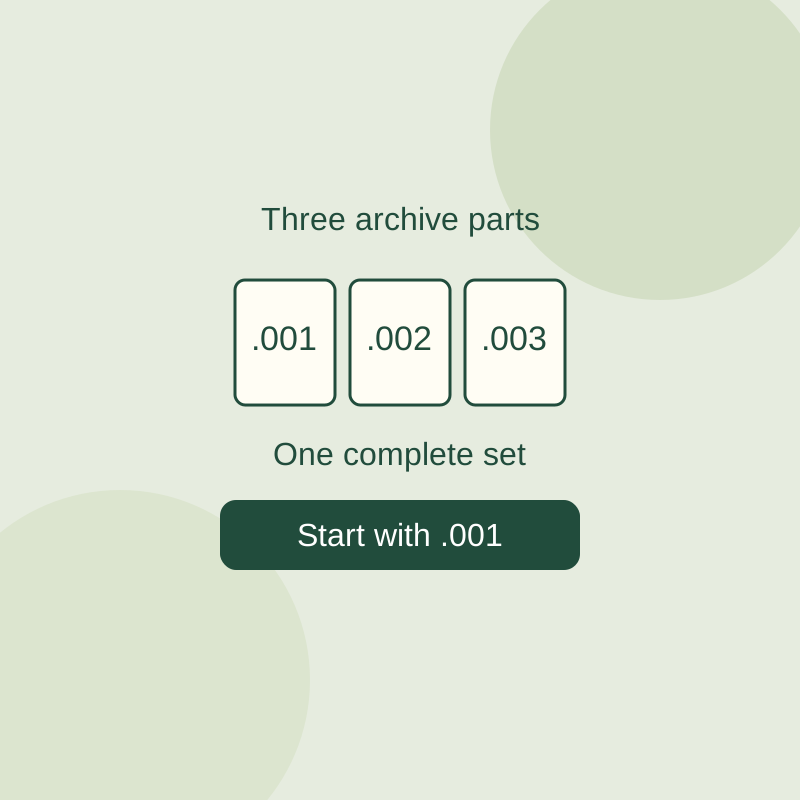
Extract a complete multipart 7z archive and distinguish missing pieces from a wrong extraction method.
SOURCE-CHECKED66
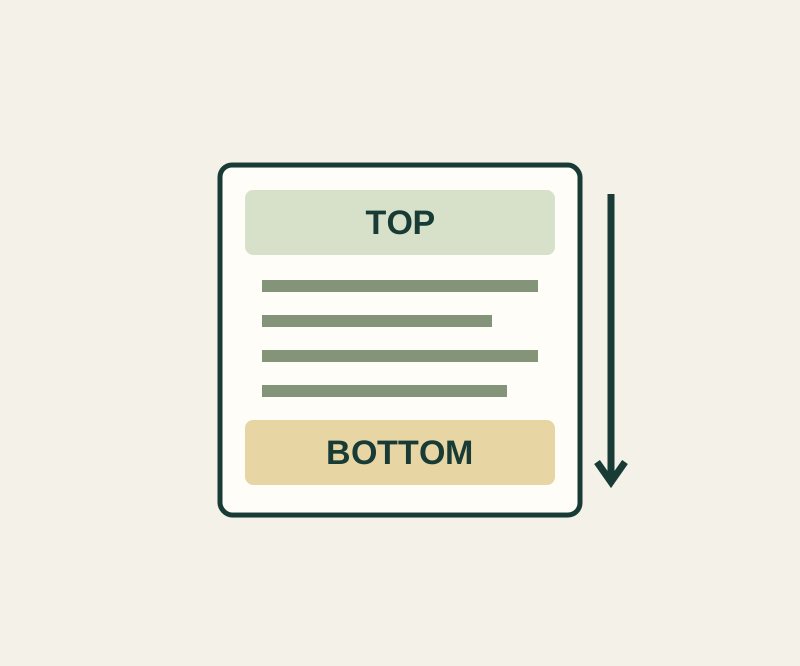
A normal screenshot can miss the entrance note or final contact. Check the saved file from top to bottom.
SOURCE-CHECKED67
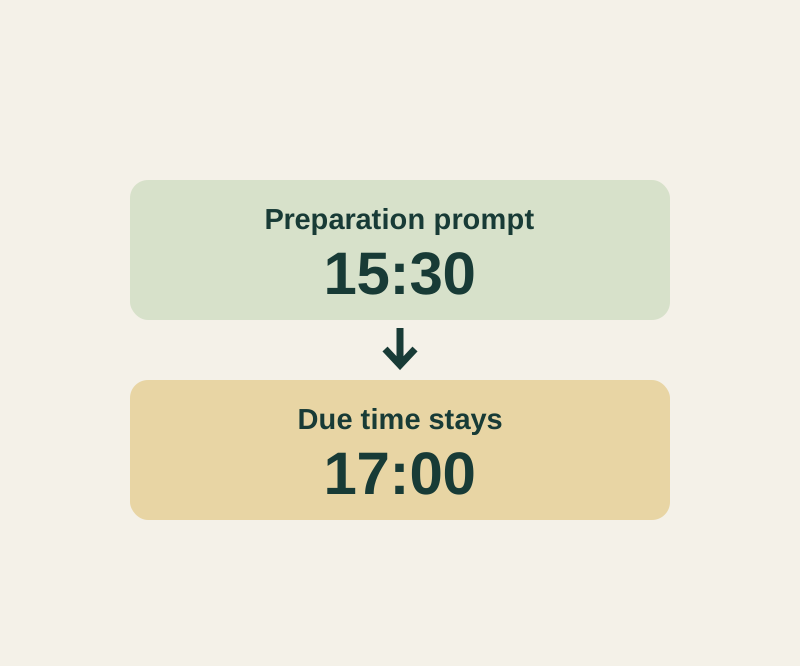
A pickup due at 17:00 can prompt you at 15:30 while the due time stays intact.
SOURCE-CHECKED68
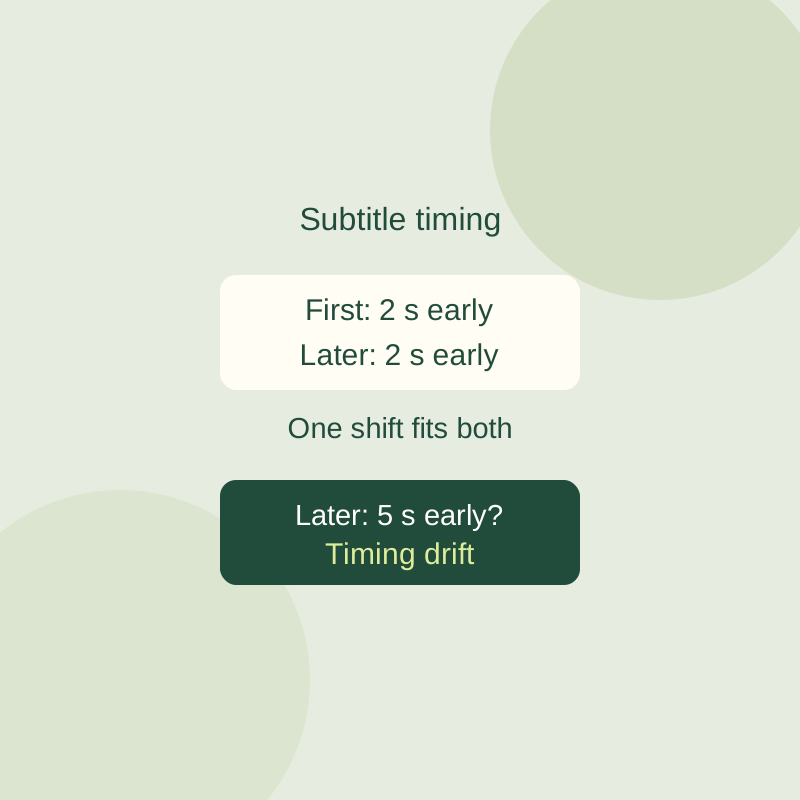
Move early or late subtitles in VLC and determine whether a constant adjustment can fix the whole video.
TESTED69
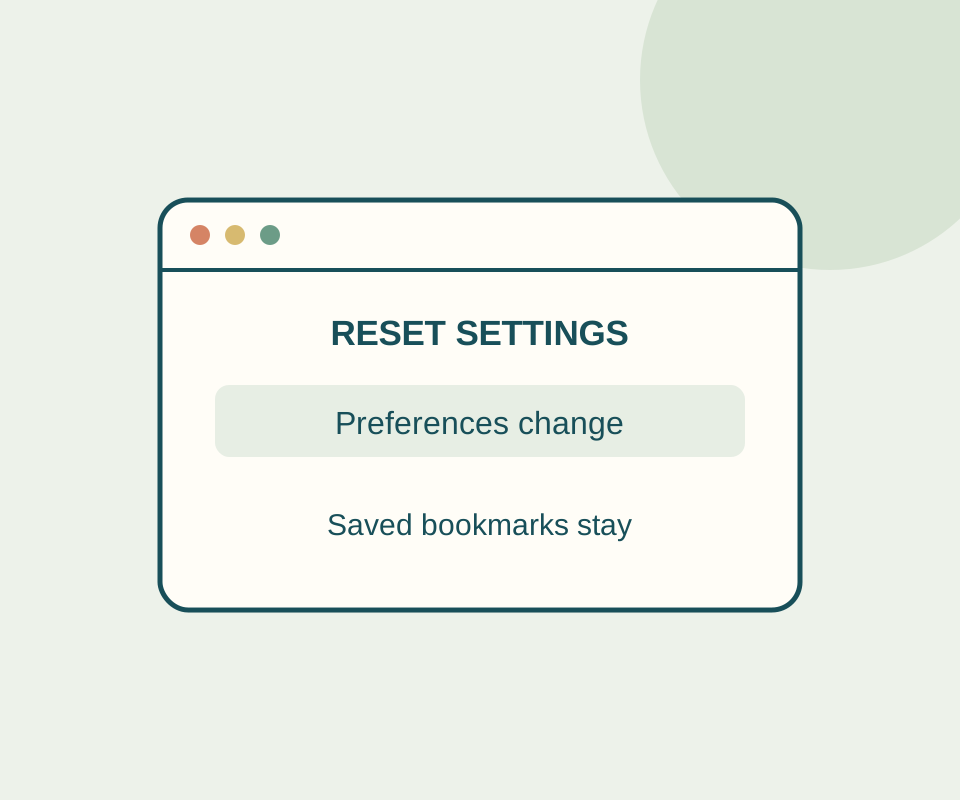
A controlled reset cleared a local cookie and storage, restored New Tab startup, and left the text cursor option enabled.
TESTED70
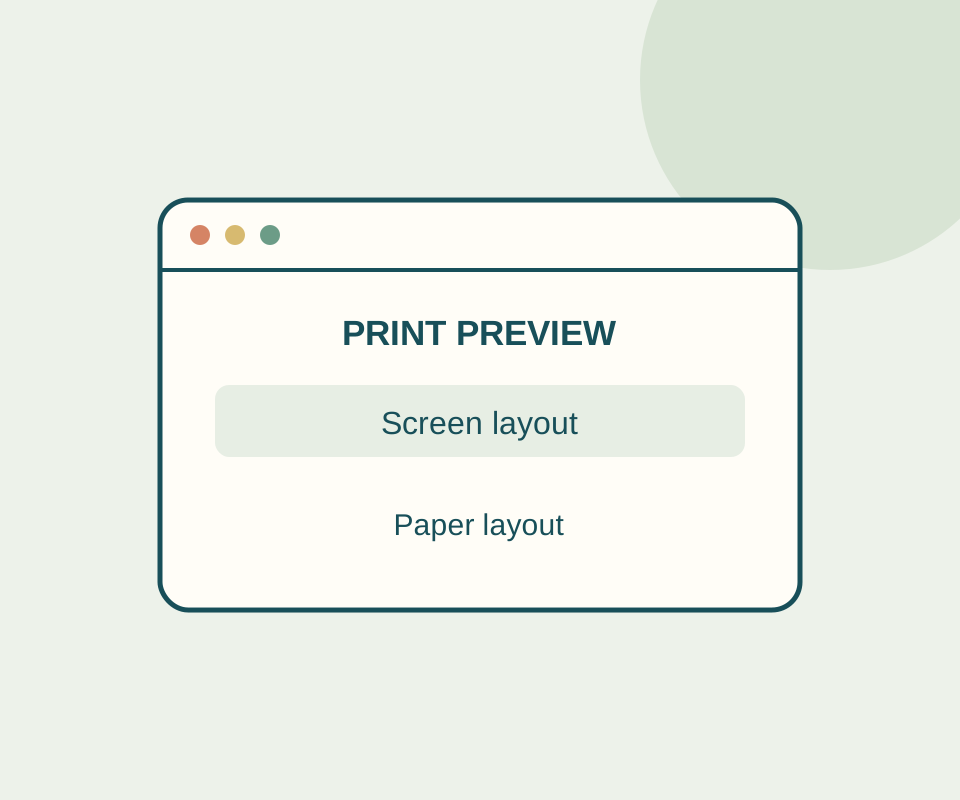
A one-page print exercise keeps the same picnic details while its stylesheet swaps screen and print messages; background-on and background-off PDFs show the difference.
SOURCE-CHECKED71
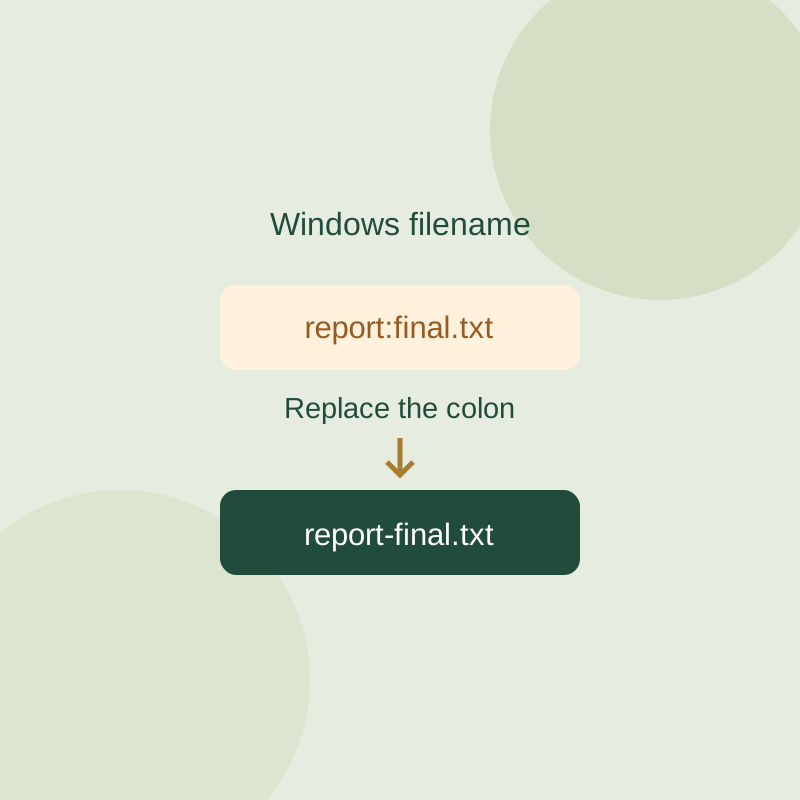
Identify reserved characters, device names and trailing punctuation in a Windows filename while separating whole-path length problems.
TESTED72
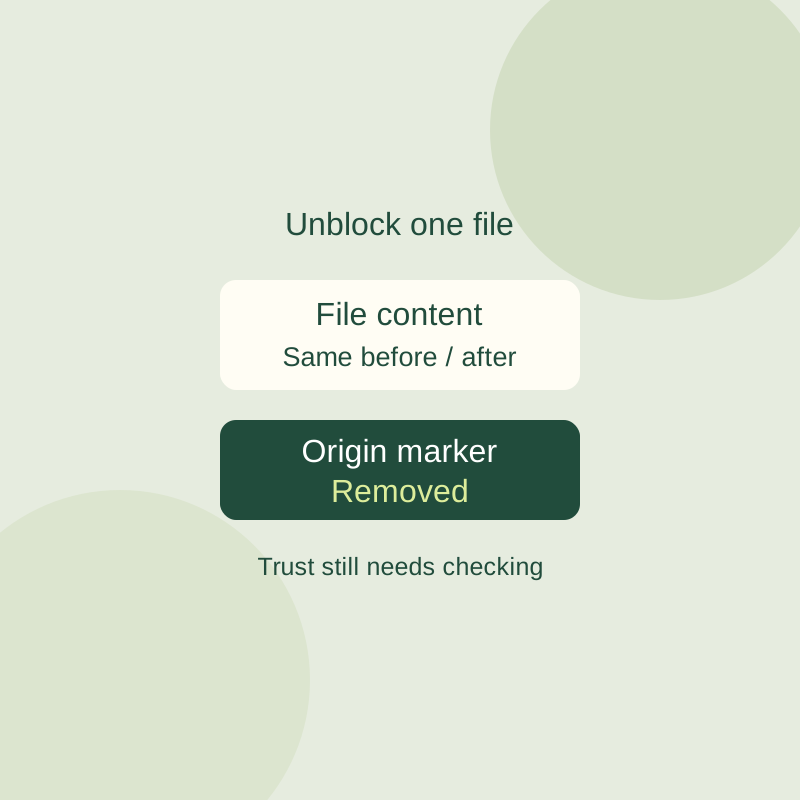
Inspect a downloaded file warning and unblock one verified file without changing global Windows security settings.
TESTED73
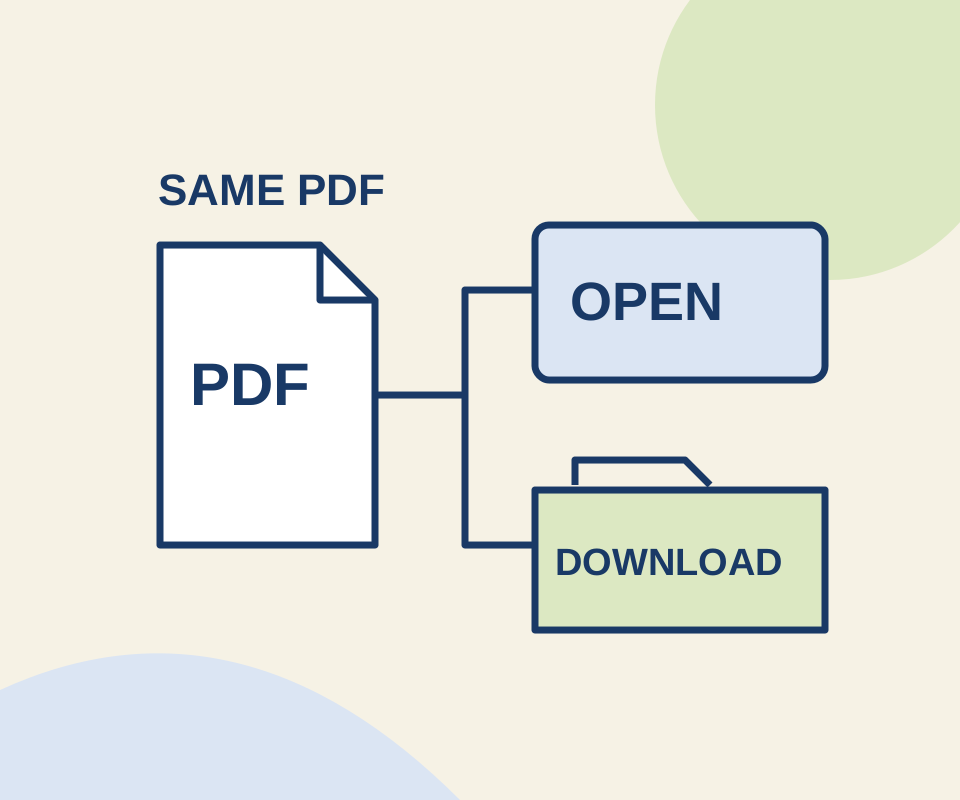
Two links use the same original PDF. A routing check shows why the Open setting does not make an explicit download link behave like an ordinary link.
TESTED74
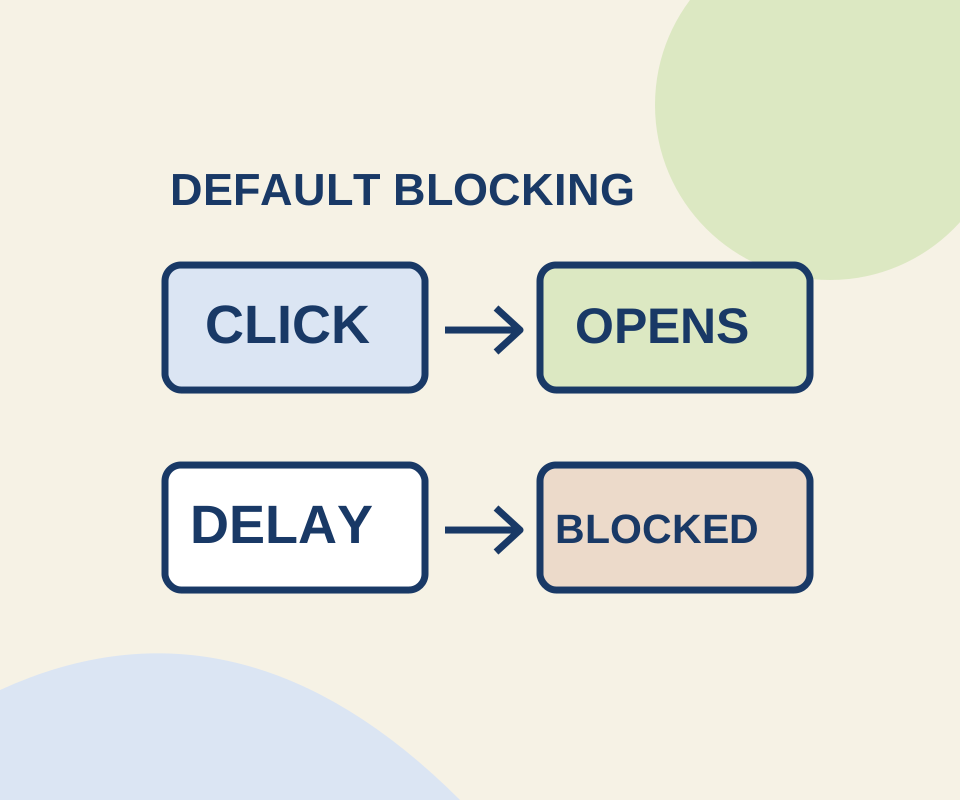
A direct click and a delayed request behaved differently in a controlled Chrome check. Use a site exception for the window you meant to open.
TESTED75
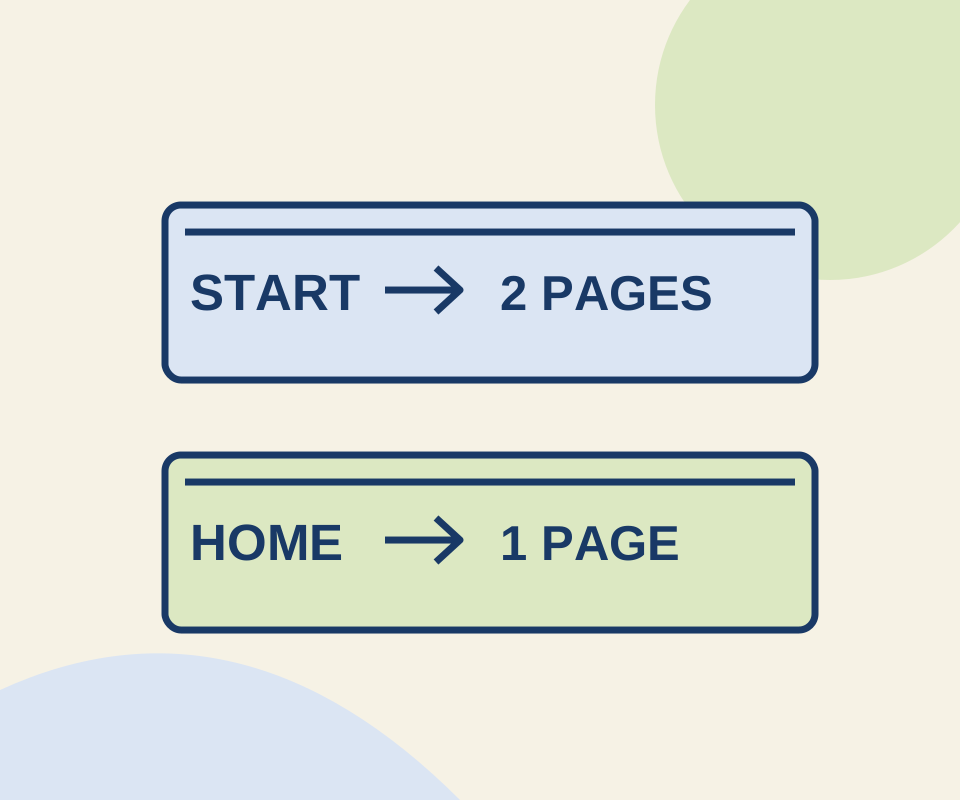
Two configured pages reopened after a full Chrome relaunch. Use the same small exercise to distinguish a startup set from the Home button's destination.
SOURCE-CHECKED76
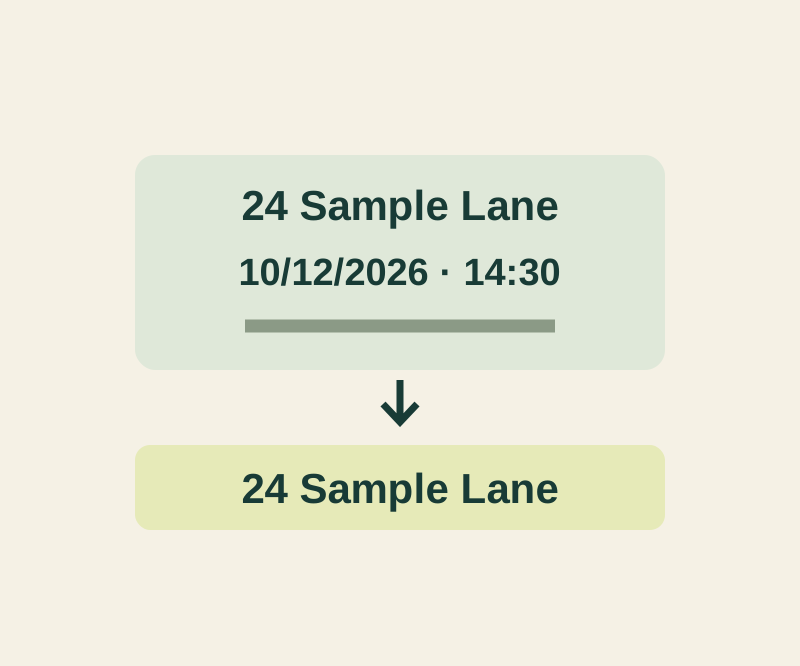
A copied invitation may contain five different things. Paste the intended field and check that the rest of the message stayed behind.
SOURCE-CHECKED77
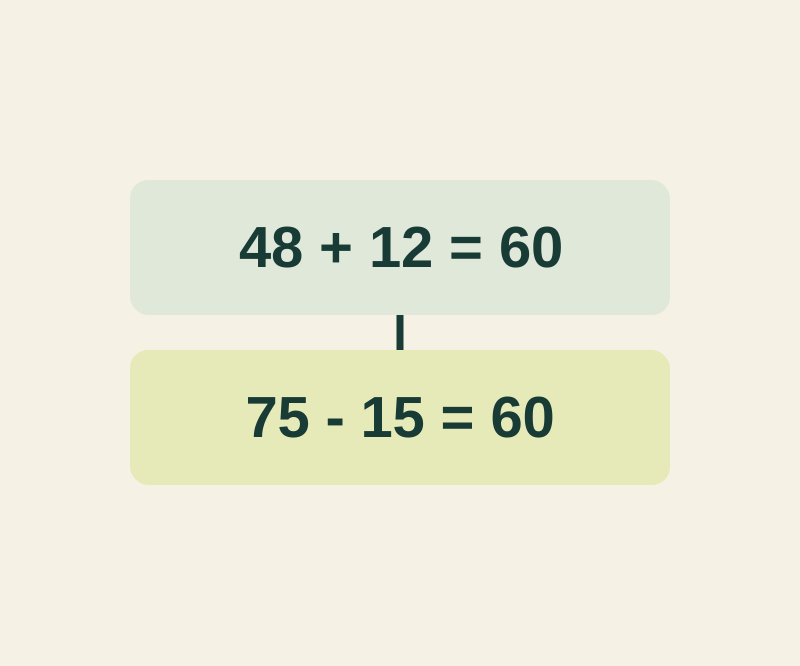
Two calculations can both equal 60. Keep the expression and a short label when the result alone would lose the context.
SOURCE-CHECKED78
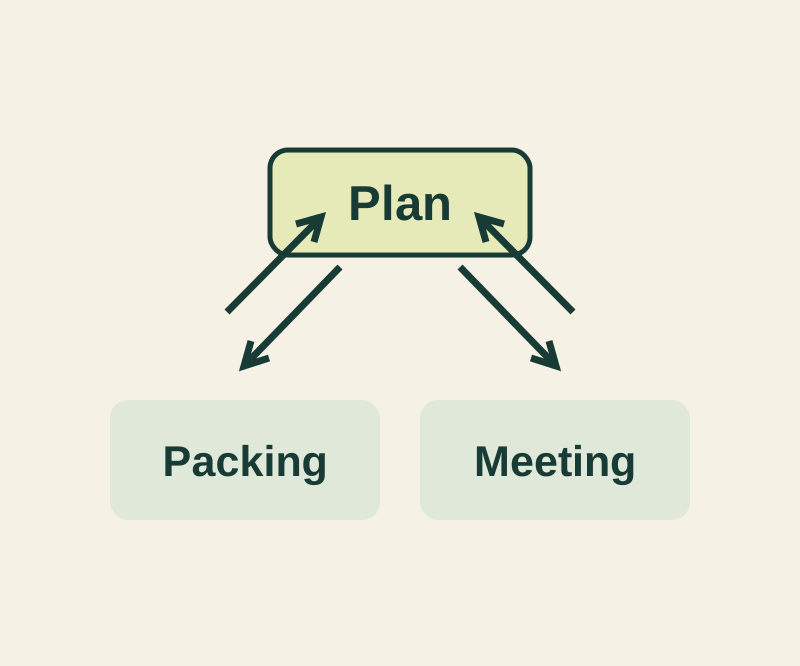
Keep the plan short and the details reachable with a complete three-note example and four deliberate links.
SOURCE-CHECKED79
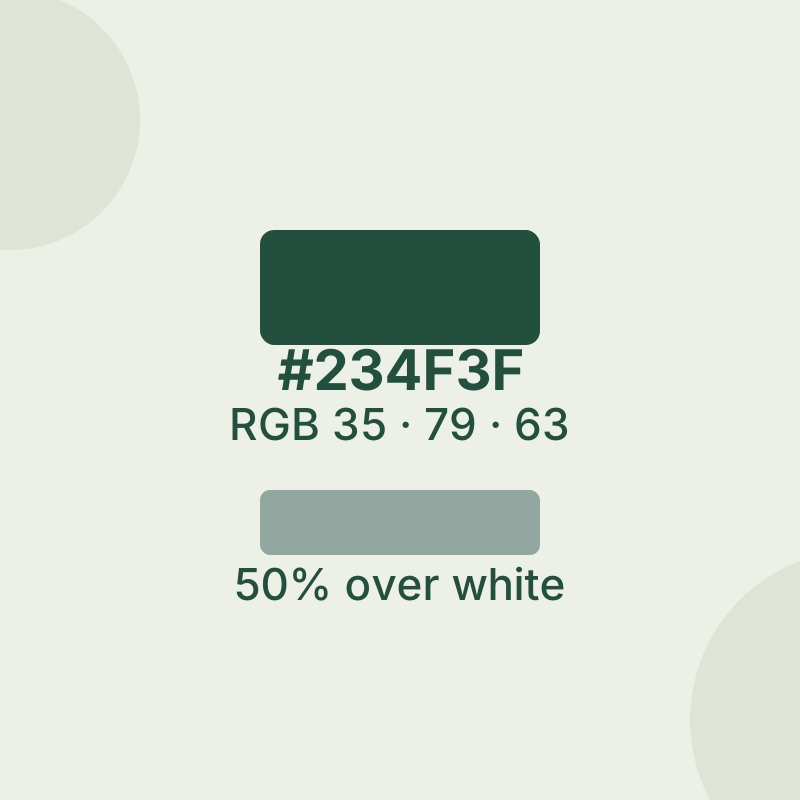
Sample a screen color and understand what its code can tell you.
SOURCE-CHECKED80
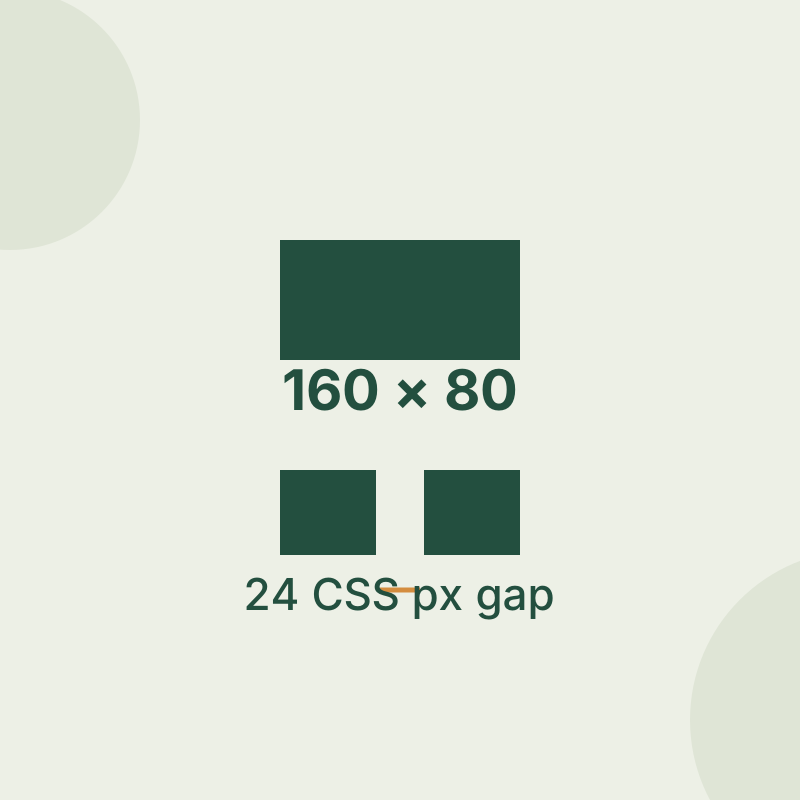
Measure crisp edges first, then diagnose shadows, scaling and live capture.
SOURCE-CHECKED81
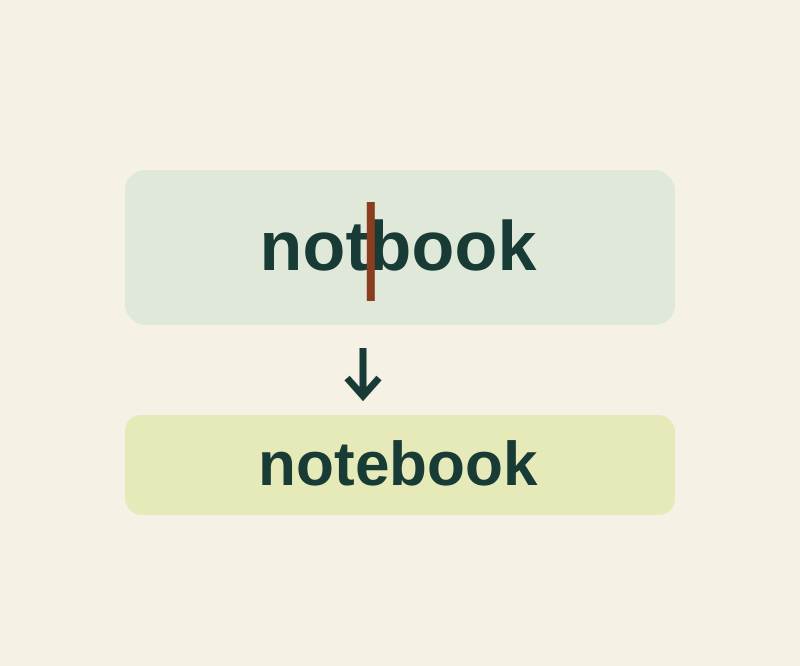
Insert a missing letter, remove a repeated word or replace a color while keeping the surrounding text intact.
TESTED82
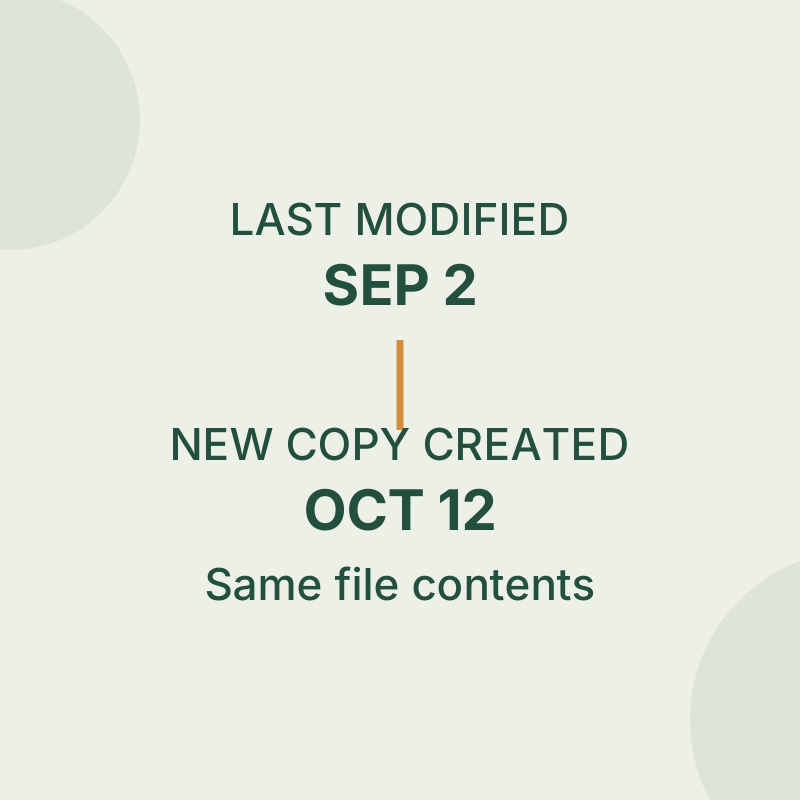
Inspect the copy operation before treating a newer creation date as a newer edit.
SOURCE-CHECKED83
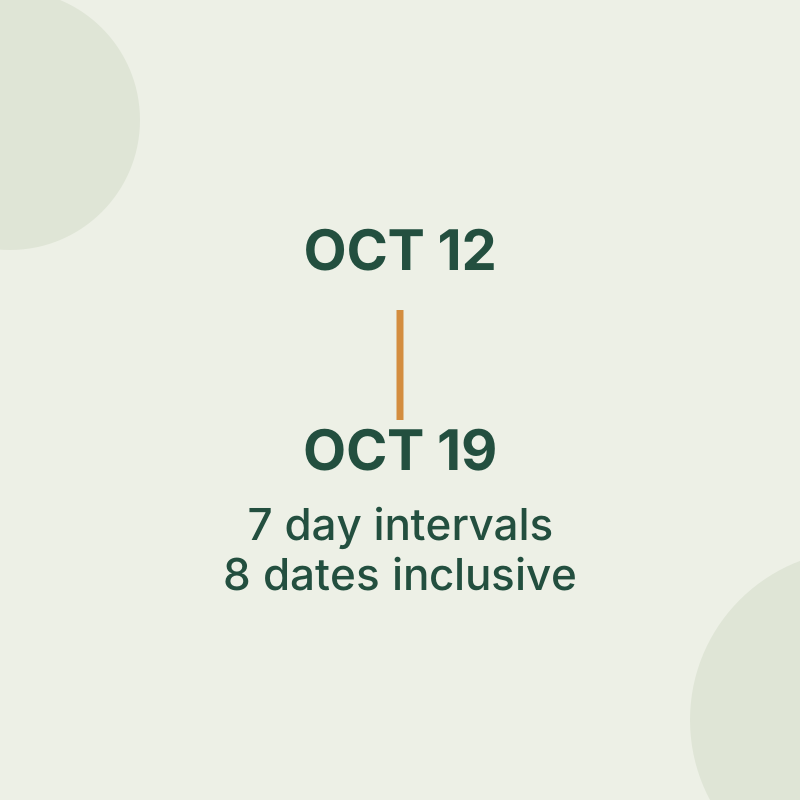
Check the endpoints before counting a trip, a date range or a days-only shift.
TESTED84
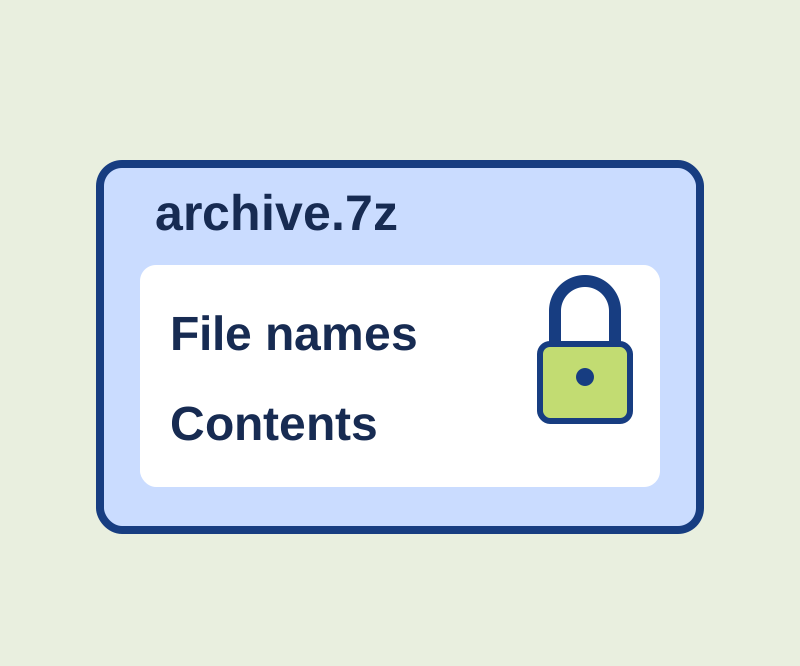
See why an archive password can leave names visible, with two encrypted examples you can compare.
SOURCE-CHECKED85
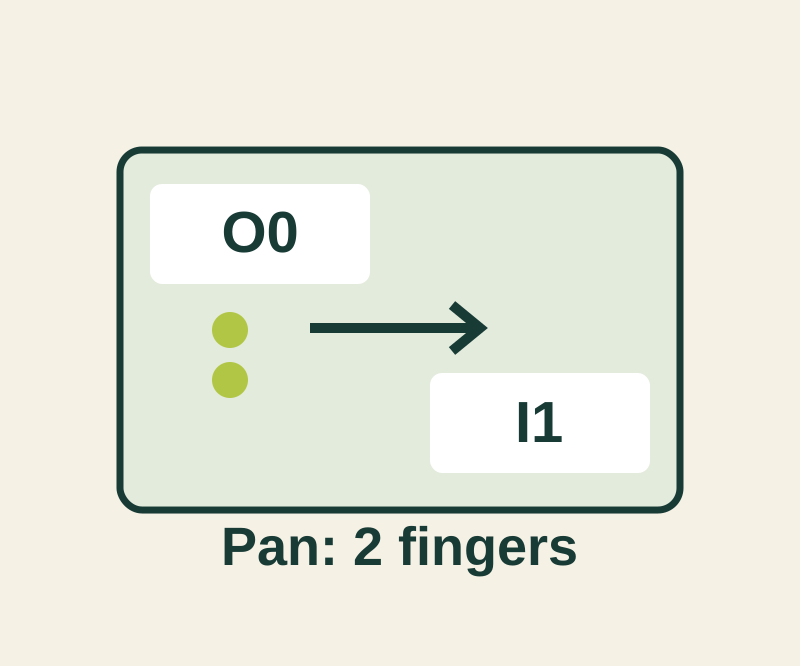
Enlarge a label briefly or pan a bigger view, then exit with the shortcut you chose.
TESTED86
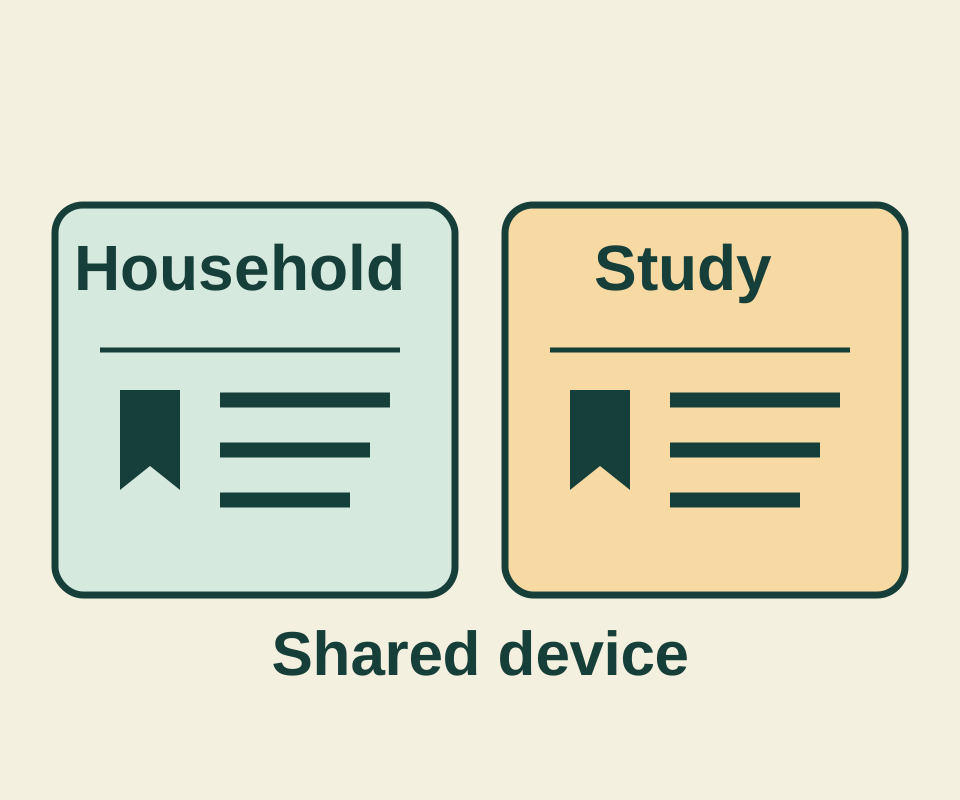
Two Chrome profiles kept a bookmark called Reference after reopening. Their addresses differed, showing why a familiar title alone cannot identify the intended link.
SOURCE-CHECKED87
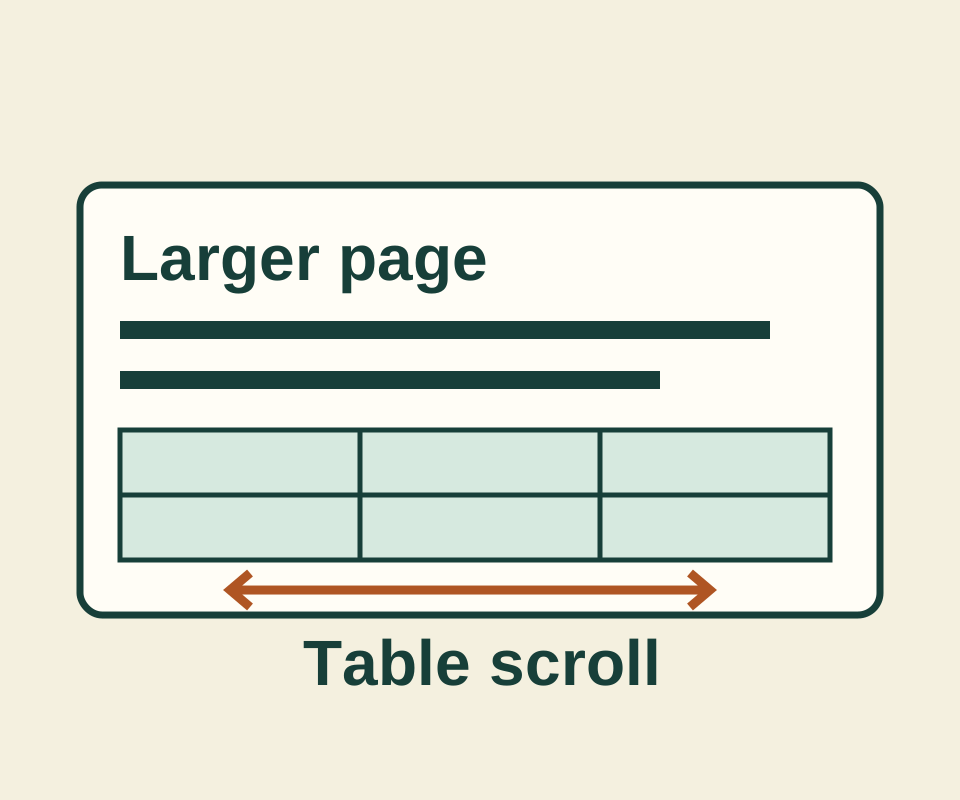
Use the current menu percentage as your starting point, inspect the page after one enlargement, and remove an unwanted saved site size.
SOURCE-CHECKED88
Compare folder scope, filename matches and text-file filters using six harmless practice files.
SOURCE-CHECKED89
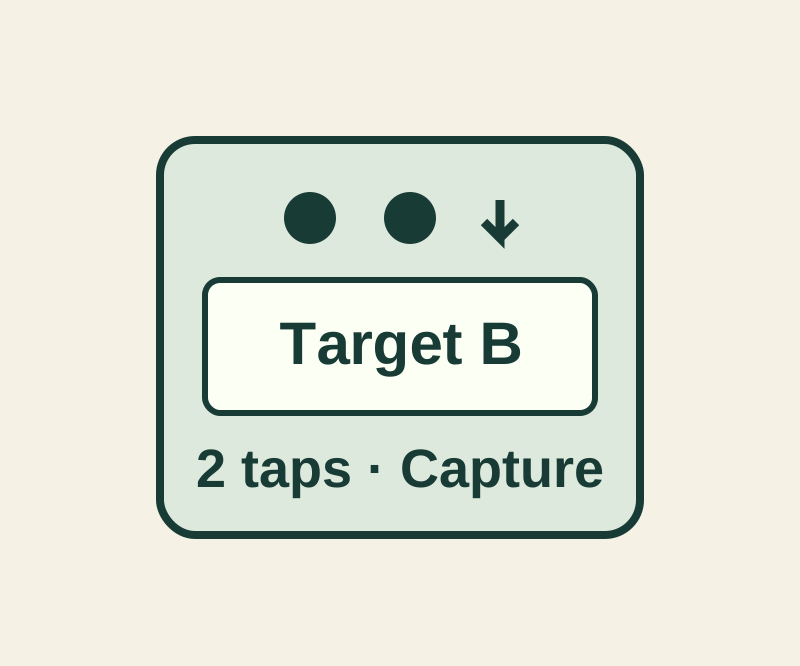
Check the gesture assignment and the resulting action separately with a harmless changing capture target.
SOURCE-CHECKED90
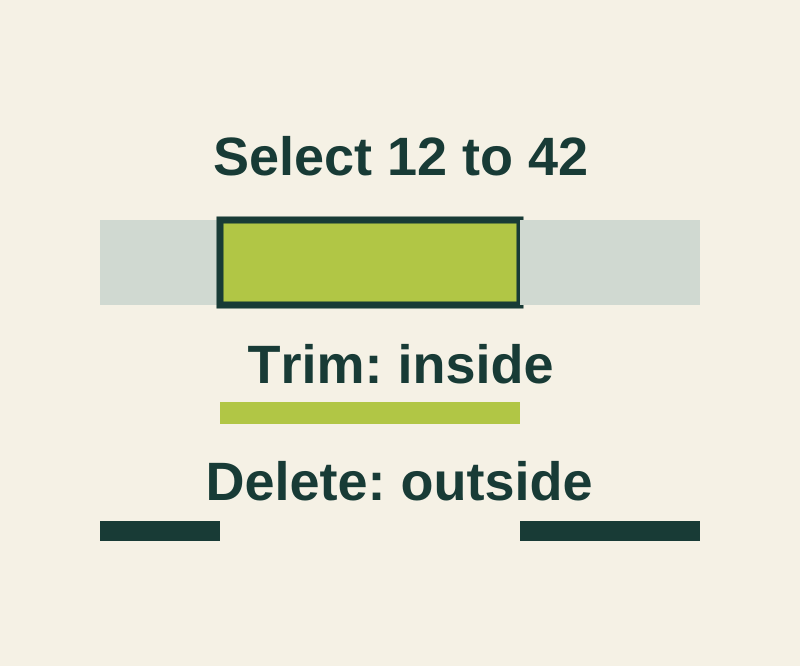
Keep the selected passage or remove it, then preserve the original with Save as New Recording.
SOURCE-CHECKED91
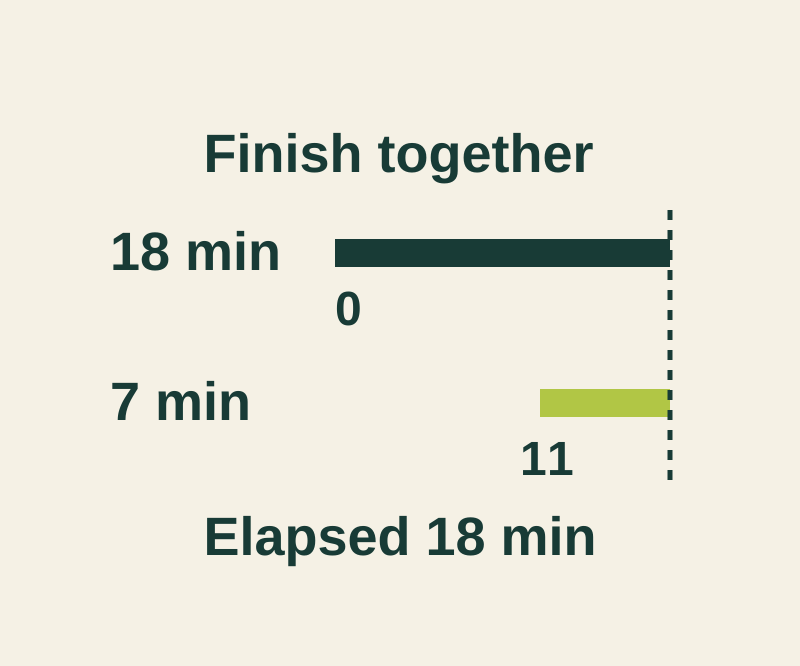
An 18-minute task and a 7-minute task need an 11-minute start gap when both should finish together.
SOURCE-CHECKED92
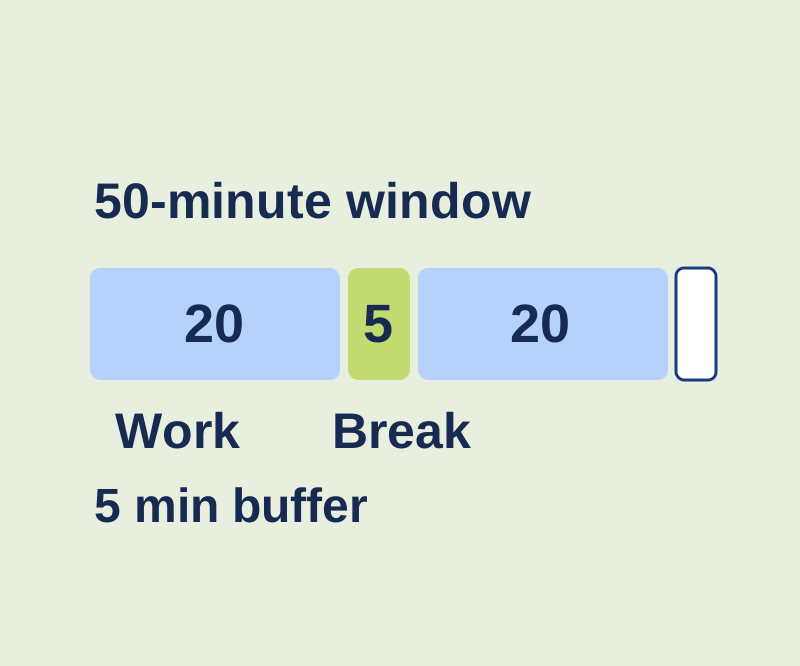
Fit separate focus sessions into a limited window and keep work time distinct from breaks and buffer.
SOURCE-CHECKED93
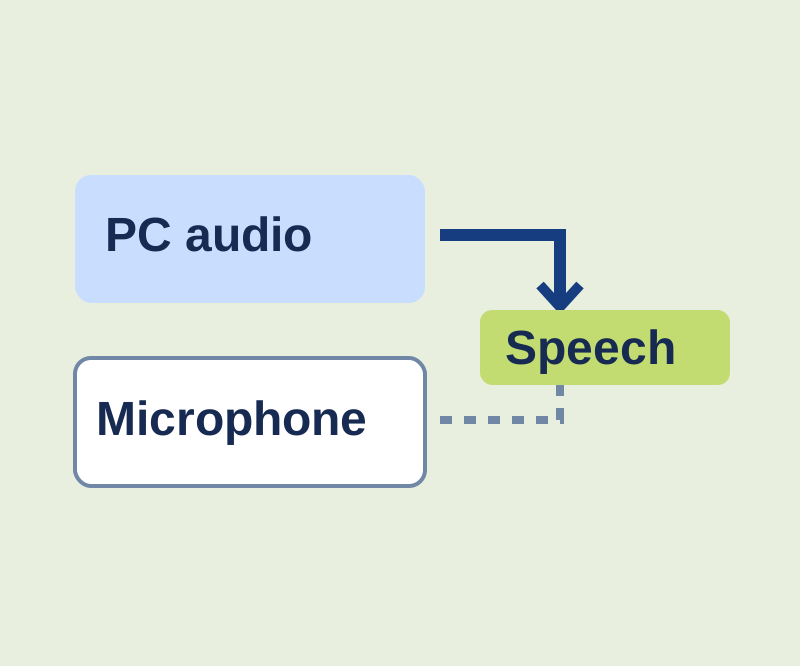
Use a synthetic practice recording to check captioned words and the microphone audio setting.
SOURCE-CHECKED94
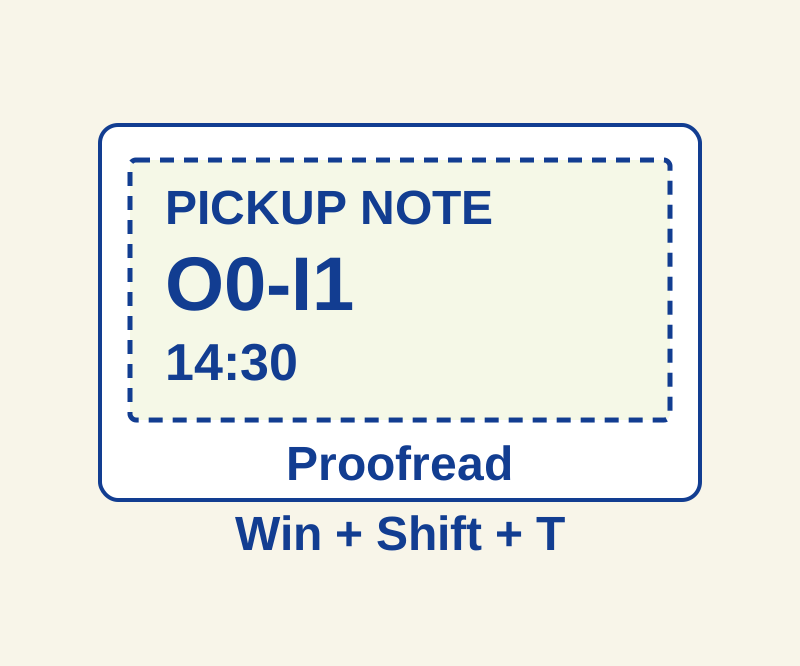
Extract image text, then check the characters that change its meaning.
SOURCE-CHECKED95
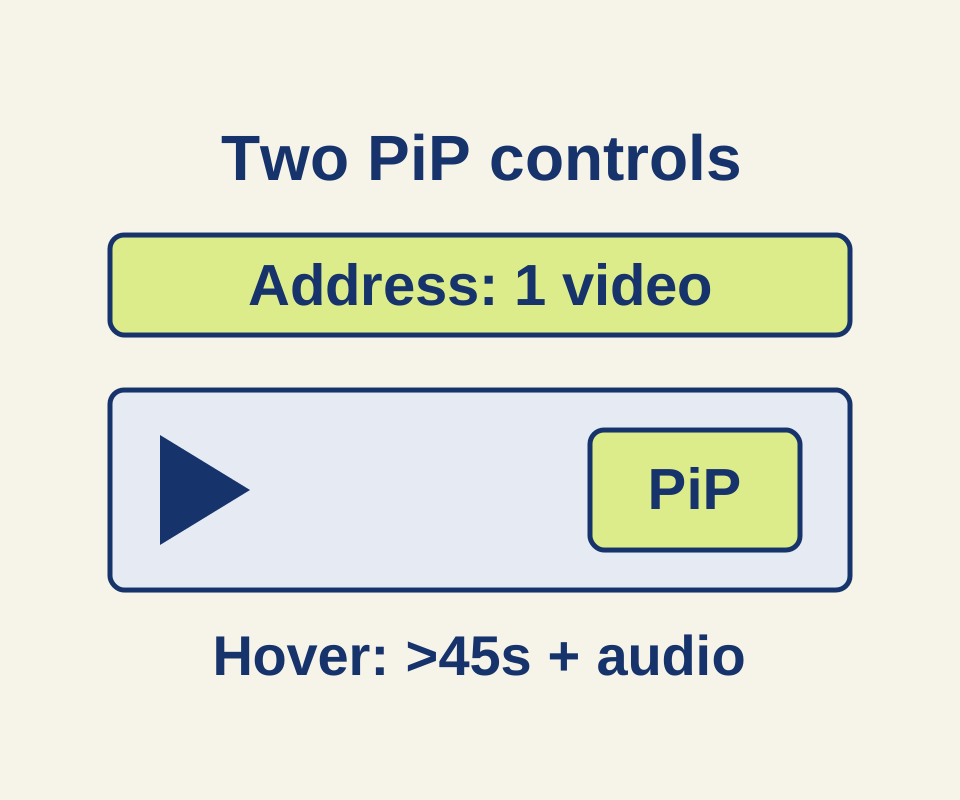
A manual helper explains why the hover toggle and address-bar icon can disappear for different reasons, with three worked video examples.
SOURCE-CHECKED96
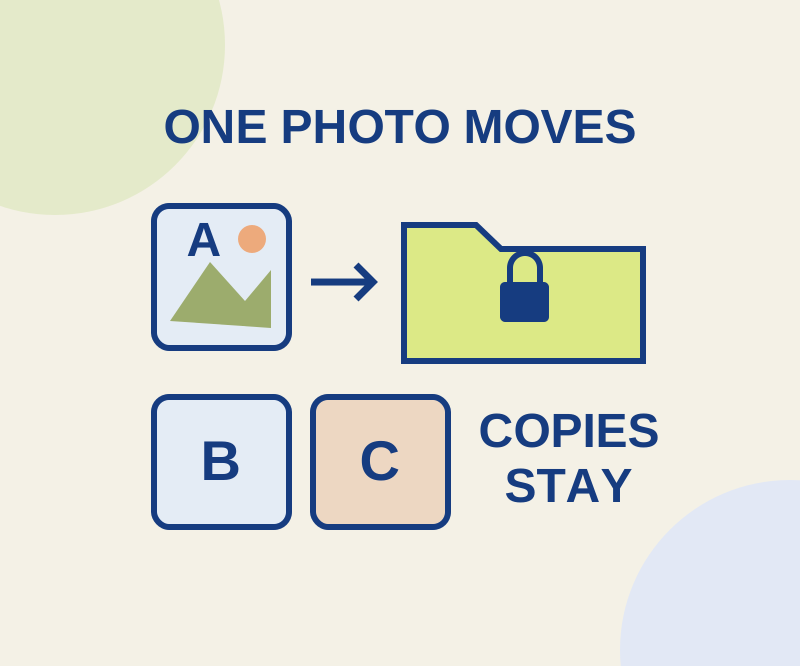
One photo moves into Locked Folder; its edits, screenshots and a recipient’s saved copy need separate attention.
SOURCE-CHECKED97
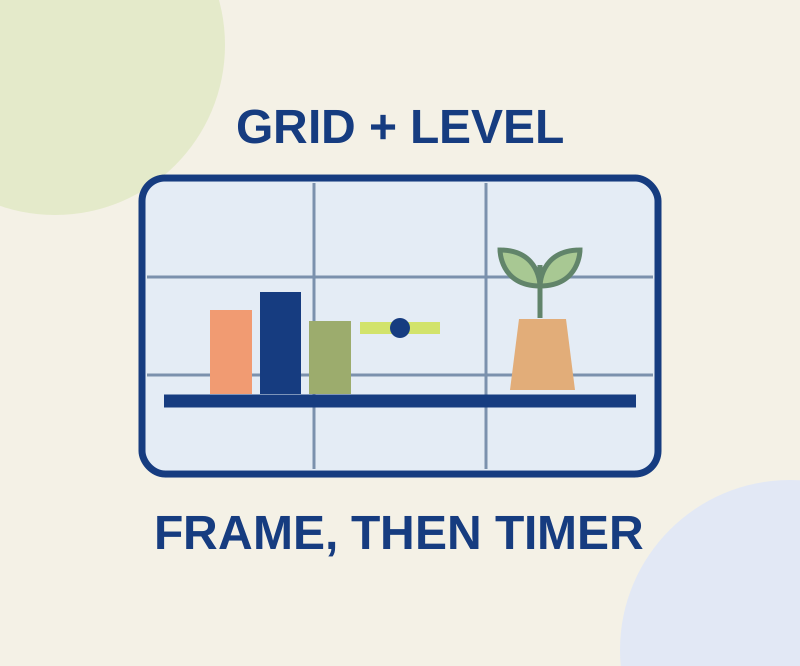
Separate framing, camera tilt and capture delay with three everyday photo setups.
SOURCE-CHECKED98
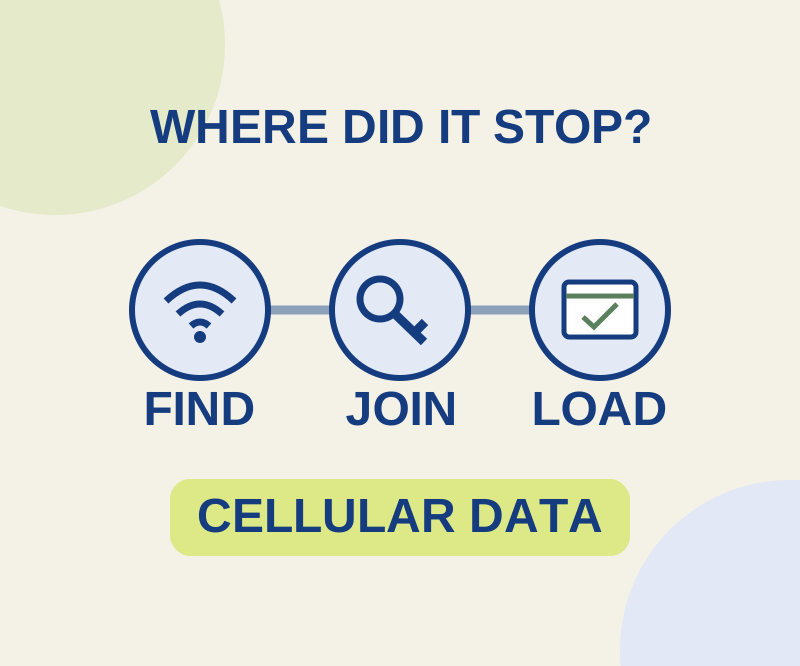
Use the last successful connection stage to avoid changing a password when the network itself is missing.
SOURCE-CHECKED99
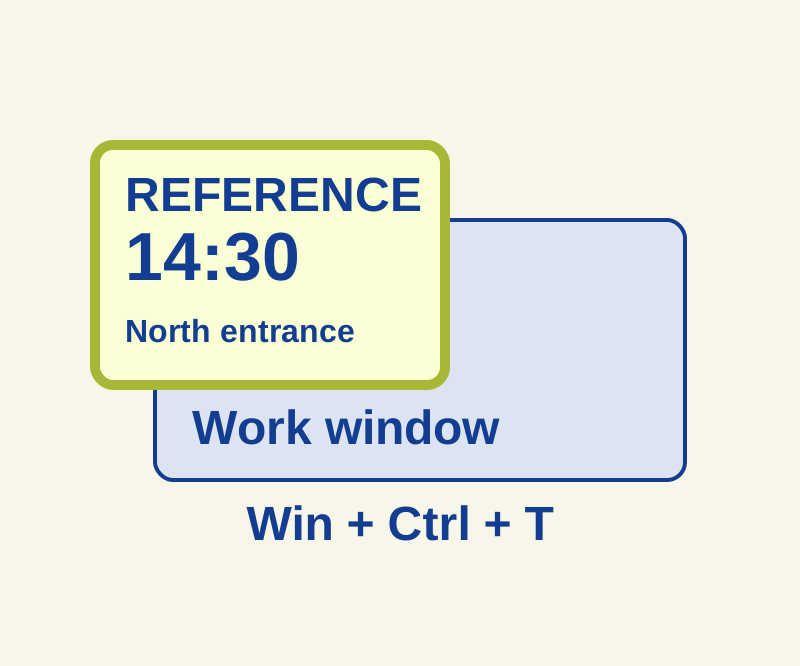
Keep a small reference visible and diagnose why a pinned window disappears.
SOURCE-CHECKED100
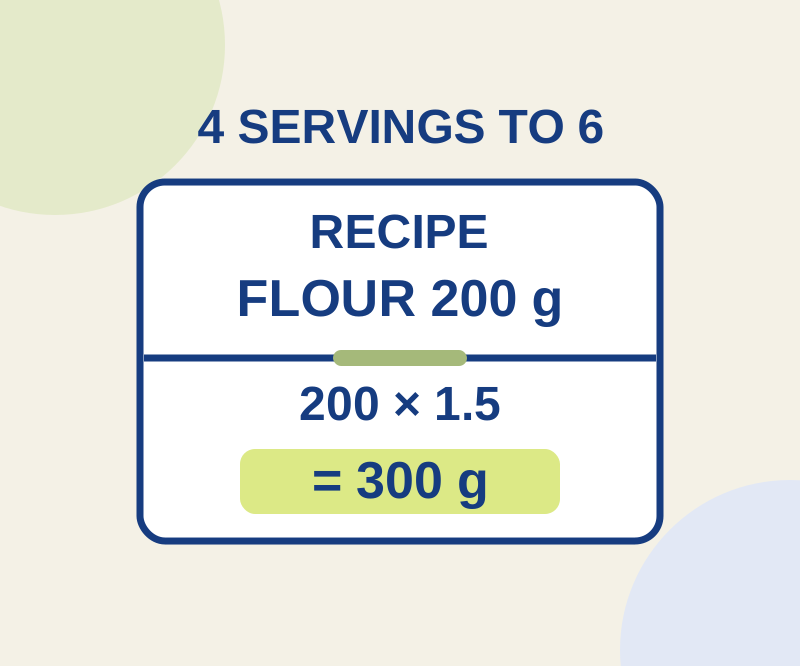
Keep the original quantities visible while calculating 300 grams of flour from a 200-gram, four-serving recipe.
SOURCE-CHECKED101
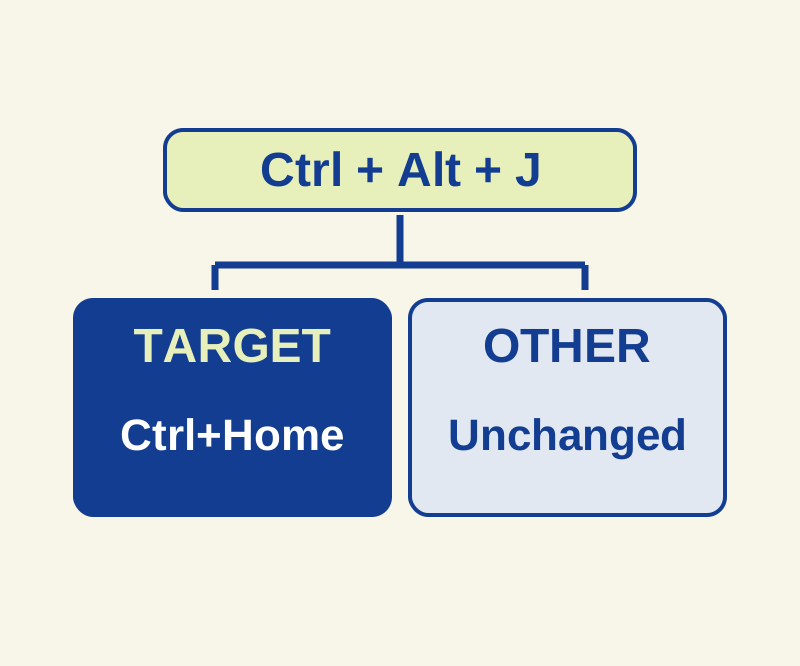
Give one app a new shortcut without replacing that shortcut everywhere.
SOURCE-CHECKED102
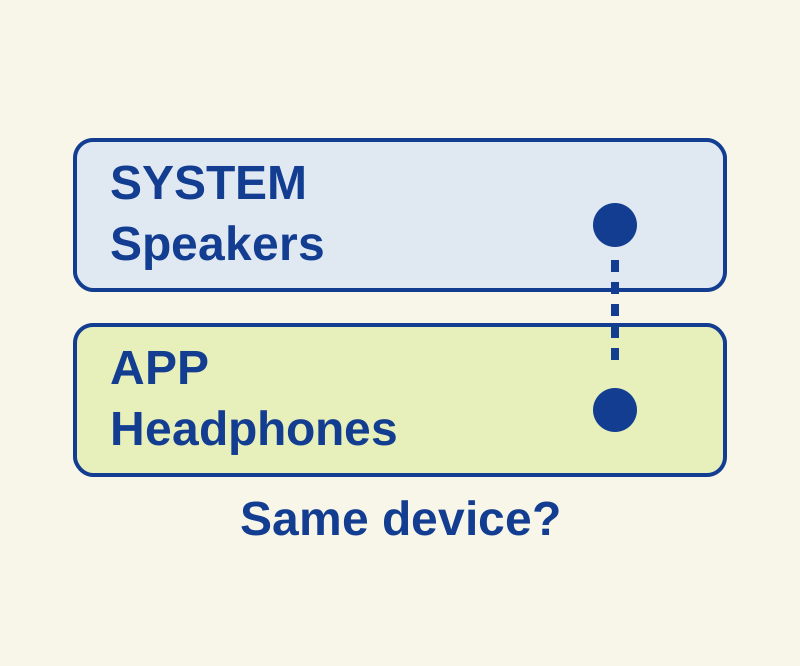
Follow the silent app from its own volume control to the selected speaker.
SOURCE-CHECKED103
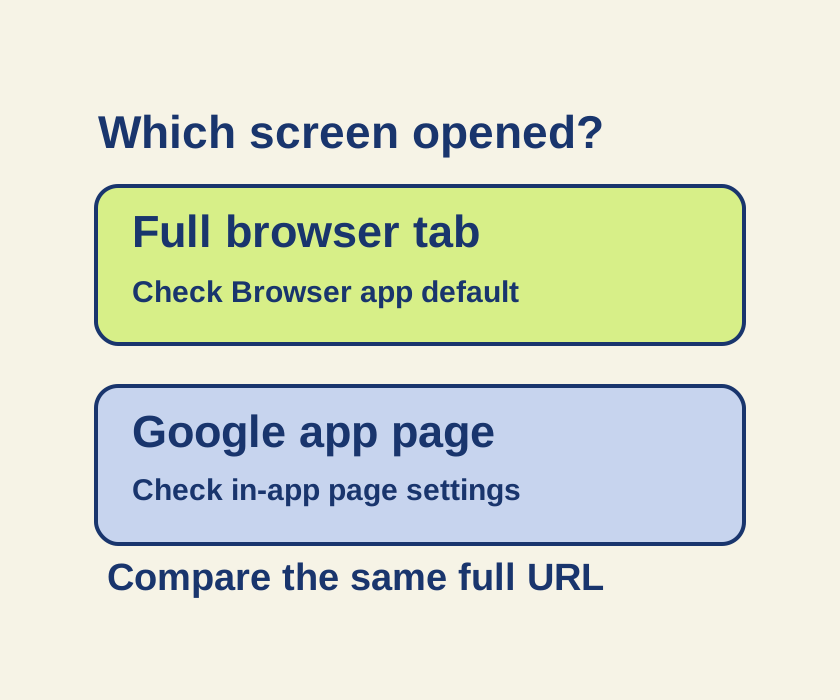
A Google app page and a full browser tab can follow different controls. Trace one link before changing every default.
SOURCE-CHECKED104
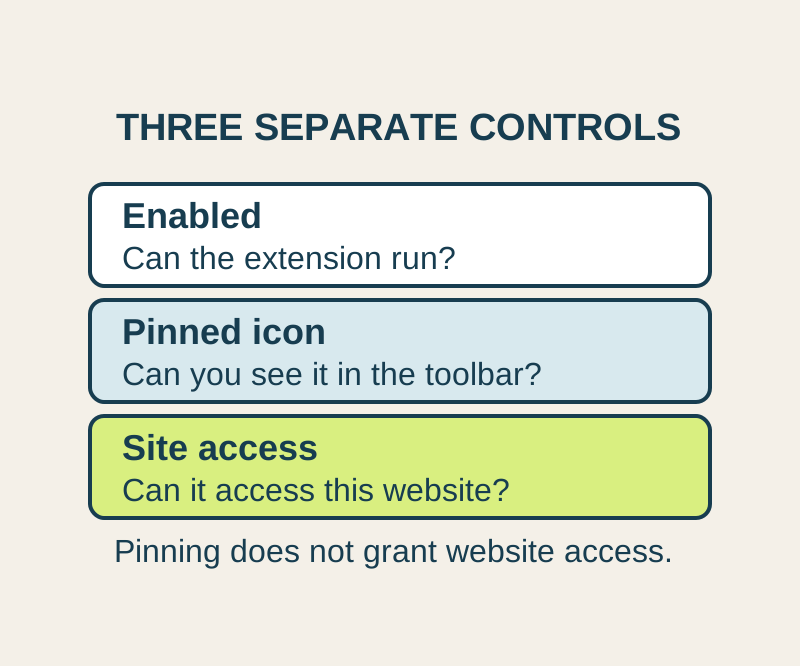
A missing toolbar icon and missing website permission need different fixes. Allow the site you need, and understand what this setting cannot control.
SOURCE-CHECKED105
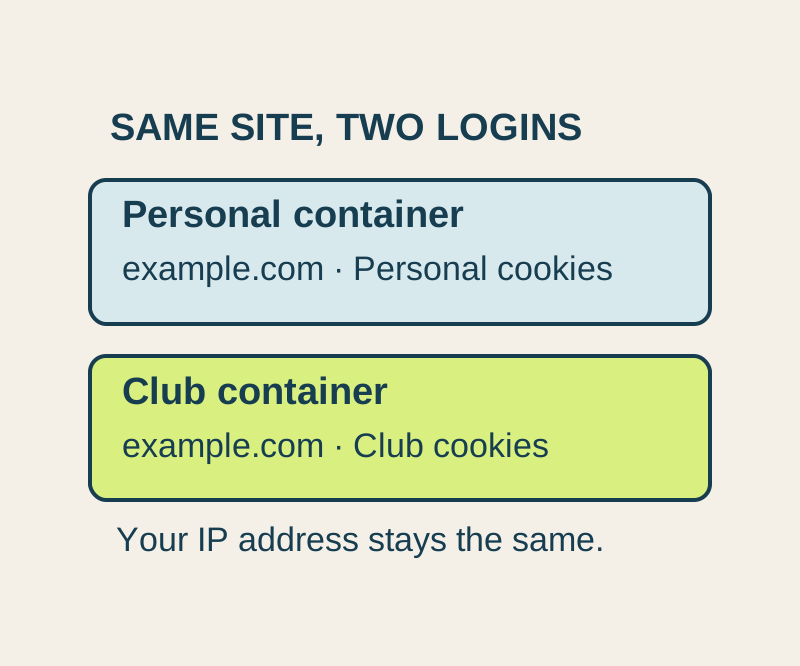
Keep two accounts on one website open in color-coded tabs. Start with manual routing so a shared hostname does not always open the wrong account.
SOURCE-CHECKED106
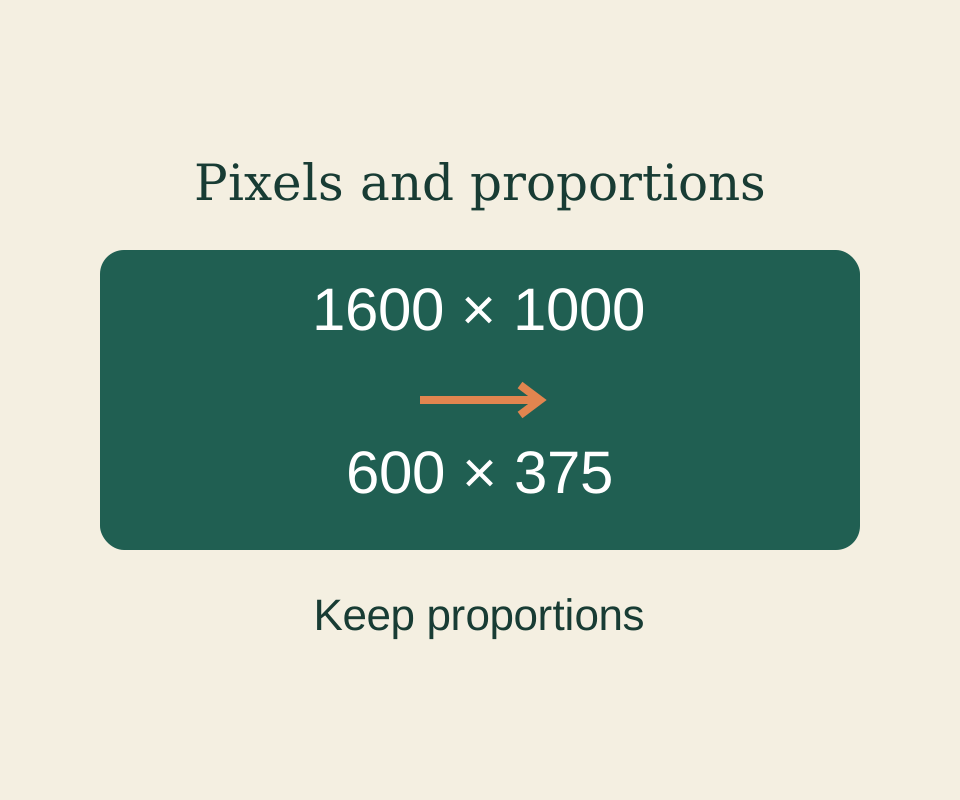
Set proportional pixels in Paint and keep image dimensions separate from the saved file’s byte size.
SOURCE-CHECKED107
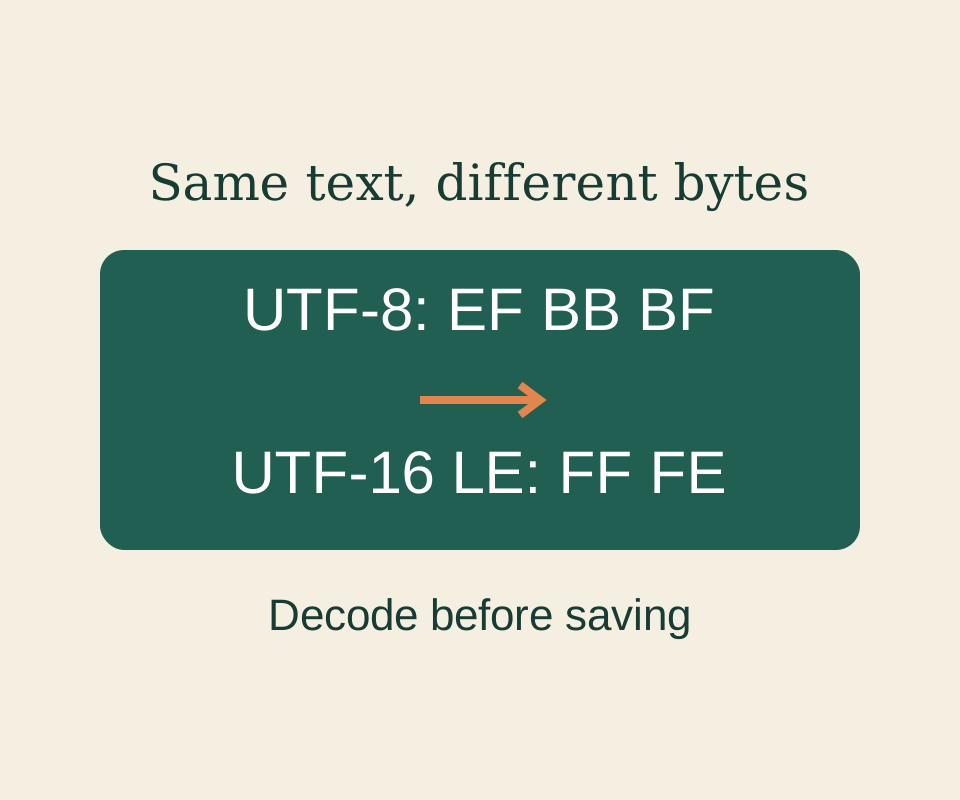
Read the original bytes correctly before saving; a new encoding cannot restore characters that have already been lost.
SOURCE-CHECKED108
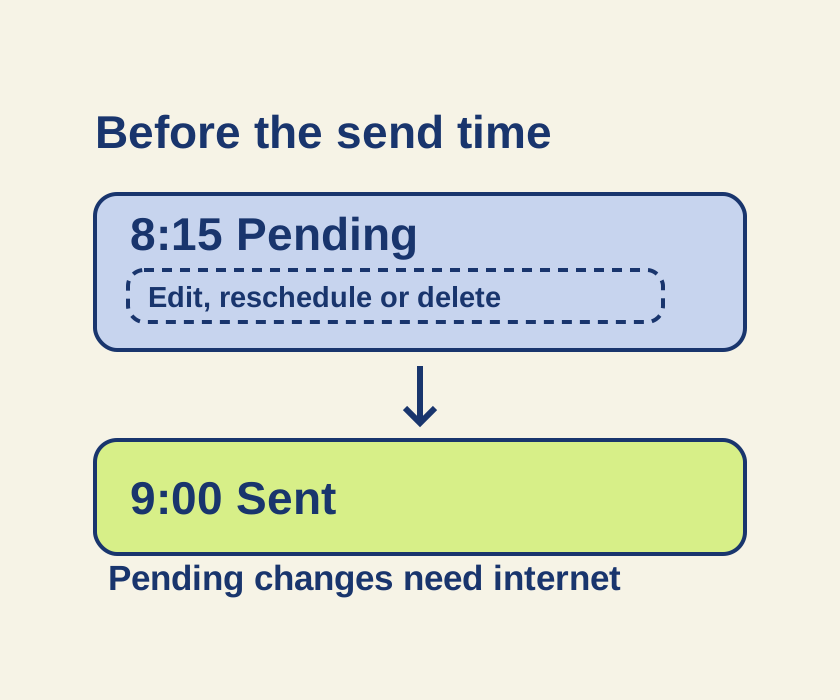
Turn an unsent late-night message into a scheduled iMessage, then use its pending controls if the plan changes.
SOURCE-CHECKED109
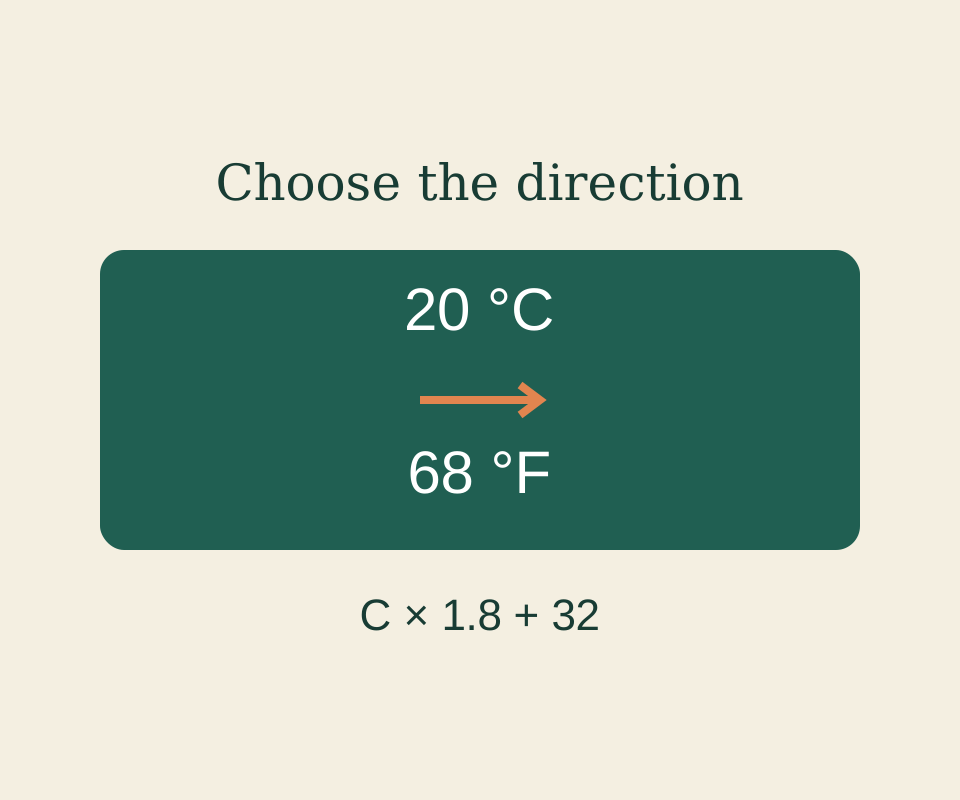
Use the right converter and direction, with worked length and temperature examples and a browser practice page.
SOURCE-CHECKED110
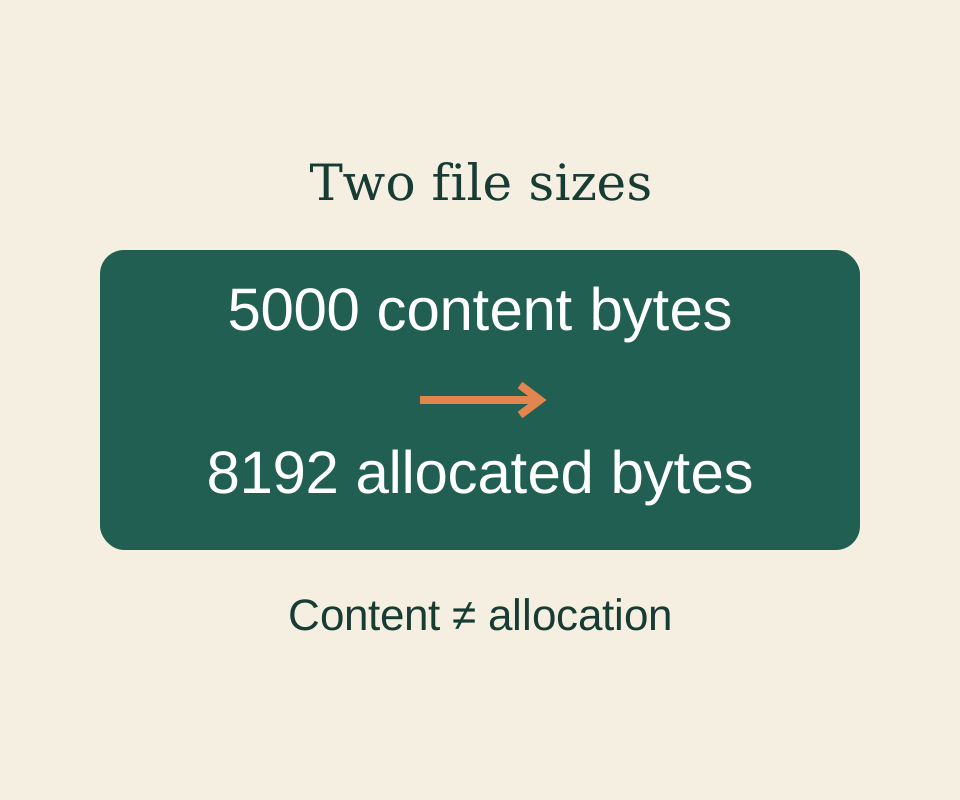
A 5000-byte file can have 8192 bytes allocated. Read the two measurements and account for each file separately.
SOURCE-CHECKED111
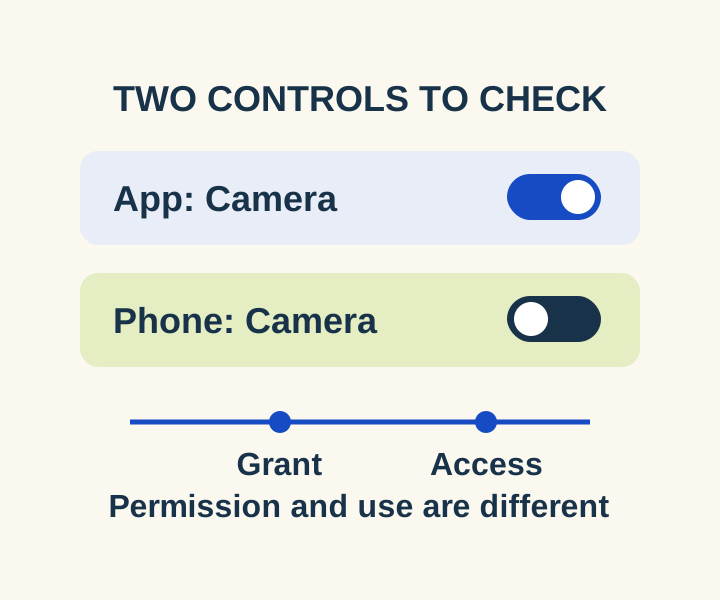
Check the two controls for a blocked camera or microphone, then distinguish an allowed permission from a recorded access.
SOURCE-CHECKED112
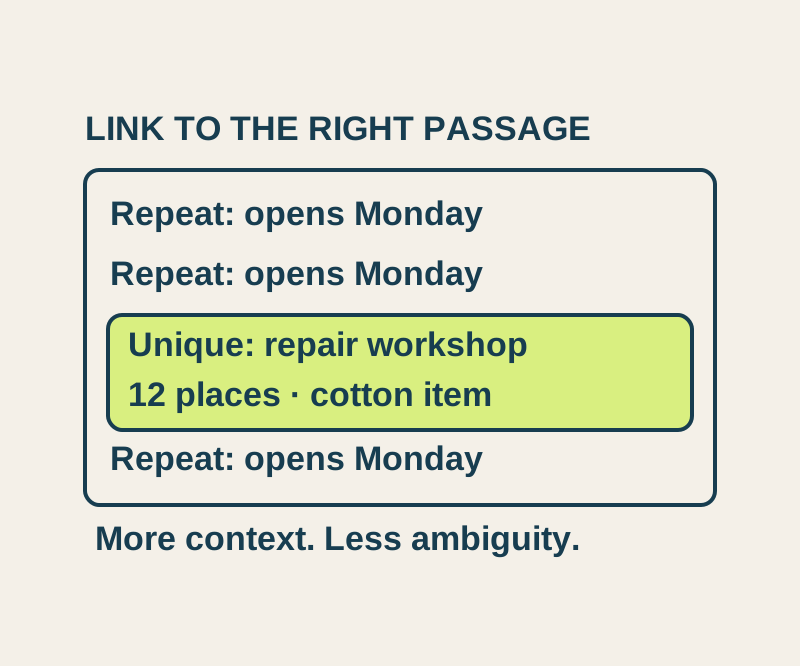
Send a precise passage, understand repeated matches, and try four real text-link outcomes in an original sample notice.
SOURCE-CHECKED113
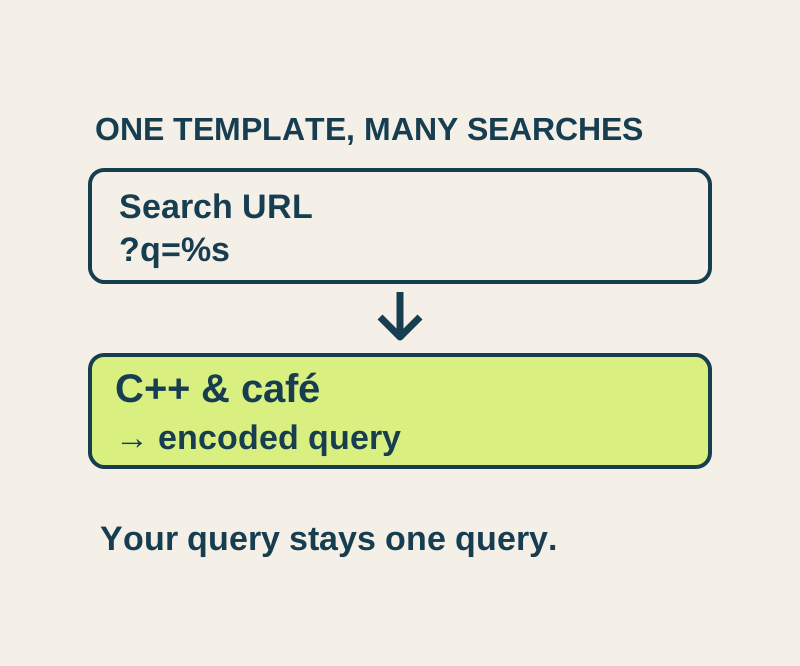
Set a site-search template and understand the difference between a homepage, an old query and a reusable %s search URL.
TESTED114
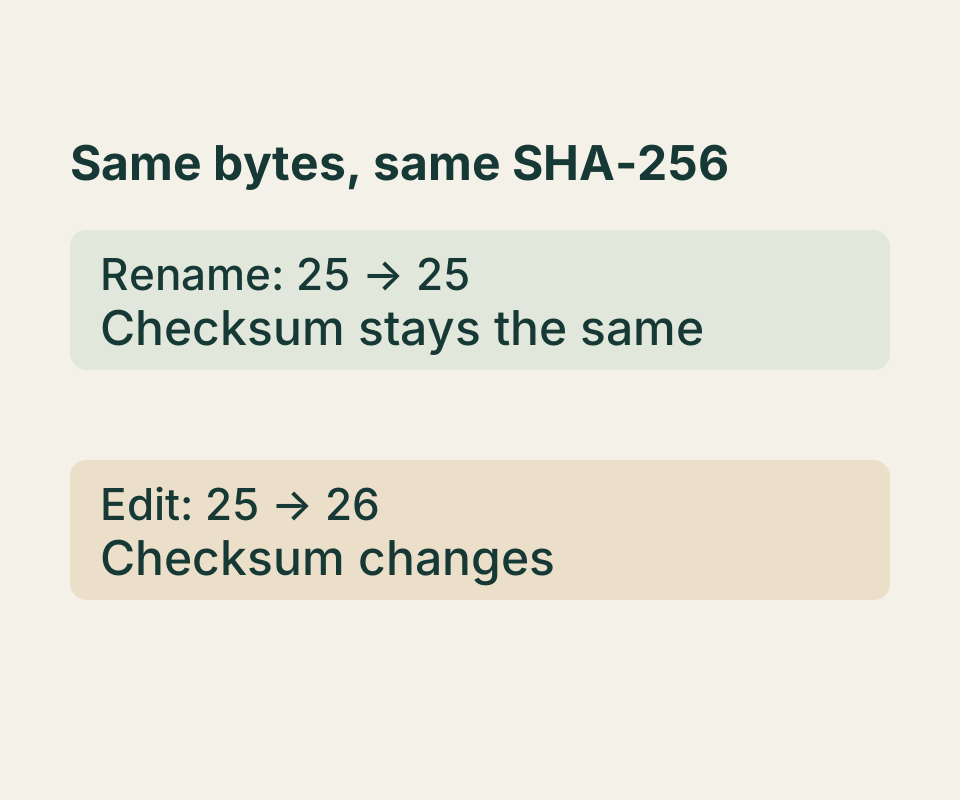
Run Get-FileHash, compare the right SHA-256 value, and see an actual one-character change produce a different checksum.
SOURCE-CHECKED115
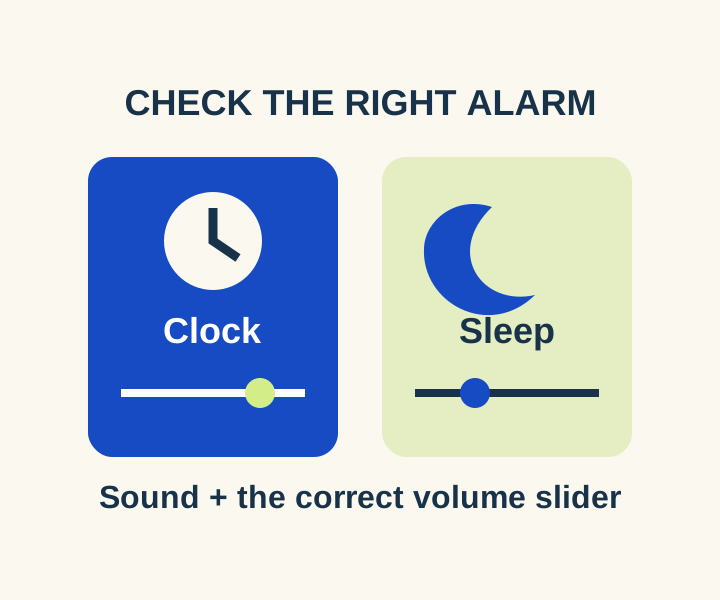
Separate regular Clock volume from Sleep wake-up volume, then compare an audible preview with a timed daytime alarm.
SOURCE-CHECKED116
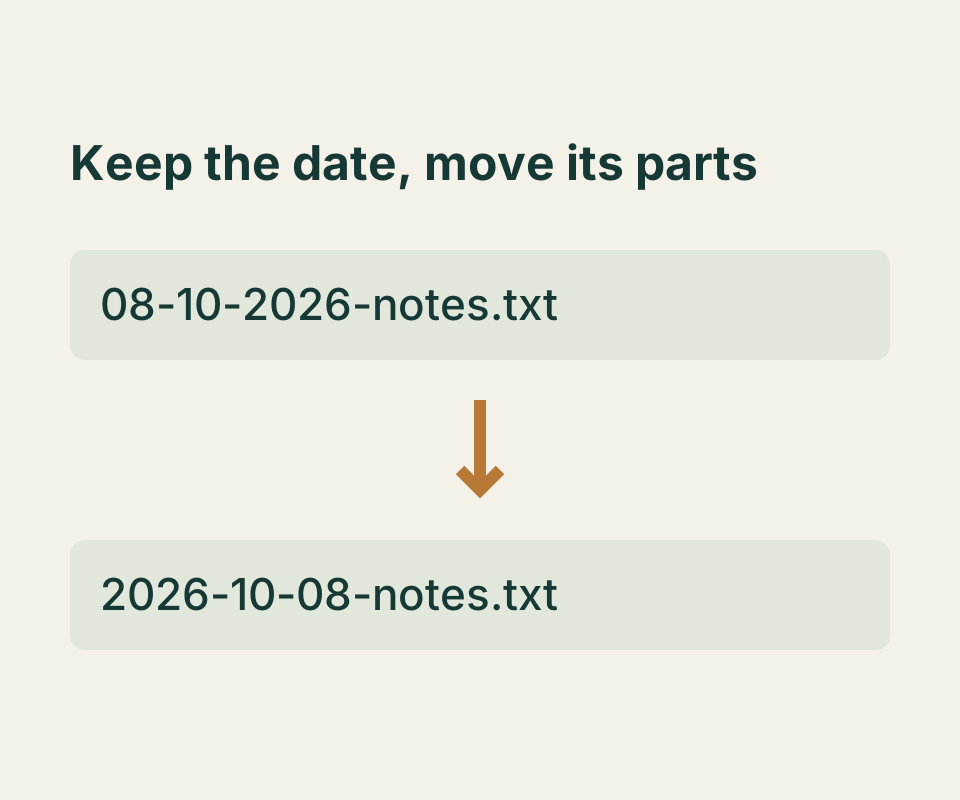
Rearrange a date prefix, keep file extensions, and check the target names before applying a bulk rename.
SOURCE-CHECKED117
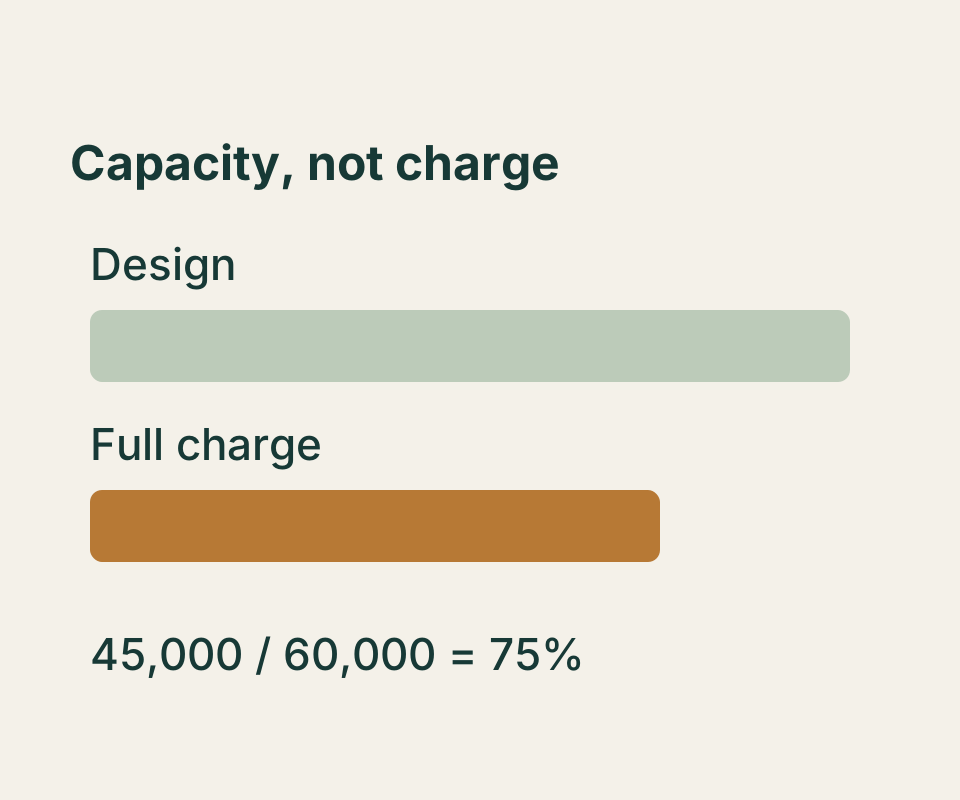
Find the two capacity figures, calculate their relationship, and keep missing battery data separate from zero.
TESTED118
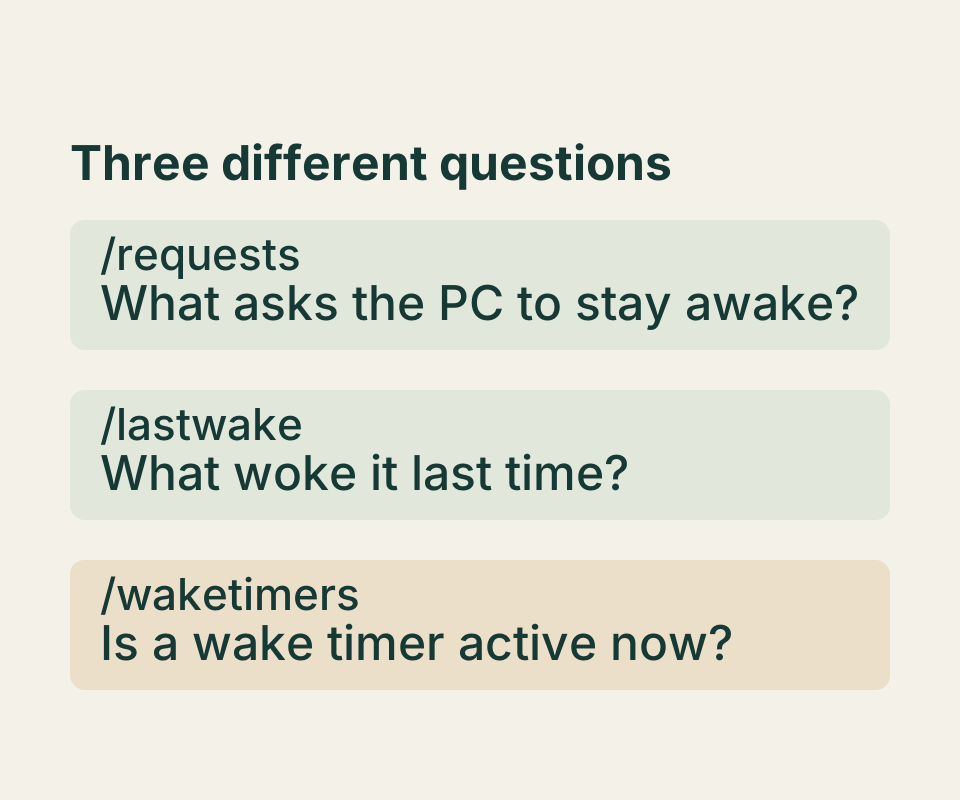
Separate “never enters sleep” from “wakes again,” then run the command that answers that specific problem.
SOURCE-CHECKED119
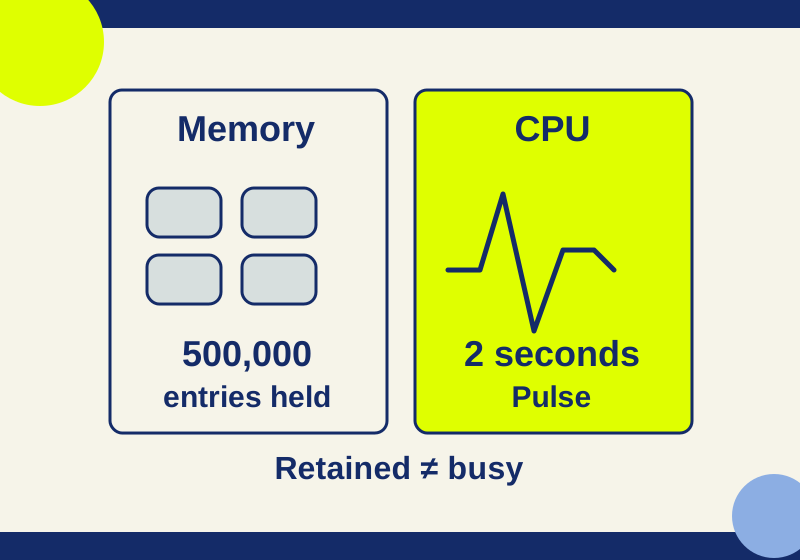
Match a task to its tab, understand what the memory reading measures, and stop only the work you intend to discard.
SOURCE-CHECKED120
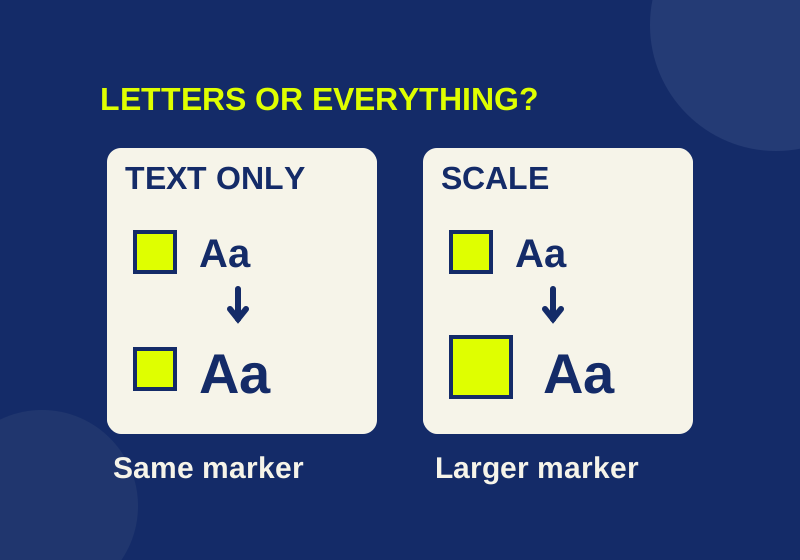
See how larger letters differ from larger controls, then compare the result in the Windows apps you use.
SOURCE-CHECKED121
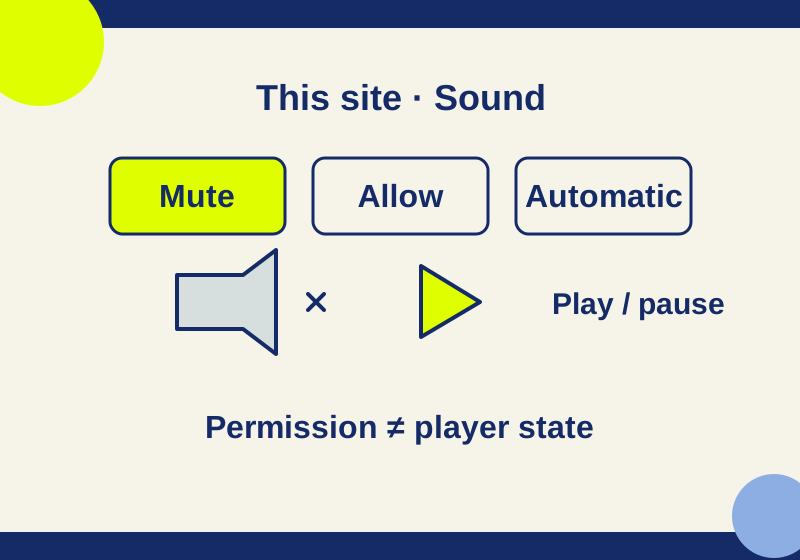
Silence one website, restore its Sound preference, and check the difference with an original eight-second practice tone.
SOURCE-CHECKED122
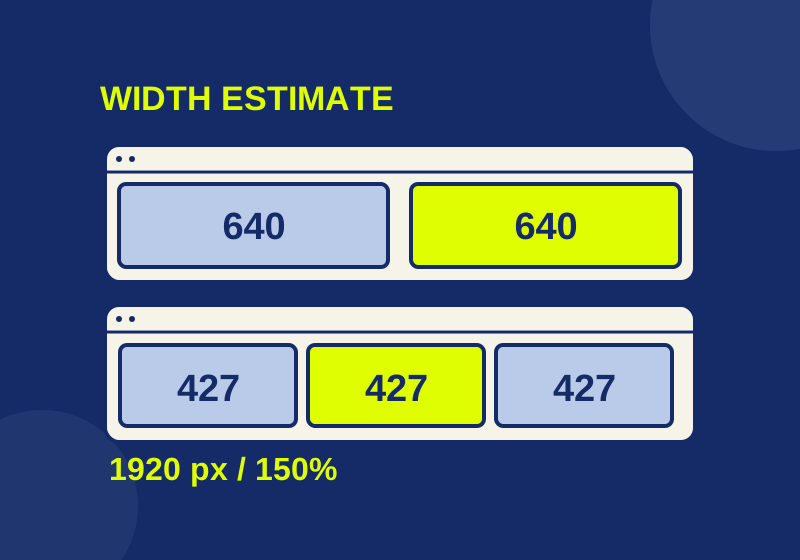
A working width planner explains cramped split screens, while symptom-specific steps separate Snap settings from app limits.
SOURCE-CHECKED123
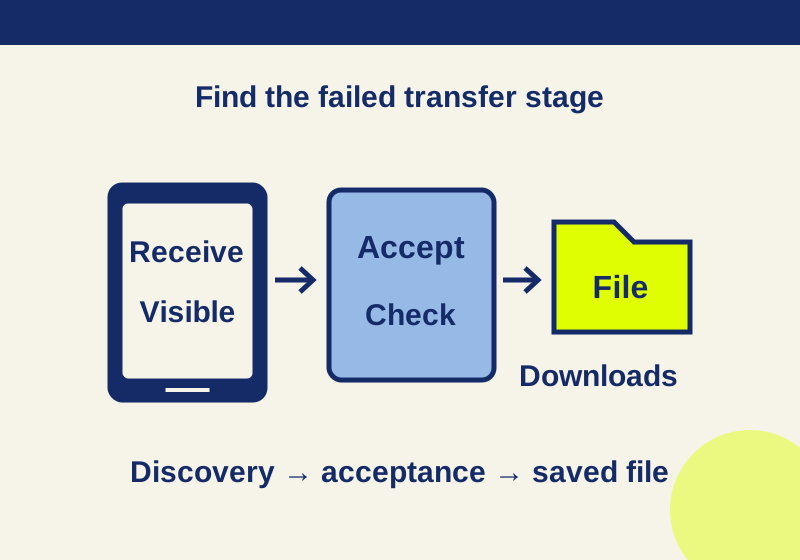
Make your Android phone visible for a Quick Share transfer and find the received file afterward.
SOURCE-CHECKED124
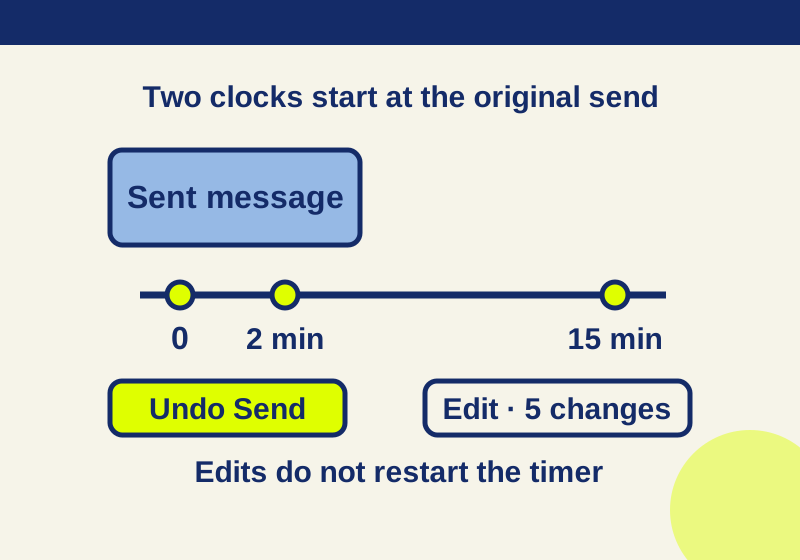
Correct a one-to-one iMessage while its timer is open, or send a new correction after the deadline.
SOURCE-CHECKED125
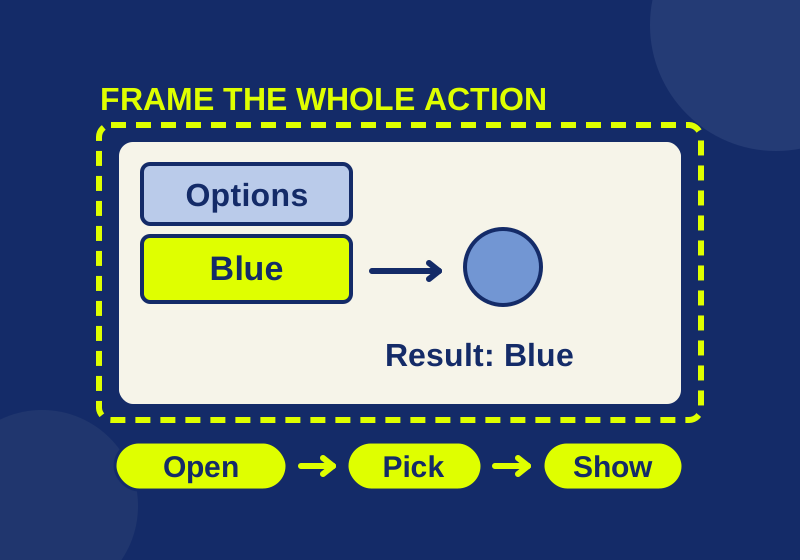
Use an original practice screen to include the button, menu choice, and result in a short Windows recording.
SOURCE-CHECKED126
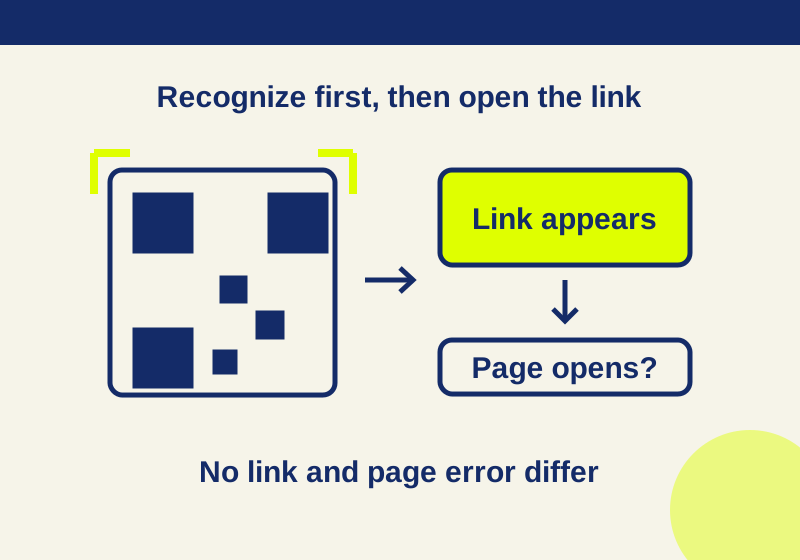
Use either built-in scanner, try a QR code with a known destination, and find the next step when no link appears or the page will not load.
SOURCE-CHECKED127
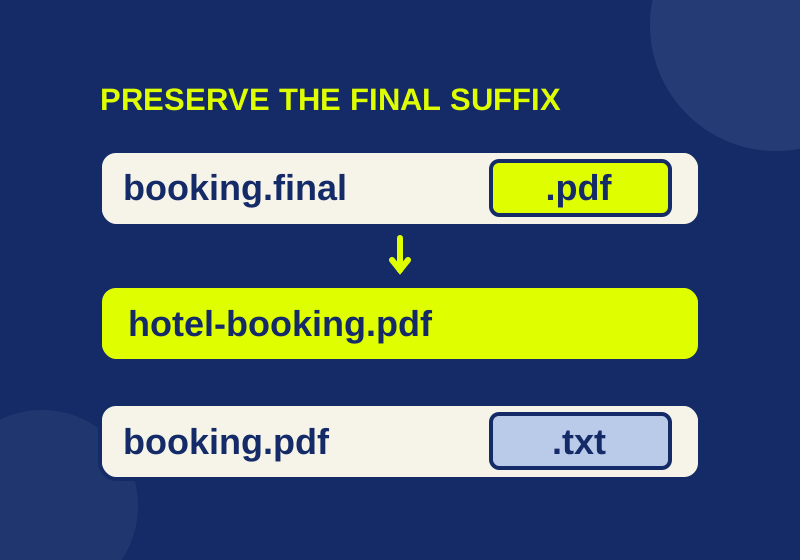
See the final filename suffix and change a file name without mistaking a rename for a format conversion.
SOURCE-CHECKED128
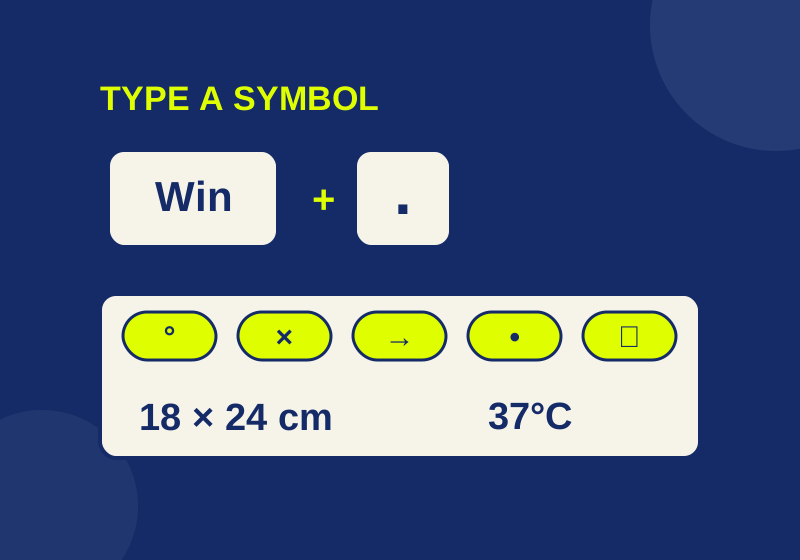
Type emoji, degree signs, bullets, and other symbols. Includes a copyable bank and an offline inspector for invisible selectors and joined emoji.
SOURCE-CHECKED129
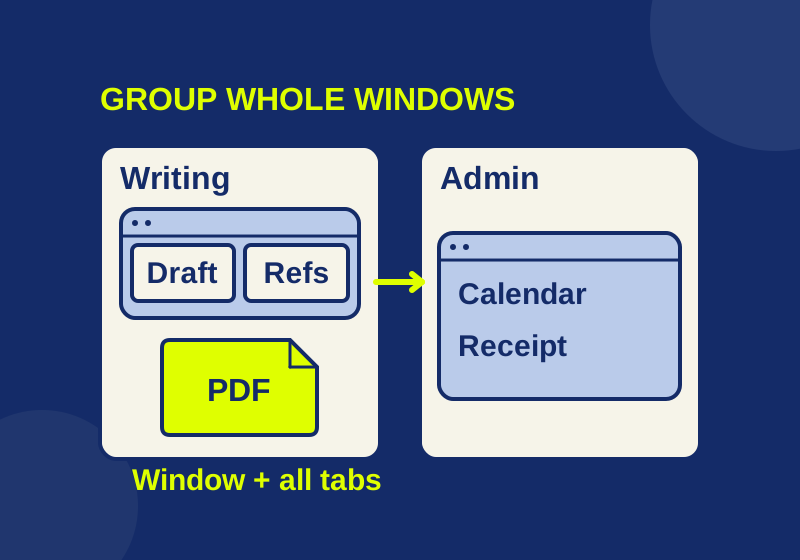
Give each window a desktop, then check the settings that can make the groups look mixed.
TESTED130
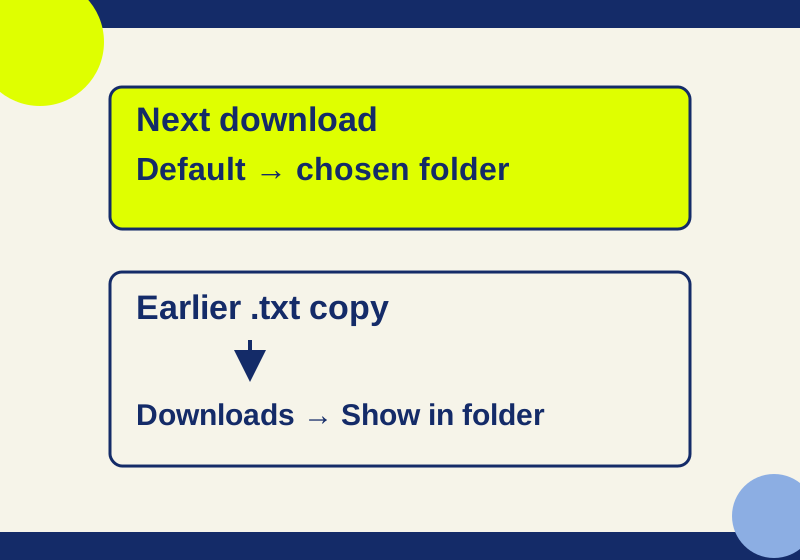
Use Chrome's Downloads settings to save everything in one folder or choose a destination for each file.
SOURCE-CHECKED131
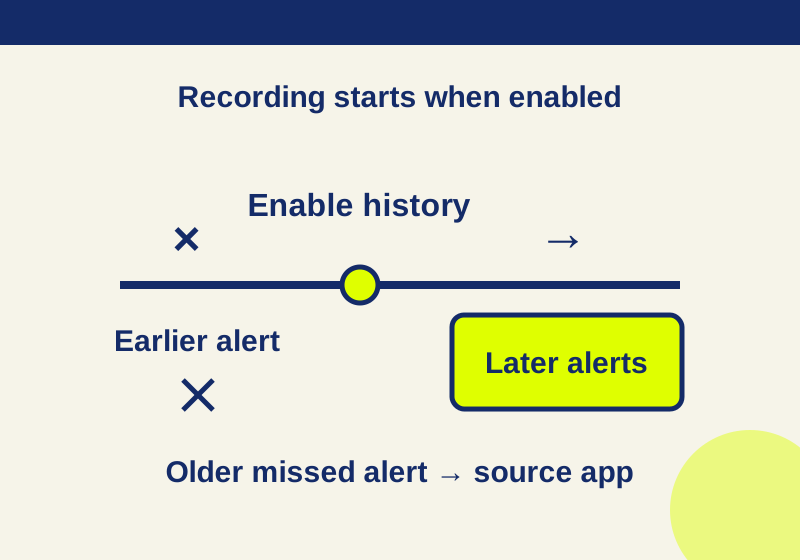
A recent recorded alert can lead back to its app. An empty history needs a different recovery route.
SOURCE-CHECKED132
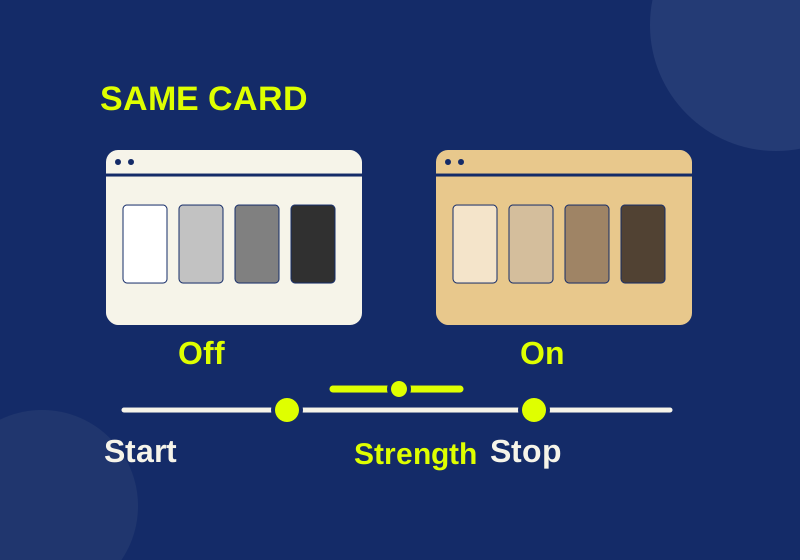
Schedule warmer display colors and use one fixed reference image to investigate an unexpected tint.
SOURCE-CHECKED133
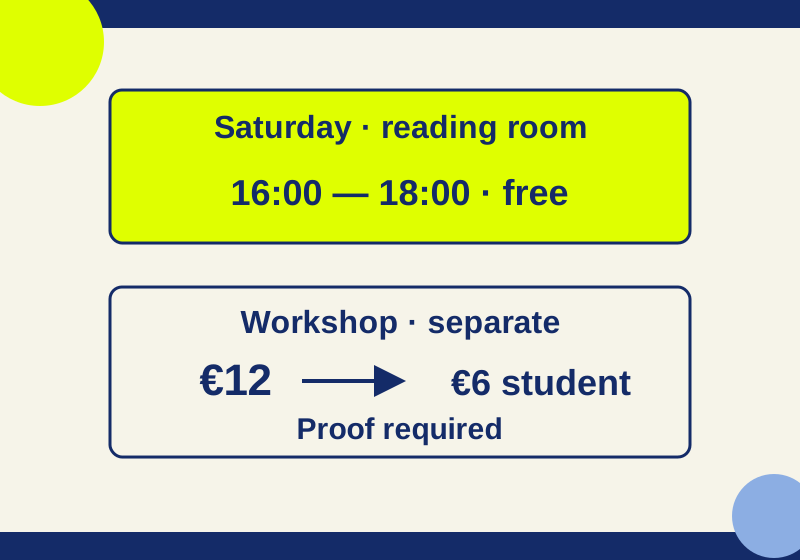
Translate the page for context, then inspect an important passage with its heading and exception rows still in view.
TESTED134
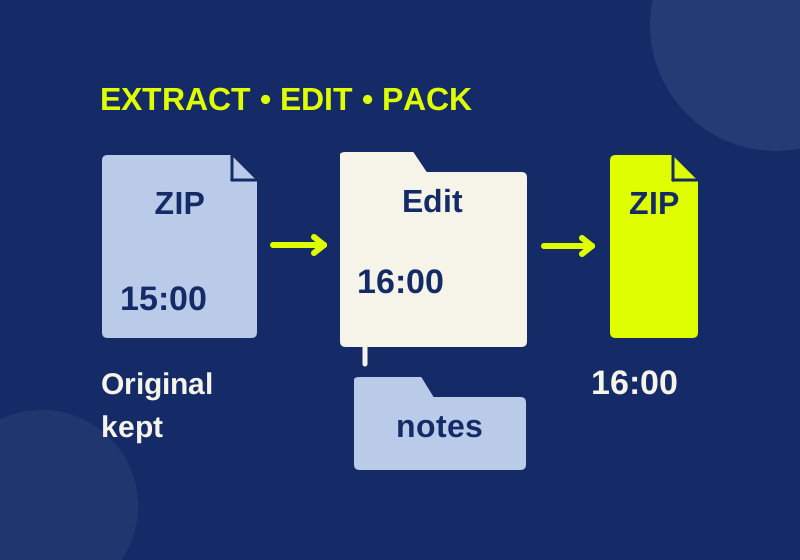
Use a real practice ZIP to extract, edit, and send the right version of your files.
SOURCE-CHECKED135
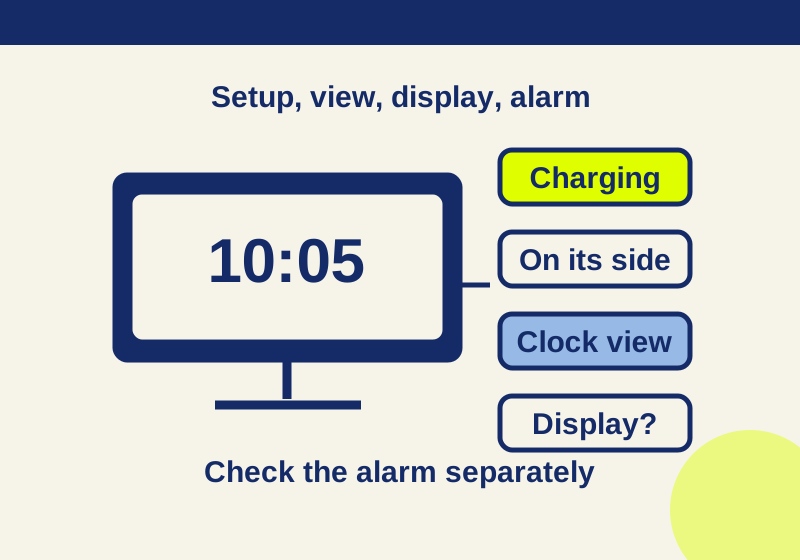
A missing clock, a dark screen and a silent alarm need different checks. Start with the symptom your iPhone actually shows.
SOURCE-CHECKED136
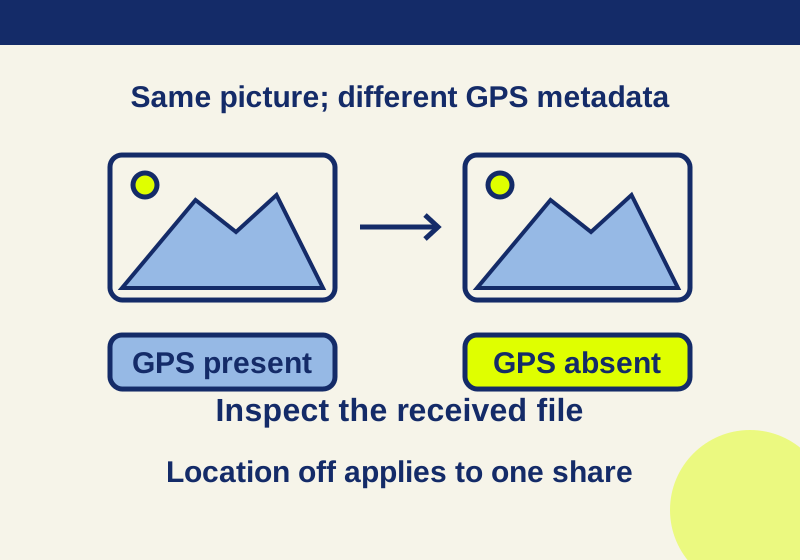
A missing GPS field and an unchanged picture can coexist. Inspect the received file while keeping the original photo separate.
SOURCE-CHECKED137
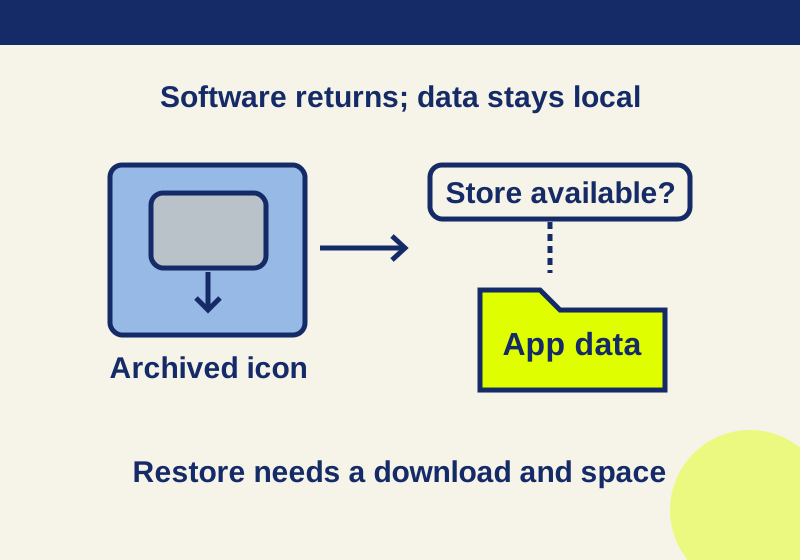
A faded icon can preserve app data while the software needs downloading again. Follow the recovery branch that matches your phone.
SOURCE-CHECKED138
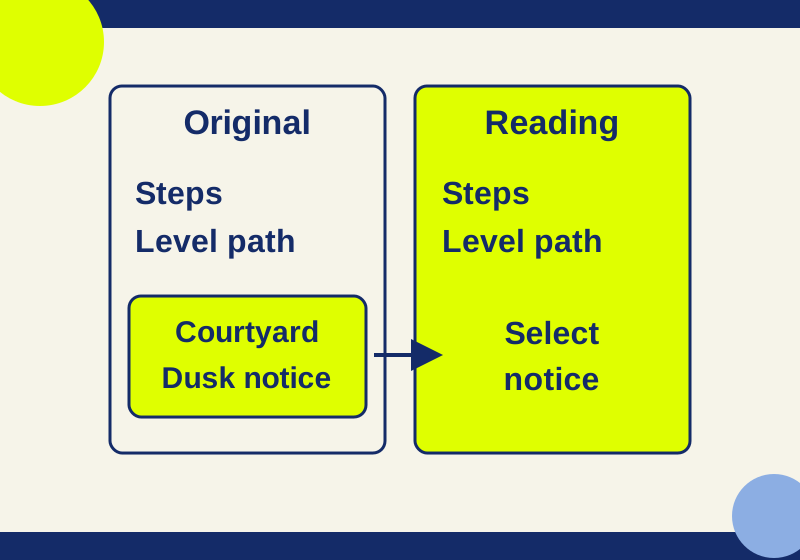
Read an article in Chrome's native view, then check the paragraphs it may leave out.
SOURCE-CHECKED139
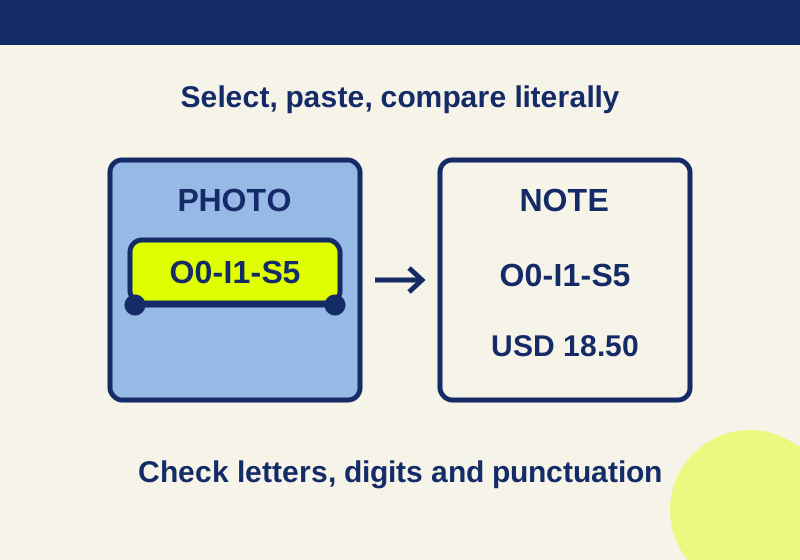
Turn useful lines in a photo or paused tutorial into text you can edit in Notes.
SOURCE-CHECKED140
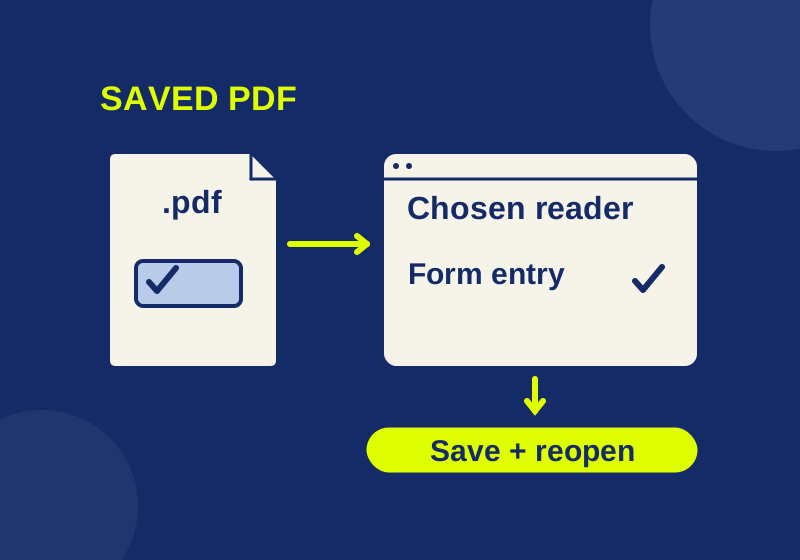
Set the .pdf default and use a downloadable form to check opening, search, and saved entries separately.
SOURCE-CHECKED141
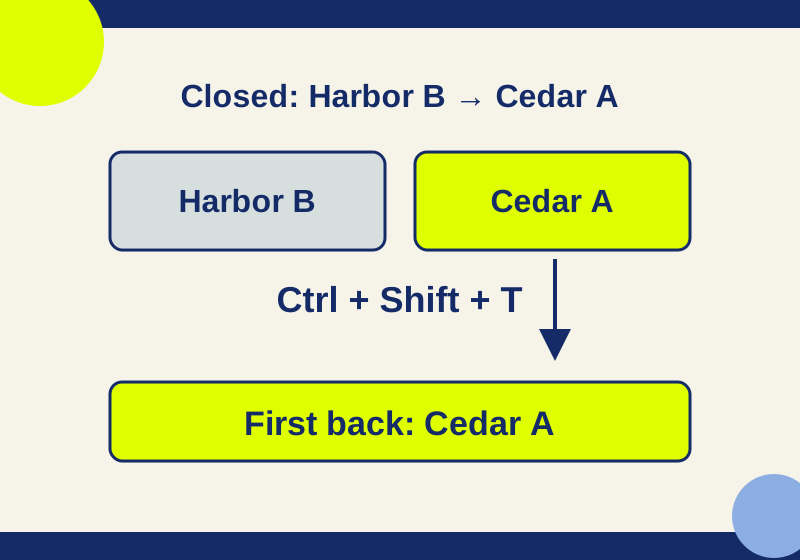
Use a reopen shortcut for a recent accident or search History for the page you remember.
TESTED142
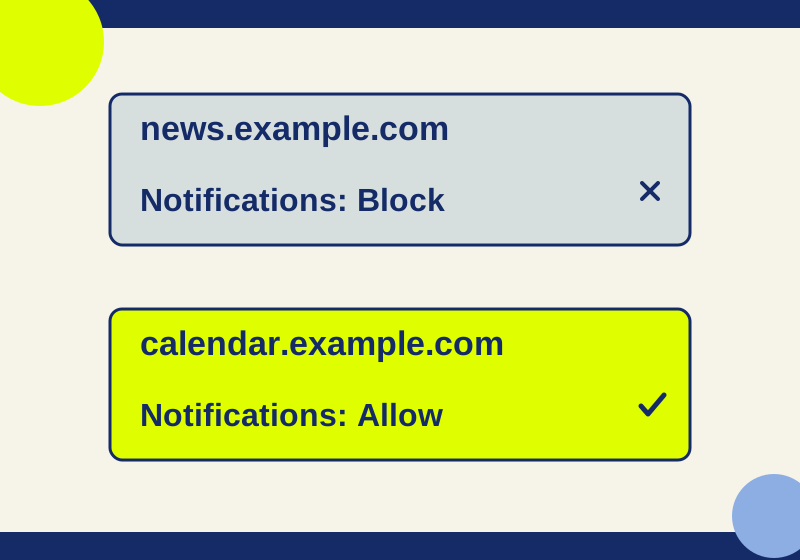
Block the unwanted site in Chrome instead of turning off all browser notifications.
SOURCE-CHECKED143
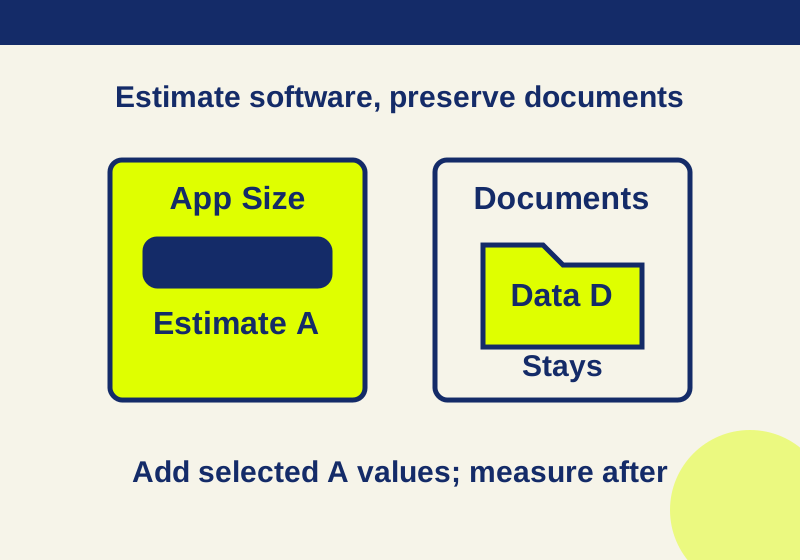
Offloading removes app software while documents remain. Calculate its likely contribution before choosing which apps to remove.
SOURCE-CHECKED144
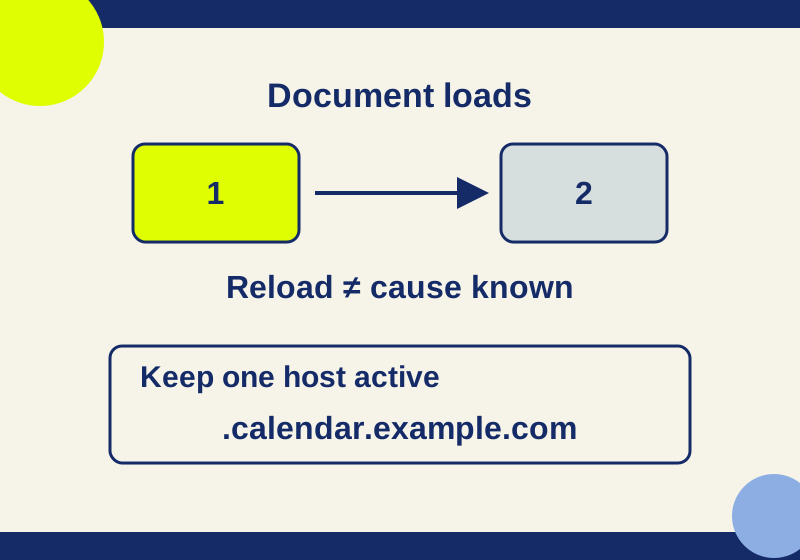
Keep a useful site active while allowing other inactive tabs to release memory.
SOURCE-CHECKED145
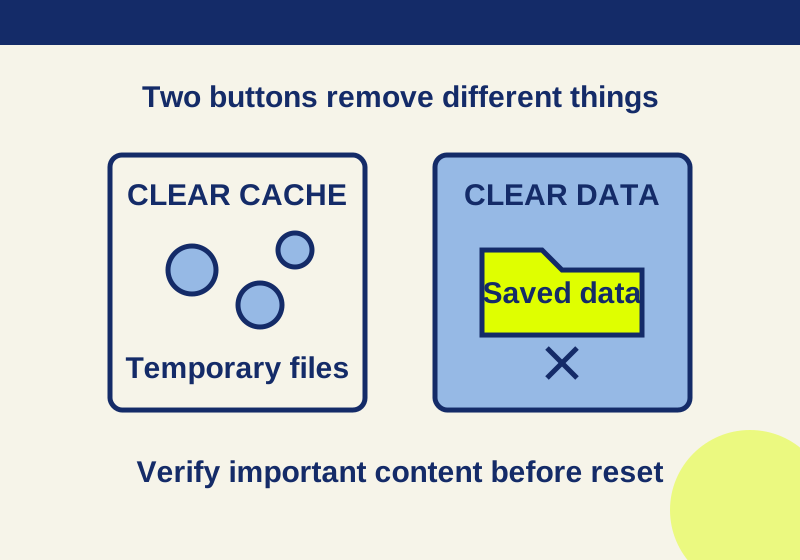
Read the app storage breakdown and verify saved content before choosing a deletion button.
SOURCE-CHECKED146
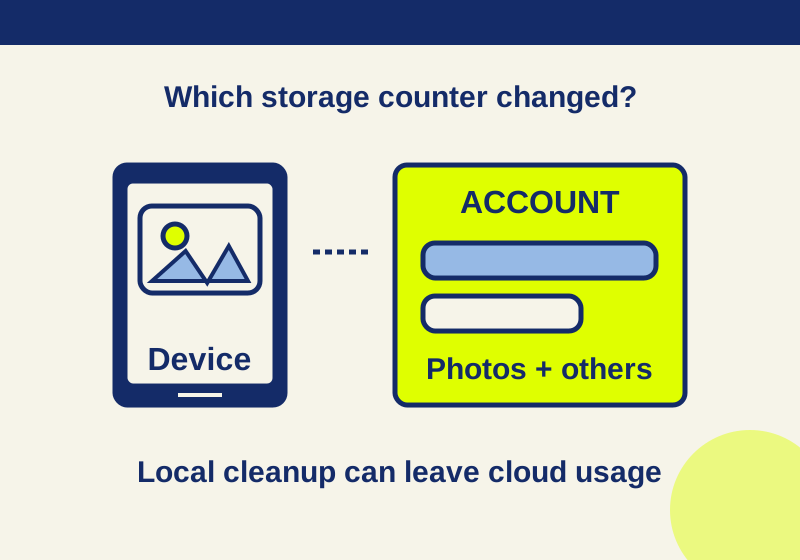
Understand why deleting photos may leave your Google storage total unchanged.
TESTED147
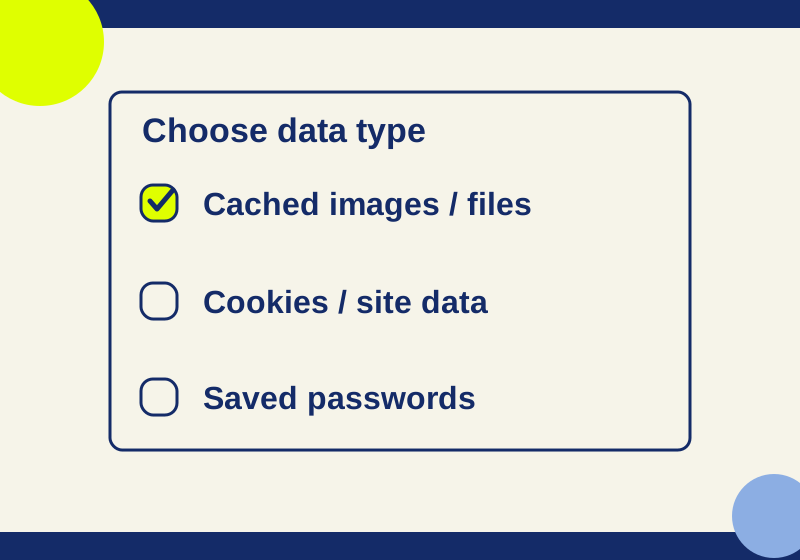
Select cache alone without deleting saved passwords or deliberately clearing cookies.
SOURCE-CHECKED148
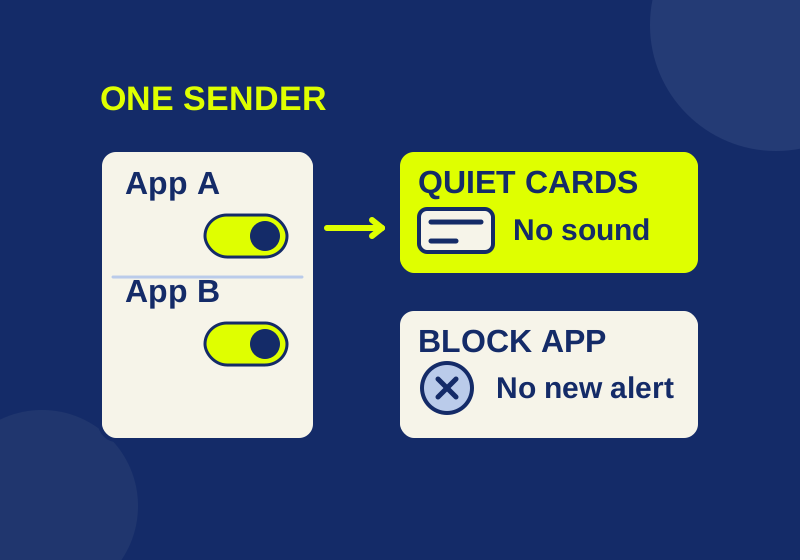
Silence the sender you meant to change, with a local preview of app, banner, sound and Notification Center controls.
SOURCE-CHECKED149
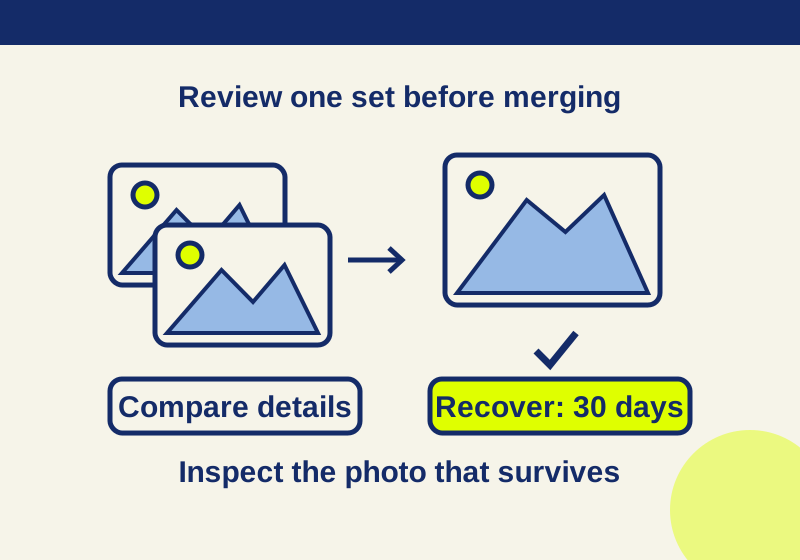
Merge detected photo duplicates and check indexing when the collection is missing.
SOURCE-CHECKED150
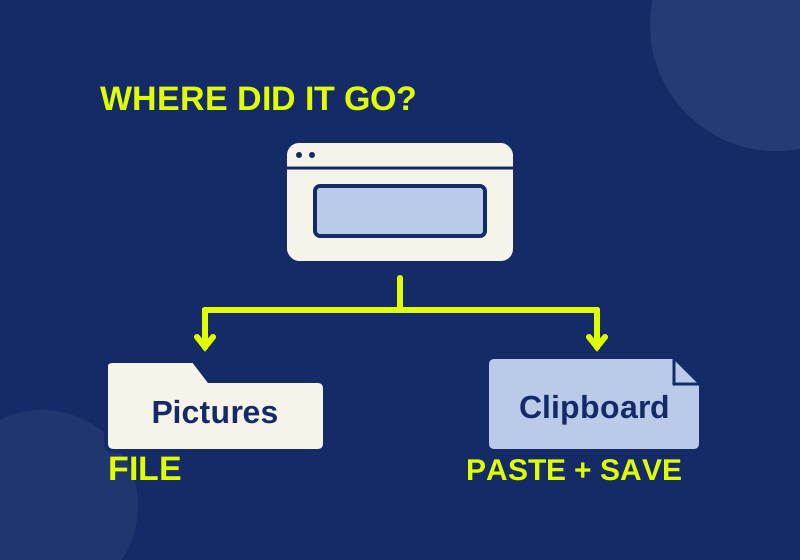
Locate a saved screenshot or turn a clipboard capture into a file you can attach.
SOURCE-CHECKED151
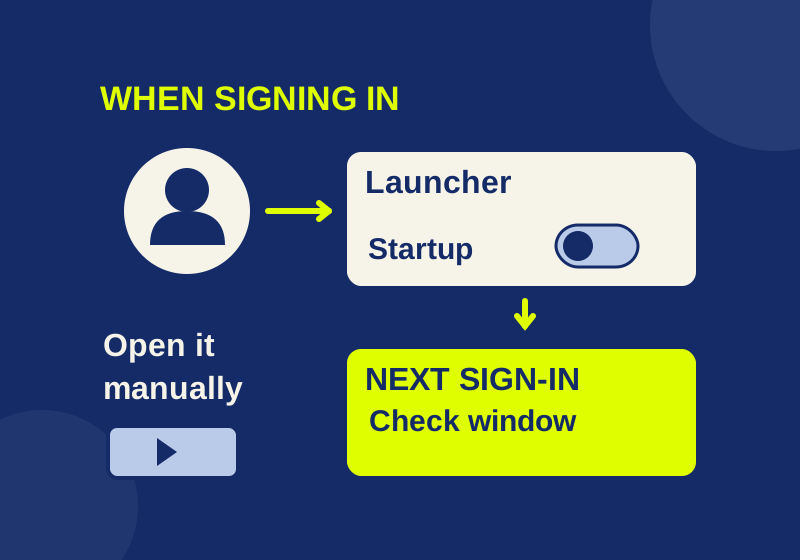
Find which sign-in mechanism opens an unwanted app, then check whether your change fixed that symptom.
SOURCE-CHECKED152
Preview the actual files you selected, with downloadable examples that separate shortcut trouble from preview-format trouble.
SOURCE-CHECKED153
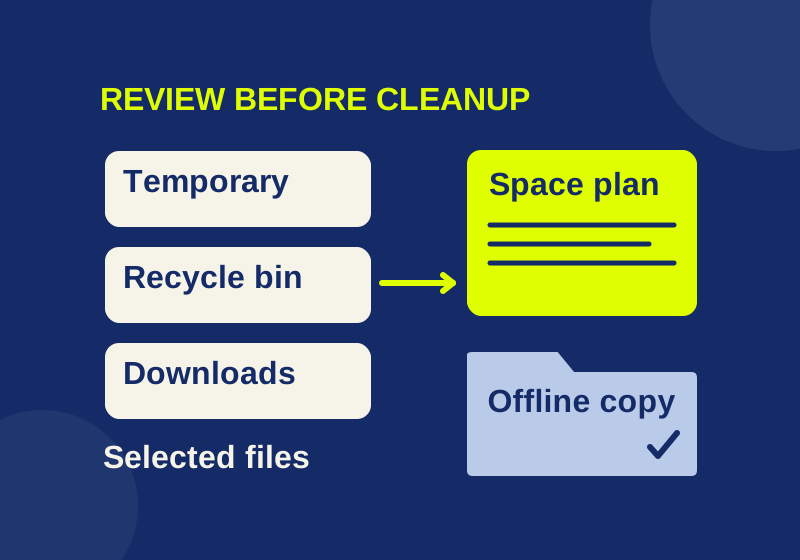
Review the file states and your actual space shortfall before relying on automatic cleanup.
SOURCE-CHECKED154
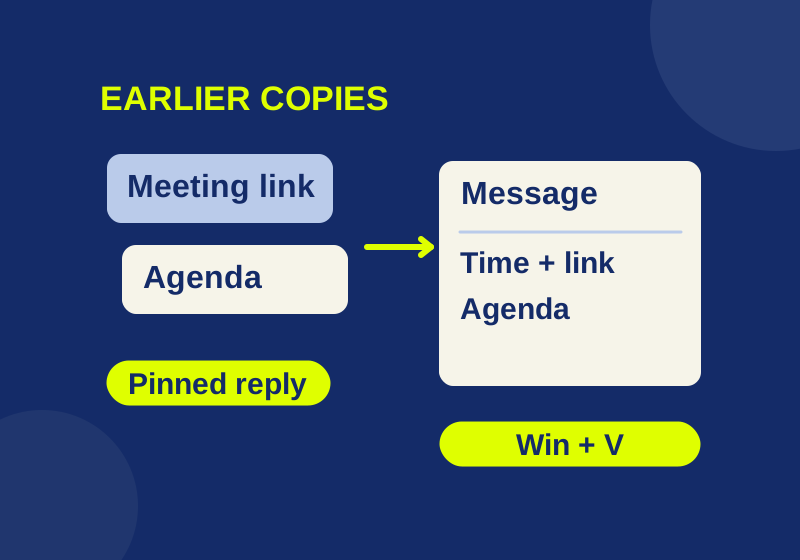
Get back an earlier copy and build a small set of replies, meeting notes, and reusable text. Includes an offline practice sheet.