SOURCE-CHECKED · EVERYDAY TECH
Firefox says Secure Site Not Available: what to check before continuing
Recognize Firefox's HTTPS-Only warning, distinguish it from a certificate error, and decide whether an HTTP exception fits the page you need.
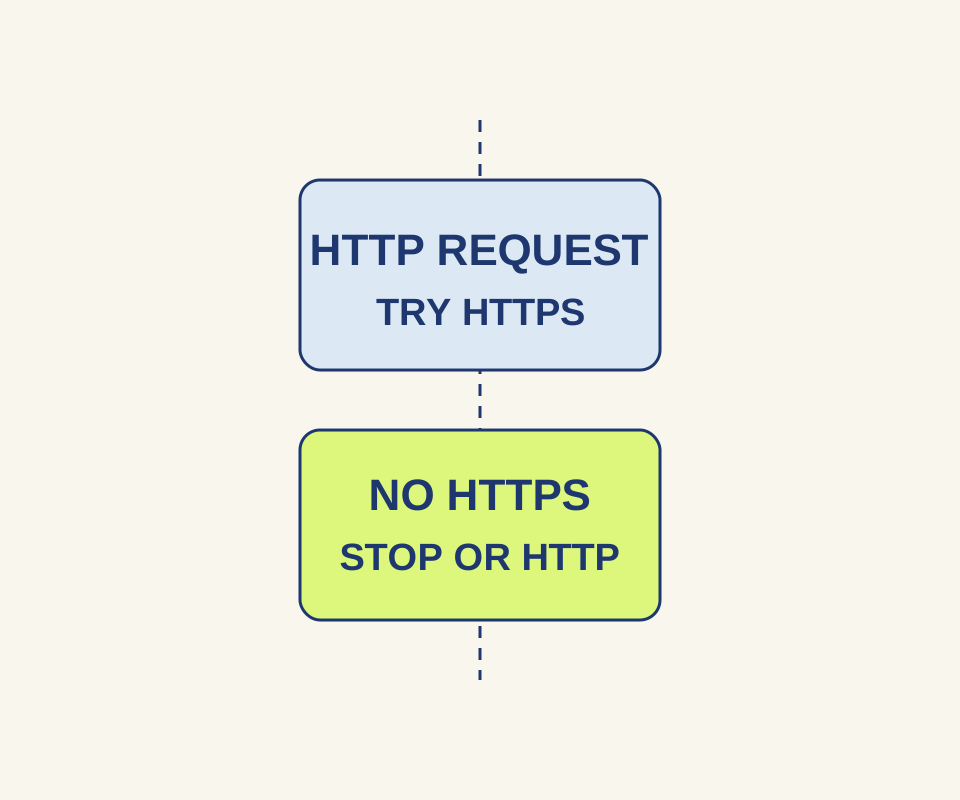
If Firefox shows “Secure Site Not Available” while HTTPS-Only Mode is on, it could not load that address over HTTPS. Choose Go Back if you need a secure connection. Continue to HTTP Site opens the site over an unencrypted HTTP connection and temporarily permits HTTP for that site; it does not make the connection secure. Mozilla’s HTTPS-Only Mode guide explains both choices.
Decide whether to continue
Consider what you would do on the site. For a known, older public schedule that you only need to read, you can decide whether an unencrypted connection is acceptable. For a payment or account recovery page, go back and use the company’s known secure address instead. HTTPS encrypts a connection, but it does not establish that a business is legitimate; the FTC’s online shopping advice makes that distinction.
Check the wording of the error. An expired certificate or a certificate for the wrong host is a certificate problem, not a reason to add an HTTP exception.
Check Firefox’s upgrade setting
In the newer settings layout, open Menu > Settings > Privacy and security > Connection and software security > Advanced settings > HTTPS-Only Mode. An older layout places HTTPS-Only Mode directly under Privacy & Security. Firefox offers choices for all windows, private windows only, or off. Mozilla says HTTPS-Only Mode tries an HTTP address over HTTPS first and prompts before using HTTP when HTTPS is unavailable. Mozilla’s HTTPS upgrade guide describes a separate behavior: HTTPS-First, the default in Firefox 136 and later, tries HTTPS and then falls back to HTTP.
For a site-specific setting, Mozilla describes a newer site information path through the shield and padlock to Automatically upgrade this site to a secure connection, where you can choose Off. An older layout uses the padlock directly. In a regular window, Manage Exceptions also lets you enter an exact HTTP address, choose Turn Off Temporarily for the current session or Turn Off for a permanent exception, and select Save Changes. Mozilla says exceptions cannot be added in private windows.
If an address still upgrades after you turn off HTTPS-Only Mode, that setting alone does not identify the cause. Mozilla also lists HSTS, DNS HTTPS records, and website redirects as upgrade mechanisms. For a DNS-related setting, see the Secure DNS guide.
Source note: The Mozilla and FTC pages above were checked October 15, 2026 (KST). The Firefox steps are source-based instructions; no native Firefox feature test was recorded.
KEEP GOING
More to explore.
SOURCE-CHECKEDEveryday tech
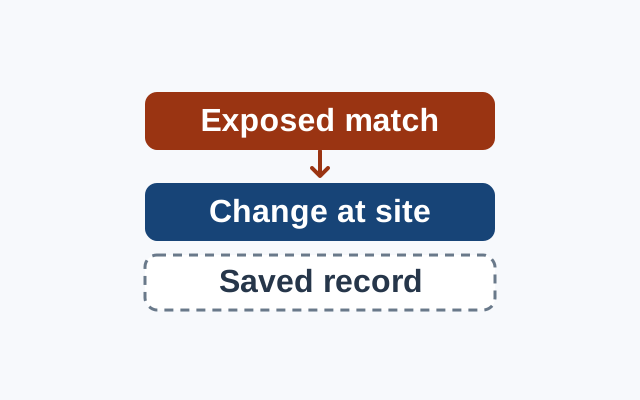
Chrome says a saved password was exposed: what to change
A breach warning concerns an exposed credential. Change the password at the affected website; treat Chrome’s saved record as a separate concern.
SOURCE-CHECKEDEveryday tech
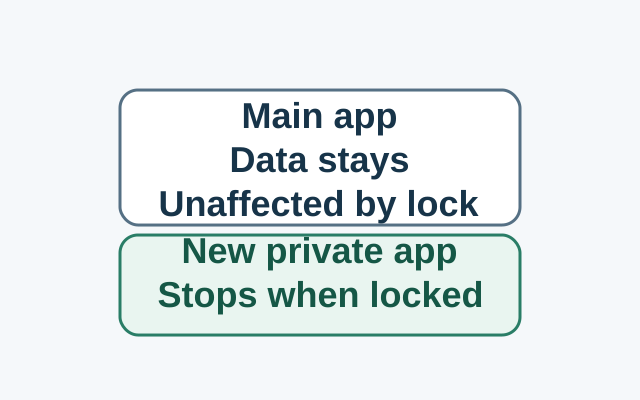
Android Private Space installs a second app, not a hidden copy
Installing in Private Space creates a separate app instance. The original app and its data stay in the main space; locking stops the private instance, while the original is unaffected.