SOURCE-CHECKED · EVERYDAY TECH
Chrome says a saved password was exposed: what to change
Understand Chrome’s breach warning and change the affected website password.
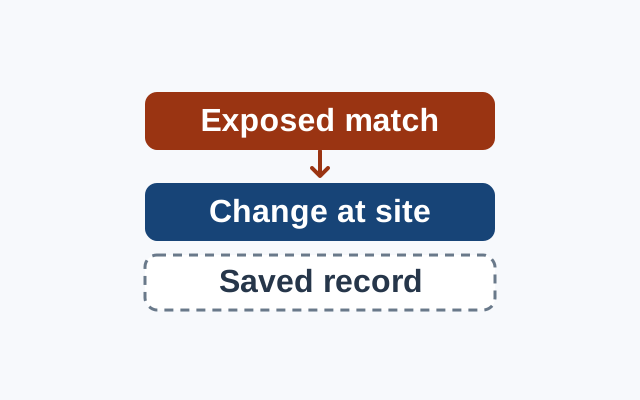
Chrome warns when a username and password match known breached data. If the warning is for a bookstore login, change the password for that account. The match does not tell you that the bookstore itself was breached.
On a computer, open Chrome and select More, Passwords and autofill, Google Password Manager, then Checkup. Find the exposed login and follow Chrome’s instructions to change its password at the website. Google documents the Checkup path and advises changing the site’s password.
Changing the website password leaves a separate question about Chrome’s saved entry. These guides do not say whether it updates after the change or give steps to correct it.
On Android, Safety Check lists compromised, reused, and weak passwords. A weak or reused finding alone does not report a breach match. The guides do not establish those as the exact labels in desktop Checkup.
KEEP GOING
More to explore.
SOURCE-CHECKEDEveryday tech
Firefox says Secure Site Not Available: what to check before continuing
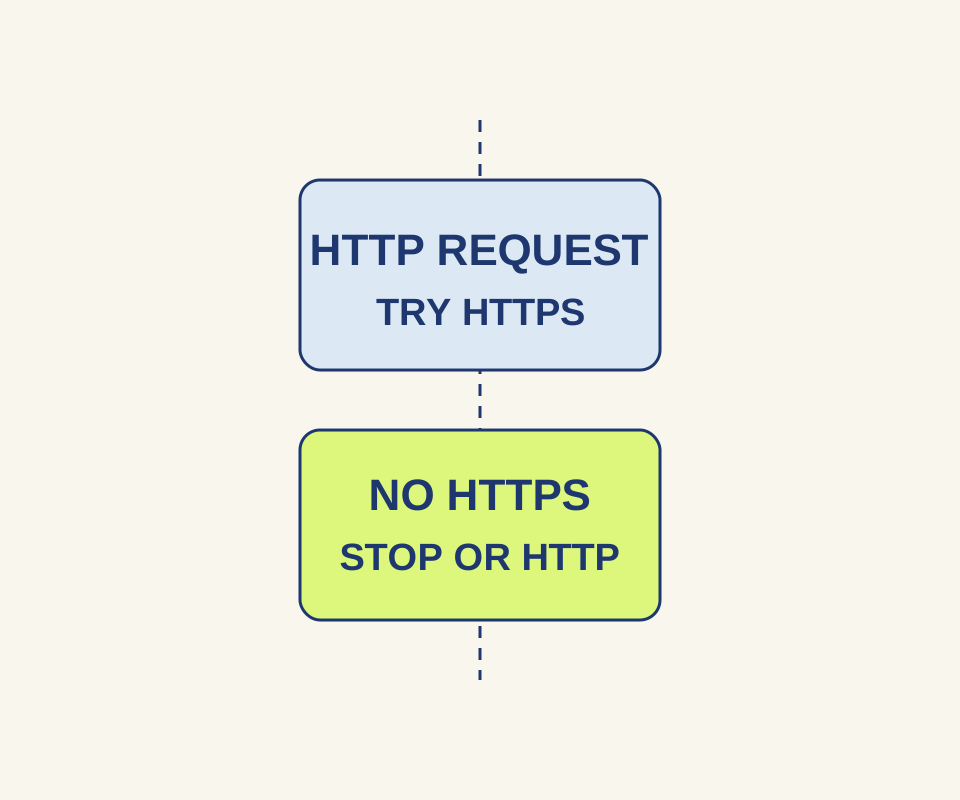
An HTTPS-Only warning calls for a connection decision. A browser exception leaves HTTP unencrypted.
SOURCE-CHECKEDEveryday tech
Chrome Secure DNS: why a custom provider can stop a site loading
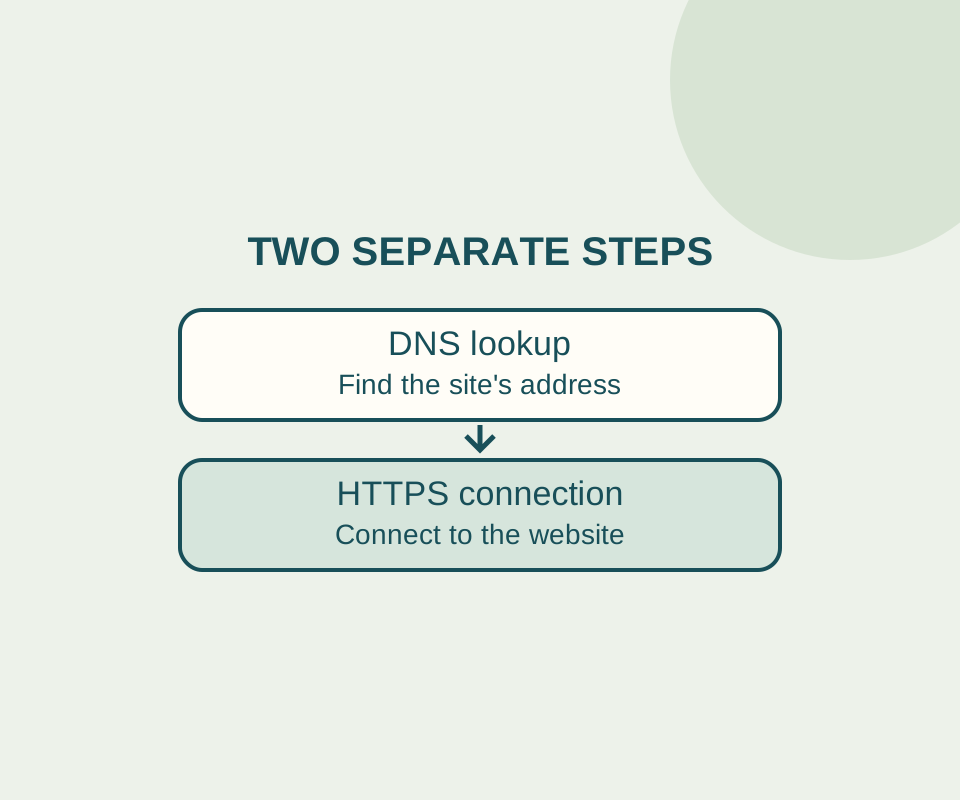
Automatic Secure DNS can fall back to an unencrypted lookup. A custom provider follows a different rule, so record the original setting before changing it.