SOURCE-CHECKED · EVERYDAY TECH
How to translate a webpage or selected text in Chrome
Translate a webpage or selected text in Chrome, fix a missing Translate option, and keep conditions, prices and dates attached to their meaning.
In desktop Chrome, use the Translate icon in the address bar or right-click the page and choose Translate to [Language]. To check one passage, highlight it, right-click, and choose Translate selection to [Language]. Whole-page translation gives you context; selection translation helps you focus on the sentence that carries a condition. Chrome Help
Read a complete notice and keep its conditions
The following is a fictional practice notice, written for a selection and comparison worksheet. Its English text is an editorial rendering, not a captured Chrome translation or a real service offer.
Original heading: Sala de lectura y taller de fotografía.
Original Spanish notice: La entrada a la sala de lectura es gratuita durante las dos últimas horas antes del cierre. De lunes a viernes cerramos a las 20:00; los sábados cerramos a las 18:00. El taller de fotografía cuesta 12 € y tiene un descuento del 50% para estudiantes con acreditación. El taller no está incluido en la entrada gratuita.
Editorial English rendering: Admission to the reading room is free during the last two hours before closing. We close at 20:00 Monday through Friday and at 18:00 on Saturdays. The photography workshop costs €12 and has a 50% discount for students who show proof of student status. The workshop is not included in free admission.
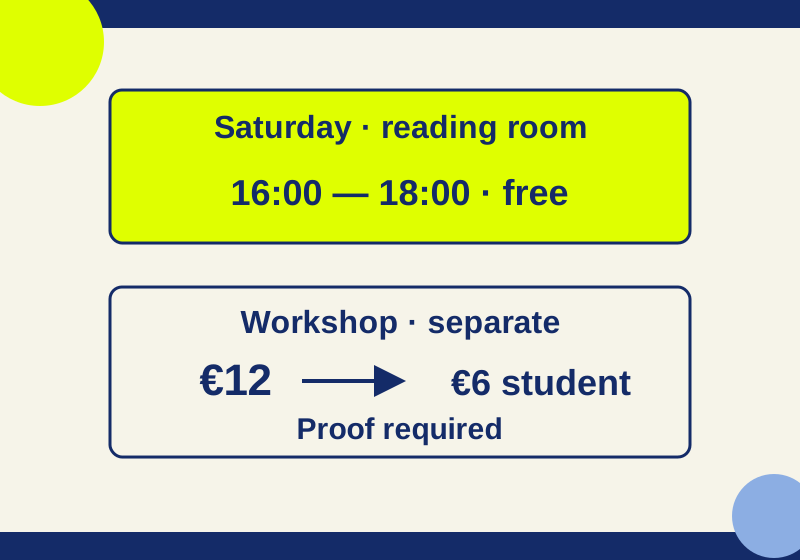
Suppose you need a Saturday answer. Select the first full Spanish sentence and its heading. The heading identifies two activities, while the sentence limits free admission to the reading room and to a period measured from closing. Read the closing-time sentence next: Saturday closes at 18:00, so the last two hours are 16:00 to 18:00.
Then check the workshop sentences separately. The stated price is €12. A student who shows the required proof receives a 50% discount and pays €6 (€12 × 0.50). The final sentence explicitly excludes the workshop from free admission.
A finished note for this practice notice would read:
Saturday closing: 18:00. Free reading-room admission: 16:00 to 18:00.
Workshop price: €12. A student who shows proof of student status pays €6 (€12 × 0.50). The workshop is excluded from free admission.
The notice gives no Sunday or public-holiday hours, no workshop session time, and no workshop booking rule.
“Everything is free after 18:00 on Saturday” makes two errors: 18:00 is closing time, not the start of the free period, and the free category covers the reading room, not the workshop. The weekday free window would be 18:00 to 20:00, but weekday hours cannot replace Saturday’s 16:00 to 18:00 window.
Try the same reading method on a visitor page
The Museo del Prado visitor information page provides short Spanish labels for practicing this kind of reading. Use the label explanations as reading practice. Check the live visitor page for current admission terms before planning a visit.
For example, select “Acceso gratuito a la Colección” and record the category it names. Translate the page as well to inspect the surrounding conditions and the related temporary-exhibition paragraph. Do not turn a collection category into a statement about every visit option.
The worksheet also has a last-two-hours label, a percentage reduction, a Sunday-and-public-holiday row and a reduced-hours label. A relative period needs the relevant closing time. A reduction needs its starting price and qualifying category. Keep a holiday row attached to its dates, and inspect any exception dates before applying the ordinary weekly schedule.
Keep a note you can check against the original
Before translating a page, copy its URL and the original sentence with its heading. After reading the translation, make a short note that preserves the numbers and the condition attached to them. This structure is easy to reuse:
Original page URL:
Selected sentence and heading:
Source language / target language:
Original numbers, units, and dates:
Meaning and condition:
Follow-up question:
For the fictional Saturday notice, “meaning and condition” would name the reading room, its 16:00 to 18:00 free window, and the separate workshop price and student requirement. The follow-up question could ask for the workshop session time, which the notice does not give. Record what the page says before relying on a later translated view; that lets you return to the exact sentence if a number or category seems unclear.
If the Translate control or language is wrong
If Chrome does not offer translation, open Settings > Languages > Google Translate. Enable page translation and check its target language. Chrome keeps separate lists for languages it should translate automatically and languages it should never offer to translate. Review the relevant list when the offer appears unexpectedly or does not appear. If a page translation fails, refresh the page. Chrome Help
To change a selection’s target language, use More > Choose another language, then the language arrow in its translation control. Check the target before judging a passage: Chrome’s display language and the language you choose for a webpage are separate settings. Chrome Help
For another website route, Google Translate’s Websites tool accepts a URL through Websites and Go, with original and translated views. Google says website translation is unavailable in some regions.
If the text cannot be selected
Text inside an image needs a different route from Chrome’s selected-text control. Google Translate’s Images tab lets you upload an image; small, unclear, or stylized text can reduce accuracy. A side-by-side original view may be unavailable on a small screen. Text in images or scanned PDF pages is not translated in Google Translate’s uploaded-document output, so do not assume a document upload has covered those parts. Google Translate Help
The Chrome controls follow the linked Google instructions. The original worksheet was rendered in Chrome 154.0.8037.93: its complete notice was selected exactly, a filled note preserved the time, price and eligibility conditions, and the layout fit a 390-pixel screen. Notes cleared on reload. Chrome’s native translation control and translation accuracy were not tested.
KEEP GOING
More to explore.
TESTEDEveryday tech
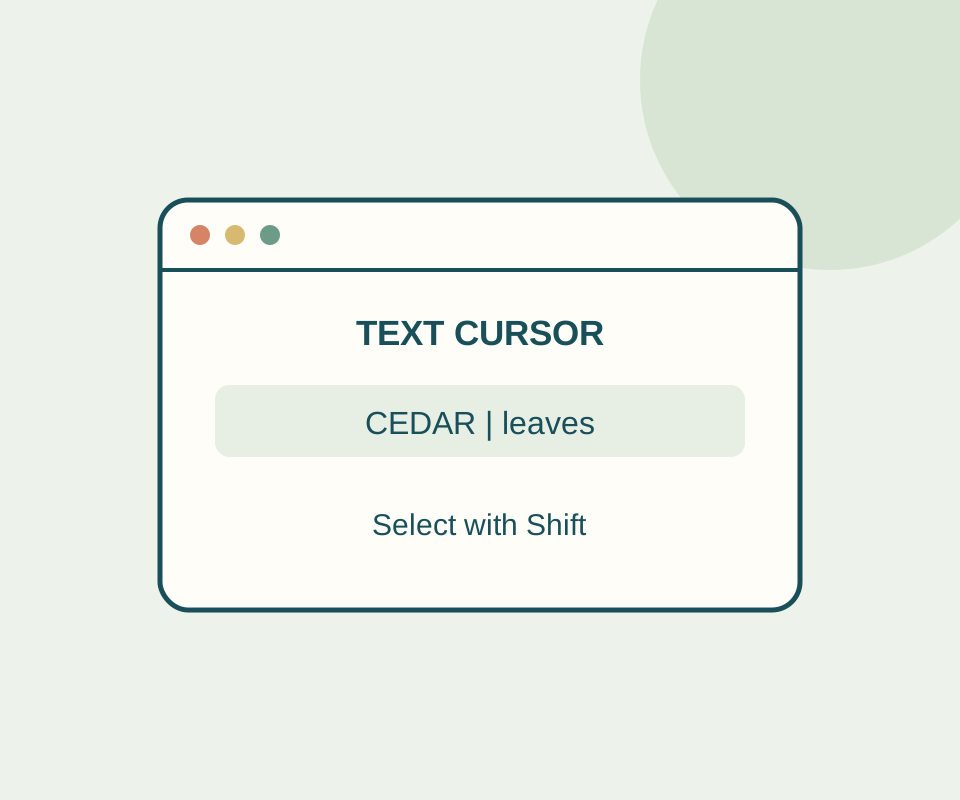
Chrome caret browsing: select webpage text with your keyboard
Try a fixed sentence, select CEDAR with Shift and the arrow key, and distinguish a browsing cursor from an editable field.
SOURCE-CHECKEDEveryday tech
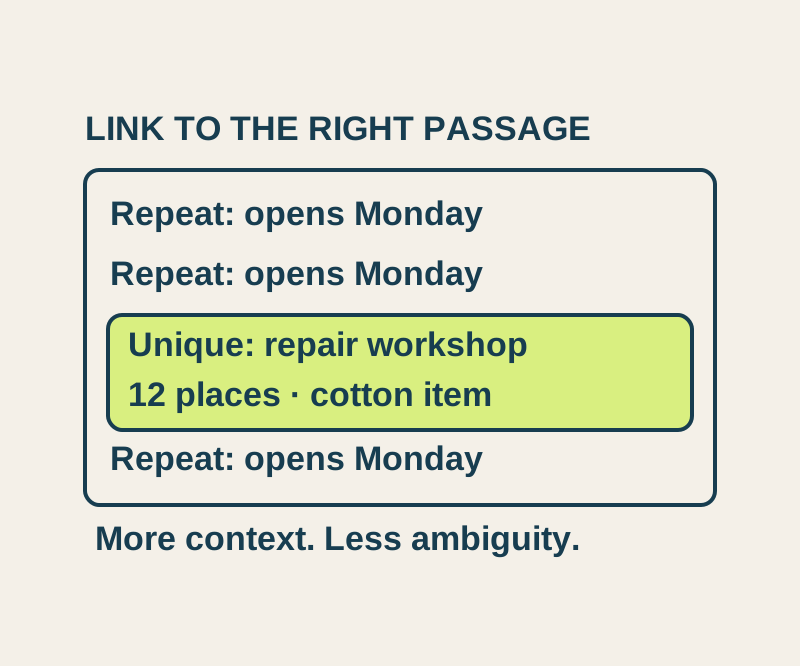
Chrome Copy link to highlight: share a passage and fix the wrong match
Send a precise passage, understand repeated matches, and try four real text-link outcomes in an original sample notice.