TESTED · EVERYDAY TECH
Windows Unblock file: what it removes and when to leave it alone
Inspect Zone.Identifier, preview Unblock-File, and remove the marker from one trusted file while keeping Windows security settings unchanged.
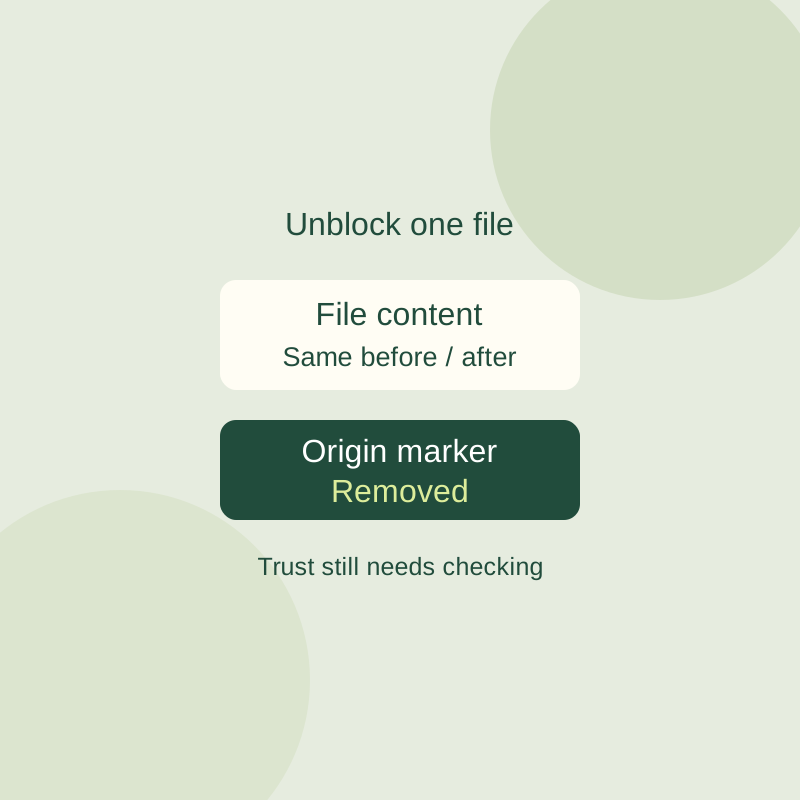
If a file you expected to download shows a Windows security message, check its source and file type before removing the warning. For a file you trust, Windows lets you unblock that one file without changing global settings.
Unblock one file
In File Explorer, right-click the file and open Properties. On the General tab, look for a security message and an Unblock option. If it appears, select Unblock, choose Apply, and reopen the file. The option does not appear for every file.
PowerShell offers a way to inspect the marker first. Replace the example path with the exact path to your file:
Get-Item -LiteralPath '.\your-file.pdf' -Stream *lists its streams.Get-Content -LiteralPath '.\your-file.pdf' -Stream Zone.Identifierreads the origin marker. A missing stream can produce an error.Unblock-File -LiteralPath '.\your-file.pdf' -WhatIfpreviews the command.Unblock-File -LiteralPath '.\your-file.pdf'removes the marker.
Microsoft says Unblock-File removes the Zone.Identifier alternate data stream. ZoneId=3 marks an Internet origin; it is not a virus verdict. A missing marker is not proof that a file is safe. Unblocking also does not repair corruption, add permissions, decrypt a file, or establish that its publisher is trustworthy. If the publisher is unknown or you see a malware warning, stop and get a copy from the publisher.
Sources and test scope: Microsoft’s Unblock-File documentation and Attachment Manager information. In a native before-and-after record, PowerShell 7.6.5 on NTFS was used only with an owned, 71-byte synthetic plain-text file carrying a deliberately created [ZoneTransfer] ZoneId=3 marker. -WhatIf preserved the stream; Unblock-File removed it; the main content SHA remained 3f050ef64508ac176829711463236cfd371a6d5d5da10baf9bcdc0bcbeab1ae3. The record includes no real download, File Explorer, or SmartScreen trial.
KEEP GOING
More to explore.
SOURCE-CHECKEDEveryday tech
Windows Backup on a new PC: what comes back?
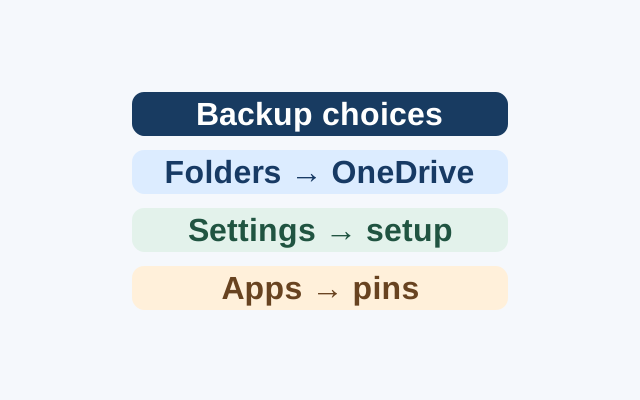
Selected folders become available through OneDrive. Supported preferences can return during Windows setup, while apps return as pins that may lead to restoration or an installer.
SOURCE-CHECKEDEveryday tech
How to turn off one app's Windows 11 notifications without silencing everything
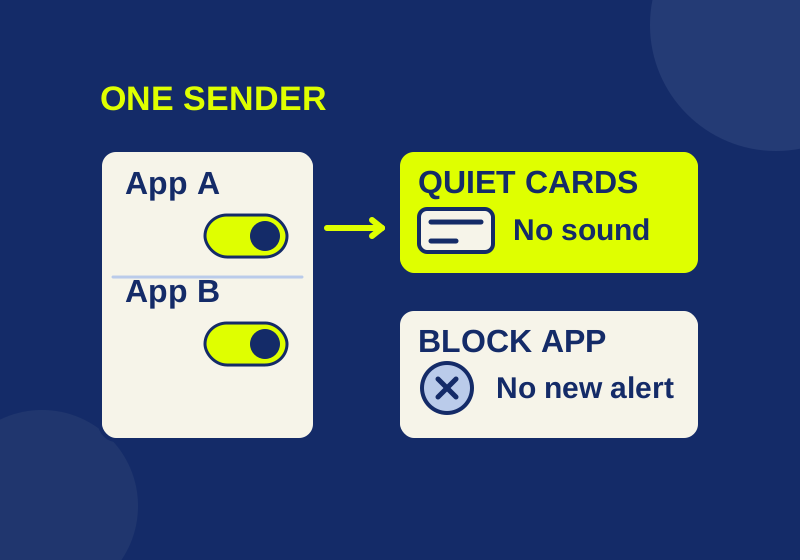
Silence the sender you meant to change, with a local preview of app, banner, sound and Notification Center controls.