SOURCE-CHECKED · EVERYDAY TECH
Pixel alerts suddenly get quieter? Check Notification cooldown
Tell quieter repeat alerts apart from missing or delayed Pixel notifications, then check the relevant setting.
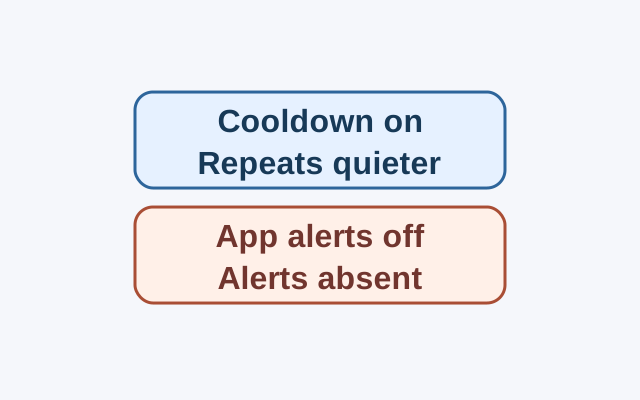
Swipe down from the top of your Pixel screen. If notifications from the same app still appear but repeated alerts sound quieter, check Notification cooldown. Google says this setting can lower the volume of repeat notifications from one app on Android 14 or later.
Open Settings > Notifications to turn Notification cooldown on or off.
If the app’s notifications do not appear, open Settings > Notifications > App notifications and choose the app. Check whether its notifications are on. You can filter the list to apps that are Turned off.
For alerts that appear without sound, check Do Not Disturb, which silences most notifications. Battery Saver and Adaptive Battery can stop or delay some alerts.
Sources: Google Pixel Phone Help, “Use advanced notification features” and “Control notifications on your Pixel phone”. The supplied snapshots were checked October 21, 2026. These are documented instructions; no phone test was performed.
KEEP GOING
More to explore.
SOURCE-CHECKEDEveryday tech
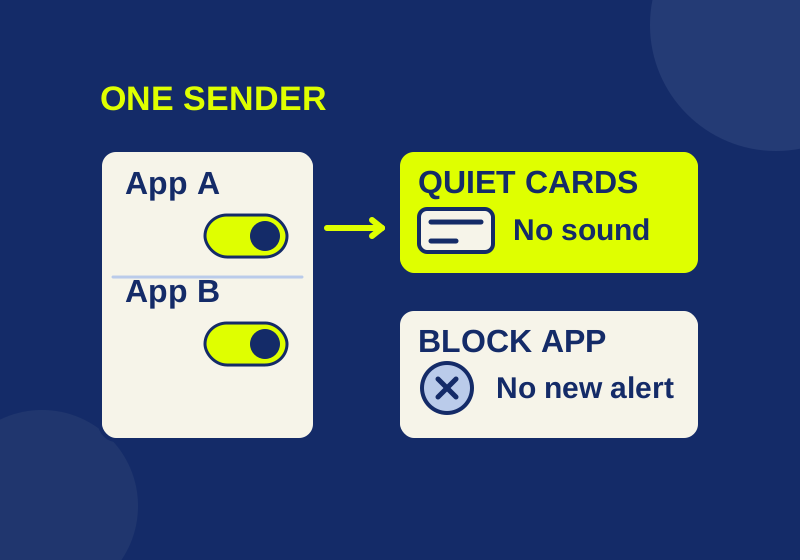
How to turn off one app's Windows 11 notifications without silencing everything
Silence the sender you meant to change, with a local preview of app, banner, sound and Notification Center controls.
SOURCE-CHECKEDEveryday tech
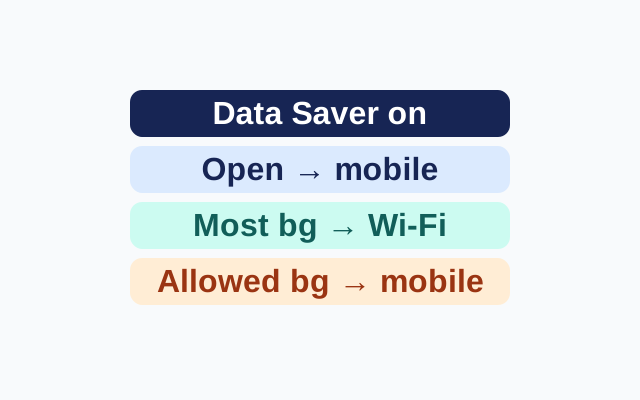
Use Pixel Data Saver without interrupting one important app
Data Saver lets active apps use mobile data but limits most background data to Wi-Fi. Unrestricted data provides an app-specific exception.