SOURCE-CHECKED · EVERYDAY TECH
Google Messages check marks: sent, delivered and read mean different things
Read Google Messages RCS status icons, check why SMS has no matching ticks, and separate delivery evidence from a person agreeing to your message.
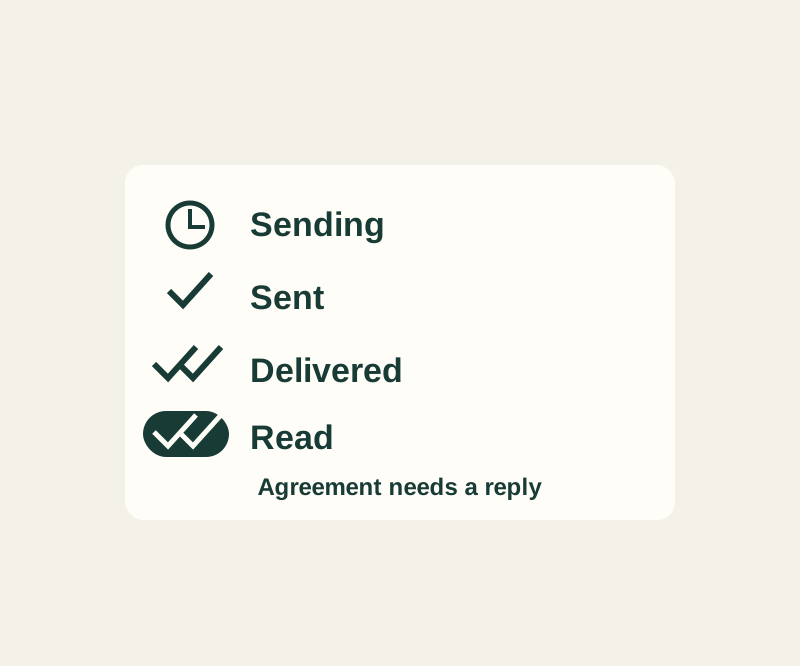
Google Messages check marks tell you how far an RCS message has progressed. They do not tell you whether the recipient agrees with a plan or intends to reply.
Read the status icon
According to Google’s RCS status guide:
- A timer means the message is being sent.
- One check mark means it was sent.
- Two check marks mean it was delivered.
- Two filled check marks mean it was read.
These icons do not appear for SMS or MMS messages. If you see no check marks, first check the message type instead of treating their absence as evidence that you were blocked or ignored.
Check whether the chat uses RCS
The Send icon in the compose box shows whether the message will use Wi-Fi or mobile data, SMS, or MMS. Use that indicator rather than the bubble color. RCS requires all participants to have it turned on, and availability depends on the region and carrier. In Google Messages, open your profile, then Messages settings > RCS chats; the setting may be called Chat features. “Connected” means you can use RCS with others who have it on, while “Connecting” means your number is being verified. Google explains these settings here.
To see someone else’s read receipt, they must turn on read receipts in their settings. Your Send read receipts setting controls whether others can see when you read their messages. An RCS message without a read receipt is therefore no basis for guessing how someone feels about it.
For a message such as “Meet at the east entrance at 14:30. Please reply YES if that works,” two checks confirm delivery; the requested YES reply is still needed to confirm the plan.
If the message has not been delivered
Google says Messages continues trying to deliver an unsent message. Loss of data or cellular service can prevent immediate delivery. For an undelivered message, open the conversation, tap the message’s timestamp, and choose Switch to text (SMS/MMS). SMS and MMS are not end-to-end encrypted. Google’s RCS settings instructions warn that turning RCS chats on and off removes you from group chats, so avoid that as a routine delivery fix. See Google’s delivery guidance.
Source note: Google’s help pages above were checked October 14, 2026. The message status practice lab used six preset scenarios and displayed fixed explanations; it did not connect to an account or send messages. The behavior was not tested on a physical phone.
KEEP GOING
More to explore.
SOURCE-CHECKEDEveryday tech
Android camera or microphone blocked? Check the app and the phone-wide switch
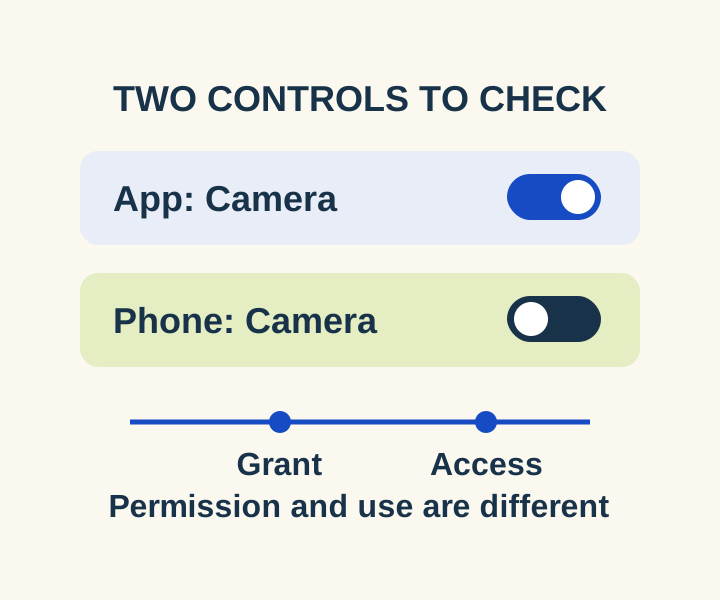
Check the two controls for a blocked camera or microphone, then distinguish an allowed permission from a recorded access.
TESTEDEveryday tech
Chrome spell check: fix the language without sending text to Google
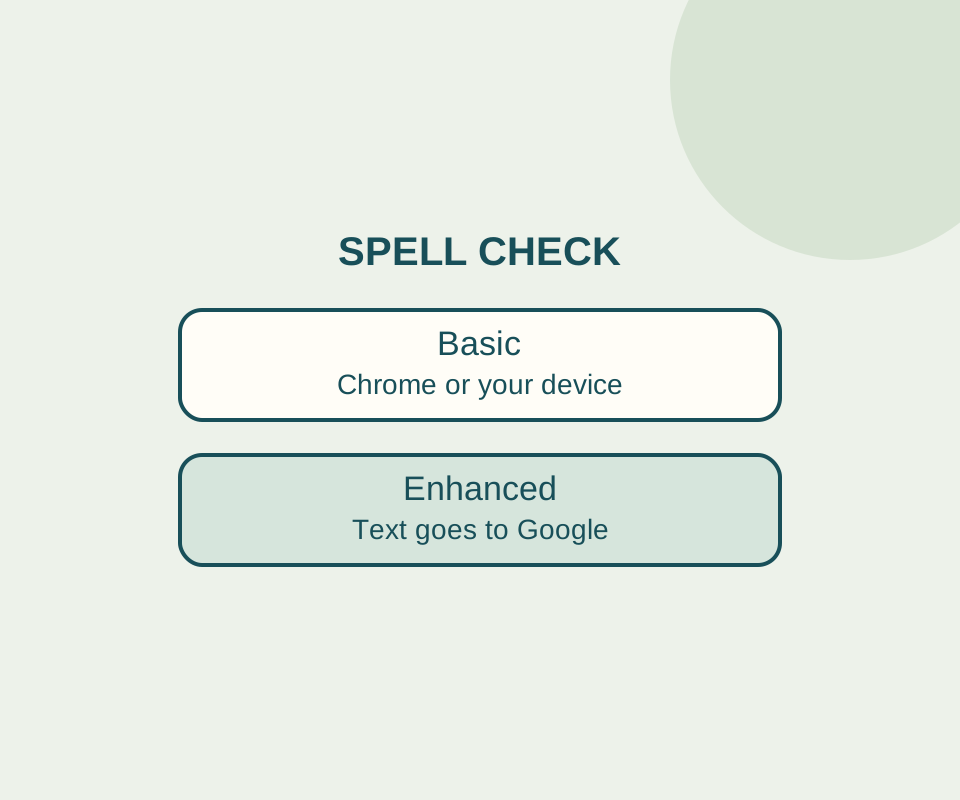
Basic spell check keeps text away from Google for spelling. Check the language and custom dictionary before switching it off.