TESTED · EVERYDAY TECH
Chrome spell check: fix the language without sending text to Google
Choose Basic or Enhanced Chrome spell check, check the right language, and remove a mistaken custom word without changing page translation.
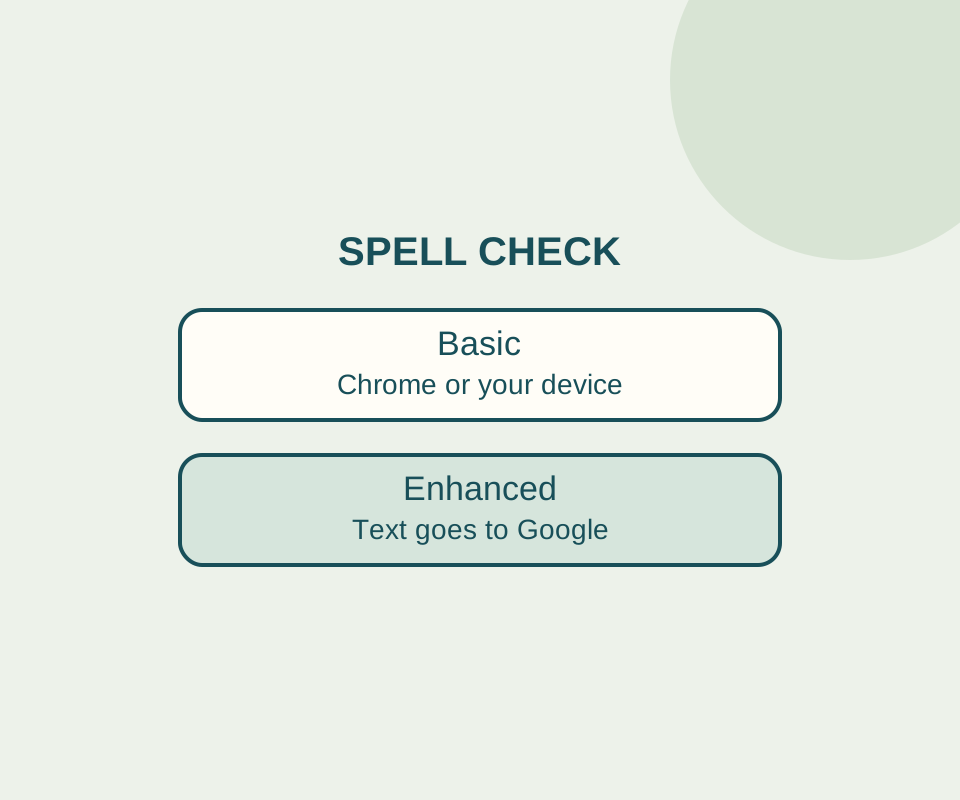
Choose Basic spell check if you want spelling suggestions without sending the text you type to Google for that purpose. If Chrome flags a word you meant to write, check the selected language and custom dictionary before turning spell check off.
Check the language
Open Chrome’s Languages settings. Make sure Check for spelling errors when you type text on web pages is on, then look under Use spell check for. Turn on the language you write in.
Windows Chrome can list English (United States) and English separately. In the checked settings, English (United States) was on and English was off. Check the actual toggle for the language you write in.
Add a name you use
A place or person’s name may be correct even when it is absent from a spelling dictionary. Open Customize spell check, enter the word in Add a new word, and select Add word.
If you add a typo by mistake, return to the custom-word list and use Delete word. An isolated Windows check added the invented name Harborview and then removed it with that control. Google notes that custom words are available on some operating systems, so the same controls may differ on another device.
Choose Basic or Enhanced
Chrome offers two spell-check options:
- Basic uses Chrome or your operating system for spell checking. According to Google, it does not send text entered in the browser to Google for spelling.
- Enhanced sends text entered in the browser to Google for improved spelling suggestions.
Choose Basic if you want to avoid sending that text to Google for spell checking. This setting does not stop a website from receiving text you submit to it.
Try the settings with a sample
The spell-check practice page has an editable note: “Please bring the blue umbrela to Harborview. The picknic starts at noon.” Umbrella and picnic are the intended spellings; Harborview is an invented name that could be legitimate. You can edit the note and use Restore sample to start over. The page does not force or grade Chrome’s underlines or suggestions.
The practice page does not upload what you type there. If Enhanced is selected, Chrome itself can still send entered text to Google for spelling suggestions.
If spell checking still seems wrong, check the master switch, the selected language, and your custom words. Chrome’s Google Translate switch is in a separate section; translating a page or selection is a different task.
Source note: Google’s Chrome spell-check help describes Basic, Enhanced, and operating-system differences. The control labels and Harborview add-and-delete result were recorded on Windows in Chrome 154.0.8037.98 on October 14, 2026. That check did not test spelling suggestions or network traffic.
KEEP GOING
More to explore.
SOURCE-CHECKEDEveryday tech
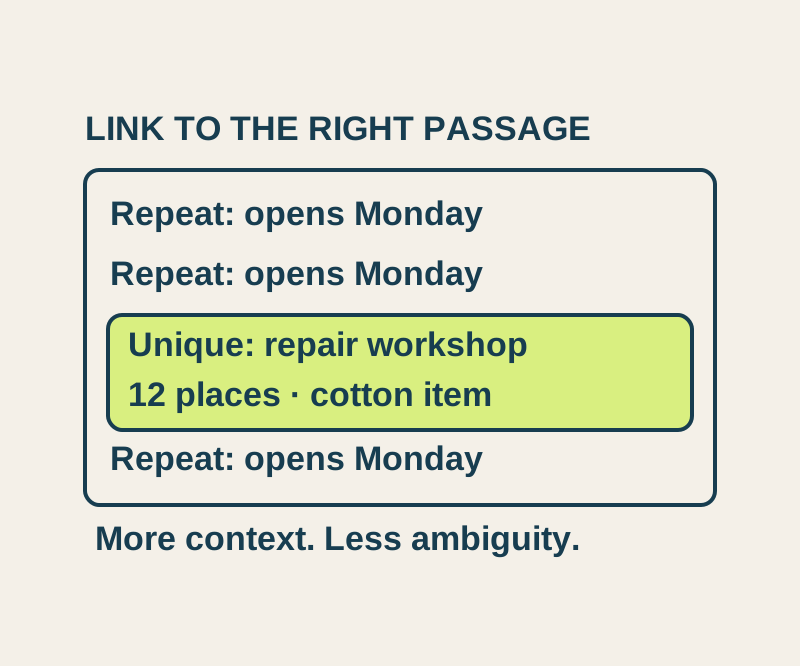
Chrome Copy link to highlight: share a passage and fix the wrong match
Send a precise passage, understand repeated matches, and try four real text-link outcomes in an original sample notice.
TESTEDEveryday tech
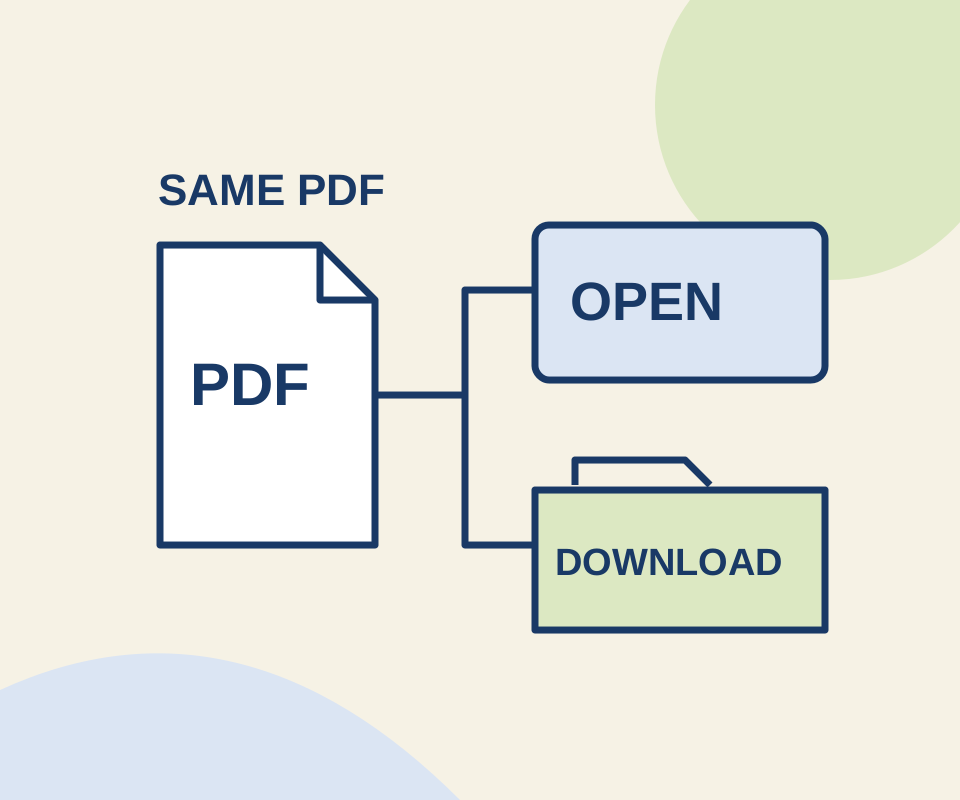
Chrome PDF open or download: fix the setting that changes the result
Two links use the same original PDF. A routing check shows why the Open setting does not make an explicit download link behave like an ordinary link.