TESTED · EVERYDAY TECH
Chrome PDF open or download: fix the setting that changes the result
Choose whether PDFs open in Chrome or download, then compare one original PDF across ordinary links, explicit downloads, and an attachment response.
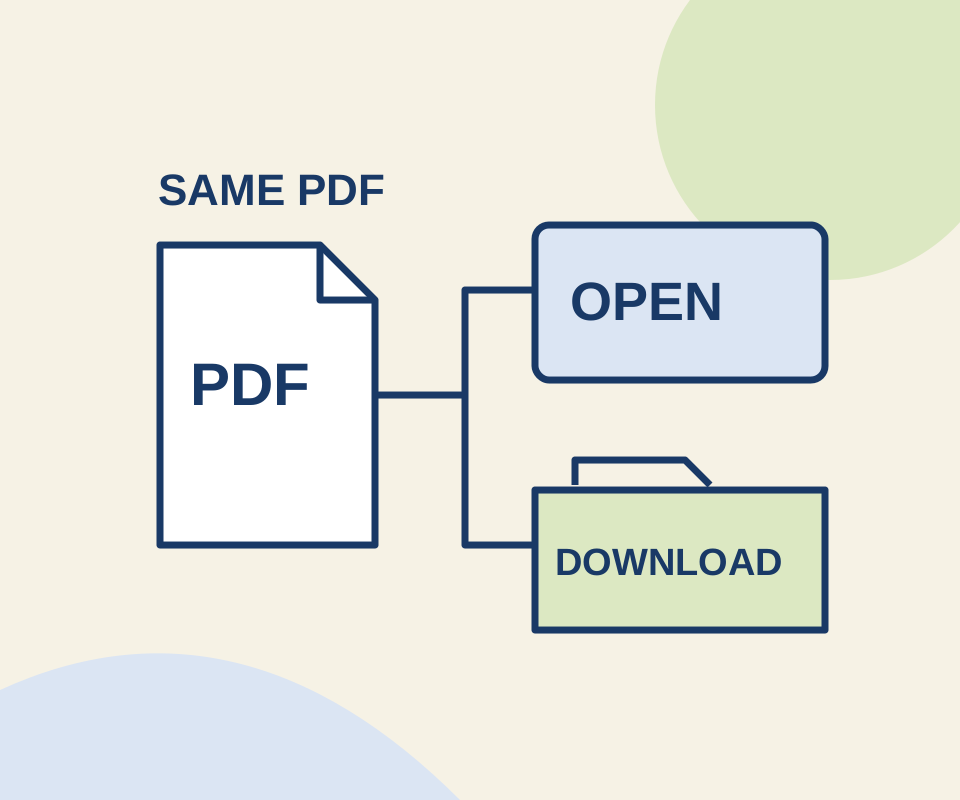
To choose what normally happens when you open an online PDF, go to More > Settings > Privacy and security > Site settings > Additional content settings > PDF documents. Select Open PDFs in Chrome to open them in Chrome, or Download PDFs to save them. On desktop, you can also enter chrome://settings/content/pdfDocuments in the address bar.
Try the setting with one PDF
The PDF practice page has two links to the same one-page PDF. With Open PDFs in Chrome selected, use the ordinary link first, then the link labeled to download the PDF. Check Chrome’s Downloads list to see which action saved a file. Switch to Download PDFs, try the ordinary link again, and restore your preferred setting afterward.
The sample contains the marker BLUE PAPER 612. The links use the same file, so a different result does not mean you received a different document.
A Windows Chrome routing check produced these results:
| Setting and request | Observed result |
|---|---|
| Open PDFs in Chrome; ordinary link | Built-in viewer frame opened; no download event. |
| Open PDFs in Chrome; explicit download link | Saved howcurio-opening-practice.pdf. |
| Open PDFs in Chrome; server attachment response | Saved forced-attachment.pdf. |
| Download PDFs; ordinary link | Saved opening-practice.pdf. |
All three saved files matched the original PDF bytes. The headless viewer stayed on its loading indicator, so this check establishes where Chrome routed the file, not whether the viewer finished displaying it.
Why a PDF can still download
The setting controls Chrome’s usual handling of PDFs; a link or server response can request a download. The practice page’s explicit link uses the HTML download attribute for a file on the same site. The separate attachment case used a server response requesting a download; it is not a public link in this exercise. If only a site’s Download button saves a file, compare an ordinary link to that PDF before treating the preference as broken.
If a PDF has already been saved, double-clicking it uses your Windows default app for PDF files. To change that app, see Set the default PDF app in Windows. If Chrome’s PDF setting is missing or managed, ask your administrator.
Sources: Google Chrome Help for the desktop setting; MDN for inline and attachment responses. The October 12, 2026 trial used Windows Chrome 154.0.8037.98 in an isolated headless profile and checked viewer-versus-file routing. It did not test Windows app association or other websites.
KEEP GOING
More to explore.
TESTEDEveryday tech
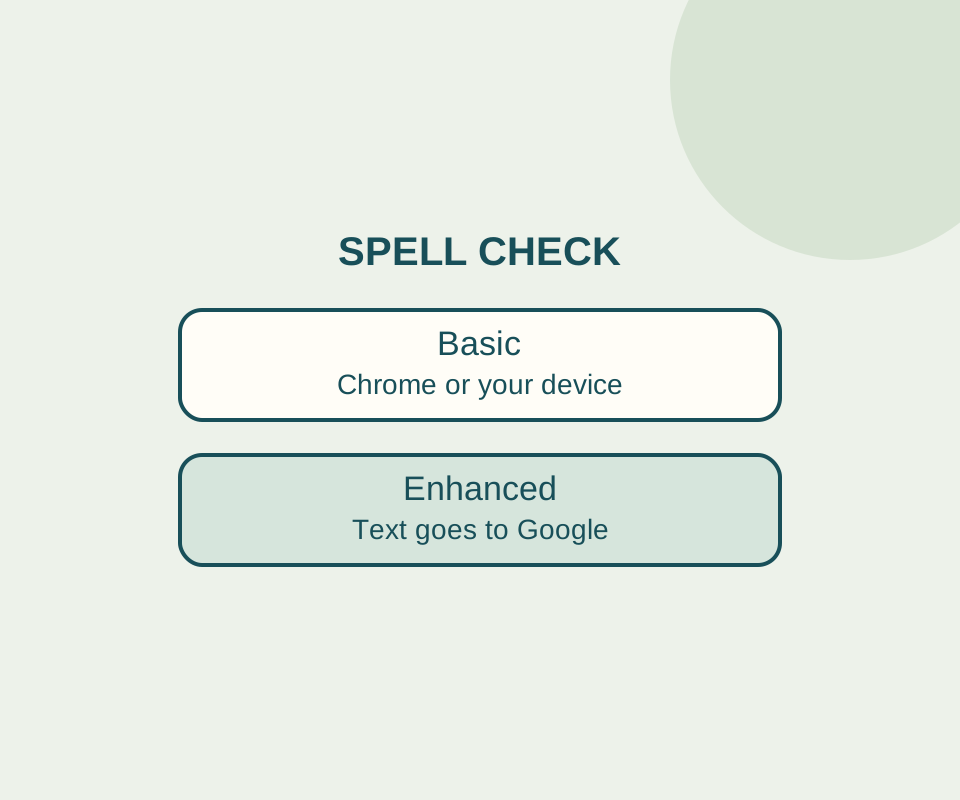
Chrome spell check: fix the language without sending text to Google
Basic spell check keeps text away from Google for spelling. Check the language and custom dictionary before switching it off.
TESTEDEveryday tech
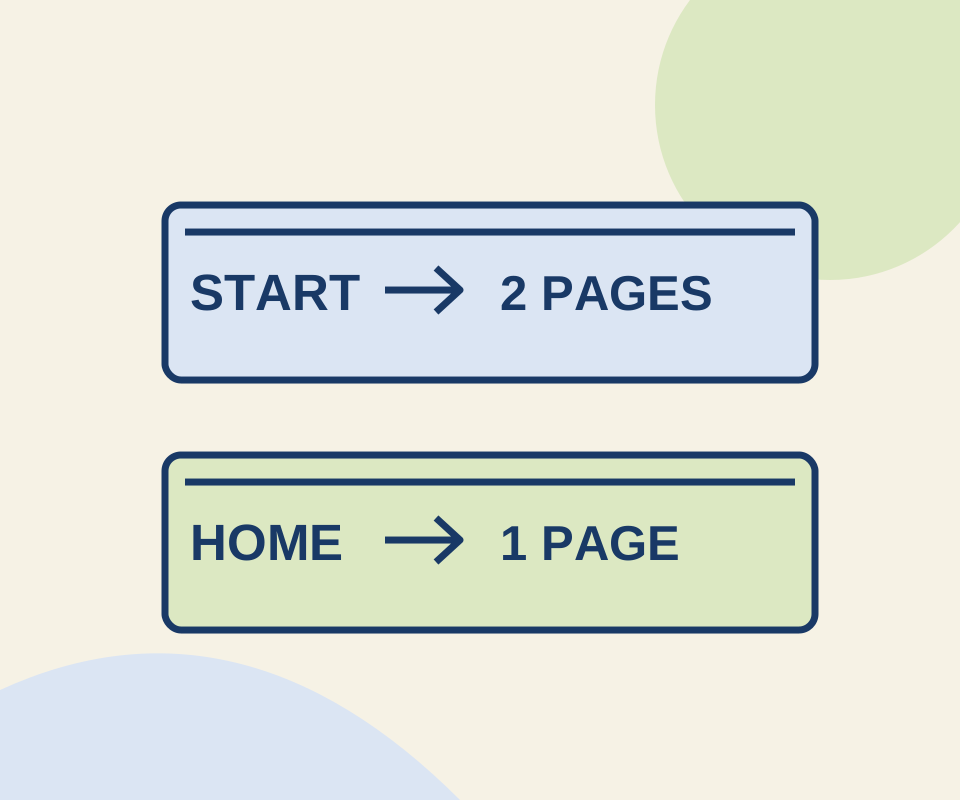
Chrome startup pages and Home button: set the page that opens at the right time
Two configured pages reopened after a full Chrome relaunch. Use the same small exercise to distinguish a startup set from the Home button's destination.