SOURCE-CHECKED · EVERYDAY TECH
How to change the default PDF app in Windows 11
Change the Windows 11 PDF default, distinguish browser previews from downloaded files, and check your reader with a real fillable practice PDF.
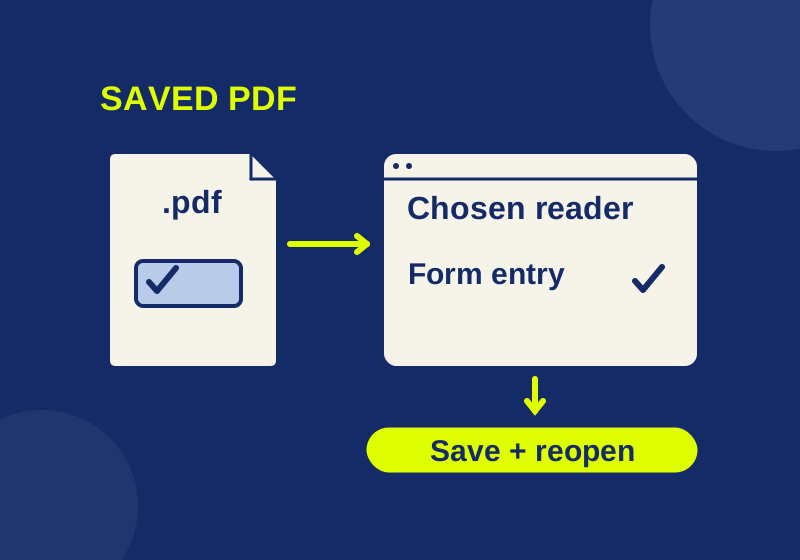
To change which app opens saved PDF files in Windows 11, go to Settings > Apps > Default apps, search for .pdf, select the matching file type, and choose your preferred installed app. Check the result by double-clicking a downloaded PDF in File Explorer. You can change the PDF association without making that app your default web browser. Microsoft’s default-app instructions
An app opening the document successfully tells you where Windows sent it. Whether that app can preserve your form entries is a separate question. The practice PDF below lets you check both without using a personal document.
Start with a saved file
Download the blank PDF viewer check and find it in File Explorer. Double-click it before changing the setting, and note which app opens. Keep the name of the previous default so you can restore it later.
This is a real one-page document containing searchable text, a text field, and a checkbox. Its contents are fictional, and you may reuse or redistribute it. There is no need to enter your name, email address, or any other personal information.
If the filename does not visibly end in .pdf, use File Explorer > View > Show > File name extensions to display extensions. A file ending in .pdf.html, for example, has a different final extension. Renaming it does not convert its contents into a PDF. Microsoft’s file-extension guide
For a one-time preview in another installed app, right-click the saved file and use Open with. Choose the option that opens this file once if you want to retain your existing default; dialog labels can differ. Confirm that the app is installed and accepts PDFs if it is missing from the choices. Microsoft’s file-extension guide
Change only the PDF association
- Open Settings > Apps > Default apps.
- Search for
.pdf, including the leading dot. - Select the matching extension and choose the installed app you want.
- Return to File Explorer and double-click the saved practice PDF again.
The immediate result should be the intended app opening that local file. Avoid using a PDF tab that was already open in a browser as your check. Settings also lists associations under individual applications, but searching the extension keeps this change focused on PDF files. Microsoft’s default-app instructions
If the same unwanted app opens again, return to the .pdf entry and see which app it names. Then confirm that you opened the downloaded file, rather than its original website preview or a shortcut. This gives you two specific observations to report: the handler shown in Settings and the app that actually opened the local file.
Check what the reader does with a form
Use the practice file for a small, repeatable check before trusting the reader with an application form or another document you need to return.
- Search for
BLUE LANTERN 427. The marker is ordinary text on the page. Finding it checks search on this text PDF; it does not establish that the app can recognize text in a scanned image. - Select and copy
The library opens at 10:30.Confirm that you copied those words, including the time. You do not need to copy the whole page. - Enter
DEMO-427in the text field and select the confirmation checkbox. The typed value and checkbox are two distinct pieces of form data. - Save a new copy with a different filename, such as
pdf-viewer-check-completed.pdf. Record where you put it. - Close that copy, then open the saved copy from File Explorer. Look for
DEMO-427and the selected checkbox again.
The filled reference PDF contains those stored values for comparison. It was created and reopened with a PDF library. It is an expected-result file, and does not establish that Edge, Adobe, or any other app saved the exercise successfully.
Keep the blank original and completed copy separate. If the original still shows an empty field and an unchecked box, that is expected. If your completed copy opens blank, confirm its filename and location before repeating the whole exercise. Downloading the blank file again creates another starting copy, not a recovery of the entries you typed.
Use the app’s save operation for this exercise. Printing to PDF may flatten the fields, producing a different kind of result. A page showing your text after printing can be readable while no longer containing editable form fields. Decide whether your actual task requires a readable final page or a form that remains editable before sending it.
Why a website PDF may still open in a browser
A web preview and a downloaded file opened from File Explorer take different paths. Edge has its own viewer for online, embedded, and local PDFs. A website showing the practice PDF in a tab therefore does not establish that your local Windows association is wrong. Microsoft’s Edge PDF documentation
Managed Edge policy can change whether PDFs display internally or become downloads. Microsoft documents an exception when Edge itself is the default PDF reader. If your work browser is managed, ask your administrator about the configured behavior; changing registry values is not a necessary step in this guide. Microsoft’s PDF policy documentation
If the practice file works but your real document fails
This exercise uses ordinary PDF form fields. Edge supports basic form filling, but Microsoft’s documentation excludes JavaScript forms and XFA forms. A real document can therefore require capabilities this exercise never checks. Follow the document provider’s instructions about the required app when those instructions are available. Microsoft’s Edge PDF documentation
Keep the failure description precise: the wrong app launched, the form would not accept input, or the saved copy lost an entry. Changing the default addresses the first problem. Repeating that change cannot add a missing form feature to the same reader.
To undo your choice, return to the .pdf entry in Default apps and select the previously noted app. Changing the association selects a handler; it does not edit the PDF’s text or replace its contents.
Microsoft’s instructions were checked on October 7, 2026. The practice files’ text and stored fields were inspected with a PDF parser. Windows default-app changes and reader save-and-reopen behavior were not independently tested for this article.
KEEP GOING
More to explore.
SOURCE-CHECKEDEveryday tech
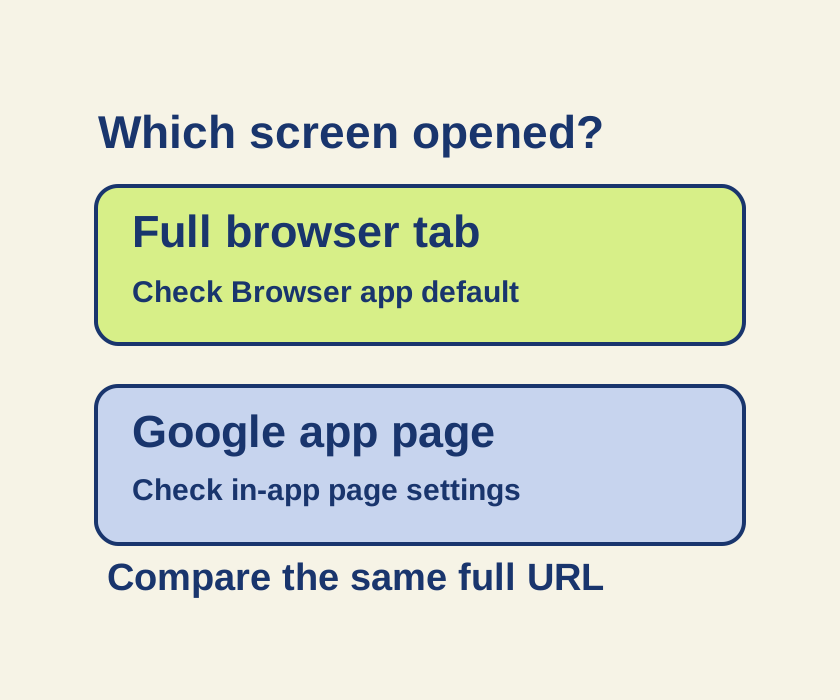
Android links open in the wrong app? Check the browser and the Google app
A Google app page and a full browser tab can follow different controls. Trace one link before changing every default.
SOURCE-CHECKEDEveryday tech
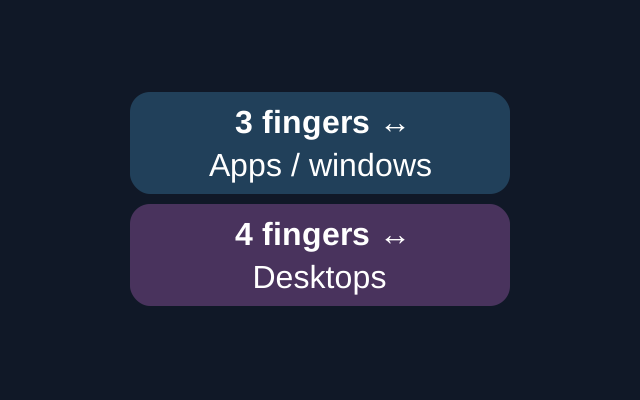
Change a Windows touchpad gesture that keeps switching apps
A sideways three-finger touchpad swipe switches between open apps or windows; four fingers switches desktops. Windows has separate settings for the two gestures.