TESTED · EVERYDAY TECH
Chrome startup pages and Home button: set the page that opens at the right time
Set a fixed Chrome startup list, keep it separate from the Home button, and try three original pages with recognizable destinations.
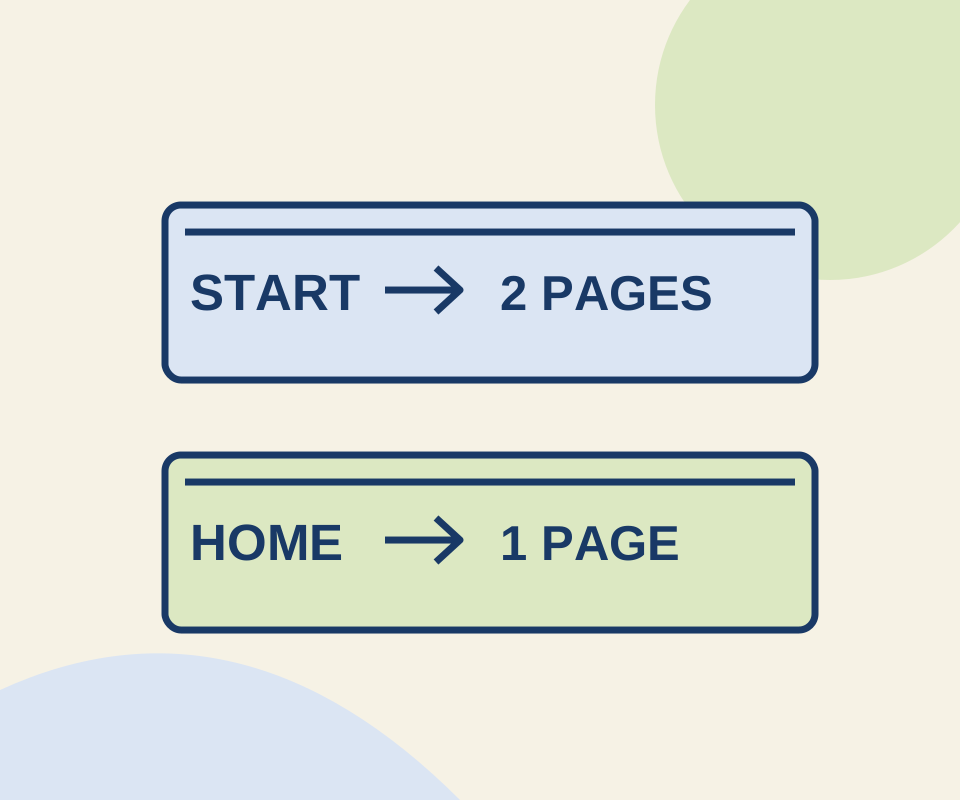
To open the same pages whenever Chrome starts, go to More > Settings > On startup > Open a specific page or set of pages. Select Add a new page, enter a site URL, and select Add. Repeat for each page you want in the set.
Try a two-page startup set
Open Morning desk and Reference desk. Copy each page’s full address from Chrome’s address bar and add the addresses one at a time under On startup. When you’re ready, save your work, close your Chrome session completely, and reopen it. Opening another window may not give you the same check as a full restart.
In an isolated Chrome profile, those two addresses were added through Add a new page. After Chrome was closed and relaunched, both pages loaded. The check did not establish which page opens first.
Keep Home and new tabs separate
The startup set does not set the page for every new tab or for the Home button. To choose the Home button’s destination, go to Settings > Appearance > Show Home button, then select New Tab page or enter a custom URL. The button appears to the left of the address bar. For a comparison, you can use Home desk as the custom destination; the Home-button part is a suggested exercise and was not included in the startup check.
If your chosen pages do not appear at startup, check that Open a specific page or set of pages is selected and that both addresses are in its list. Use an entry’s More actions > Edit or Remove to correct it. In an organization-managed browser, an administrator may control these settings. Reopening an accidentally closed tab is a different task; see how to reopen closed Chrome tabs.
Source and test scope: Settings follow Google Chrome Help. The October 12, 2026 check used isolated headless Windows Chrome 154.0.8037.98 and verified both configured pages after a full relaunch. It did not test the Home button, new tabs, session recovery, or unsaved content.
KEEP GOING
More to explore.
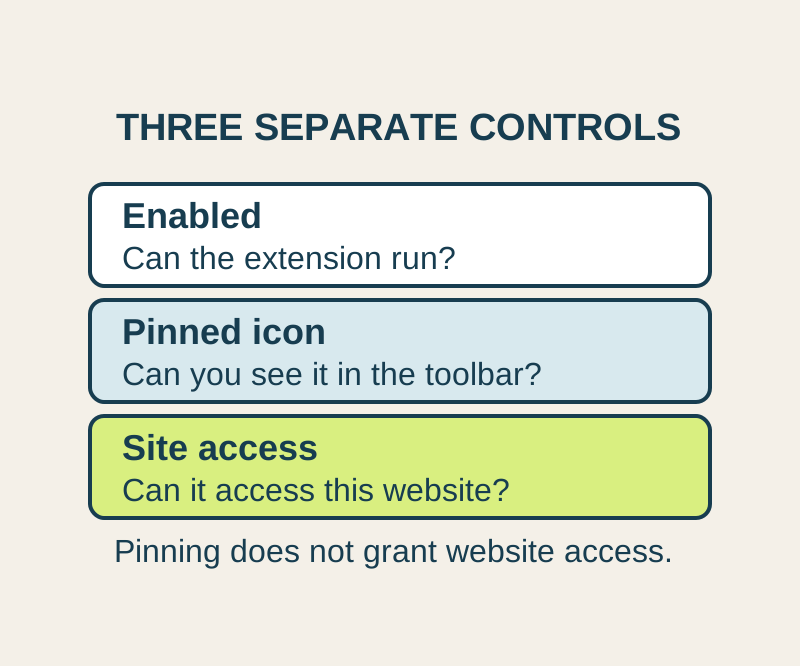
SOURCE-CHECKEDEveryday tech
Chrome extension site access: allow one website and find a missing tool
A missing toolbar icon and missing website permission need different fixes. Allow the site you need, and understand what this setting cannot control.
TESTEDEveryday tech
Chrome PDF open or download: fix the setting that changes the result
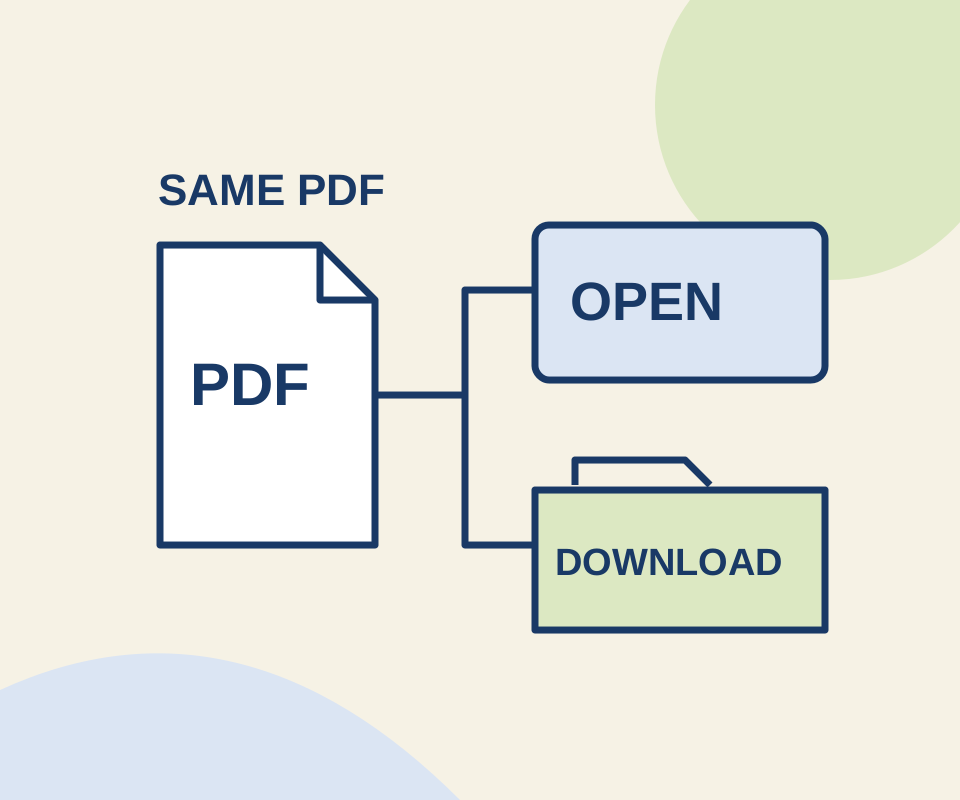
Two links use the same original PDF. A routing check shows why the Open setting does not make an explicit download link behave like an ordinary link.