SOURCE-CHECKED · EVERYDAY TECH
Find a song your Pixel recognized earlier
Find a recent identification in Pixel Now Playing History, save it to Favorites, and know what to do if it is missing.
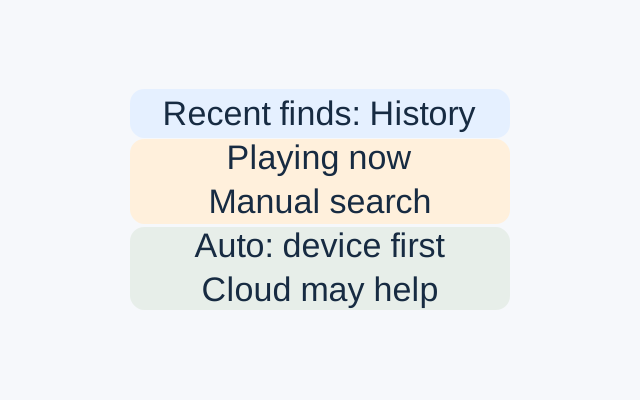
Open the Now Playing app and tap History. It lists songs Now Playing recently identified. Search for the song, or use the date and time filters if you remember when you heard it. When you find it, swipe left on the entry or tap More to add it to Favorites. You can find it again under Favorites.
If the song is missing
History records recent identifications, so an absent entry does not tell you why the song is missing. Automatic recognition starts with the phone’s on-device library and may search the cloud if that library finds no match.
If the music is still playing, tap Now Playing in the app or Quick Settings to start a manual search. Manual search checks music playing now, so it cannot identify audio from an earlier moment after it has stopped.
For future songs, check Settings > Enable Now Playing in the app. If you recently downloaded the app, Google says you may have to wait up to 24 hours to use it.
Source: Google Pixel Phone Help. These are Google’s documented instructions; they were not tested on a Pixel.
KEEP GOING
More to explore.
SOURCE-CHECKEDEveryday tech
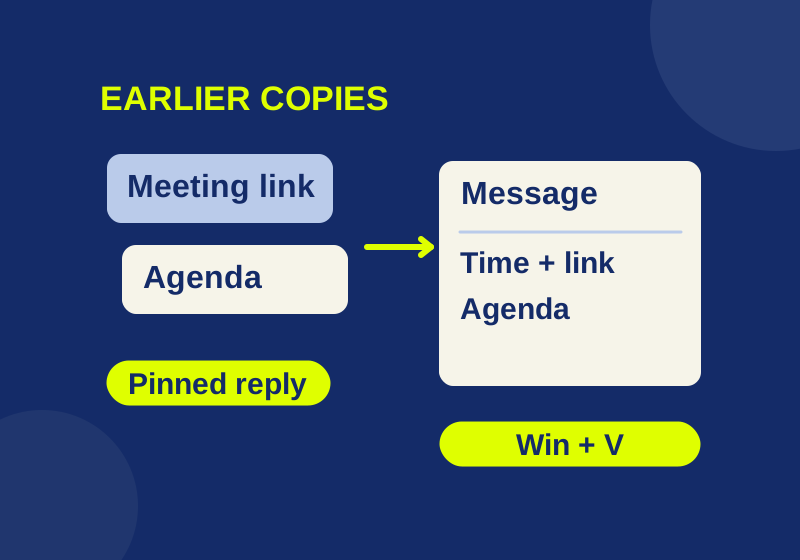
Windows 11 clipboard history: find earlier copies and save useful snippets
Get back an earlier copy and build a small set of replies, meeting notes, and reusable text. Includes an offline practice sheet.
SOURCE-CHECKEDEveryday tech
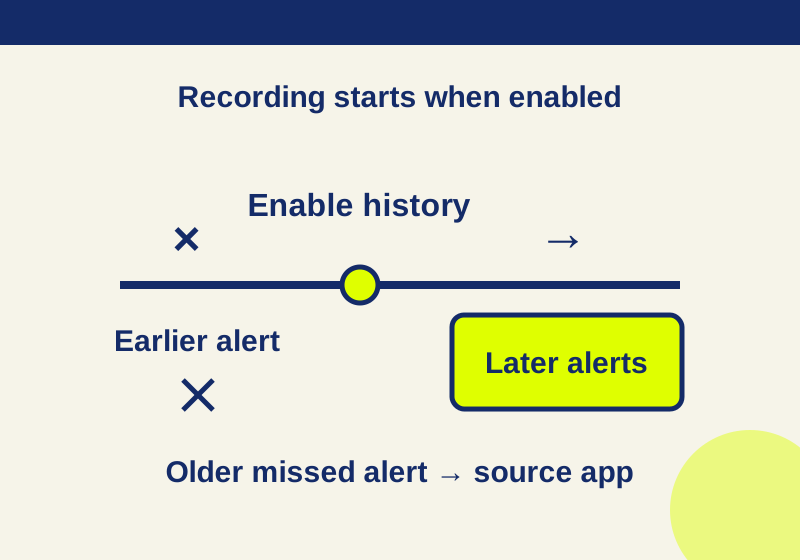
How to find dismissed Android notifications, and what empty history means
A recent recorded alert can lead back to its app. An empty history needs a different recovery route.