TESTED · EVERYDAY TECH
Windows shortcuts vs file copies: send the document, not its .lnk pointer
Check a Windows shortcut target before copying or sending it. Two original text files and a native shortcut trial explain which file contains the document.
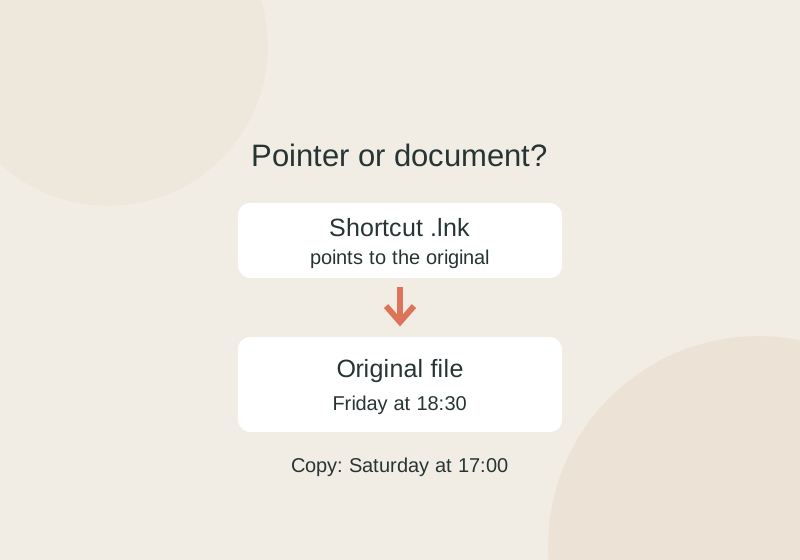
To send a document from Windows, find the file the shortcut points to and copy that file. A .lnk shortcut stores a target location; it does not contain the document’s contents. Sending the shortcut alone can leave the recipient with a pointer to a path on your computer. Microsoft’s Shell Link documentation
Find the document
In File Explorer, a shortcut usually has an arrow overlay and shows Shortcut as its type. Its name alone is not a reliable way to identify it. The file-extension toggle is not a reliable way to expose a shortcut suffix in Explorer. Use its Type and Properties instead. Microsoft’s file extension guide
Right-click a shortcut you recognize, choose Properties, open the Shortcut tab, and read Target. Open File Location can help you find the target. Check that you have reached the document you intend to share: a shortcut can also point to an application, with optional arguments. Avoid opening an unexpected shortcut just to discover where it goes. Microsoft’s Shell Link specification
Select the actual document, press Ctrl+C, go to a different folder, and press Ctrl+V. Send that copied document. A shortcut to a local path generally will not give someone on another PC access to your file; a shared target they can access is a separate case.
What the copy changes
In the original shortcut example, the source was a 43-byte text file whose second line said “Meeting: Friday at 18:30.” Copying its shortcut produced a 1,145-byte shortcut that still targeted the source. A separate copy of the text file was edited so its second line said “Meeting: Saturday at 17:00”; the original remained unchanged. Deleting the copied shortcut also left the original present. You can download the source text, independent copy, and reading notes to compare them.
Later edits to one file copy do not update the other. Deleting a shortcut leaves its target in place, while deleting the target removes the content unless it can be recovered elsewhere. If Target points to a USB drive, copy the real file before removing the drive; the shortcut may be unable to reach it afterward. Windows can sometimes resolve a target that was moved or renamed, so a changed path does not prove the shortcut is permanently broken.
Source note: The recorded example used Windows WScript.Shell COM to create and inspect a shortcut and copies. It did not test File Explorer double-clicking, broken-link resolution, USB or network access; no .lnk file is offered for download. The document links and properties above are based on the cited Microsoft documentation.
KEEP GOING
More to explore.
SOURCE-CHECKEDEveryday tech
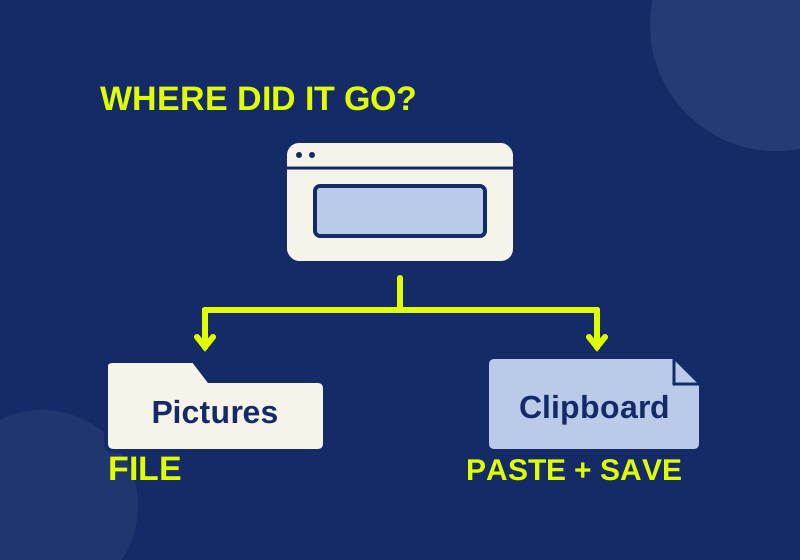
Where Windows 11 screenshots go: saved files and clipboard copies
Locate a saved screenshot or turn a clipboard capture into a file you can attach.

TESTEDEveryday tech
Open an RTF file after WordPad disappears, and keep its formatting
A small book club RTF, its converted DOCX and a PDF reference show what to preserve when opening an old rich-text document.