TESTED · EVERYDAY TECH
Open an RTF file after WordPad disappears, and keep its formatting
Use free LibreOffice Writer to open an RTF file after WordPad removal, save a DOCX copy, and check bold text, italics and content against a reading PDF.
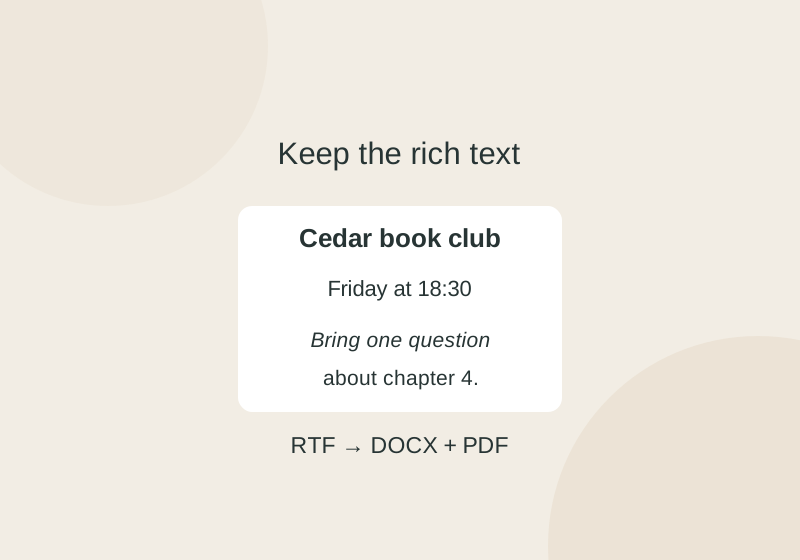
Open the .rtf file in LibreOffice Writer, then use File > Save As to make an editable .docx copy. Give the copy a new name or location so the original RTF stays available for comparison. Download LibreOffice.
Microsoft removed WordPad beginning with Windows 11 version 24H2 and Windows Server 2025. That change removes the app; it does not convert or delete your RTF documents. Microsoft recommends Word for RTF files. LibreOffice Writer is a free alternative that supports both RTF and DOCX. Microsoft’s removed-features list · LibreOffice file formats
Save an editable copy
- In Writer, choose File > Open and select your
.rtffile. - Check the text and any formatting you need to keep.
- Choose File > Save As, enter a fresh name, and select the Word 2007 to 365
.docxfile type. The file type label may vary. If Writer asks which format to use, choose the selected Word format. LibreOffice conversion guidance
You do not need to change Windows’ default app for RTF files to edit one document. Renaming a file from .rtf to .docx does not convert it.
Check the saved document
Try the sample RTF and compare it with the saved DOCX. The example has a bold “Cedar book club” heading, an italic question about chapter 4, a meeting time, a blank line, and a snacks line. The PDF reading reference and example notes provide another way to check those details. After saving your own copy, close it and reopen the new DOCX from its saved folder. In this sample, check that “Cedar book club” is still bold, the question is italic, and the meeting line still reads “Friday at 18:30.” Use the PDF as a reading reference for those details. The DOCX remains editable.
If Notepad shows commands such as \b or \par, you are seeing RTF’s formatting instructions as text. Changing that raw view to a .txt filename leaves the formatting commands in the text. Return to Writer to read and edit the formatted document.
Source note: The sample RTF was converted to DOCX and PDF with an isolated, headless LibreOffice run. Readback checks found the stated text, bold, and italic formatting in this simple example. Complex layouts, images, tracked changes, the Writer GUI, and Windows file associations were not tested.
KEEP GOING
More to explore.
SOURCE-CHECKEDEveryday tech
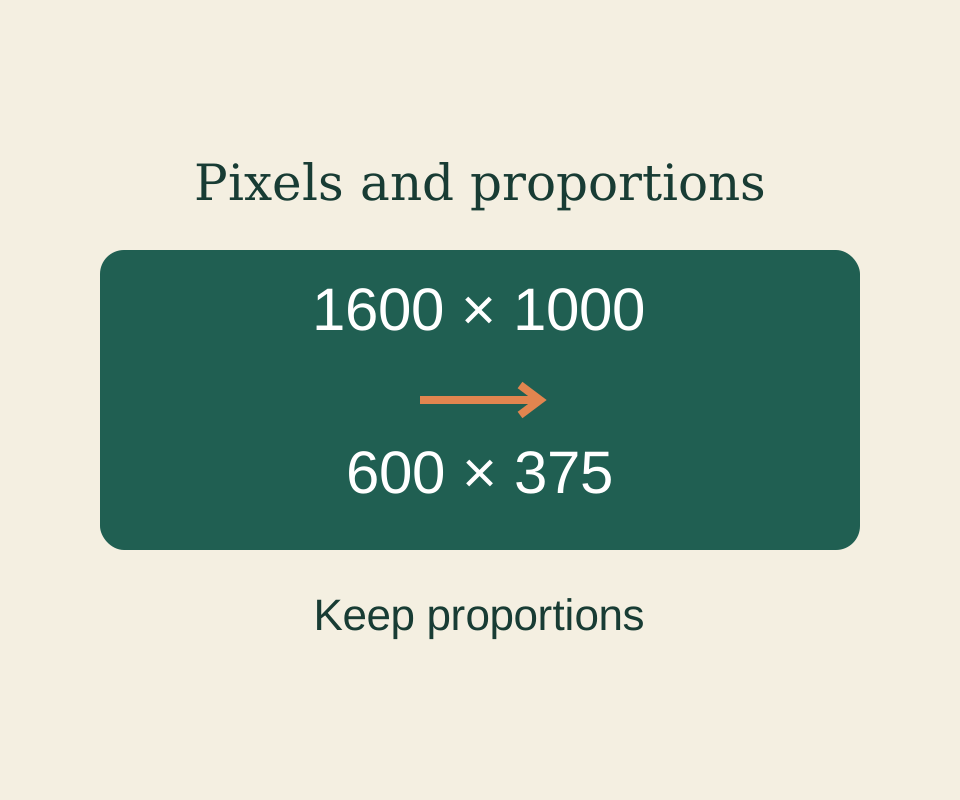
How to resize an image in Windows Paint without stretching it
Set proportional pixels in Paint and keep image dimensions separate from the saved file’s byte size.
TESTEDEveryday tech
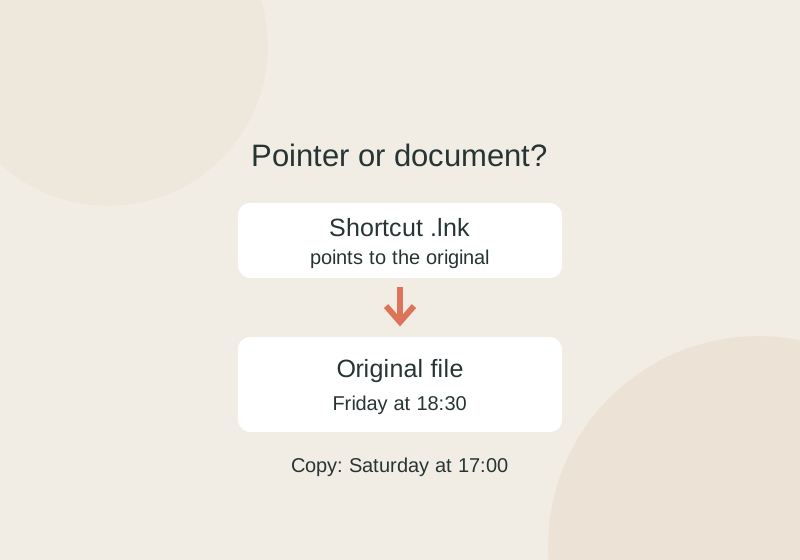
Windows shortcuts vs file copies: send the document, not its .lnk pointer
Copying a .lnk shortcut preserves its pointer to the original. A separate document copy can change without changing the original.