TESTED · EVERYDAY TECH
What resetting Chrome changes, and what it leaves alone
Understand a Chrome settings reset before using it: startup pages, site data, saved bookmarks and passwords, and the settings you may need to restore.
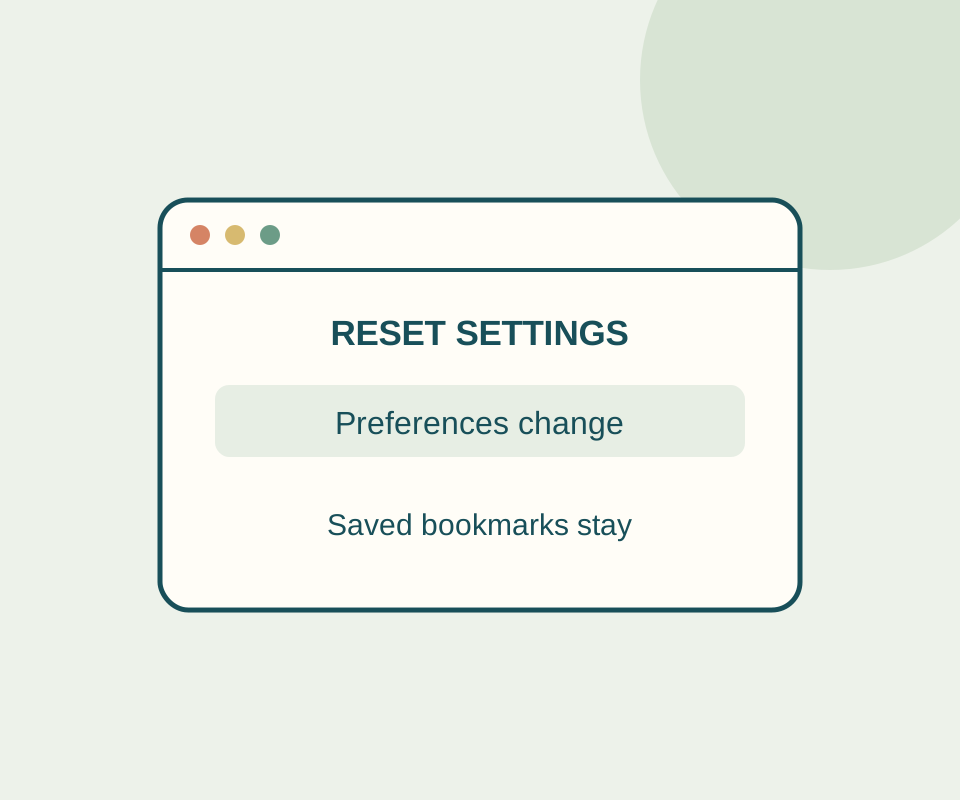
Resetting Chrome can restore a changed startup page, search engine, or site setting. Google says it leaves bookmarks and saved passwords unchanged. It is not a fresh Chrome profile: some font and accessibility settings remain.
What changes
To reset Chrome, open More > Settings > Reset settings > Restore settings to their original defaults > Reset settings. Google lists the default search engine, homepage, startup tabs, new tab page, pinned tabs, content settings, cookies and site data, extensions, and theme among the affected settings.
In an isolated trial, Chrome was set to open a specific local URL at startup. After the reset, New Tab was selected as the startup option. A cookie set to picnic=green on a local site was empty afterward, and that site’s localStorage value was absent. The text cursor setting, enabled through Chrome Accessibility before the reset, remained enabled.
That cookie result applies to the tested local site. Since a reset can clear site data, a site that relies on a cleared cookie may ask you to sign in again.
Before and after
Record any startup pages and extensions you rely on before resetting. You can use the temporary reset preparation notes while the page stays open; the notes do not inspect Chrome, save, or transmit what you type. Copy anything you need to keep before closing or reloading the page.
After resetting, check whether the problem persists before restoring your old setup. Then restore only the startup pages, extensions, and other settings you need. If you use a signed-in Chrome profile, Google says its reset settings change across devices signed in to that profile.
Source and test scope: Google’s Chrome Help describes the reset; the October 13 trial used isolated, headless, signed-out Windows Chrome 154.0.8037.98. It did not test bookmarks, passwords, extensions, or sync.
KEEP GOING
More to explore.
TESTEDEveryday tech
Chrome PDF open or download: fix the setting that changes the result
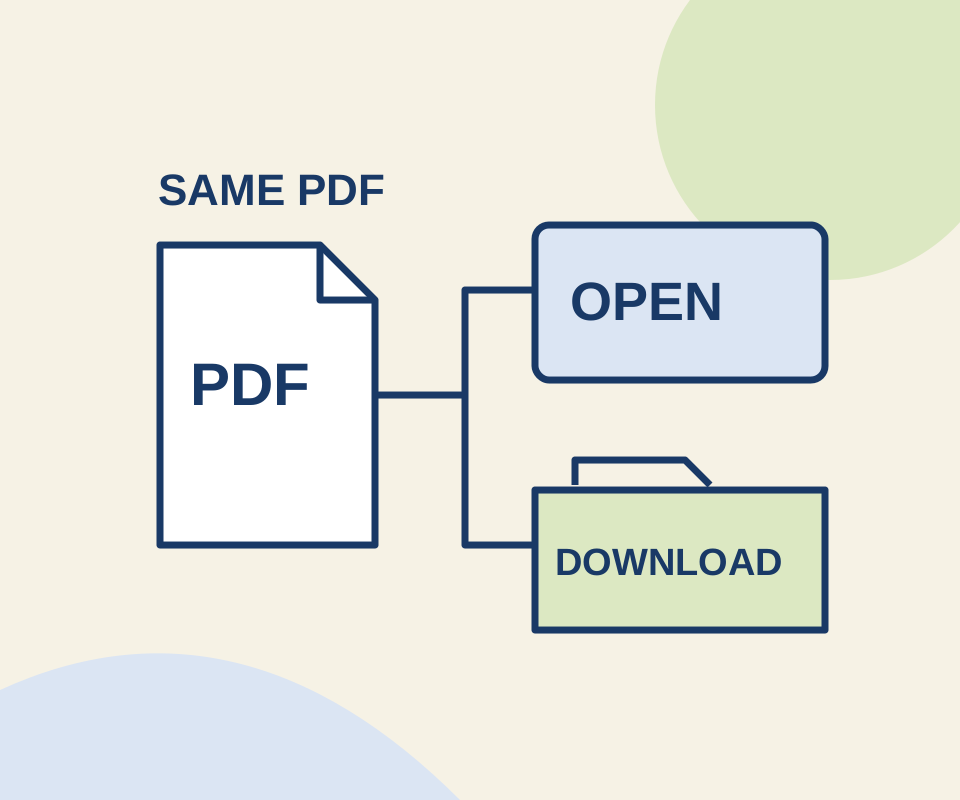
Two links use the same original PDF. A routing check shows why the Open setting does not make an explicit download link behave like an ordinary link.
TESTEDEveryday tech
Windows Unblock file: what it removes and when to leave it alone
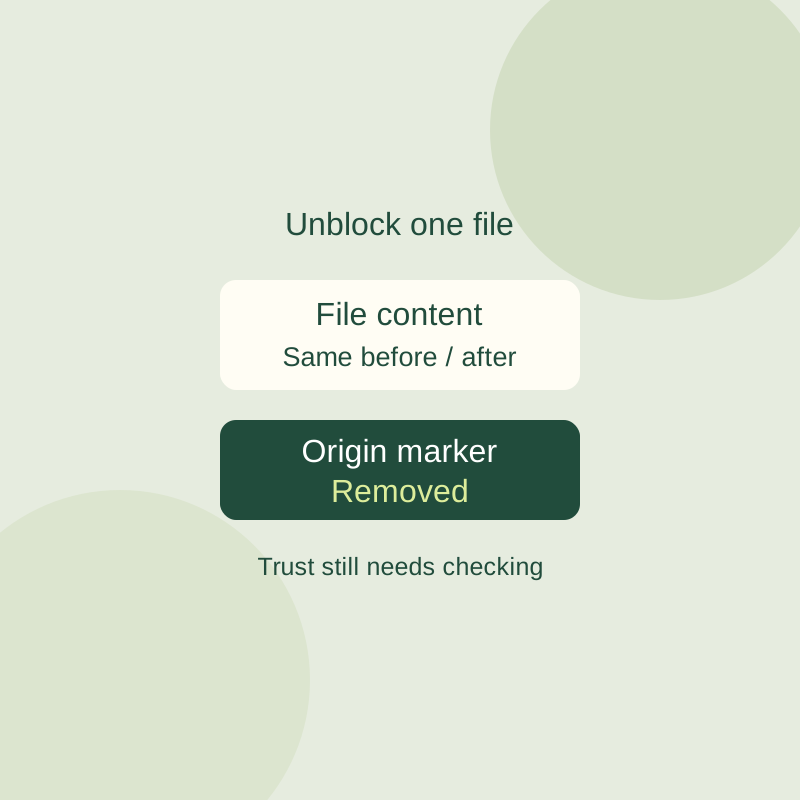
Inspect a downloaded file warning and unblock one verified file without changing global Windows security settings.