SOURCE-CHECKED · EVERYDAY TECH
iPhone unknown calls going silent? Separate screening from the filtered call list
Check Never, Ask Reason for Calling and Silence, find the separate Unknown Callers list, and adjust the right control when you are expecting a new caller.
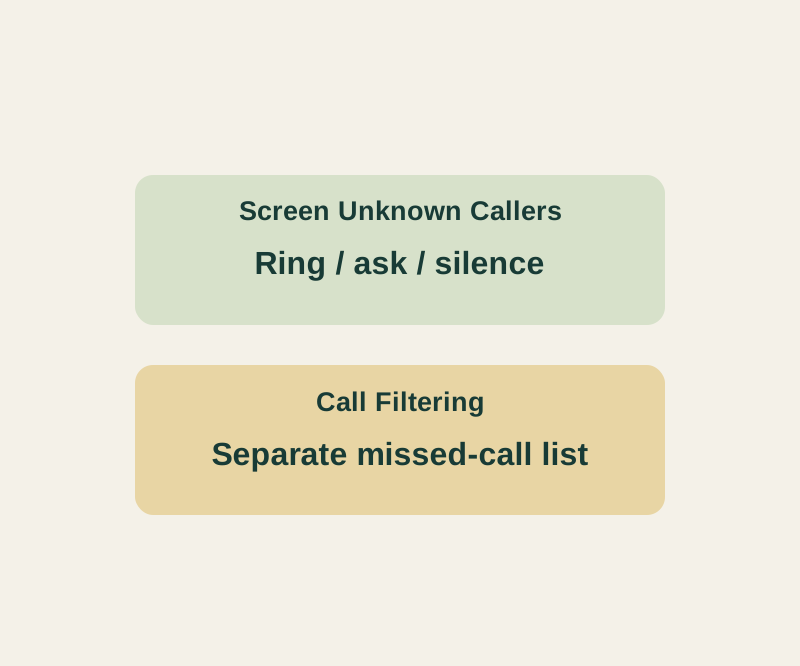
If a call from an unsaved number never rang, check two separate iPhone settings: Screen Unknown Callers controls how the call is handled, while Call Filtering controls where missed calls and voicemail appear. An unknown caller is an unsaved number; it is not necessarily spam.
Choose how unsaved callers reach you
Go to Settings > Apps > Phone > Screen Unknown Callers. Apple documents three options: Never, Ask Reason for Calling, and Silence.
| Setting | What happens |
|---|---|
| Never | Unsaved numbers ring like other calls. |
| Ask Reason for Calling | The caller is asked why they’re calling before your phone rings. |
| Silence | The call is silenced and sent to voicemail. |
Suppose you’re waiting for a repair shop to call back. Saving the shop’s main number may not help if its callback comes from a different number. You can choose Never during the expected callback window if you’re willing to let all unsaved numbers ring, then return to your preferred setting afterward. Ask Reason for Calling offers a way for a caller to explain the call, but don’t assume an automated callback can do so. Choose Silence if you’re comfortable checking voicemail and returning the call.
Find a missed call that was filtered
A separate switch at Settings > Apps > Phone > Call Filtering > Unknown Callers moves missed calls and voicemail from unknown callers to a separate list. In the Phone app, tap Filter > Unknown Callers. Apple identifies the regular call view as Recents in Classic layout or Calls in Unified layout. Check the Unknown Callers list before concluding that no call arrived. Apple’s call-screening guide describes both settings.
If a saved contact also doesn’t ring
Check Silent mode and whether a Focus is active in Control Center. You can also review Settings > Apps > Phone > Blocked Contacts for a number blocked inadvertently. Apple’s troubleshooting guide covers these checks.
Apple says call screening does not operate while roaming, and a call to emergency services turns it off for 24 hours. Standard calling and data rates may apply. If the documented controls are absent, your iPhone’s available settings may differ. Apple’s call-screening guide provides the current paths.
Source note: Apple’s current guides were checked October 14, 2026 KST. These paths describe the current Phone controls; older versions can show different options. No physical iPhone or native calling behavior was tested for this article.
KEEP GOING
More to explore.
SOURCE-CHECKEDFree digital life
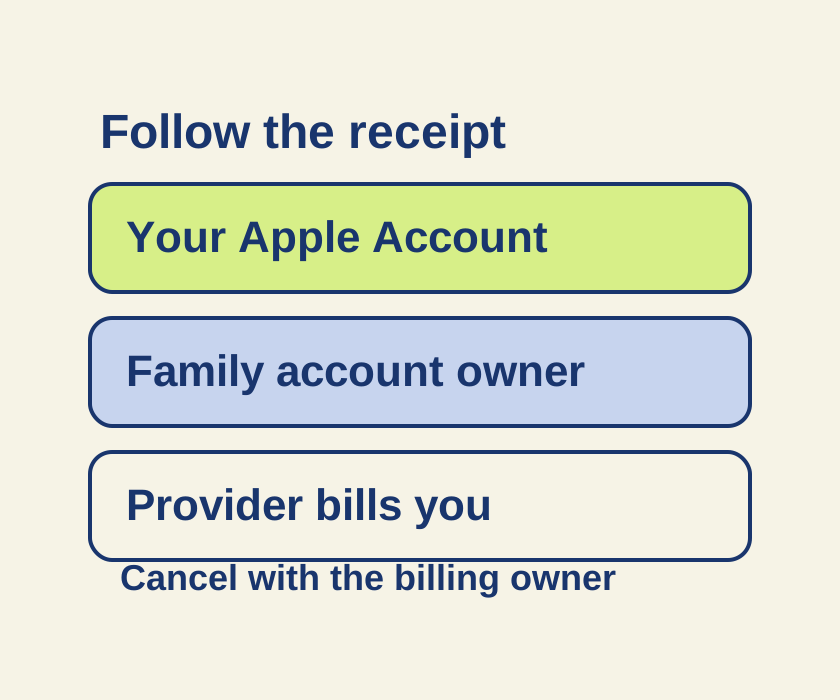
Cancel an iPhone subscription, even when it is missing from Settings
Match the subscription to its receipt before changing accounts or looking for a missing Cancel button.
SOURCE-CHECKEDEveryday tech
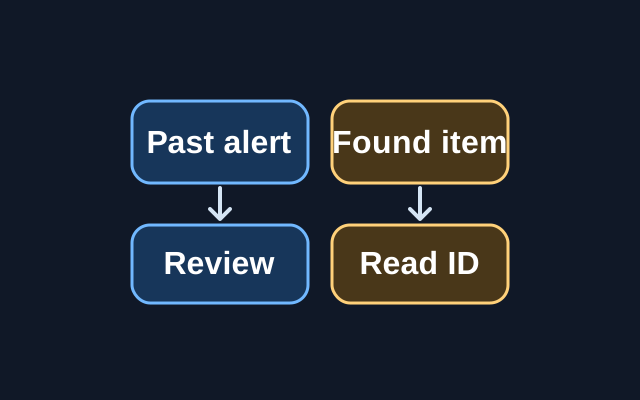
An unknown tracker alert on iPhone: find the item and keep its details
A previous alert can be reviewed in Find My, but Apple’s step for viewing a tracker’s serial number or device ID requires the physical item.