SOURCE-CHECKED · FREE DIGITAL LIFE
Cancel an iPhone subscription, even when it is missing from Settings
Find who bills your iPhone subscription, cancel through the right Apple Account or provider, and distinguish cancellation from a refund request.
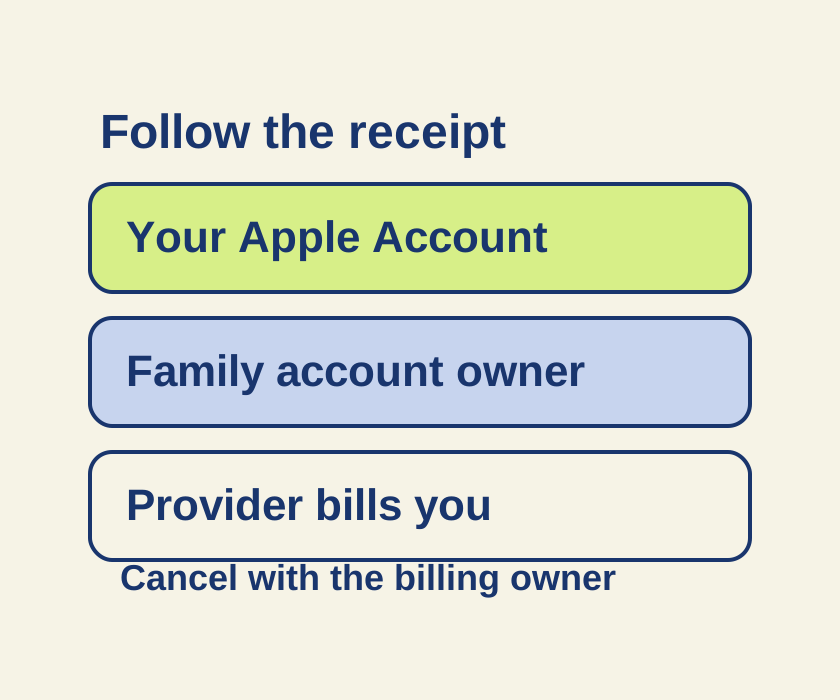
If Apple bills the subscription, open Settings > your name > Subscriptions, select the subscription, then tap Cancel Subscription. You may need to scroll to find the button. If there’s no cancel button or you see a red expiration message, Apple says the subscription is already canceled. For a trial, cancel at least 24 hours before it ends. Apple lists regional exceptions in its cancellation guide.
Find who billed you
If the subscription is missing from Settings, search your email for the exact phrases “receipt from Apple” and “invoice from Apple.” Check the Apple Account shown on the receipt. A subscription bought through another account must be managed through that account; if a family member owns it, that person must cancel it.
If you find no Apple receipt, check your bank or card statement for the biller and contact that company. This also applies to subscriptions billed through a carrier. Apple’s cancellation guide explains these billing routes. Its purchase history instructions can help you look up a purchase by amount, but finding a purchase is not confirmation that renewal has stopped.
Three imaginary receipts for an example app called PaperTrail would lead to different cancellation routes:
| What the receipt says | Where to go |
|---|---|
| PaperTrail annual plan, billed by Apple, under your Apple Account | Open your own Subscriptions screen and inspect the annual plan. |
| PaperTrail, billed by Apple, under a family member’s Apple Account | Ask that family member to cancel through their account. Searching your own Settings will not cancel their subscription. |
| PaperTrail, billed by PaperTrailWeb | Use the merchant’s website or support to request cancellation, even though the app is on your iPhone. |
The app icon does not identify who owns or bills a plan. Deleting the app, or finding that it is already gone, does not settle whether a subscription renews. If the receipt identifies Google Play as the biller, use Google Play’s subscription help; Google explicitly says uninstalling an app does not cancel its subscription.
Request confirmation
When contacting the biller, keep the plan name, receipt date and merchant name handy. You can copy this request:
Please cancel renewal for [plan] purchased on [date], billed by [merchant]. Please confirm the account that owns the subscription and its end date. I am asking to stop renewal. [I also want to ask whether the recent charge is eligible for a refund.]
The final bracketed sentence is optional. A refund is a separate request, and Apple says only some purchases are eligible under its refund process. Keep the cancellation confirmation, date and account details privately so you can check the renewal status later.
Source note: Based on the linked Apple and Google Play instructions checked October 9, 2026 KST. No phone operation or cancellation was independently tested; the PaperTrail examples are illustrative.
KEEP GOING
More to explore.
SOURCE-CHECKEDEveryday tech
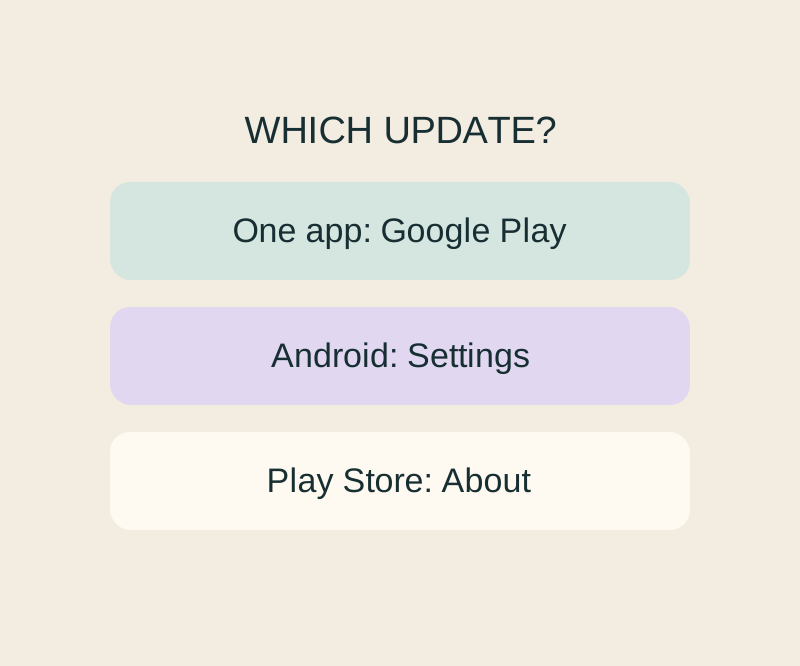
Android app updates and system updates: find the right screen when one says up to date
Update, Open and a stuck download lead to different next checks; an Android up-to-date message cannot settle all three.
SOURCE-CHECKEDEveryday tech
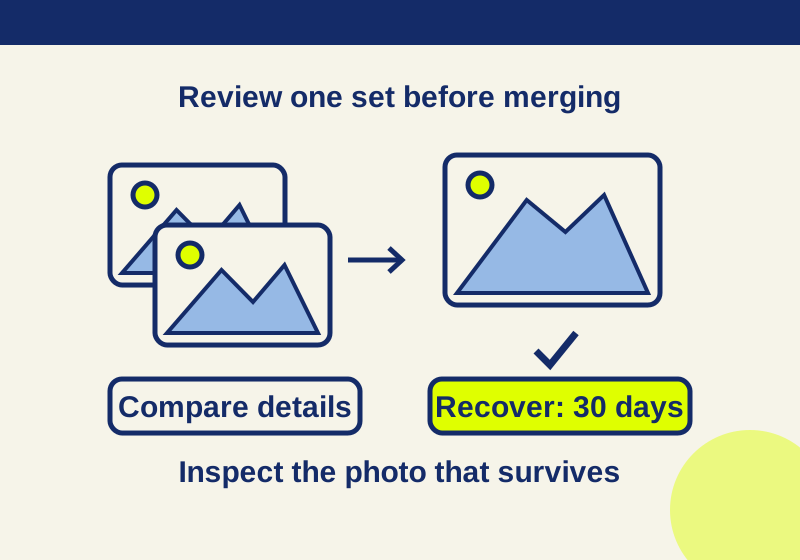
iPhone Duplicates missing or confusing? Check detection and merge one set safely
Merge detected photo duplicates and check indexing when the collection is missing.