SOURCE-CHECKED · EVERYDAY TECH
Windows Calculator date difference: count days without an off-by-one error
Count days between dates in Windows Calculator, add or subtract days, and compare elapsed intervals with inclusive dates using leap-year examples.
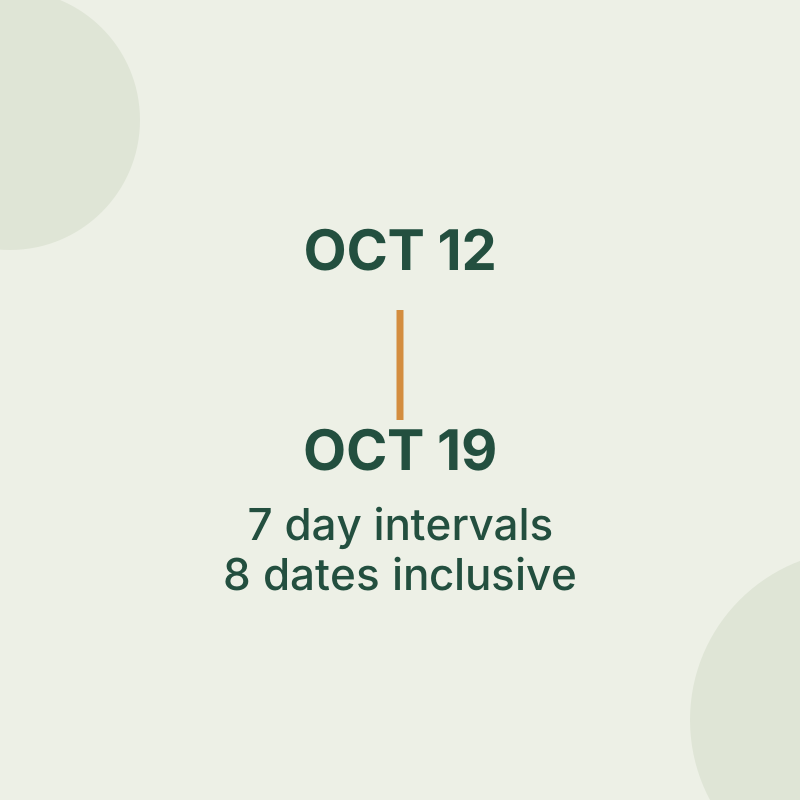
Windows Calculator can find the number of calendar-day intervals between two dates or move a date forward or backward. Count both endpoints only when you need the number of calendar dates covered.
Find the difference between dates
Open Start > Calculator, then open Navigation > Date Calculation. The default option is Difference between dates. Choose a From date and a To date, then read the difference. These steps come from Microsoft’s Date Calculation instructions.
For October 12 to October 19, 2026, the difference is 7 days. The starting date is the beginning of the interval, so counting both October 12 and October 19 as date labels gives 8 inclusive dates. A stay with check-in on October 12 and checkout on October 19 has 7 nights.
The boundary cases make the distinction clearer:
- A date compared with itself has 0 intervals but 1 inclusive date.
- February 28 to March 1, 2028 has 2 intervals and 3 inclusive dates, because 2028 includes February 29.
Move a date forward or back
In Date Calculation, choose Add or subtract days. Select a date, choose Add or Subtract, and enter the years, months, and days. For a days-only shift, leave years and months at zero.
Adding 7 days to October 12, 2026 gives October 19. Subtracting 1 day gives October 11. Use the days field when you mean a fixed number of days; a month is not a fixed 30-day interval.
Try the date-counting worksheet
The date-counting worksheet lets you switch between the interval and inclusive count. Enter October 12 and October 19, 2026: the interval is 7, and including both dates makes the count 8. Then try February 28 to March 1, 2028 to see the leap day included.
The worksheet accepts dates from 1900 through 2100 and whole-day offsets from −36,600 through 36,600. It rejects empty or reversed date entries and dates outside its range. Reset restores the example dates and a 7-day offset, with inclusive counting unchecked. Count days again to display a result. The worksheet counts calendar dates, including weekends. It does not calculate business days or legal deadlines.
Source note: The Calculator instructions are from Microsoft. The original worksheet’s arithmetic was browser checked; no native Windows Calculator interface trial was performed.
KEEP GOING
More to explore.
SOURCE-CHECKEDEveryday tech
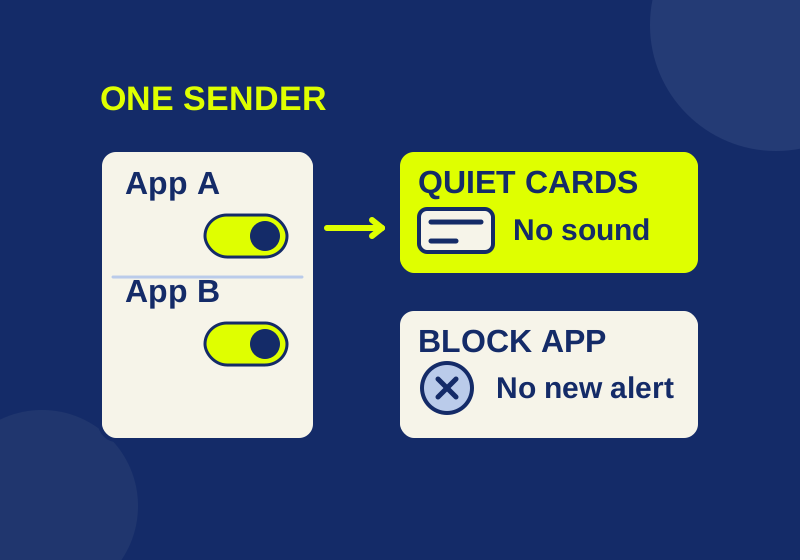
How to turn off one app's Windows 11 notifications without silencing everything
Silence the sender you meant to change, with a local preview of app, banner, sound and Notification Center controls.
TESTEDEveryday tech
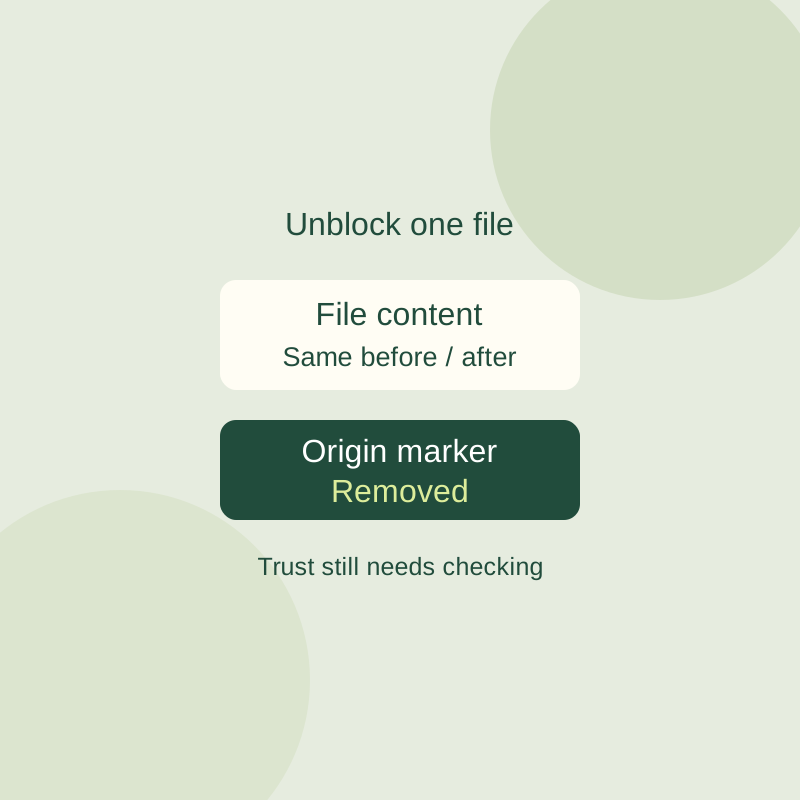
Windows Unblock file: what it removes and when to leave it alone
Inspect a downloaded file warning and unblock one verified file without changing global Windows security settings.