SOURCE-CHECKED · EVERYDAY TECH
Deleted Google Photos but storage is still full? Diagnose the counter before deleting more
Diagnose unchanged Google Photos storage with local versus cloud counters, account checks, counted-file rules, recovery limits, and a private observation sheet.
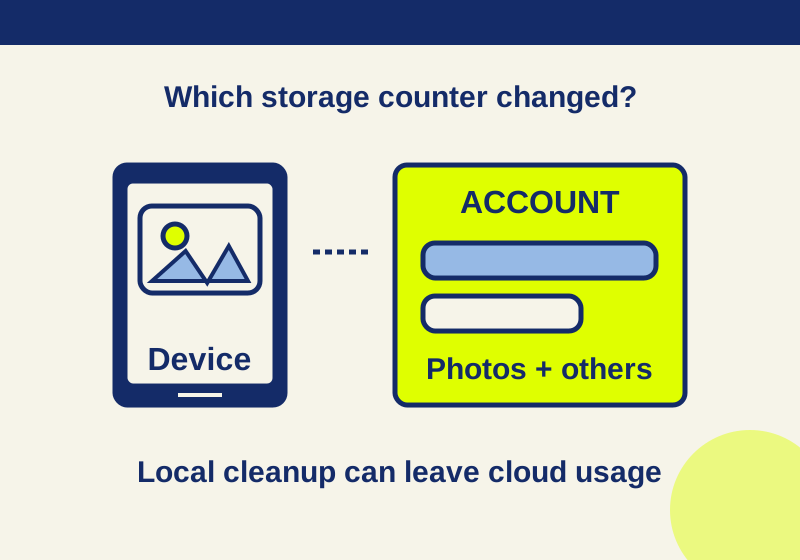
First, check which storage warning you are trying to clear. Phone storage measures space on the device. Google account storage is shared across Google Photos, Gmail, Drive, and Android WhatsApp backups. An action that frees one may leave the other unchanged. Write down the exact counter before deleting anything else.
If you tapped Free up space on this device in Google Photos for Android, an unchanged Google account total is expected. That feature removes local copies that are safely backed up while keeping the photos in your cloud library. Removed copies may no longer appear in your phone’s local gallery or be available offline. Google says photos from the most recent 30 days may also be retained on the device. Check the phone’s storage counter to see whether that was the space you freed. Google Photos: Free up space on your device
The phone has space, but the Google account is still full
Open Google Photos, select your profile, then go to Photos settings > Backup > Manage storage. Inspect what the manager says is using account storage before removing more photos. The account total includes services beyond Photos, so a full account warning does not identify Photos as the cause by itself. Google Photos storage management · Google account storage
Look at the Photos, Drive, Gmail, and other amounts for the same account. If Drive or Gmail is the counted category, clearing space on the phone cannot resolve that account warning. Drive and Gmail items in Trash, and Gmail items in Spam, continue to count until permanently cleared. Apply that rule to those services; do not assume Photos has identical billing behavior merely because it also has a Trash folder. Google Drive storage help
Photos still appears to show everything
Seeing a photo in the Google Photos app does not tell you whether its copy is on the phone, in the cloud, or both. After Free up space on this device, the cloud copy remains visible even though its local copy may have been removed. Conversely, deleting a photo in Google Photos is a different action: Google says it also deletes the device copy and, when backup is enabled, affects other devices using that backup. Choose the action according to the counter you need to change. Free up space on your device · Delete photos and videos
Before a cloud deletion, preserve any irreplaceable item. Google One’s storage manager offers an option to Download photos locally before moving them to Trash. Open the downloaded file from independent storage and confirm it is usable before removing the cloud copy. Other categories in the manager may offer Permanently delete; read the service-specific confirmation before agreeing. Permanently deleted items cannot be recovered through Google Takeout. Google One storage manager · Google Photos deletion help
Photos usage did not fall after deletion
Start by confirming that the app and the browser show the same Google account. A photo removed from one account cannot reduce another account’s storage total. Record an account label you recognize, such as “personal” or “work,” without putting an email address or private photo link in your notes.
Next, check whether the removed item was counted against storage in the first place. Storage Saver and Express photos backed up before June 1, 2021, are exempt; original-quality backups count regardless of date. For this distinction, the backup date, rather than the date the picture was taken, matters. Saved Partner Sharing items can remain exempt while the partner continues sharing them. Certain Pixel backup qualities are also exempt. Deleting an exempt item will not produce the reduction you expect from a counted item. Google Photos storage management
Also distinguish a deletion from a completed permanent removal. Google’s current Photos deletion help says backed-up items and unbacked items on Android 11 or later remain in Trash for 30 days under the stated conditions. Emptying Trash or permanently deleting an item is irreversible, so use that option only after confirming you have a working copy wherever you need one. Google Photos deletion help
Photos usage fell, but the account total did not
Check the other service amounts and whether a new backup appeared during the same period. A drop in Photos usage can be obscured in the account total by usage elsewhere or new backups. That is a reason to compare the category counters, not to delete another batch.
Keep a private record with the blank photos storage observation sheet. Its fields cover the timestamp, a local account label, the counter’s location, account total, Photos, Drive, Gmail and other usage, the action taken, whether a new backup was observed, and the result. The sheet is a worksheet for your observations; it contains no phone output or test results. Do not add email addresses or private photo links.
A small check is more informative than a bulk deletion: record the counters, identify a genuinely counted category in the manager, safeguard any file you cannot replace, then remove one item you have decided is unneeded using the relevant service’s instructions. Stop and inspect the same account and category again. Record what happened, including “unchanged,” without treating that result as a reason to keep deleting.
The counter is still unchanged days later
Google Drive help says account storage may take 48 to 72 hours after multiple deletions to update. If you have already removed counted items, keep your before-and-after record and allow for that delay instead of repeating the deletion out of impatience. A Google One purchase that has not increased available storage is a separate issue; Google says that increase can take up to 24 hours. Neither time frame promises an instant change to every counter. Google Drive storage help · Google One storage help
If the same service’s usage remains unchanged more than 72 hours after a genuine counted cleanup, send support a concise record: a redacted account alias, platform, app version, date and time, exact actions, the counter’s location, before-and-after values, and whether you confirmed an independent download. Those details make clear which counter failed to change without exposing your email address or photos.
Source note: The linked Google help pages were checked October 7, 2026. The linked observation sheet is blank; no physical phone or deletion result was independently tested.
KEEP GOING
More to explore.
SOURCE-CHECKEDSharing workflows
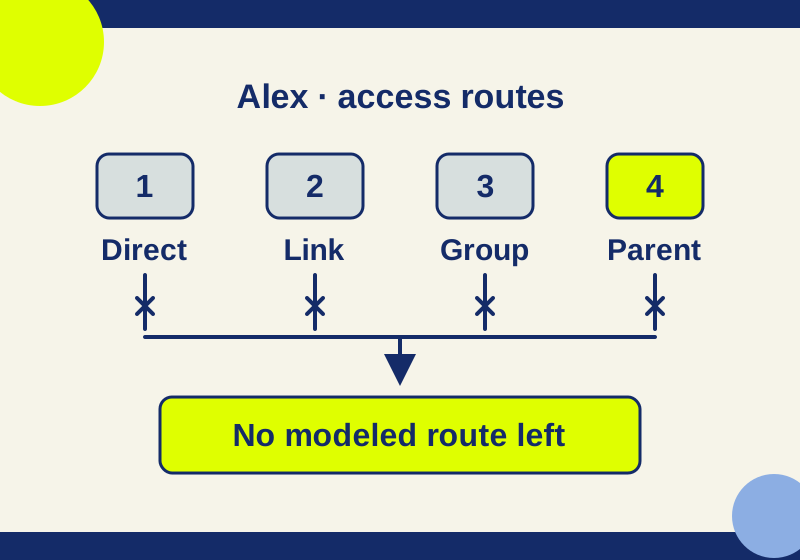
Removed someone from Google Drive, but they still have access?
Removing one person can leave other access routes open. Follow a five-stage example and locate the grant that survived.
SOURCE-CHECKEDEveryday tech
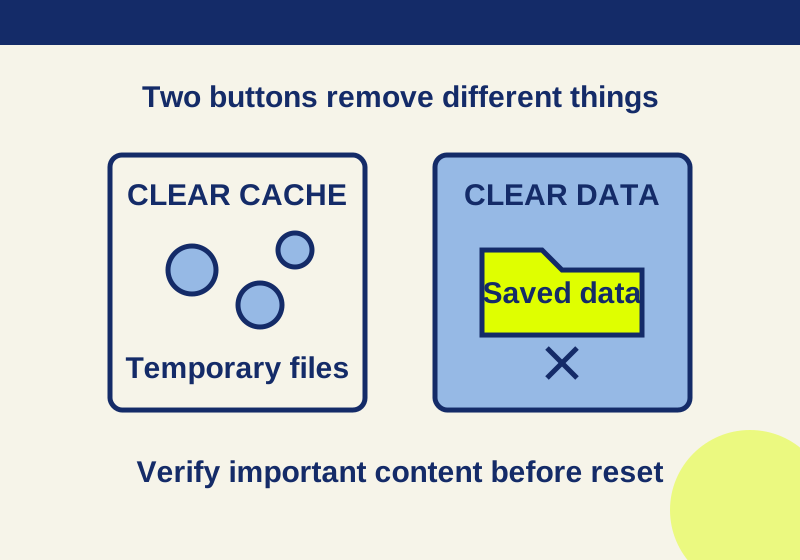
Clear cache vs. clear storage on Android: what gets deleted
Read the app storage breakdown and verify saved content before choosing a deletion button.