TESTED · EVERYDAY TECH
How to read a suspicious link's real destination before opening it
Spot misleading website names in a link's host, username and path with reserved-domain examples, without visiting the destination.
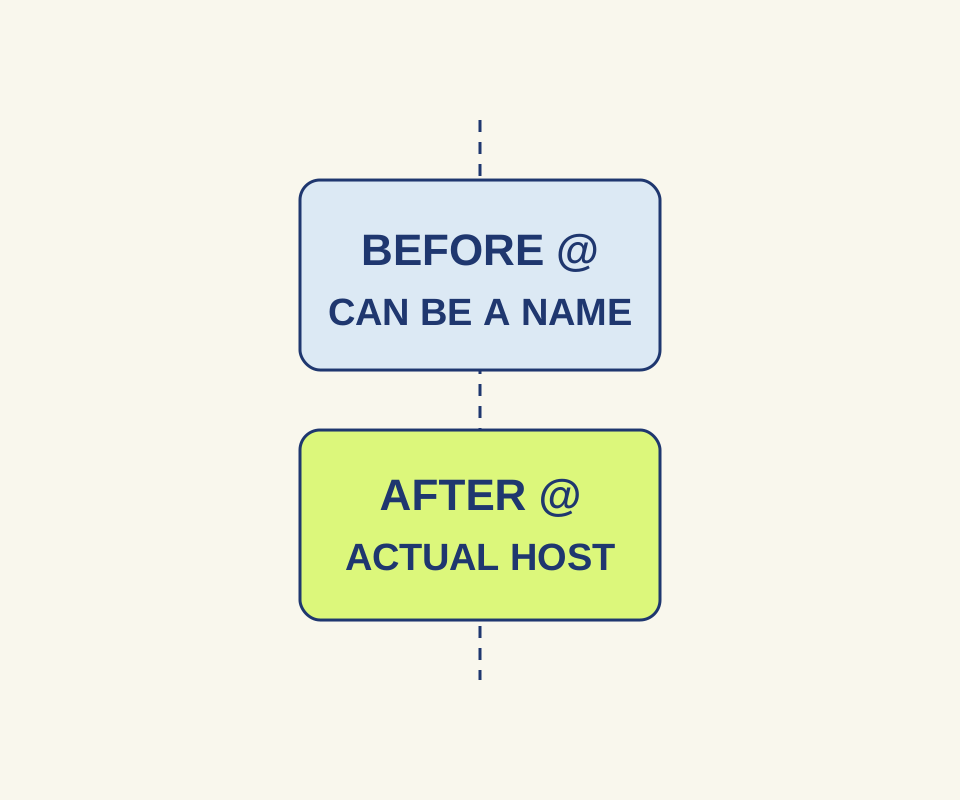
A familiar company name in a link does not tell you where the link goes. Check the URL’s hostname: the domain or IP address identified by a URL parser, excluding the port. Text before an @ can be a username, and text after a ? is part of the query rather than the hostname. MDN’s hostname reference and username reference describe those parts.
Inspect the link without opening it
On a desktop browser, hover over the link to inspect the address the browser shows. You can also right-click, choose Copy link address, and paste it into a plain-text note. Do not paste it into the address bar and press Enter. Link text such as “View your example.org bill” can conceal a different address.
These parsed examples show why the whole hostname matters:
| Address | Hostname | Detail to notice |
|---|---|---|
https://account.example.org/billing |
account.example.org |
No username or port |
https://example.org.billing-check.example.net/login |
example.org.billing-check.example.net |
example.org appears at the start, but the full hostname ends in example.net |
https://example.org@account-check.example.net/login |
account-check.example.net |
example.org is the username before @ |
https://account.example.org:8443/billing?next=example.net |
account.example.org |
8443 is the port; example.net is in the query |
https://account.example.org.evil.example.net/login |
account.example.org.evil.example.net |
The familiar-looking prefix is only part of a longer hostname |
Do not turn “check the last two labels” into a universal rule: country domains, public suffixes, and international domain names complicate that shortcut. A hostname tells you where the address initially points; it does not establish who owns a site or whether the site is safe. HTTPS alone is no guarantee against a scam, either. The FTC makes that point in its online shopping advice.
Practice with invented addresses
The address-parts exercise shows the hostname, username and other parts of a full HTTP or HTTPS address. Try the examples above, then choose Show address parts. Restore example brings back the address with an @. The page parses locally without opening the destination or following a redirect. It gives no safety verdict. Avoid entering private account-recovery or sign-in links.
When the destination is still unclear
A shortened link or redirect can hide the eventual destination. Inspecting the copied address cannot reveal where an untested redirect will end. If a message was unexpected, use a company phone number, email address, or website you already know is real instead of following its link, as the FTC advises for phishing messages. A search result is not automatically a safe substitute: the FTC warns that sponsored results can impersonate companies.
Source note: Sources were checked October 15, 2026. The five addresses above were tested with a headless Chrome 155 native URL parser using reserved example domains. None was opened; the test checked URL parts, not site reputation or redirect targets.
KEEP GOING
More to explore.
SOURCE-CHECKEDEveryday tech
Schedule an iPhone text with Send Later, and change it before it sends
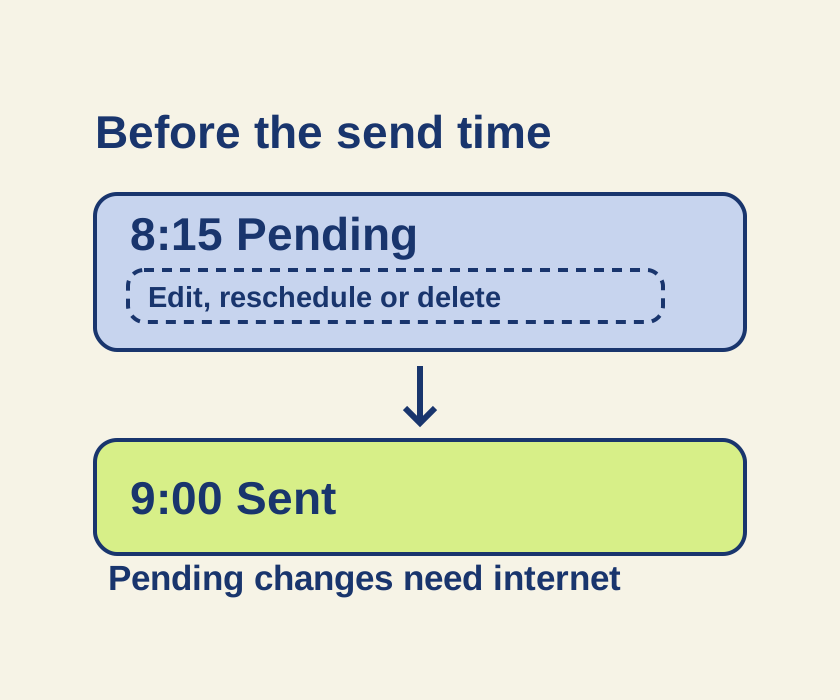
Turn an unsent late-night message into a scheduled iMessage, then use its pending controls if the plan changes.
SOURCE-CHECKEDEveryday tech
Translate a screenshot on Android with Google Translate, then check the text it actually read
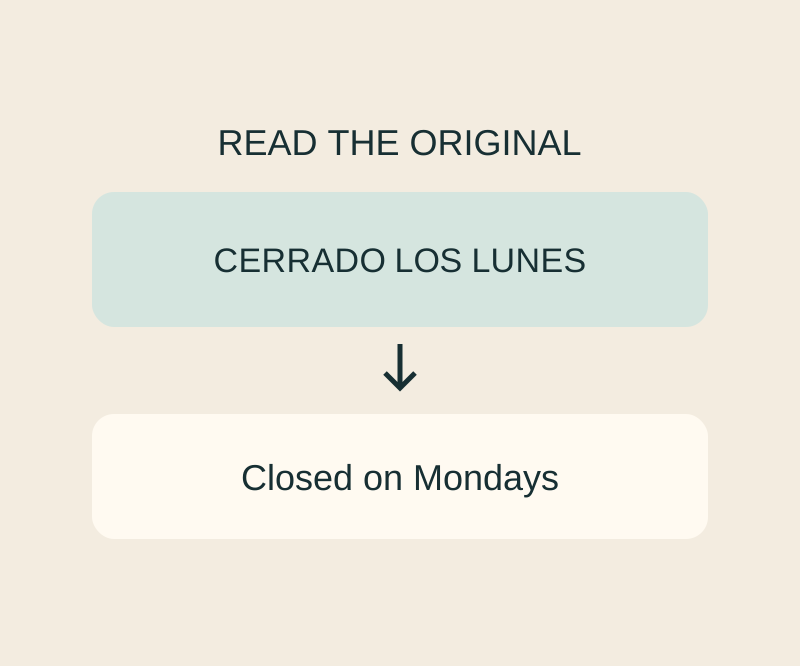
A screenshot can go into Translate without another camera shot; check recognition before trusting the wording.