SOURCE-CHECKED · EVERYDAY TECH
Remap a shortcut in one Windows app with PowerToys Keyboard Manager
Use the process name to limit a PowerToys shortcut to one app, then check the same shortcut outside that app before relying on it.
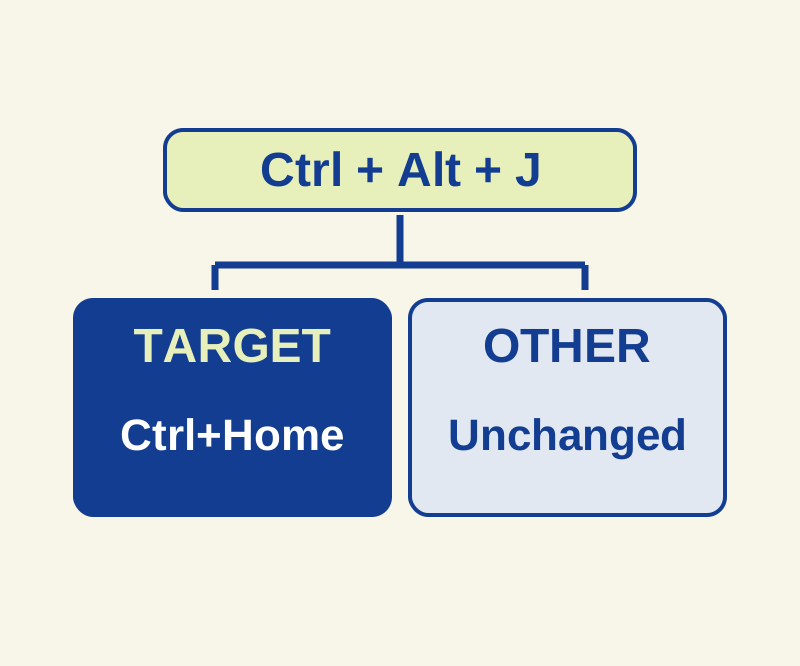
PowerToys Keyboard Manager can send a different shortcut when you press a chosen combination in one app. For example, you can set Ctrl+Alt+J to send Ctrl+Home in a text editor, so the new shortcut moves the caret to the start of the document. The steps below come from Microsoft’s Keyboard Manager documentation.
Set up the shortcut
Before adding the remap, check that Ctrl+Alt+J is unused in your chosen app and keyboard layout. Ctrl+Alt can interact with AltGr on some layouts; if it does, choose another unused combination.
Install PowerToys if needed, then keep it running and enable Keyboard Manager. Open Remap a shortcut, choose Add shortcut remapping, set the input under Select to Ctrl+Alt+J, and set To send to Ctrl+Home.
Limit it to the app
Enter the app’s process name as the target, not its display name. You can inspect running processes with Get-Process, which shows names without .exe, or tasklist, whose Image Name includes .exe. For example, Microsoft Edge’s process is named msedge; “Microsoft Edge” is its display name. Check the process of your text editor rather than assuming its name.
Do not leave the target blank: a blank target applies the shortcut globally. Select OK to apply the remapping immediately.
Check the result
In the targeted editor, make a scratch document with three lines:
START marker
middle
END marker
Place the caret after END marker and press your new shortcut. In an editor where Ctrl+Home goes to the start of the document, the expected result is a caret at START marker.
Try the shortcut in a second, untargeted text editor that also supports Ctrl+Home. It should retain whatever behavior that shortcut had there before; it does not necessarily do nothing. Type J normally in the targeted editor, too. It should still type J.
Fix a remap that behaves unexpectedly
If the shortcut sends the wrong command, check that Ctrl+Alt+J is the input and Ctrl+Home is To send. If it works in every app, check for a blank or incorrect target. If it never works, confirm that PowerToys is running, Keyboard Manager is enabled, and you entered the app’s actual process name. An elevated target requires PowerToys to run elevated; other keyboard hooks can also interfere.
Use Remap a shortcut for this example. Remap a key is global and can change that key inside other combinations. Keyboard Manager has no separate maps for a laptop keyboard and an external keyboard.
To stop the remapping, disable Keyboard Manager or exit PowerToys.
Source note: Microsoft’s Keyboard Manager and installation guidance was checked October 10, 2026. The native feature was not independently trialed for this article.
KEEP GOING
More to explore.
SOURCE-CHECKEDEveryday tech
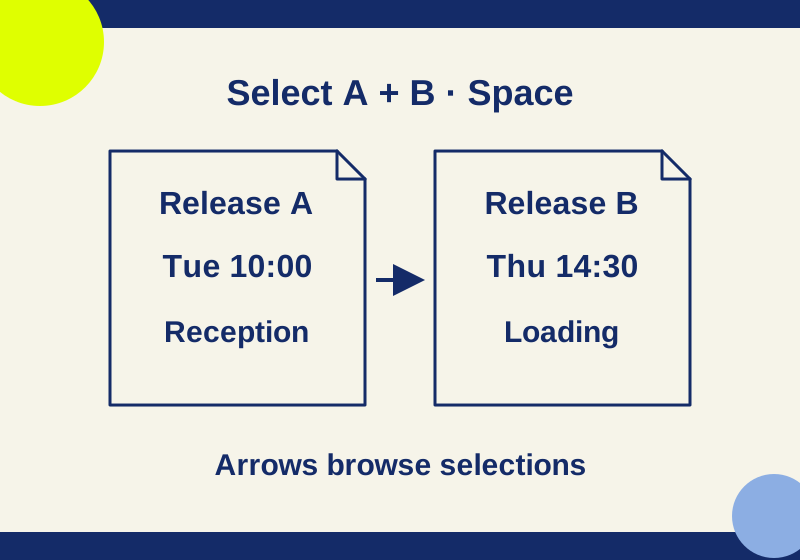
PowerToys Peek: preview Windows files with Space and fix the wrong shortcut
Preview the actual files you selected, with downloadable examples that separate shortcut trouble from preview-format trouble.
SOURCE-CHECKEDEveryday tech
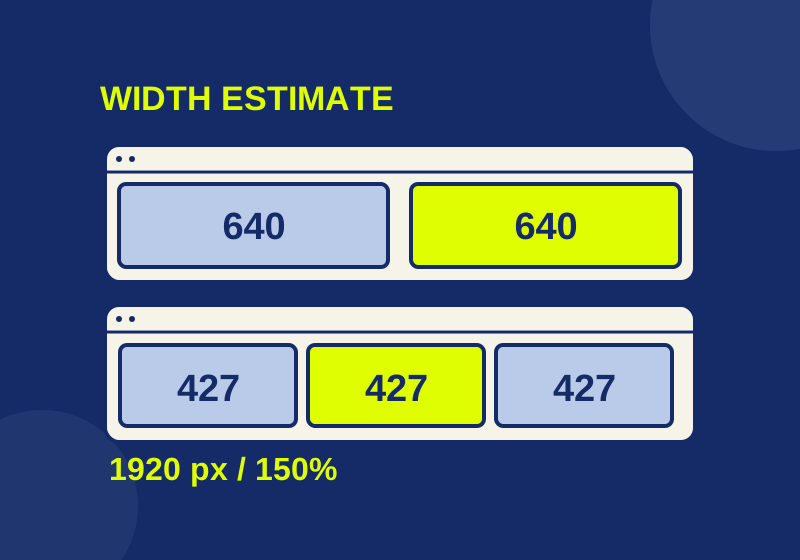
Windows 11 Snap layouts: fix cramped split screens and missing layouts
A working width planner explains cramped split screens, while symptom-specific steps separate Snap settings from app limits.