SOURCE-CHECKED · EVERYDAY TECH
PowerRename: rename a batch of files without changing their extensions
Preview PowerToys bulk renaming with a date-prefix pattern, original practice files, collision examples, and the Filename only option that preserves extensions.
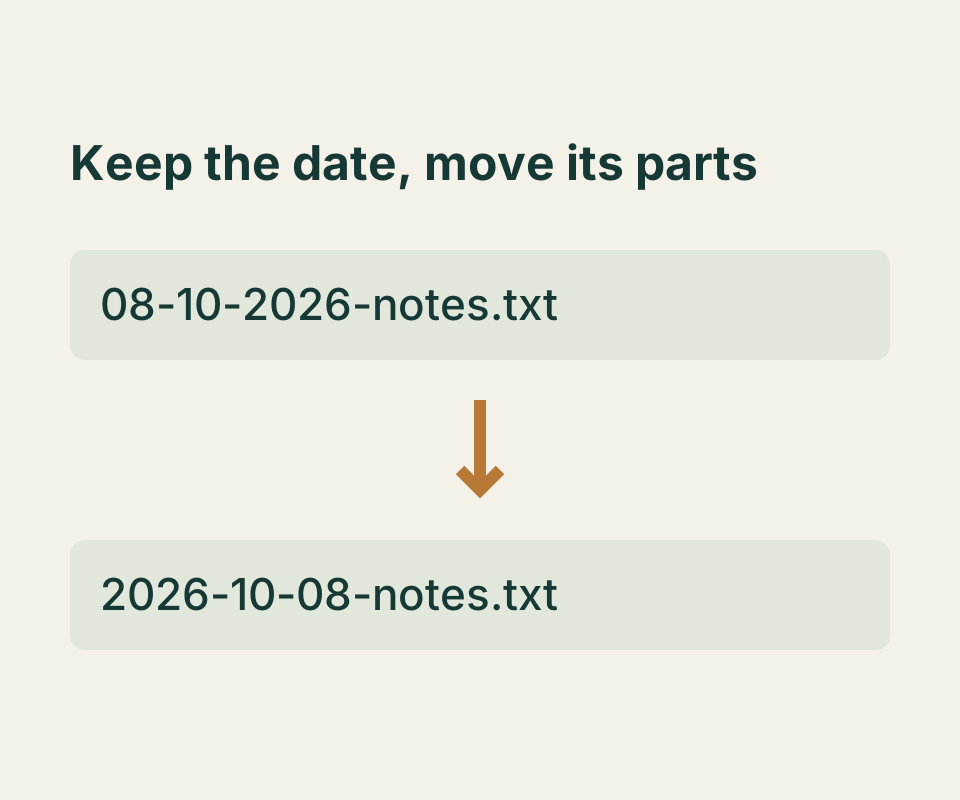
PowerToys PowerRename lets you see proposed filenames before applying a batch change. To keep .txt or another extension out of the change, choose Filename only under Apply to and compare the Original and Renamed columns in the preview.
Try it with three files
Download 08-10-2026-notes.txt, 17-09-2026-invoice.txt, and notes.txt. Put copies together in a new folder so the practice rename does not affect your originals.
In File Explorer, select those three files, right-click, and choose Rename with PowerRename. If that option is missing, check that PowerRename is enabled in PowerToys.
Enter these values:
- Search for:
^(\d{2})-(\d{2})-(\d{4})- - Replace with:
$3-$2-$1-
Turn on Use regular expressions, Match all occurrences, and Include files. Under Apply to, choose Filename only. Clear Include folders and Include subfolders for this practice set. Microsoft’s instructions call for Match all occurrences when using replacement variables such as $1.
The preview should show these proposed names:
| Original | Renamed |
|---|---|
08-10-2026-notes.txt |
2026-10-08-notes.txt |
17-09-2026-invoice.txt |
2026-09-17-invoice.txt |
notes.txt |
notes.txt |
Check each row before applying the rename. The first two filenames change from a day-month-year prefix to a year-month-day prefix; notes.txt has no matching prefix and stays as it is. With Filename only selected, the replacement targets the name rather than the extension.
What the pattern matches
The ^ limits the search to the start of a name. Each \d{2} captures two digits, while \d{4} captures four. The three groups hold the day, month, and year in that order. $3-$2-$1- writes them back as year-month-day.
The pattern checks the shape of the prefix, not whether it is a real calendar date. For example, it would propose 2026-99-31-impossible.txt for 31-99-2026-impossible.txt. Review the preview for mistakes like that, duplicate proposed names, or names that differ only in capitalization. Also check the destination folder for existing filenames: a preview of the selected names alone cannot tell you every name already there.
You can paste filenames into the interactive practice preview before opening PowerRename. It shows expected results and flags duplicate and case-only collisions, but it cannot access or rename your files. If you apply a rename in File Explorer and need to reverse your last change, Microsoft documents Ctrl+Z as Undo Rename; it is not a versioned backup.
Source note: Microsoft’s PowerRename guide and PowerToys overview, checked October 8, 2026. The practice preview was checked with matching, unchanged, duplicate, case-only collision, and invalid-date inputs. PowerRename itself was not run for this article.
KEEP GOING
More to explore.
SOURCE-CHECKEDEveryday tech
Change one Android app’s language without changing the phone
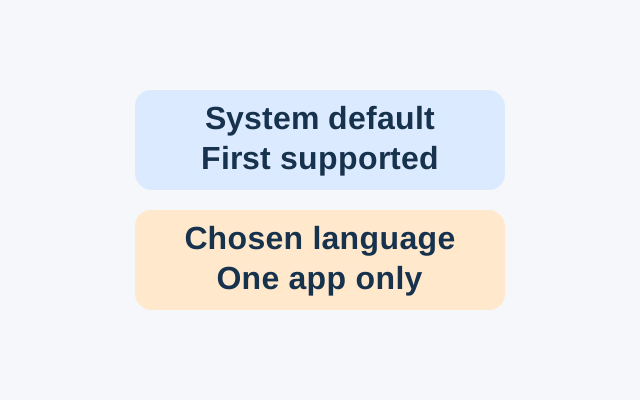
Android’s App Languages setting lets you choose a language for an individual app. An app following the system default instead uses the first language in the system list that it supports.
SOURCE-CHECKEDEveryday tech
iPhone Precise Location: change accuracy without changing when an app can use it
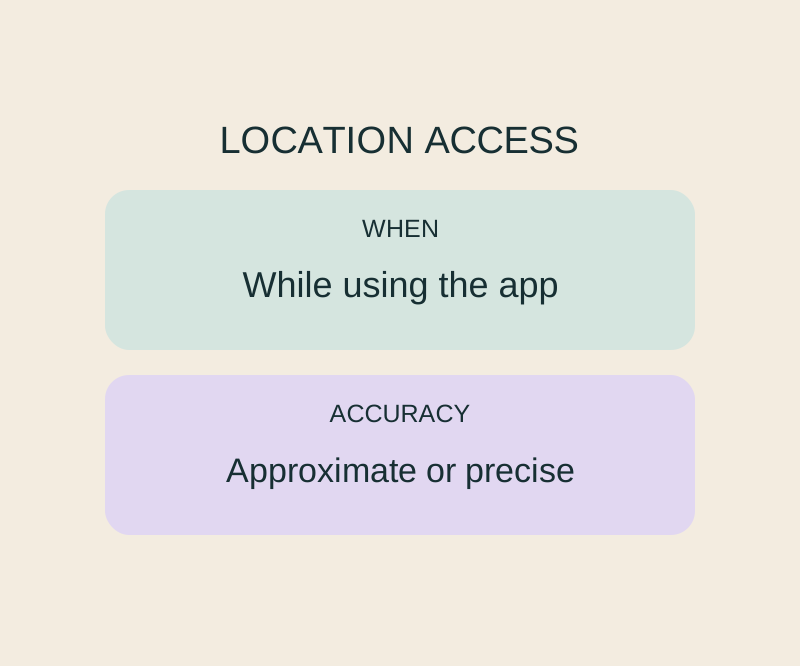
Precise Location and While Using the App control different parts of the same permission.