SOURCE-CHECKED · EVERYDAY TECH
Trim an iPhone voice memo without deleting the part you meant to keep
Understand Voice Memos Trim versus Delete, preview the selected passage and save a new recording. A duration rehearsal shows why equal lengths can hide opposite edits.
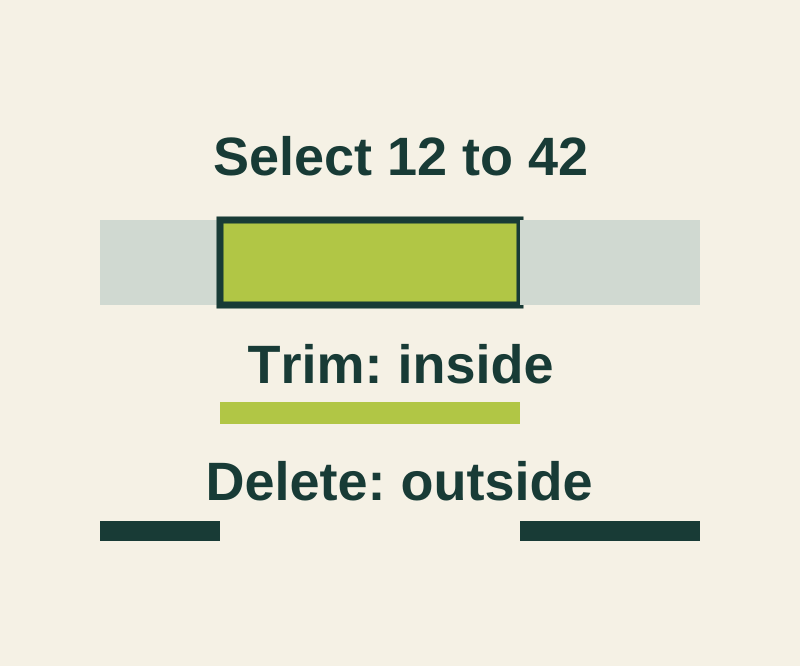
To keep one passage, select the recording in Voice Memos, tap More, then Trim. Move the yellow handles around the passage you want. You can pinch open the waveform to place them more precisely and tap Play to check the selection. Tap Trim to keep what’s inside the handles and remove what’s outside. Delete does the opposite: it removes the enclosed passage. (Apple’s iPhone guide)
For example, imagine a 60-second rehearsal with an intro at 0 to 12 seconds, the useful passage at 12 to 42, and a closing at 42 to 60. Enclose 12 to 42 and tap Trim to keep the 30-second useful passage. Tapping Delete would also leave 30 seconds, but they would be the intro and closing. The trim rehearsal lets you compare those intervals; it is not a recording from a phone.
Tap Apply, then Done, and choose Save as New Recording to leave the original as it was. Save Recording overwrites the original. Play the saved recording to check its first and last words; if you used Delete, listen at the join as well. Duration alone cannot tell you which passage survived. (Apple’s iPhone guide)
Source and scope: Apple’s iOS 27 guide was checked October 11, 2026 KST. The phone steps are documented, not physically tested. The browser rehearsal calculates intervals only; it does not play or edit audio.
KEEP GOING
More to explore.
SOURCE-CHECKEDEveryday tech
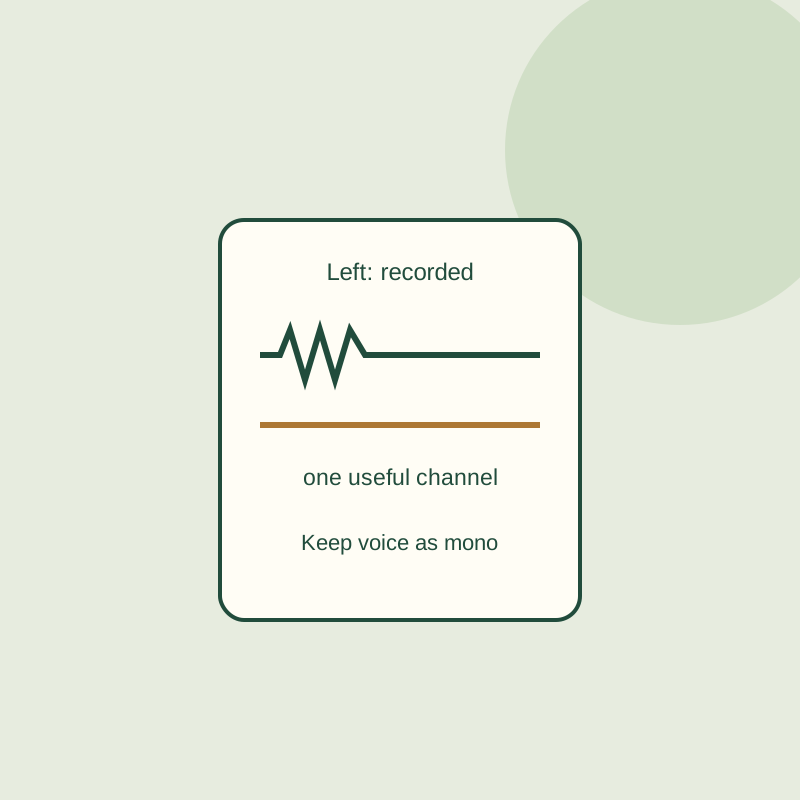
Audacity recording only plays in one ear? Keep the voice channel and center it
A silent right channel does not need to be duplicated. Keep the recorded voice, remove the empty track, and export a mono copy.
SOURCE-CHECKEDEveryday tech
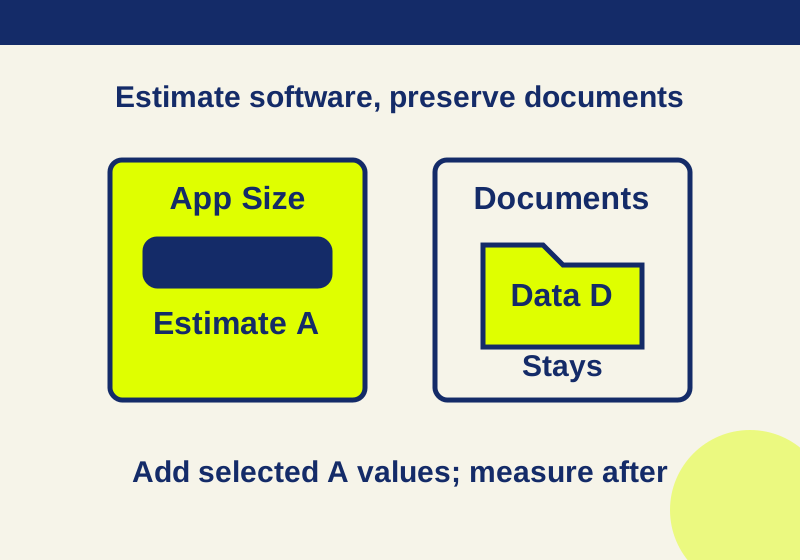
Offload iPhone apps: calculate the space you can recover
Offloading removes app software while documents remain. Calculate its likely contribution before choosing which apps to remove.