SOURCE-CHECKED · EVERYDAY TECH
Windows invalid file name: fix the name before changing your PC
Find reserved characters, device names and trailing punctuation with a local filename checker, then separate name errors from long folder paths.
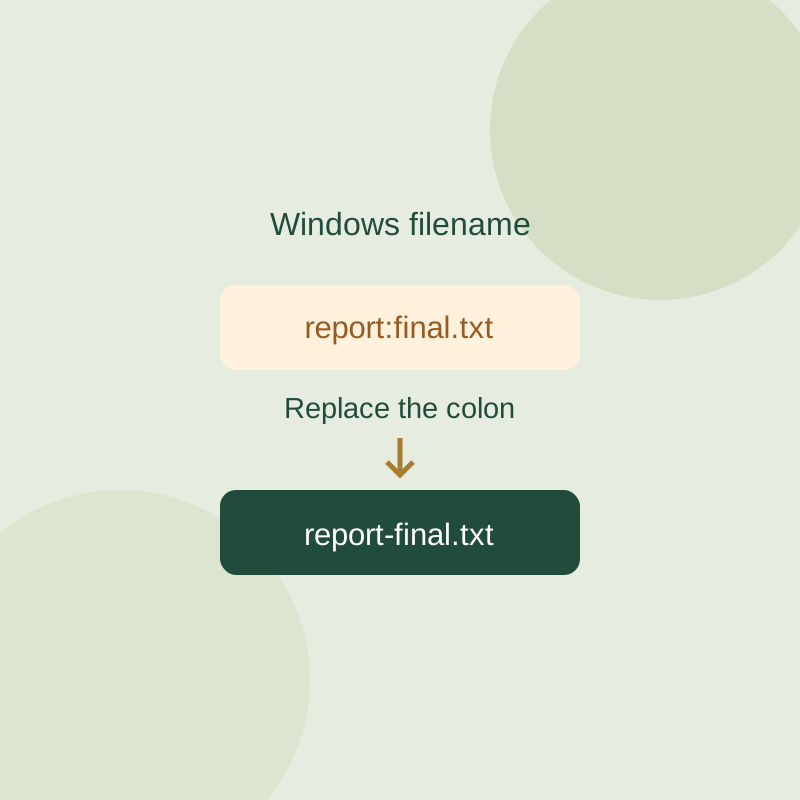
If Windows rejects a filename, check the name before changing PC settings. Look for blocked characters, reserved names, and a period or space at the end. If the error concerns the path, check the folders leading to the file too.
Remove blocked characters
Standard Windows filenames cannot contain < > : " / \ | ? * or ASCII control characters 0 through 31. Rename invoice:October.pdf to invoice-October.pdf, keeping the .pdf extension. A slash is a path separator, so folder/name.txt is not one valid filename.
A period inside a name is allowed. So are Unicode characters: .env is a valid name, and résumé.txt is valid under these naming rules. An empty name is not.
Replace reserved names
Windows reserves CON, PRN, AUX, NUL, COM1 through COM9, and LPT1 through LPT9. Adding an extension does not make one available: rename con.txt to something distinct, such as console-notes.txt. The reserved device names also include forms using superscript ¹, ², and ³; COM¹.log is one example to avoid.
Do not end a filename with a period or space. Choose a unique replacement name, since Windows usually treats names that differ only by case, such as Report and report, as the same name. If extensions are hidden, show file extensions before renaming so you can preserve the existing one.
Check the whole path
A path includes the drive, folders, and filename. Shortening the filename may not solve an error caused by deeply nested folders. For a path error, try copying the file into a shorter folder you own, without overwriting the source. Microsoft says long-path support depends on both an operating system setting and the application’s support; there is no universal 260-character diagnosis or guaranteed settings fix. Renaming a file also does not convert its contents to another format.
Source note: Microsoft’s filename rules and path-length guidance support the Windows instructions. The recorded local filename checker trial flagged report:final.txt, CON.txt, COM¹.log, folder/name.txt, an empty name, and a name ending in a period; it passed .env and résumé.txt. Its 255-plus UTF-16 component caution is not proof of a universal volume limit. The checker examines one component only: it does not access files, upload them, or test existence, permissions, OneDrive rules, application compatibility, or native File Explorer behavior.
KEEP GOING
More to explore.
SOURCE-CHECKEDBusiness documents
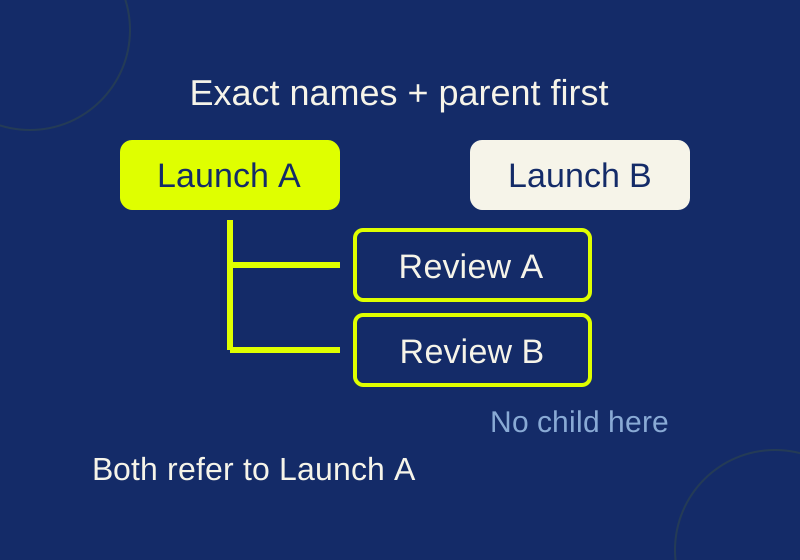
Asana CSV subtasks: fix duplicate parent names before import
See exactly how repeated parent names and CSV row order change subtask relationships, then try the local checker.
SOURCE-CHECKEDEveryday tech
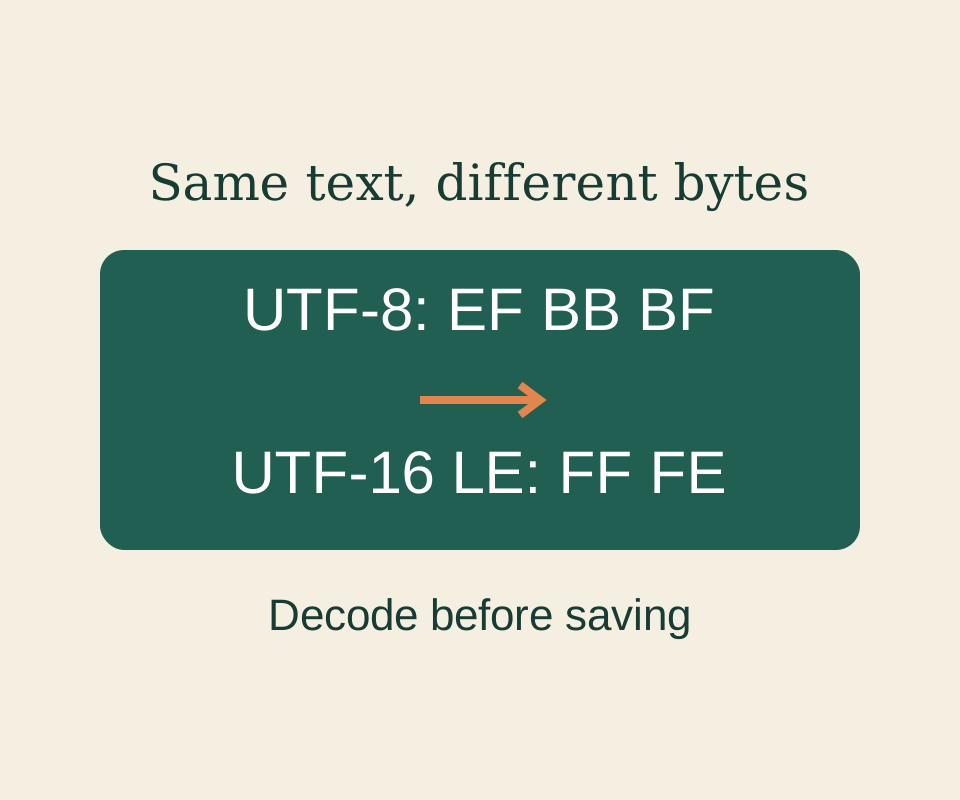
Notepad text encoding: save UTF-8 without keeping mangled characters
Read the original bytes correctly before saving; a new encoding cannot restore characters that have already been lost.