SOURCE-CHECKED · EVERYDAY TECH
PowerToys Color Picker: copy a screen color and understand the result
Copy a screen color as HEX or RGB with PowerToys Color Picker, then use a swatch board to see why transparency and gradients change sampled values.
PowerToys Color Picker lets you sample a color on your screen and copy its code into a document or design app that accepts color values. Enable Color Picker in PowerToys settings, then press Win+Shift+C to open it. That shortcut is the default and can be changed.
Pick a color
By default, a left click picks a color and opens the editor. A wheel click picks a color and closes the picker. A right click closes it without copying. If you need to sample a small detail or a state that disappears when you hover elsewhere, scroll up to zoom and freeze the image.
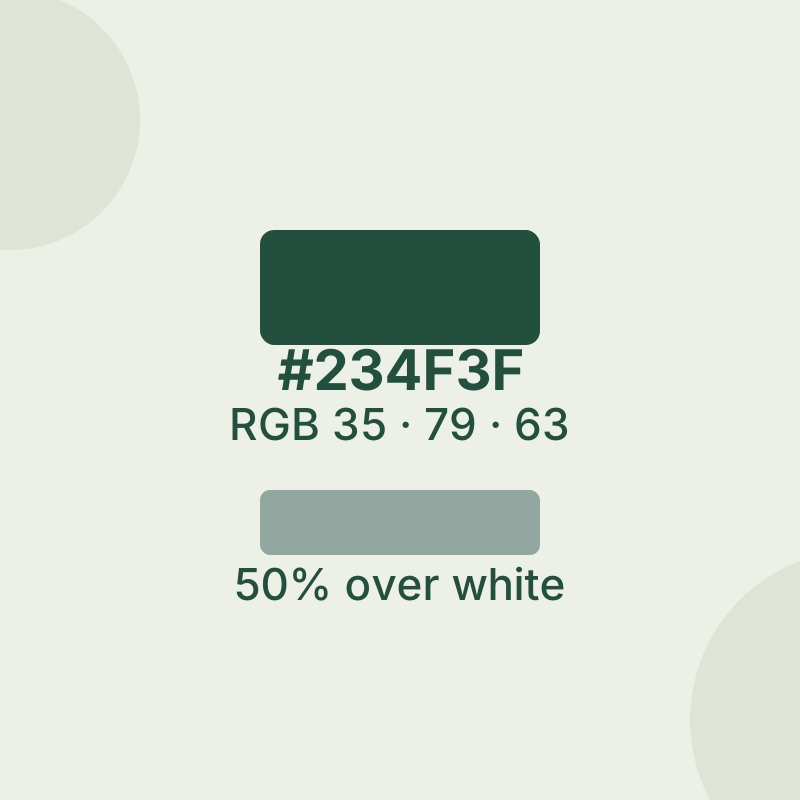
The copied format defaults to HEX. In Color Picker settings, you can change the default copied format and choose which formats appear in the editor. HEX and RGB describe the same red, green, and blue channels in different notation: #234F3F is rgb(35, 79, 63). Paste the form your destination app accepts into its color field.
The editor keeps a history of up to 20 colors. To export the colors history, right-click a history color and choose Export.
Try the color sampling board
Open the color sampling practice board and start with its solid #234F3F area. Its RGB channels are 35 red, 79 green, and 63 blue. This gives you a known value to compare with the code you copy.
Next, consider that color at 50% opacity over white. The displayed channels are halfway between the original channels and white’s 255: (35 + 255) / 2 = 145, (79 + 255) / 2 = 167, and (63 + 255) / 2 = 159. The resulting displayed color is rgb(145, 167, 159), or #91A79F. Sampling that appearance cannot reveal the hidden original color and its opacity separately.
The board also has a gradient from #234F3F to #E6B85C. Those are its endpoints; there is no single value for every position inside the gradient. Pick the specific spot whose displayed color you need.
If picking does not work as expected
If you closed the picker with a right click, try again with a left or wheel click to copy a color. Color Picker does not support WCG or HDR, so avoid treating a sampled value from those displays as a verified color match. Its shortcut also has a limitation with elevated apps when PowerToys itself is not elevated.
Source note: Controls and limitations follow Microsoft’s PowerToys Color Picker documentation. The static practice board was checked in a browser; no native PowerToys sampling result was recorded.
KEEP GOING
More to explore.
SOURCE-CHECKEDEveryday tech
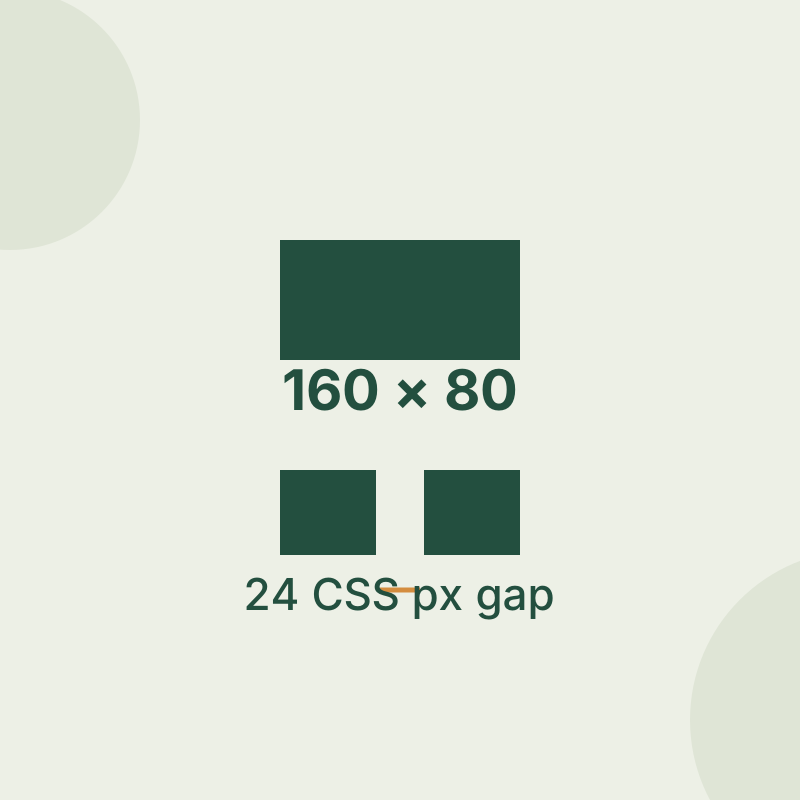
PowerToys Screen Ruler: measure a window gap without guessing its edges
Measure crisp edges first, then diagnose shadows, scaling and live capture.
SOURCE-CHECKEDEveryday tech
Android Private Space installs a second app, not a hidden copy
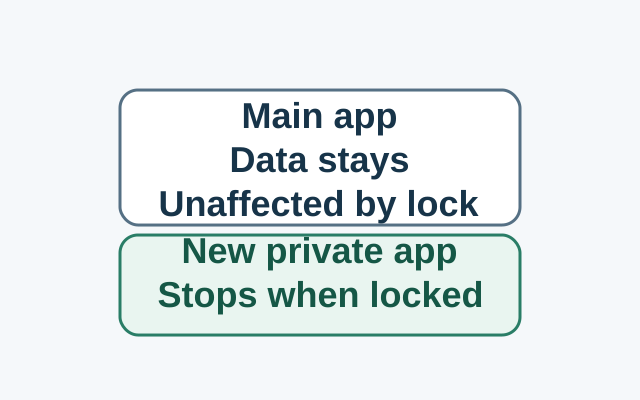
Installing in Private Space creates a separate app instance. The original app and its data stay in the main space; locking stops the private instance, while the original is unaffected.