SOURCE-CHECKED · EVERYDAY TECH
iPhone Calculator history: copy the expression, not just the answer
Find earlier iPhone calculations, reload one and choose Copy Expression or Copy Result. A same-answer exercise keeps the inputs and their meaning together.
To reuse an earlier calculation, open Calculator, tap Change Mode, choose Basic or Scientific, then tap the Clock button. Tap a history entry to resume the calculation where you left off. To take information elsewhere, touch and hold the entry and choose Copy Expression or Copy Result.
Keep the calculation’s context
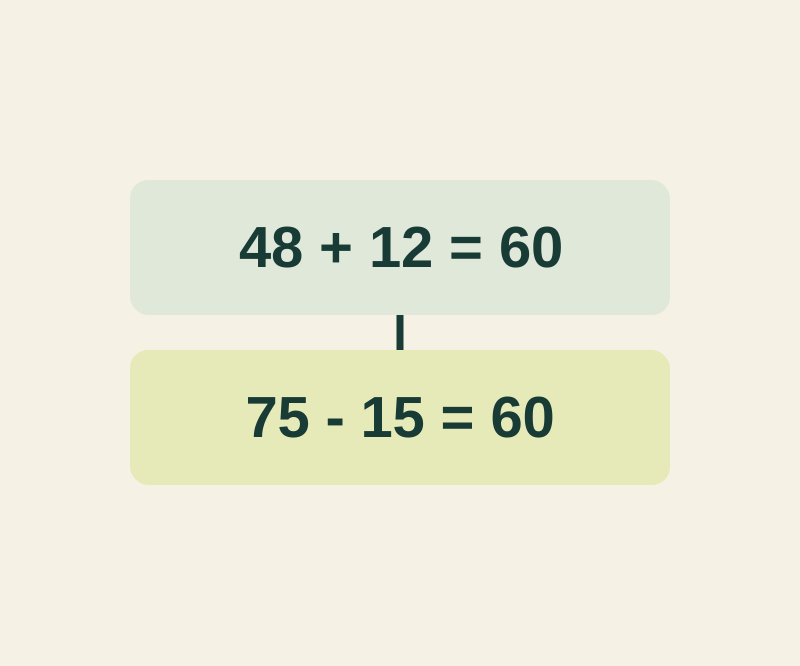
Suppose two entries both equal 60: 48+12 for workshop supplies and 75-15 for a travel allowance. The result alone cannot tell you which entry you meant. Copy the expression and add a label in your notes. If you also need the answer, the complete lines could read:
48+12=60: Workshop supplies75-15=60: Travel allowance left
Copy Result is useful when the destination needs only the single value. For a note you may revisit, the expression and label preserve the inputs and purpose.
Enter both examples in Calculator, open history and copy the expression from each into a note. Add its label and compare the two lines. You can check your expression and label in the calculation context exercise. The exercise checks the chosen record, expression, and context; 60 alone does not identify the record. It does not access your Calculator history.
Remove entries you no longer need
Swipe left on one history entry to delete it. To delete several, tap Edit, select the calculations, then tap Delete. To remove every entry, use Edit > Clear All > Clear History. Copy any expressions you need before clearing the list.
Source: Apple’s iPhone Calculator guide, checked October 12, 2026 KST. The phone steps are based on the guide; the feature was not tested on a physical iPhone.
KEEP GOING
More to explore.
SOURCE-CHECKEDEveryday tech
Android Private Space installs a second app, not a hidden copy
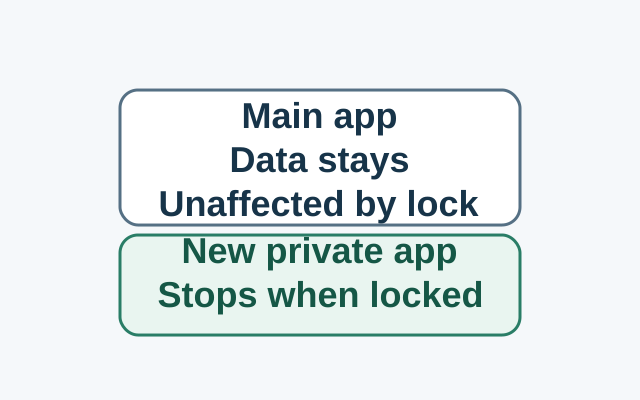
Installing in Private Space creates a separate app instance. The original app and its data stay in the main space; locking stops the private instance, while the original is unaffected.
SOURCE-CHECKEDEveryday tech
An unknown tracker alert on iPhone: find the item and keep its details
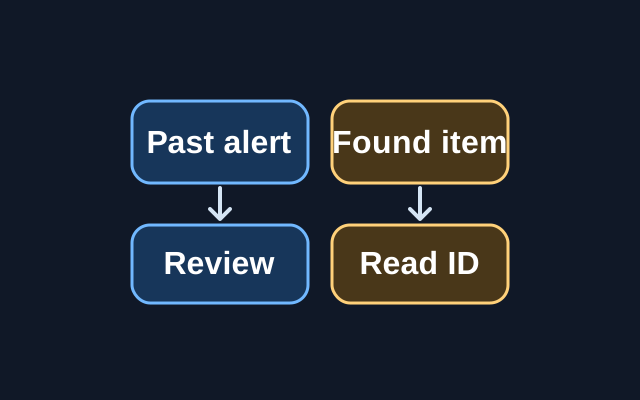
A previous alert can be reviewed in Find My, but Apple’s step for viewing a tracker’s serial number or device ID requires the physical item.