SOURCE-CHECKED · EVERYDAY TECH
Edit or unsend an iMessage: what to do before and after the timer runs out
Edit or unsend a one-to-one iMessage within its limits, understand older devices and edit history, and use clear corrections when the action is unavailable.
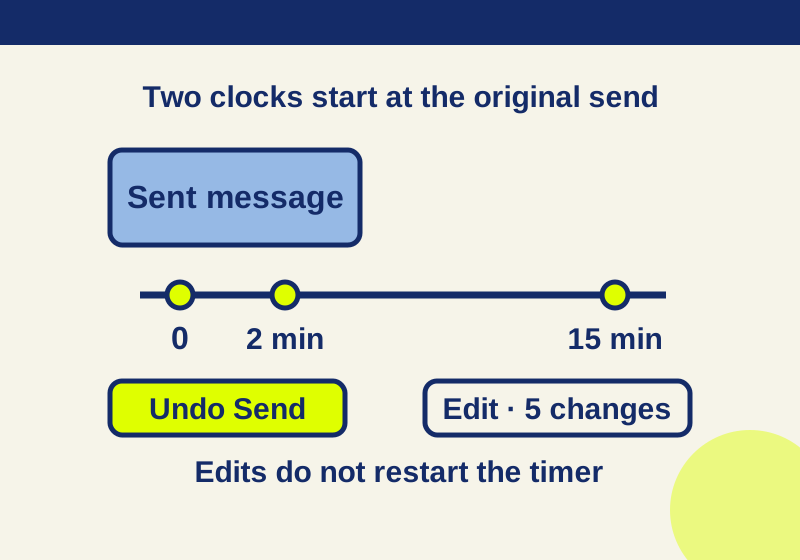
If you sent the wrong message in a one-to-one iMessage conversation, press and hold that message bubble. Choose Undo Send within two minutes of the original send, or Edit within 15 minutes. You can edit the same message up to five times. An edit does not restart either clock. These are the limits in Apple’s iOS 26 iPhone guide.
Which action helps depends on the mistake. For an ordinary typo or a wrong meeting time, Edit lets you put the correction in the message. If the message went to the wrong person, use Undo Send while it is available. If you sent a password or other private information, do not replace the text and assume the earlier version is gone: people in the conversation can read prior edits. Change an exposed credential in the service where you use it.
The message went to the wrong person
Press and hold the specific bubble, then tap Undo Send if it appears. Apple says a note that you unsent a message appears in both conversation transcripts. That note is useful for checking what action you took, but it is not proof that the recipient never saw the original message. Treat information that the recipient has already read or copied as exposed; an unsent-message note cannot prove otherwise.
Check your own conversation after acting. Look for the unsent-message note and for any warning that the recipient may still see the original. Apple says that if the recipient uses an older operating system, the original unsent message may remain visible to them and you receive a warning. If you get that warning, treat the message as delivered.
You may need to ask the recipient to disregard what you sent. The downloadable message corrections include this copy-ready wording: “That message was intended for someone else. Please disregard it and delete any attachment.” It is a request to the recipient, not a way to make deletion happen.
The time or wording was wrong
For a correction within 15 minutes of the original send, press and hold the bubble, tap Edit, change the text, then tap Send Edit. If you open Edit but decide to leave the message as it was, Cancel Edit discards that unfinished change. It does not unsend the original message.
After an edit, the message carries an Edited label. Apple says both people can read its earlier versions, so use Edit to make the current wording clear, not to conceal what you first sent. For a changed appointment, state the corrected time explicitly rather than leaving the recipient to work out which version applies. The message corrections download uses brackets you must replace with the event and its correct time and date. A correction that says only “Actually, 4” leaves the reader unsure whether you changed a time, room, or number of guests. Use a complete replacement such as: “Correction: [event] is at [correct time and date]. Please use this time; my earlier message was wrong.”
If several edits have made the plan confusing, send a new message that stands on its own: “To confirm, the final [detail] is [correct detail]. Please ignore earlier versions.” When urgent coordination depends on the correction, seek confirmation from the person in the same conversation. The Edited label shows that a change was made; it does not tell you that the recipient noticed the final version.
Undo Send or Edit is missing
First, check that you are pressing and holding the message you sent, rather than another bubble. Then check the clock against the original send. Undo Send is available for two minutes; Edit allows up to five changes within 15 minutes. For example, editing a message at minute 14 does not give you another 15 minutes. A fifth completed edit also uses the stated edit allowance.
Check the type of conversation as well. Apple’s instructions cover editing and unsending iMessages. In a one-to-one conversation, an SMS, MMS, or RCS message cannot be edited or unsent with these actions. Apple lists iOS 16, iPadOS 16.1, macOS 13, or visionOS 1 or later for iMessage edit and unsend support. If the action is unavailable, do not assume that deleting a message from your view would retract it from someone else’s.
Once a window has passed, send a fresh correction that identifies the mistake and gives the replacement information. For a wrong time, say which time to use. For information sent to the wrong person, say which message they should disregard. For private information, the message corrections download suggests: “Please do not forward the previous message. It included information sent by mistake.” That request may help communicate the problem, but it cannot verify what the recipient has already done with the information.
The recipient has an older device
Apple says an unsent original can remain visible to someone using an older operating system, with a warning shown to the sender. For edits, that recipient may receive a follow-up message beginning “Edited to” instead of seeing the original bubble change. If a recipient says they still see the first wording, a clear new correction is more useful than another edit to the same bubble.
Source note: Apple’s linked iPhone guide was read October 7, 2026. The checks and message templates here are HowCurio guidance; no device-to-device message test was performed.
KEEP GOING
More to explore.
SOURCE-CHECKEDEveryday tech
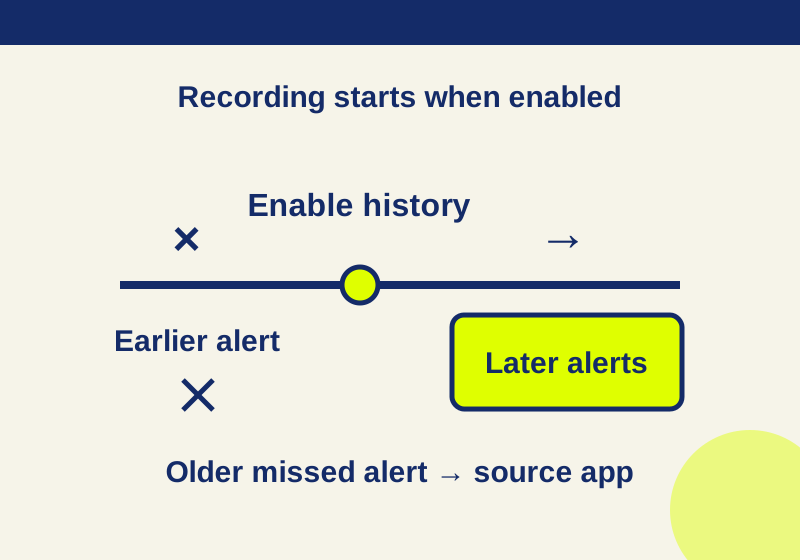
How to find dismissed Android notifications, and what empty history means
A recent recorded alert can lead back to its app. An empty history needs a different recovery route.
SOURCE-CHECKEDEveryday tech
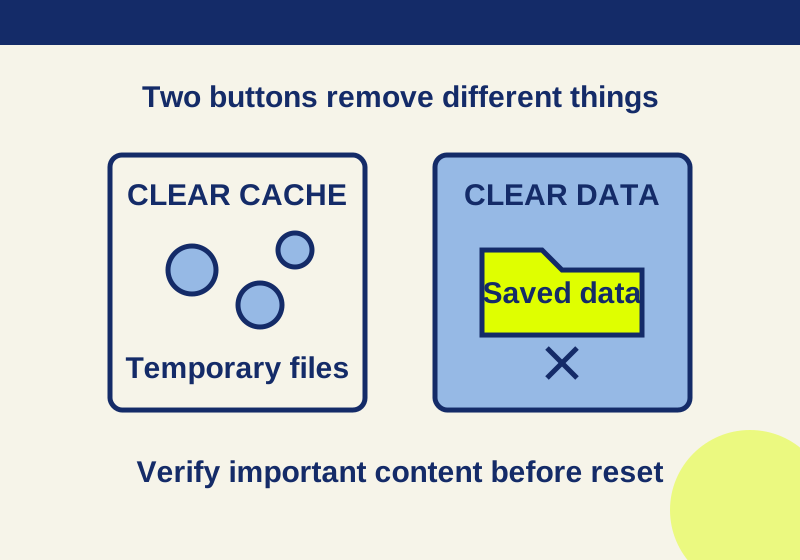
Clear cache vs. clear storage on Android: what gets deleted
Read the app storage breakdown and verify saved content before choosing a deletion button.