TESTED · EVERYDAY TECH
Paste webpage text without bringing its fonts, colors or hidden links
Compare normal and plain-text paste in Chrome, see what happens to a hyperlink, and try a safe formatting exercise with an original sample.
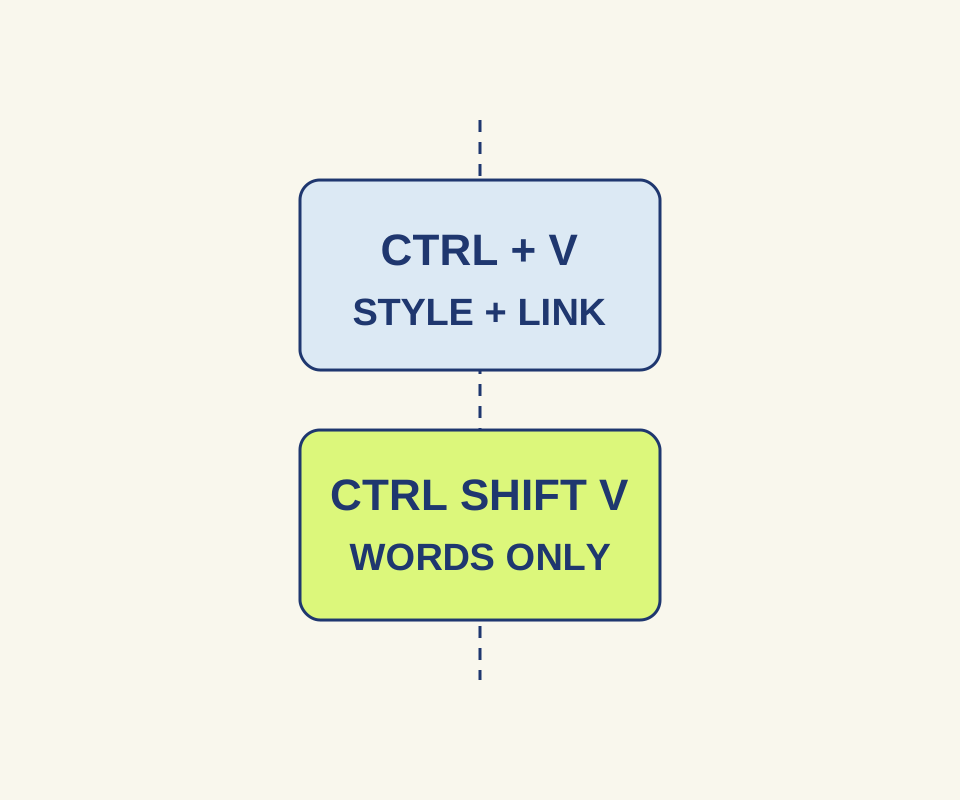
To paste words from a webpage into a browser editor without carrying over the page’s formatting, copy the text, place the cursor in the editor, and press Ctrl+Shift+V on Windows or Linux. Google Workspace Help lists this as “paste without formatting.”
The words can still include link text. Plain paste removes the link destination in the standard browser editor tested here, so keep the source URL separately if you need to cite it.
What changes when you paste
In a native Chrome test, the source paragraph read “Train leaves at 08:45. Schedule”. The first sentence was pink and bold, with a 28px font size; “Schedule” linked to https://example.org/schedule.
A regular Ctrl+V paste into an ordinary editable box kept the text, formatting, and one link. Ctrl+Shift+V into a second ordinary editable box kept the exact same text but produced no rich formatting or link. The word “Schedule” remained, with nothing in the pasted text to show where it had linked.
Try the two paste boxes
Open the paste exercise, select its original train note, and copy it. Paste normally into the first box, then use Ctrl+Shift+V in the second. Both boxes accept rich text; the page does not force the second box to remove formatting. Choose Inspect both boxes to see the words and number of clickable links. Clear both boxes empties the exercise. Use the sample rather than private text. The page does not save or transmit the boxes.
Check the result in your editor
After pasting, look at the words and any links before you continue editing. Text may still appear styled because the destination editor applies its own formatting. That alone does not mean the webpage’s styling came along.
Browser editors can also differ. MDN’s contenteditable reference explains that a rich-text editable area can retain pasted formatting, while a plaintext-only area removes it. An editor with its own paste handling may respond differently to the shortcut. Plain paste also does not promise to remove hidden characters or repair awkward line breaks copied from a PDF.
Source note: Sources checked October 15, 2026. The recorded keyboard test used headless Windows Chrome 155.0.8059.40 and standard contenteditable boxes; it did not test Google Docs, Word, or custom editors.
KEEP GOING
More to explore.
TESTEDEveryday tech
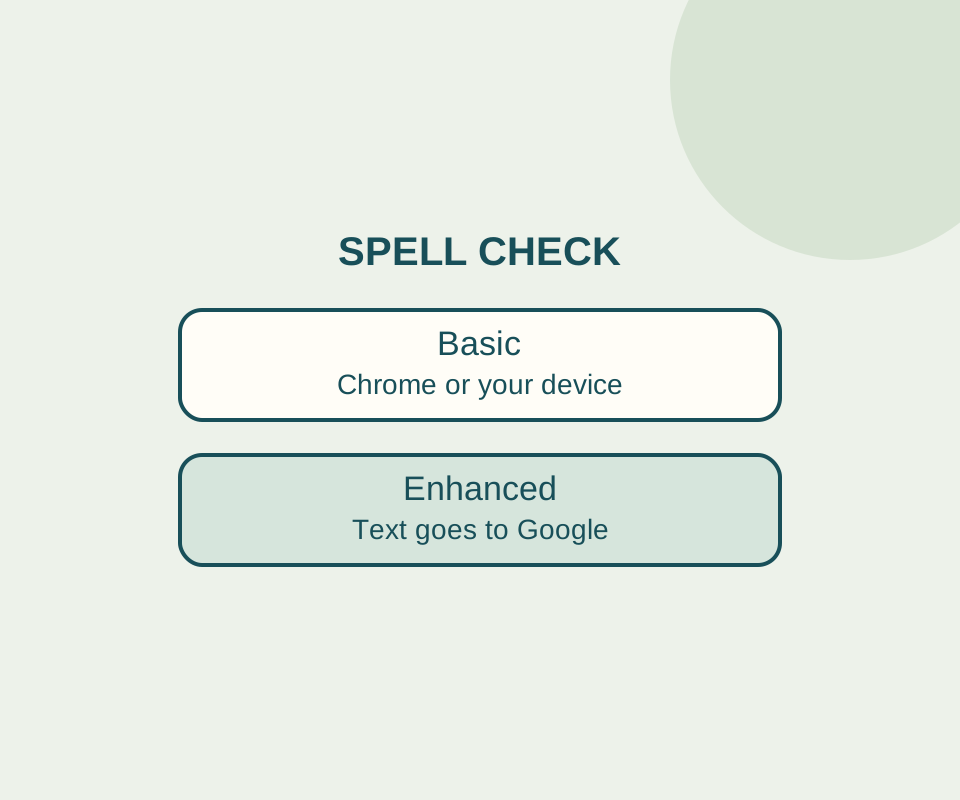
Chrome spell check: fix the language without sending text to Google
Basic spell check keeps text away from Google for spelling. Check the language and custom dictionary before switching it off.
SOURCE-CHECKEDEveryday tech
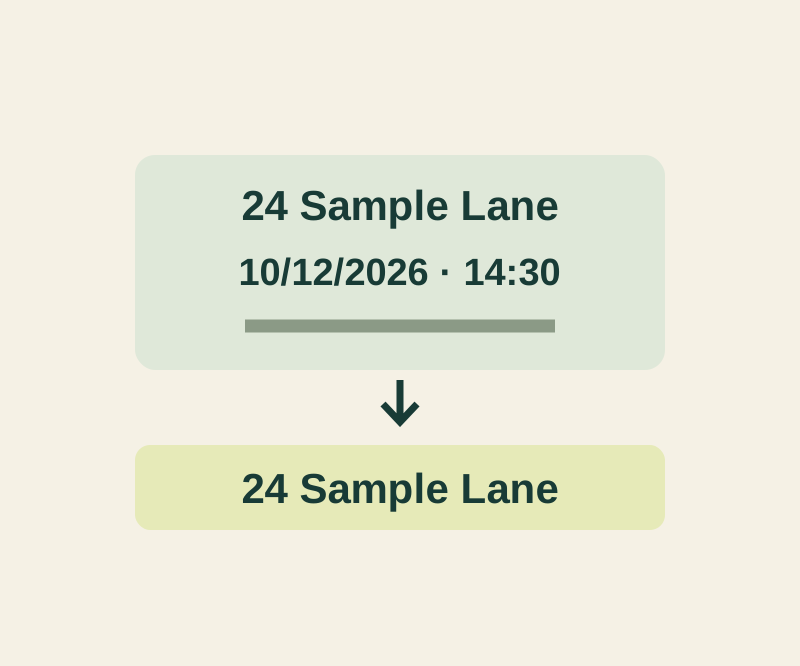
Gboard: paste only the address or link from a copied message
A copied invitation may contain five different things. Paste the intended field and check that the rest of the message stayed behind.