TESTED · EVERYDAY TECH
Make a labeled photo contact sheet on Windows with ImageMagick
Create a labeled contact sheet in PowerShell with ImageMagick. Compare a real six-image output, preserve image proportions, and keep the originals unchanged.
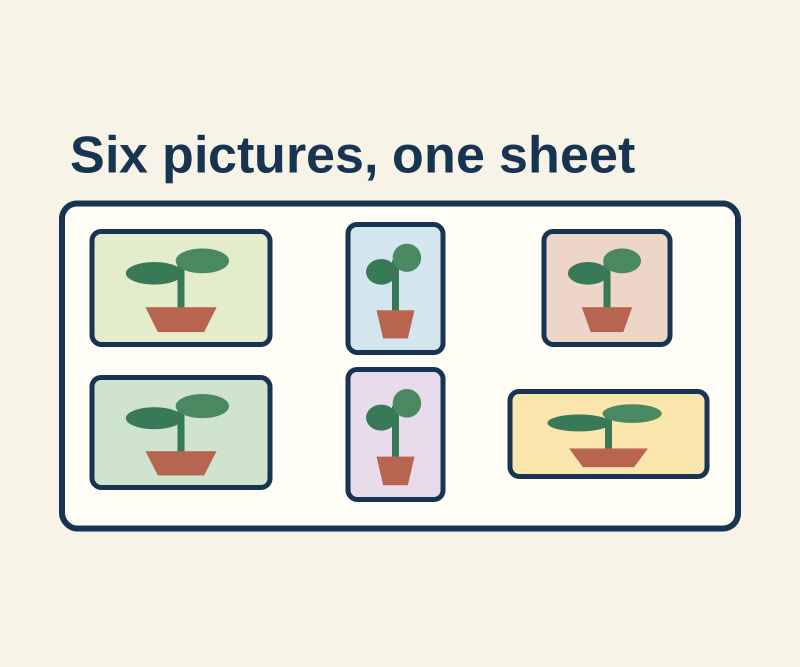
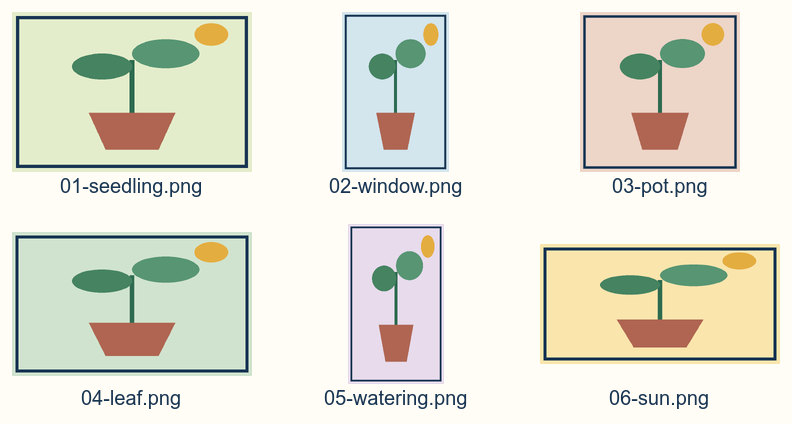
A contact sheet lets you see several images at once and identify each original by filename. Open the finished six-image sheet to compare the filenames and whole frames. The original drawings have visible borders, so you can see that the narrow portrait images were fitted inside their cells without cutting off their edges.
Make the sheet in PowerShell
Download an official Windows build of ImageMagick, then open PowerShell in the folder containing your images. Check that PowerShell recognizes the command:
magick -versionIf it does not, use & followed by the full path to magick.exe in quotes wherever the command below says magick.
Download and extract the six original PNG drawings into that folder. Then run:
magick montage -font Arial -pointsize 20 -label "%f" 01-seedling.png 02-window.png 03-pot.png 04-leaf.png 05-watering.png 06-sun.png -thumbnail 240x160 -gravity center -background "#fffdf5" -fill "#173452" -tile 3x2 -geometry 240x160+12+12 contact-sheet.pngThe six filenames set the order. -tile 3x2 makes three columns and two rows; -label "%f" puts each filename beneath its image. The 240x160 thumbnail bound fits each whole drawing within its cell, preserving its proportions, while +12+12 adds space around it. Portrait drawings therefore appear narrower than landscape drawings. ImageMagick’s montage documentation covers tiling, and its usage guide explains geometry and filename labels.
For your own images, replace the six input filenames with yours and give the result a distinct output name. Listing inputs explicitly keeps them in your chosen order and prevents an older contact-sheet.png from being included by a later *.png command. Open an original image when you need to judge its sharpness; the sheet is a thumbnail overview.
Source and test note: Native ImageMagick 7.1.2-34 Q8 x64 produced the linked 792 × 424 sheet from the six drawings, with each input hash unchanged. Camera photos, EXIF orientation, print size, and output quality were not tested. ImageMagick’s license is available here.
KEEP GOING
More to explore.
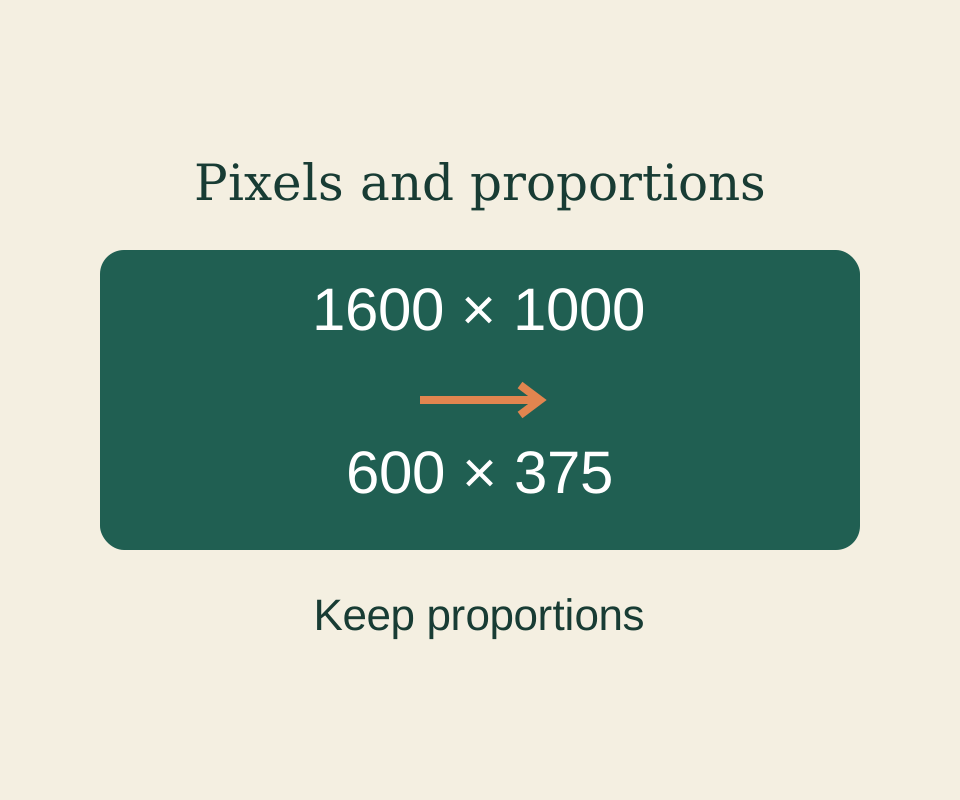
SOURCE-CHECKEDEveryday tech
How to resize an image in Windows Paint without stretching it
Set proportional pixels in Paint and keep image dimensions separate from the saved file’s byte size.

TESTEDEveryday tech
Open an RTF file after WordPad disappears, and keep its formatting
A small book club RTF, its converted DOCX and a PDF reference show what to preserve when opening an old rich-text document.