SOURCE-CHECKED · EVERYDAY TECH
Prepare Find Hub to locate an Android phone when it goes offline
Choose an offline-finding setting by separating a phone’s stored last-online location from possible help through the Find Hub network.
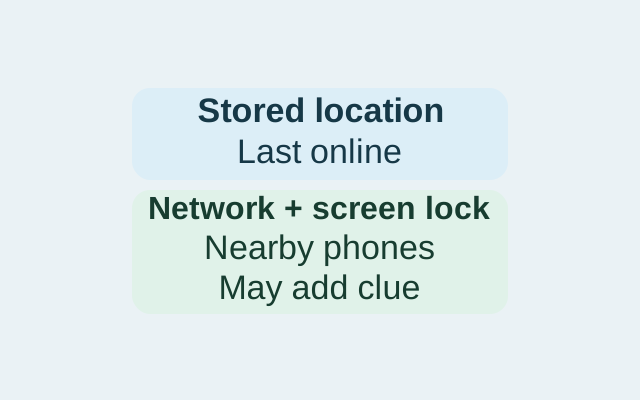
Suppose your phone was last online at home, then went offline elsewhere. If Find Hub shows a stored location at home, it tells you where the phone was last online. It does not tell you whether the phone is still there. With a network setting, nearby Android devices may detect the offline phone and securely send that location to Find Hub. A new detection is not guaranteed.
Choose an offline setting
- Off: Your phone’s encrypted recent locations will not be stored, and it will not participate in the Find Hub network.
- Without network: You can use an encrypted recent location stored while the phone was online, without network participation.
- With network in busy places only: You keep the recent-location clue and may get network help in places such as airports and busy footpaths.
- With network everywhere: You keep the recent-location clue and may get network help in busy and remote areas.
Google says network help under either network setting applies when the phone has a PIN, pattern, or password.
Set it up before a loss
Check that the phone is signed in to a Google Account. In Settings, turn on Location → Use location. Then open Security → Find Hub and check that Allow device to be located is on.
To choose an offline setting, open Settings → Google → All Services (if tabs appear) → Find Hub → Find your offline devices. If you cannot find Location, Google directs you to your phone manufacturer’s support site.
On supported phones, such as the Pixel 8 series, Google says the network can locate the phone for several hours after shutdown or battery depletion. This requires either network setting, with Bluetooth and Location on when the phone shuts down.
Google notes that some steps require Android 14 or later. Source: Google’s “Be ready to find a lost Android device”, captured October 19, 2026. These instructions are documented; no phone trial was performed.
KEEP GOING
More to explore.
SOURCE-CHECKEDEveryday tech
Prepare Android theft locks before your phone goes missing
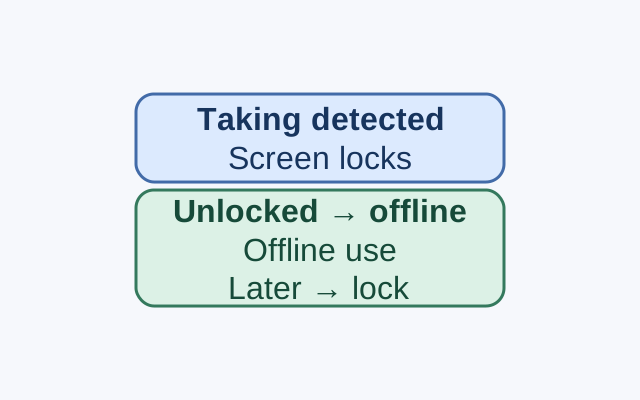
Theft Detection Lock responds to a detected taking. Offline Device Lock responds after an unlocked phone is used offline for a short period. Check each control separately.
SOURCE-CHECKEDEveryday tech
Android app updates and system updates: find the right screen when one says up to date
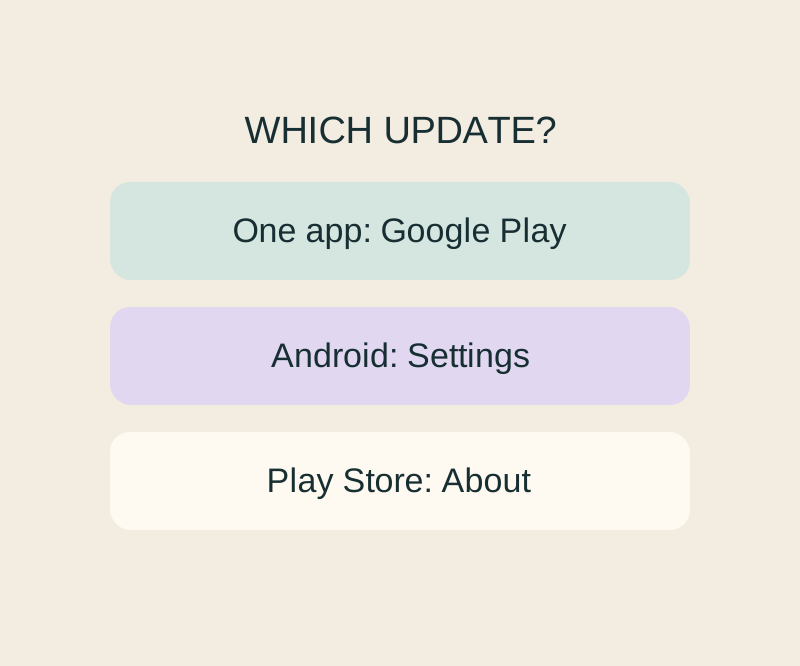
Update, Open and a stuck download lead to different next checks; an Android up-to-date message cannot settle all three.