TESTED · EVERYDAY TECH
Remember what's on an unplugged USB drive with Everything file lists
Save an Everything EFU catalog on your PC and search filenames after unplugging a drive. Try a native-generated example and understand what the list cannot restore.
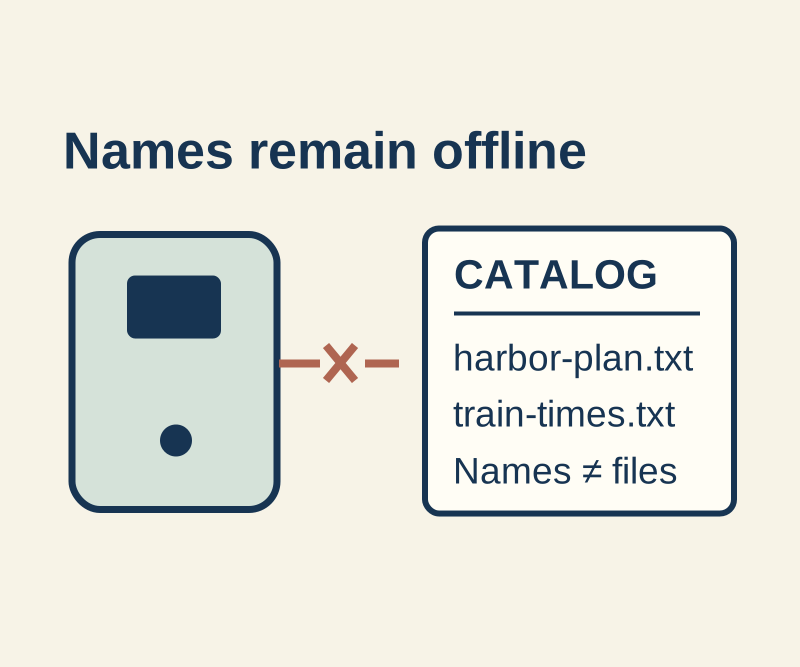
An Everything file list lets you search a saved catalog of a drive after you unplug it. You can find a filename and its folder, then reconnect the drive to open the file. The catalog stores metadata, not the file’s contents or a backup of its bytes. Everything’s file list guide describes this offline use.
Save a list while the drive is connected
In Everything, open Tools > File List Editor and drag in the folder you want to catalog, such as E:\Trips. Choose File > Save to create an EFU file. Save it on your PC so the catalog is available when the USB drive is not.
Put the physical drive label and capture date in the catalog filename so you can tell snapshots apart.
Search it after disconnecting
Choose File > Open File List and select the saved EFU. Everything searches that list in place of its ordinary results; the status bar shows the list name so you can check which view is open. Search a partial name such as harbor, or use ext:txt to narrow results to text files. Choose File > Close File List to return to normal results. File list controls and search syntax are documented by Everything.
A small practice catalog contains the fictional path E:\HowCurio-example\Trips\harbor-plan.txt. In a recorded native query, harbor found that path, ext:txt found three files, and nonexistent-anemone found none. The fictional paths are catalog entries; the corresponding files are not bundled for download.
Treat the list as a snapshot. Its dates are captured file metadata, not proof that a file still has the same contents. After meaningful changes, create a new dated catalog and keep the previous one until you have compared them. Reconnect the correct physical drive when you need the actual file; its drive letter may have changed. An EFU exposes full filenames and paths, so review it before sharing a personal catalog.
Source and test scope: Everything’s file list, search, command-line, and download pages were checked October 16 KST. The recorded test used Everything 1.4.1.1032’s -create-file-list on an isolated folder with three original text files; its EFU had three file and two directory rows, with only the root path rewritten for publication. No USB disconnection or GUI search was tested.
KEEP GOING
More to explore.
SOURCE-CHECKEDSharing workflows
Dropbox personal folders vs. team folders: keep projects working when people leave
Put shared projects in the right team folder, separate restricted files, and use the correct ownership or account-transfer process when someone leaves.
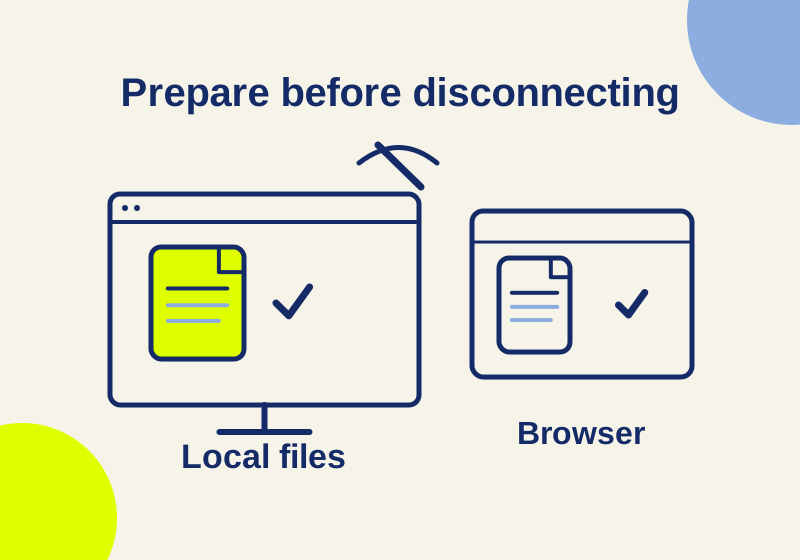
SOURCE-CHECKEDBusiness documents
OneDrive vs Google Drive offline: what to download before you disconnect
Set up offline laptop work with OneDrive status icons, Drive desktop streaming or mirroring, shared drives, and separate Google Docs browser access.