SOURCE-CHECKED01
Find wheelchair-accessible transit options in Google Maps
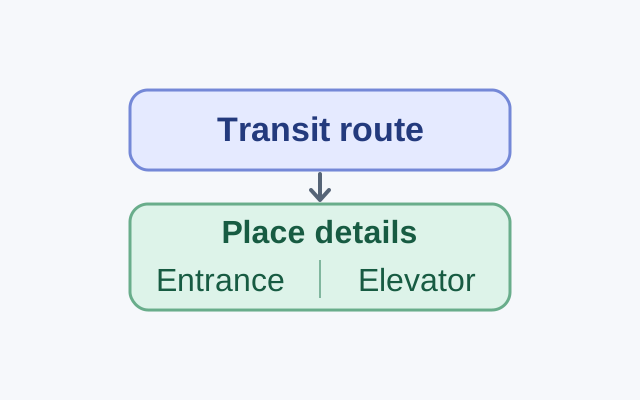
Google documents a transit route option on computers and Android. Its Android guidance also explains place attributes, which are available only in certain countries.
TOPIC / HOWCURIO
Useful apps, websites, browser features, and online discoveries, with practical explanations and links to the original sources.
49 STORIESEXPLORE THIS TOPIC
Find something useful for your next click: a browser feature, an unfamiliar app, or a website that makes an everyday job easier.
SOURCE-CHECKED01
Google documents a transit route option on computers and Android. Its Android guidance also explains place attributes, which are available only in certain countries.
SOURCE-CHECKED02
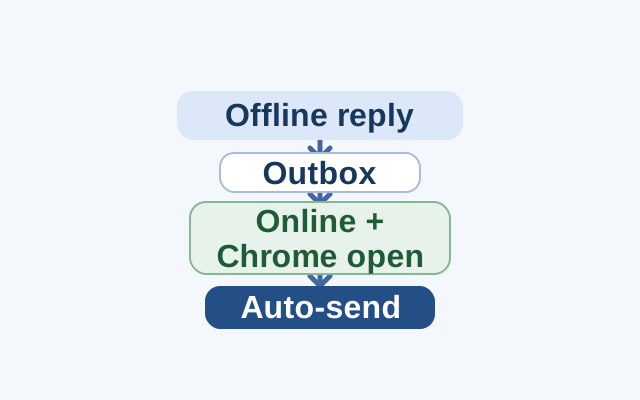
The selected day range controls which messages Gmail syncs for offline use. A reply sent without internet goes to Outbox and sends automatically after reconnection; Chrome must be open for messages to sync.
SOURCE-CHECKED03
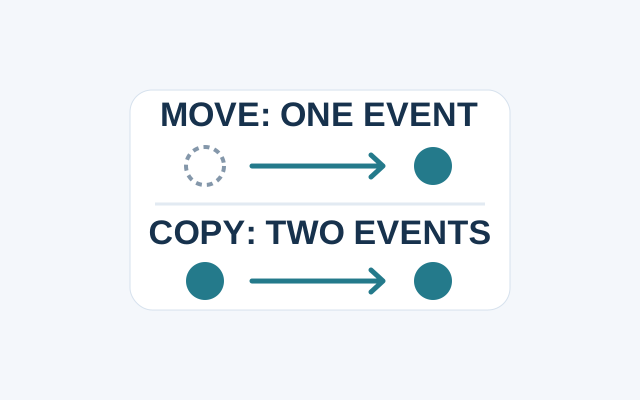
Google Calendar uses different flows to move an event and to copy one. Change the event’s Calendar field when you want it on the new calendar only.
SOURCE-CHECKED04
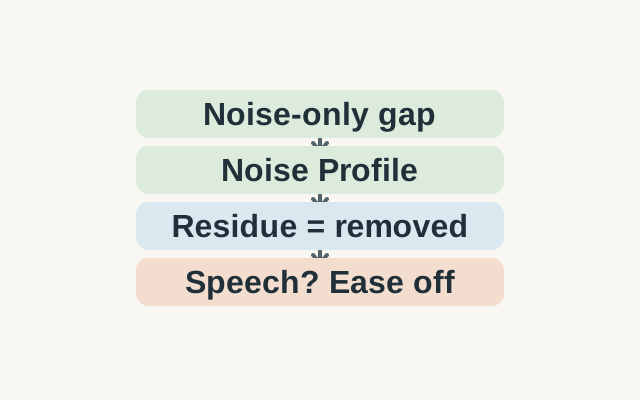
Two selections serve different purposes: a noise-only passage teaches Audacity what to target; a passage containing speech lets you hear what the proposed settings would discard.
SOURCE-CHECKED05
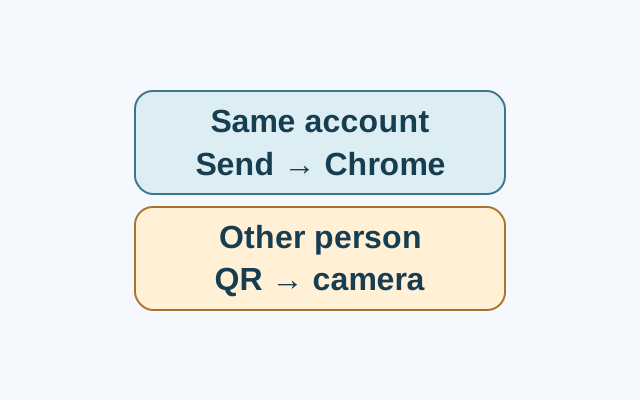
Send to your devices requires the same Google Account on both devices. The tab opens in Chrome on the selected device; a phone notification depends on notifications being on. QR code sharing is a separate route.
SOURCE-CHECKED06
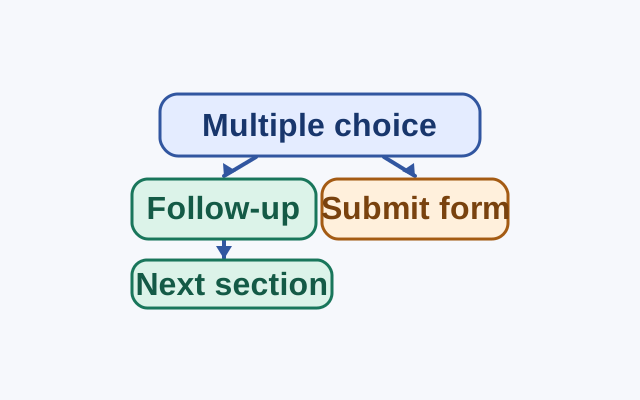
Google Forms can route Multiple choice and Dropdown answers to sections or Submit form. A separate setting at the bottom of each section controls which section follows it.
SOURCE-CHECKED07
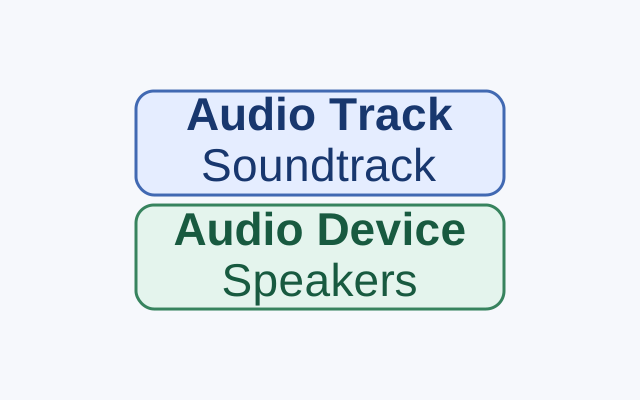
A quick guide to choosing a video’s available audio track without confusing it with the speaker or headphone setting.
SOURCE-CHECKED08
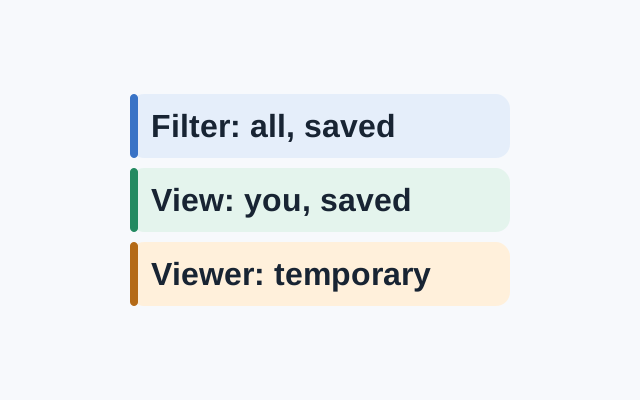
A standard filter is visible to everyone with access and its settings are saved. A saved filter view applies to your view. A viewer can make a temporary filter view, but cannot save it.
SOURCE-CHECKED09
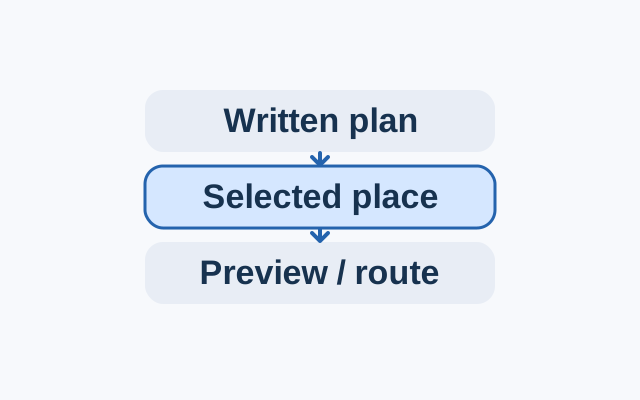
On a computer, write each stop’s time and purpose in plain text, then add a place chip for the intended location.
SOURCE-CHECKED10
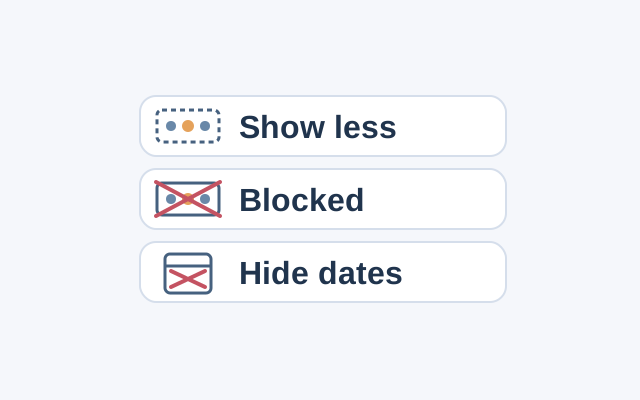
An Android guide to the scope and reversal of Show less, Blocked, and Hide dates in the featured memories carousel.
SOURCE-CHECKED11
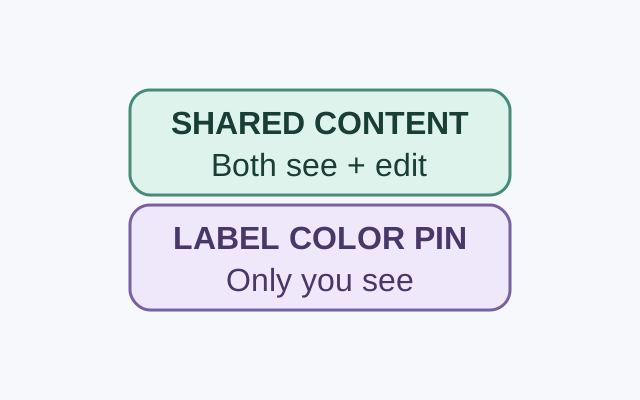
A collaborator can see and edit a shared note’s contents. Google says only you can see the labels, colors, and pins you apply to it.
SOURCE-CHECKED12
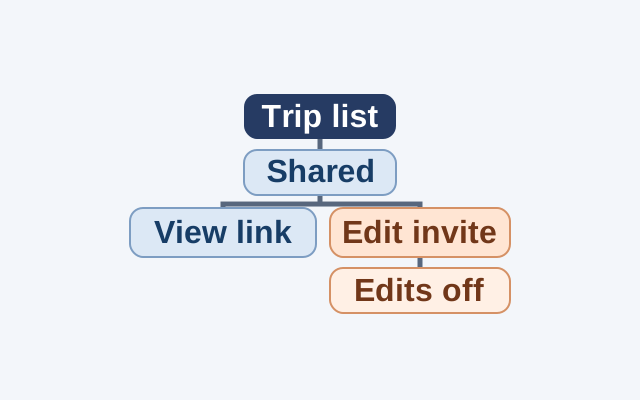
Use a hypothetical trip list to decide when to send a viewing link, invite an editor, and end editing access.
SOURCE-CHECKED13
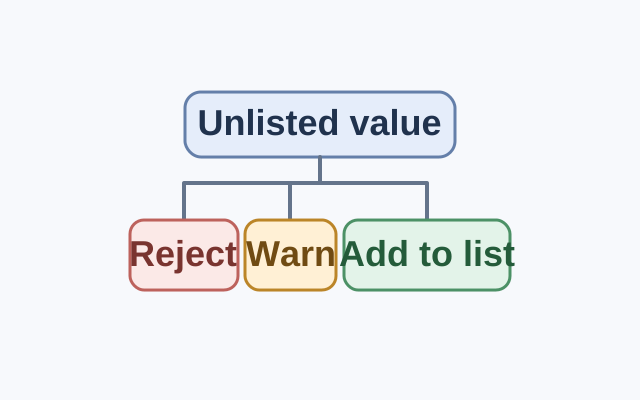
Google Sheets rejects entries outside a dropdown list by default. Show a warning allows them; adding a recurring value to the list makes it a standard choice.
SOURCE-CHECKED14
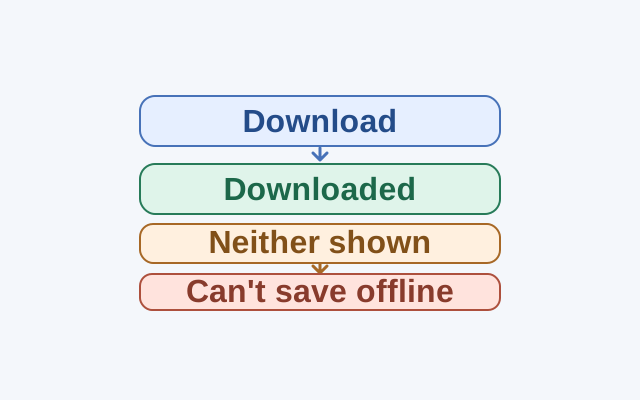
Check for Downloaded status before treating a missing Download button as a sign that a language cannot be saved.
SOURCE-CHECKED15
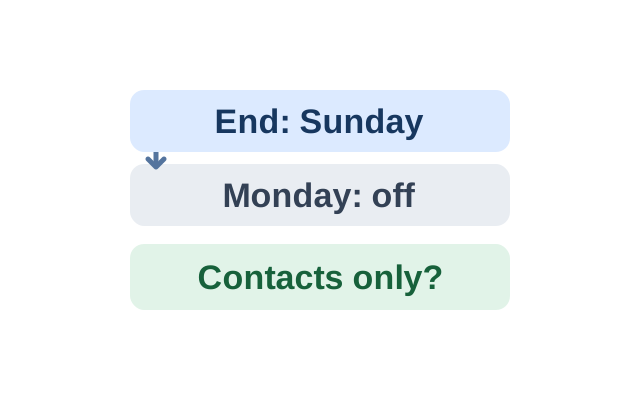
Gmail keeps a vacation reply active through 11:59 PM on its end date. The contacts-only checkbox controls the audience separately.
SOURCE-CHECKED16
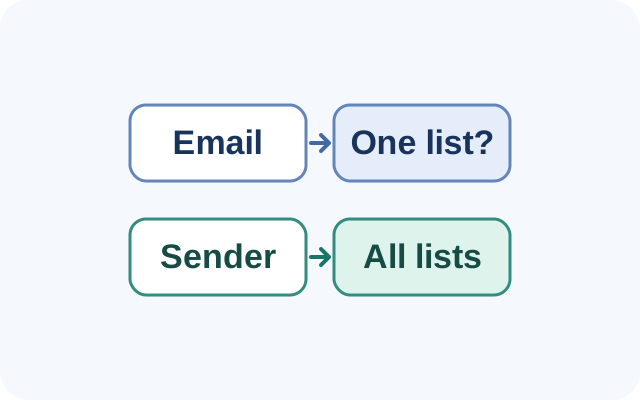
Unsubscribing from one email might remove only one mailing list. Unsubscribing from a sender in Manage subscriptions removes all active mailing lists related to that sender.
SOURCE-CHECKED17
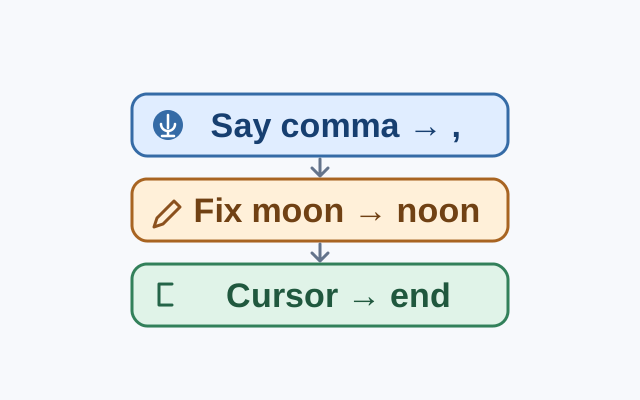
A worked example shows the difference between adding punctuation by voice and repairing text already in the document.
SOURCE-CHECKED18
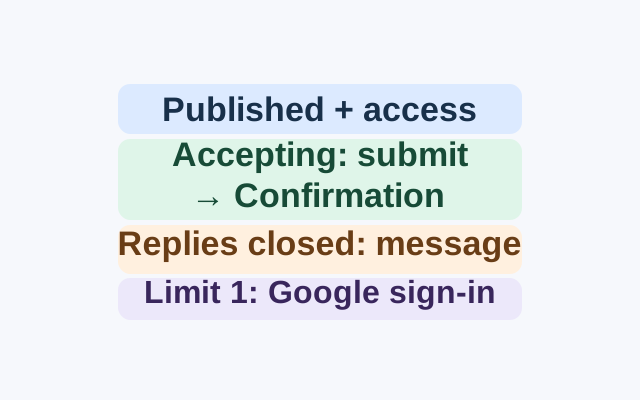
A documented workflow that connects RSVP questions, responder access, the one-response sign-in choice, and the difference between publishing and accepting replies.
SOURCE-CHECKED19
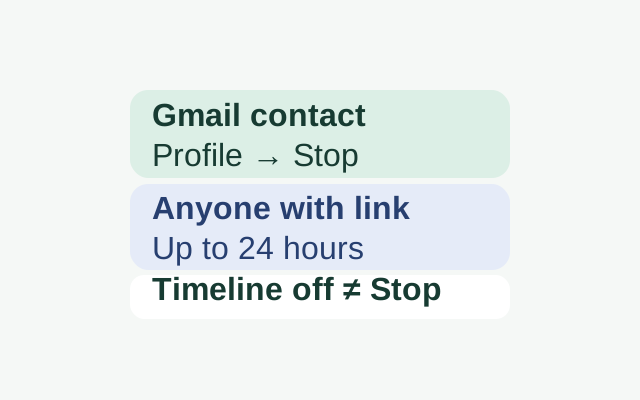
Choose a sharing duration for a Gmail contact, then use Stop when you want to end the share. Turning Timeline off does not end Location Sharing.
SOURCE-CHECKED20
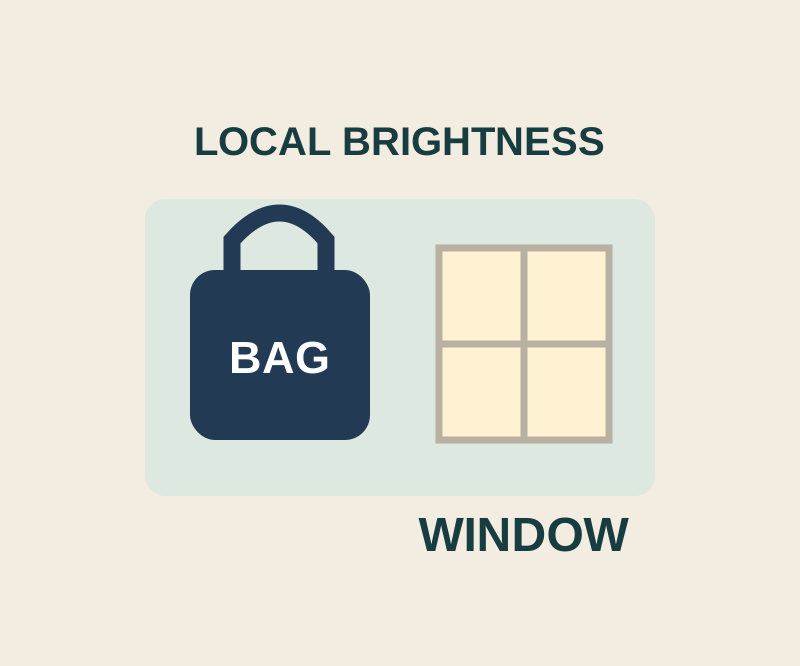
Place the control point on the dark area, then shrink its affected region before raising brightness.
TESTED21
A small object tour leads to an actual spacecraft size comparison, with checks for loading, object names and units.
TESTED22
Recording details tell you the place and artist; the player and membership page explain what you can hear for free.
TESTED23
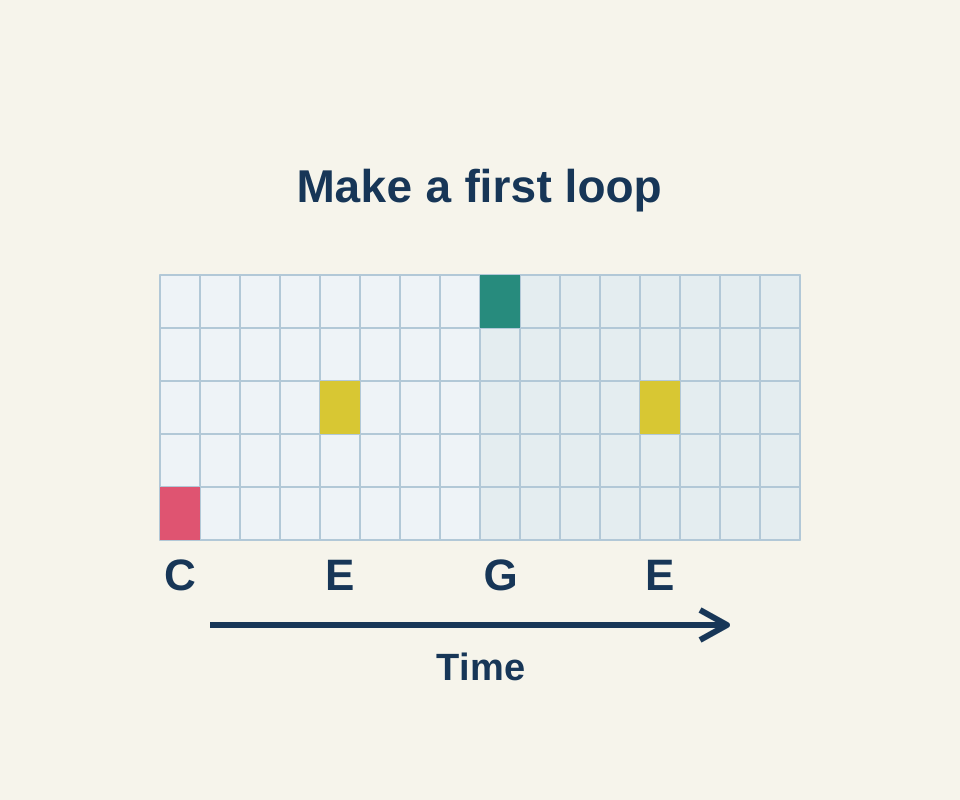
Set two bars and place C, E, G and E across sixteen time columns. A text recipe gives the exact squares.
SOURCE-CHECKED24
Match the suggested bird to its moment in your recording, then compare its call and habitat.
SOURCE-CHECKED25
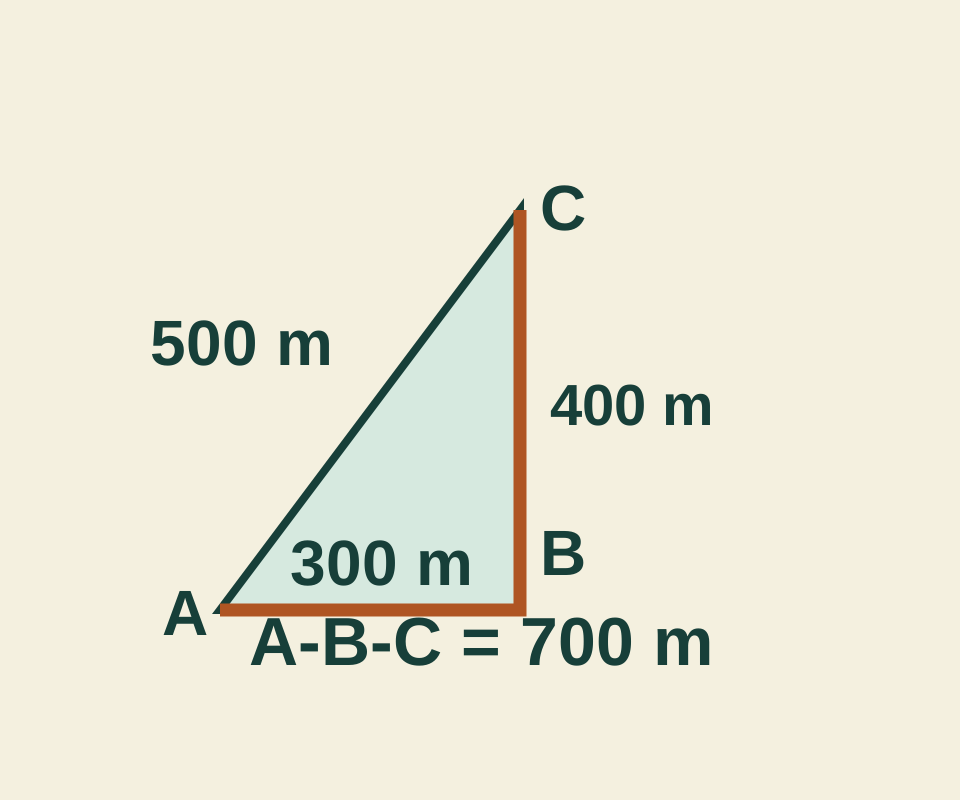
A 300-meter segment plus a 400-meter segment totals 700 meters; the direct line is 500. Try the point list before measuring your own map.
SOURCE-CHECKED26
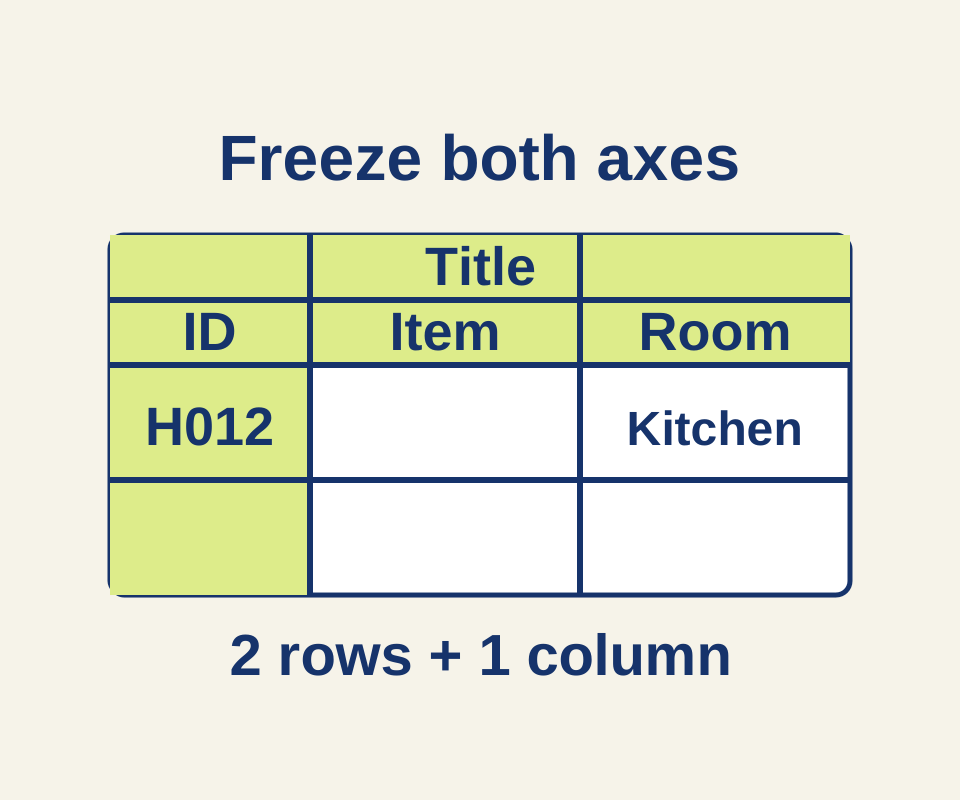
Use a 45-item inventory to choose the correct freeze and sorting boundaries, with separate settings for repeating headings in print.
SOURCE-CHECKED27
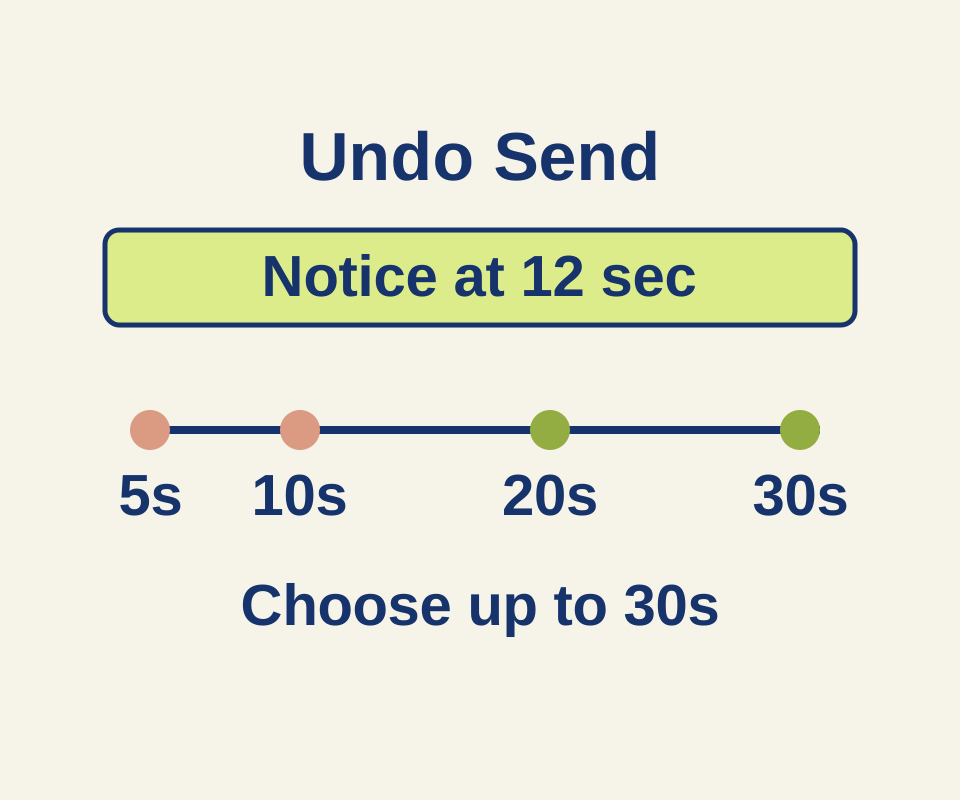
See what a 12-second delay means for each Undo Send setting, then use two correction examples for a wrong time or missing attachment.
SOURCE-CHECKED28
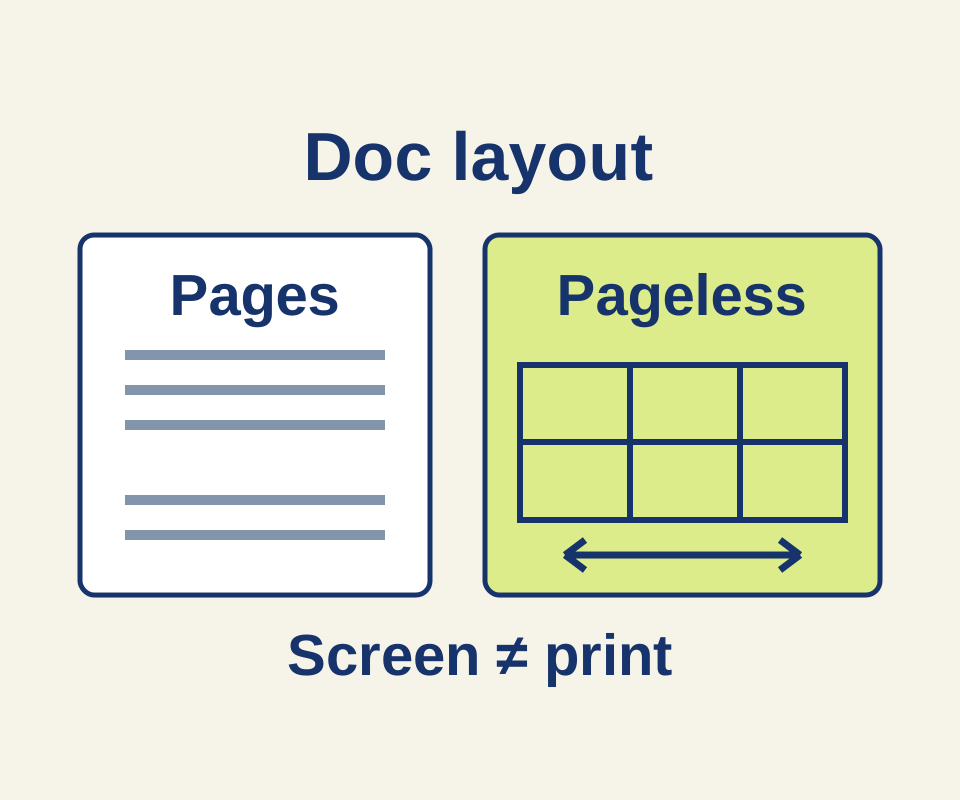
Copy a six-column repair-cafe plan for on-screen use, then split its printable version into two tables connected by station IDs.
SOURCE-CHECKED29
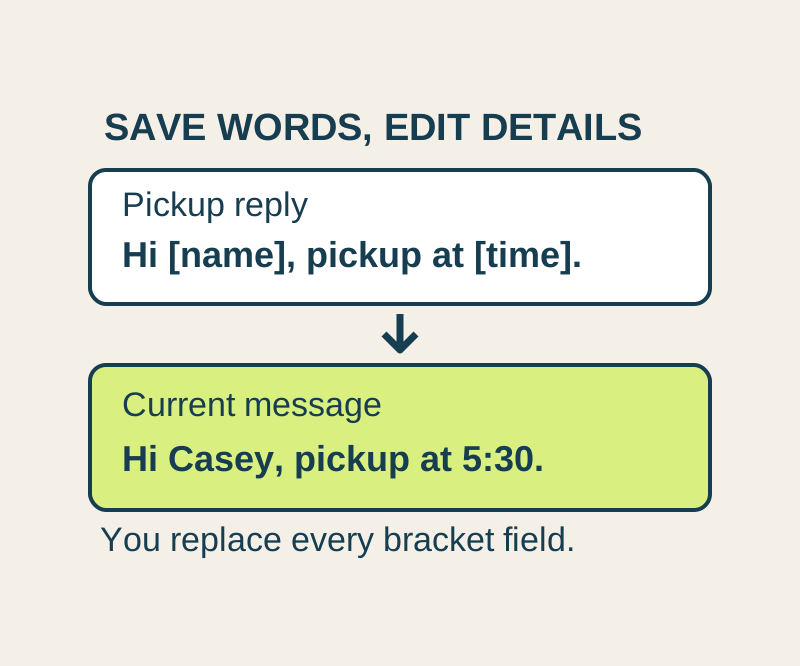
Save the wording you use often, then insert it into a message and update the details. Copy four useful replies or keep the text file.
SOURCE-CHECKED30
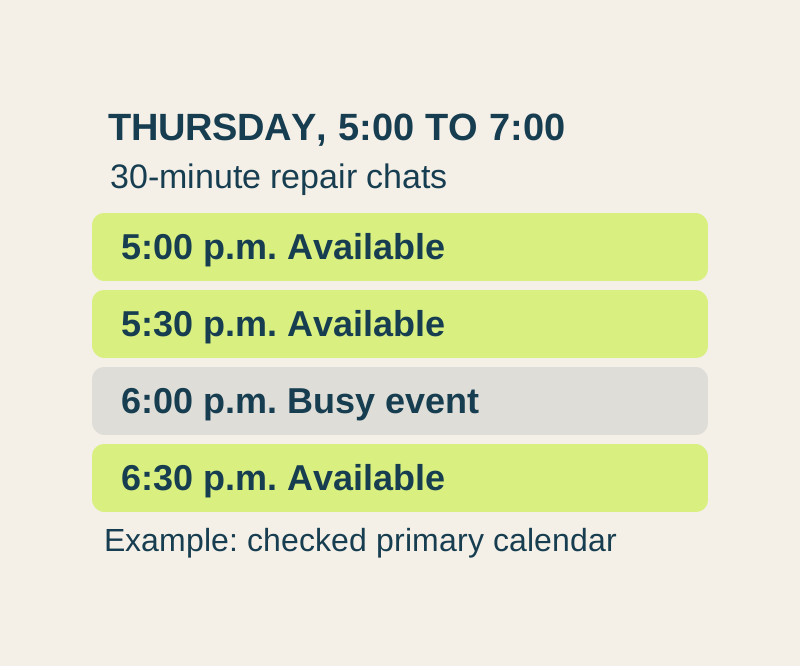
Offer appointment times from one free booking page. A worked weekly schedule explains lead time, busy events and the limits on checking family calendars.
SOURCE-CHECKED31
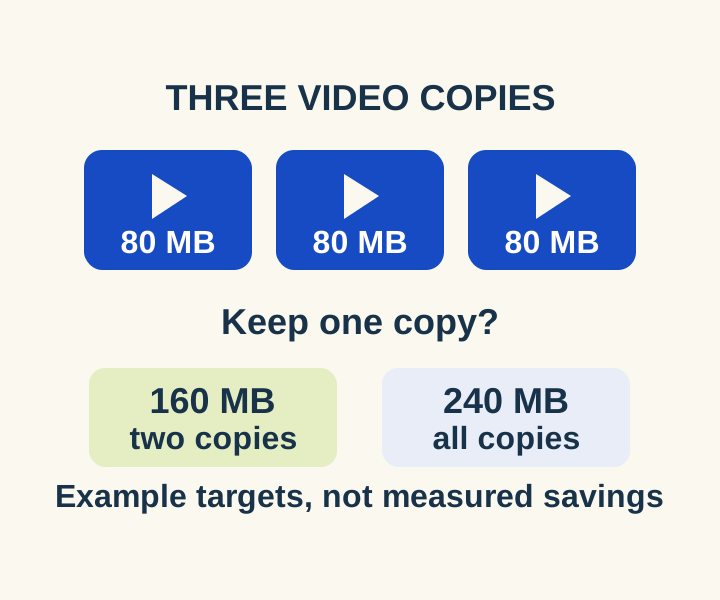
Review the biggest attachments first and see what a two-copy or all-copy deletion would remove before deleting media.
SOURCE-CHECKED32
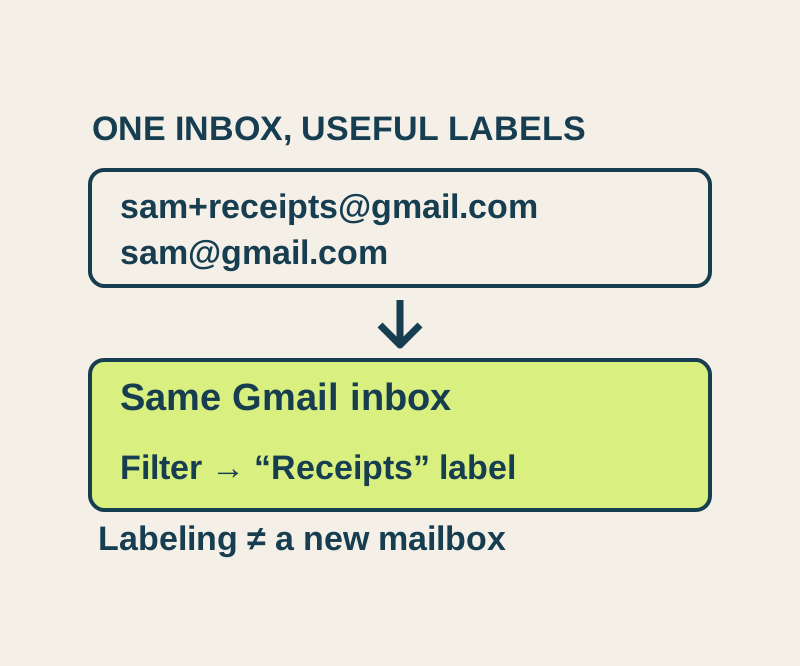
Choose category addresses that reach your existing inbox, then inspect a full recipient address before making its automatic label rule.
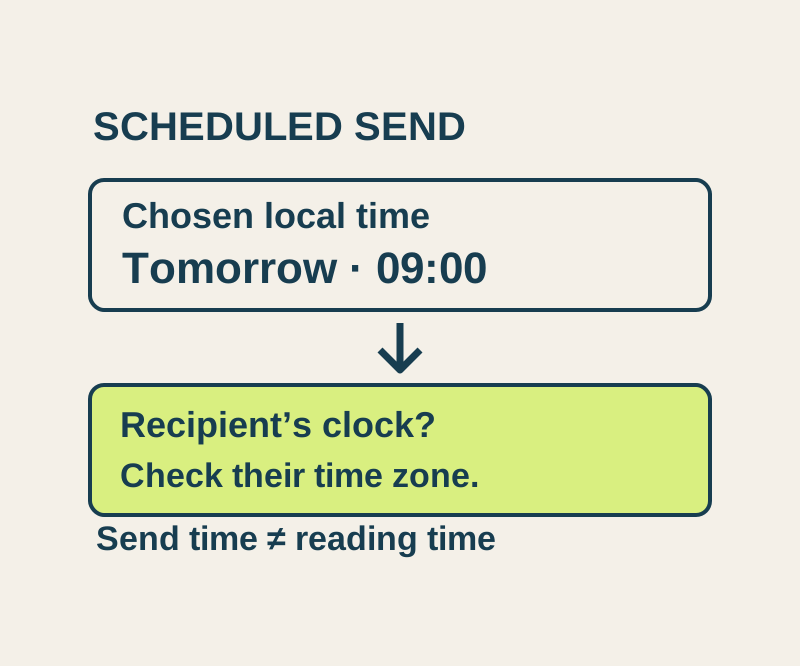
SOURCE-CHECKED33
Use the actual recipient date and time, understand Scheduled versus Drafts, and check a worked New York, London and Seoul example.
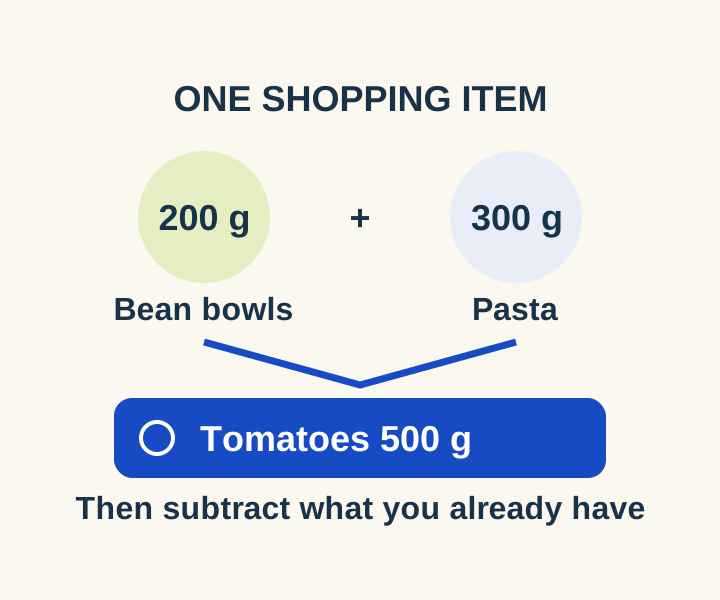
SOURCE-CHECKED34
Turn three meal ingredient lists into seven combined grocery items and subtract what you already have before entering Reminders.
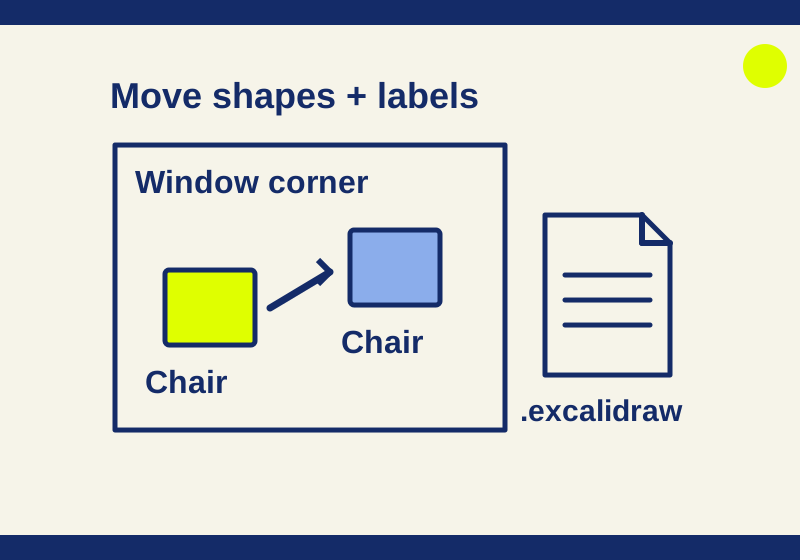
TESTED35
Try an original four-element room sketch, see a real label edit, and keep versions you can rearrange later.
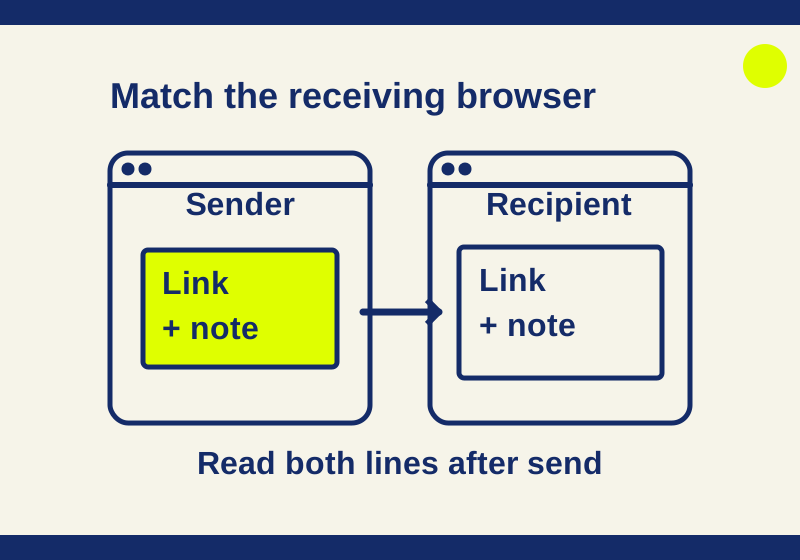
TESTED36
Right-click to send text, match the recipient name, and try an original two-line practice message.
TESTED37
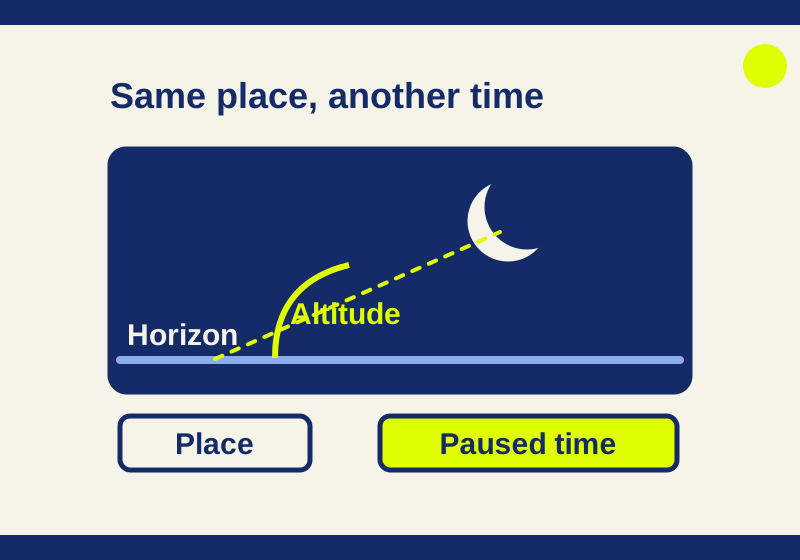
A browser planetarium becomes easier to use when you can explain the location, clock, and Moon coordinates on screen.
TESTED38
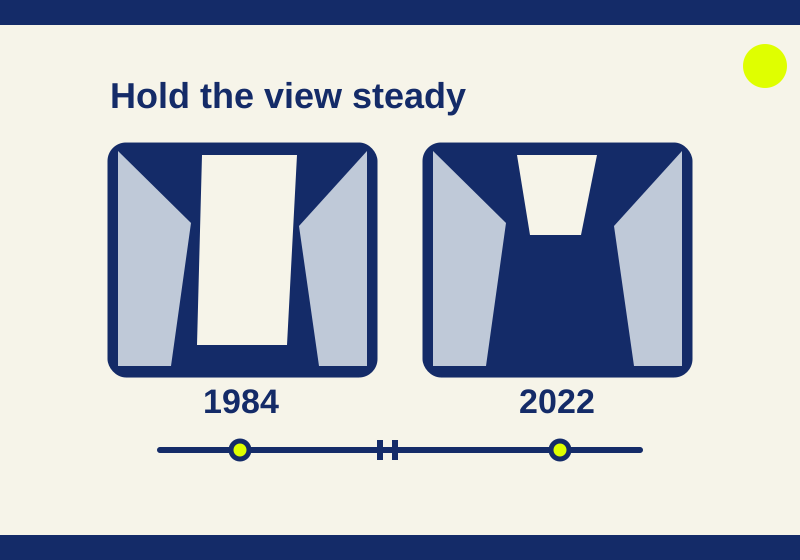
A glacier and the water in front of it look different across two years. Pause on the same location to see what changed and keep the comparison precise.
TESTED39
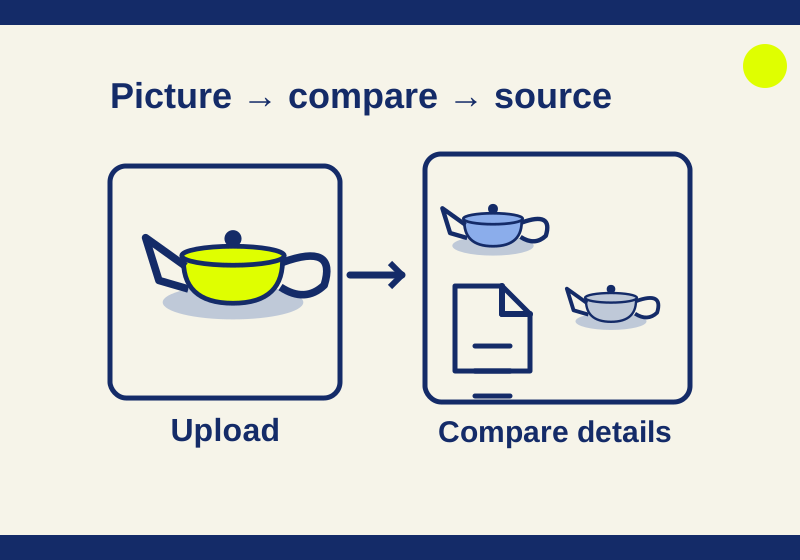
A newly drawn teapot found other teapot graphics. The example shows how visual matches help a search, and why a matching shape cannot identify the creator.
SOURCE-CHECKED40
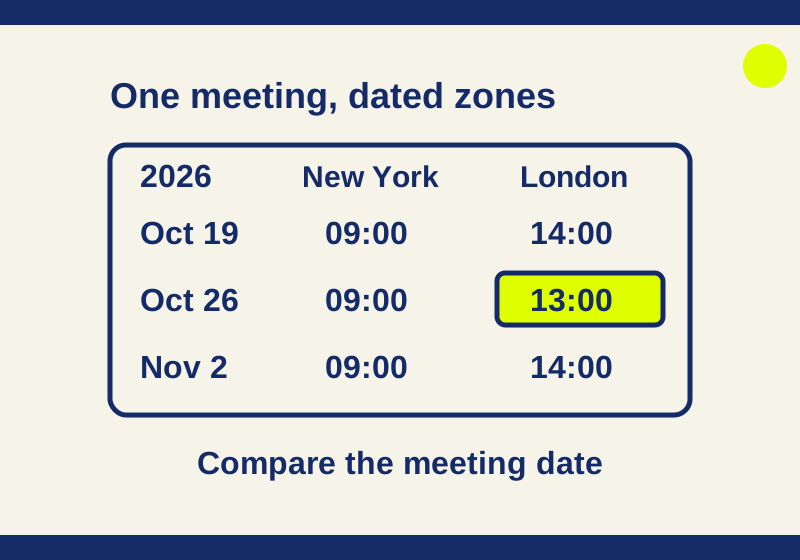
A New York 9 AM meeting shifts in London during daylight-saving mismatch weeks. Add city labels and compare seven downloadable dated examples.
TESTED41
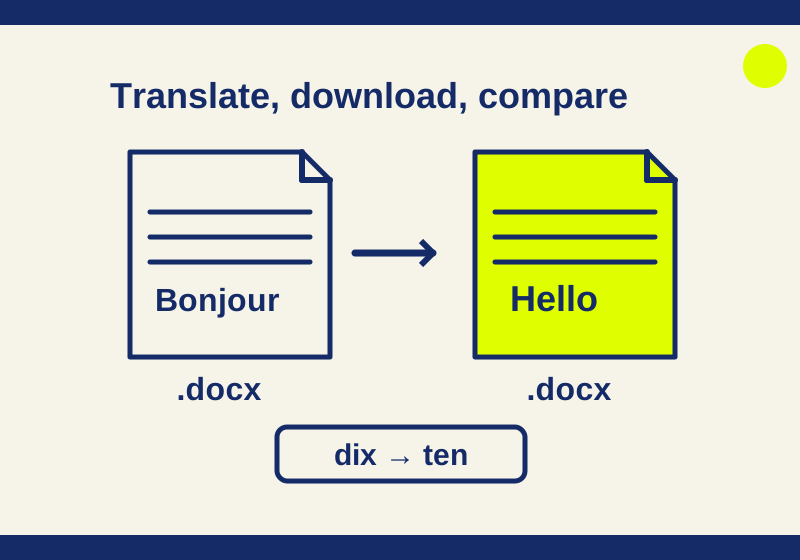
Upload the whole file, download its translation, then check the details that matter. Two real Word examples show what a small French-to-English translation returned.
TESTED42
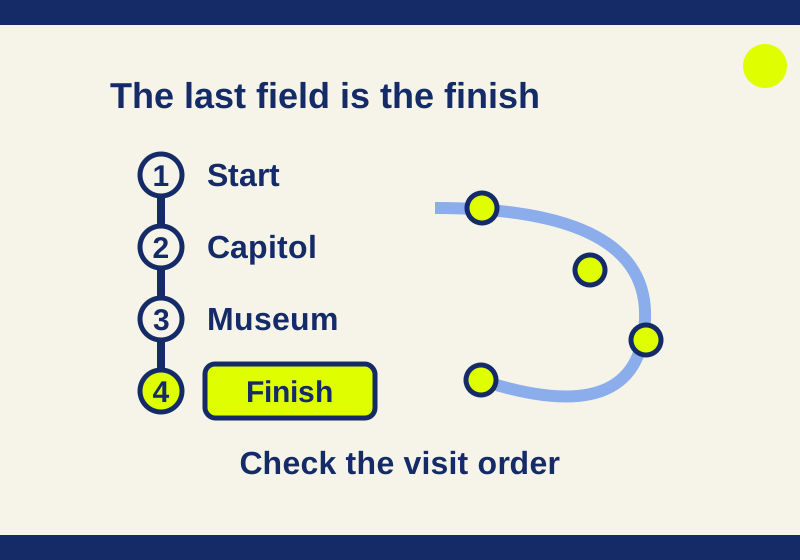
Adding a museum after the finish made it the new final stop. See how Google Maps visit order works, with a real four-place check and reusable route links.
SOURCE-CHECKED43
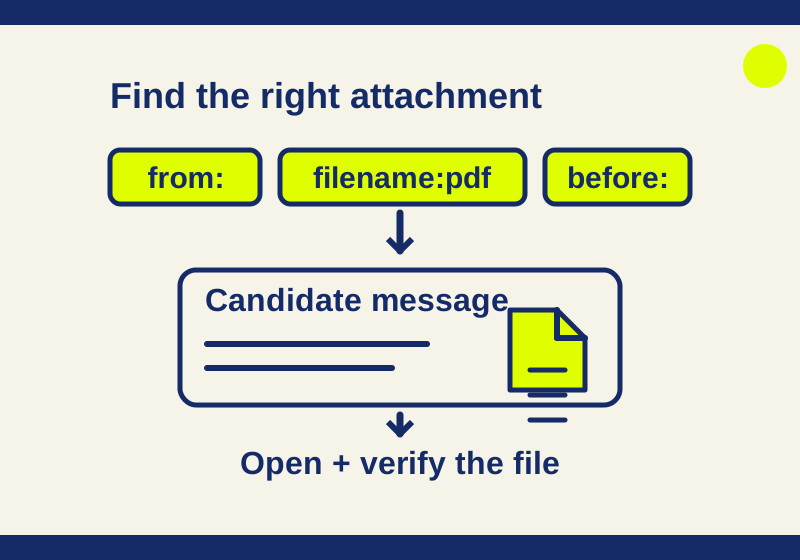
Find old PDFs, archived receipts and booking emails with search recipes you can adapt and download.
SOURCE-CHECKED44
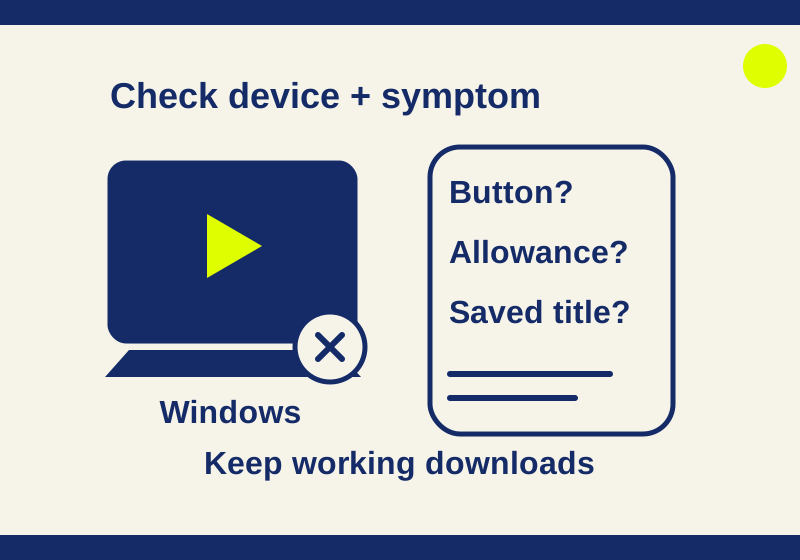
Check the device and monthly allowance, compare download buttons, and use an existing saved title before deleting app data. Windows cannot download Netflix.
SOURCE-CHECKED45
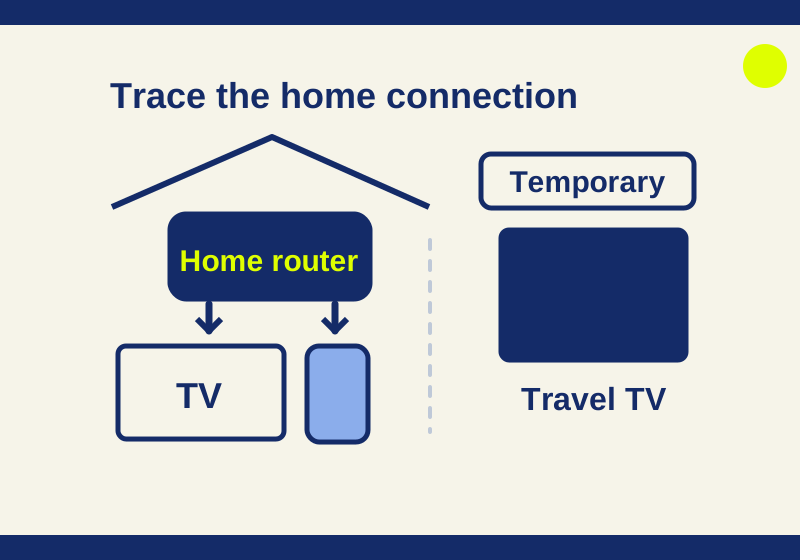
Identify the connection behind the TV, follow the option on its screen, and use temporary access for travel. Record the TV's result after any change.
SOURCE-CHECKED46
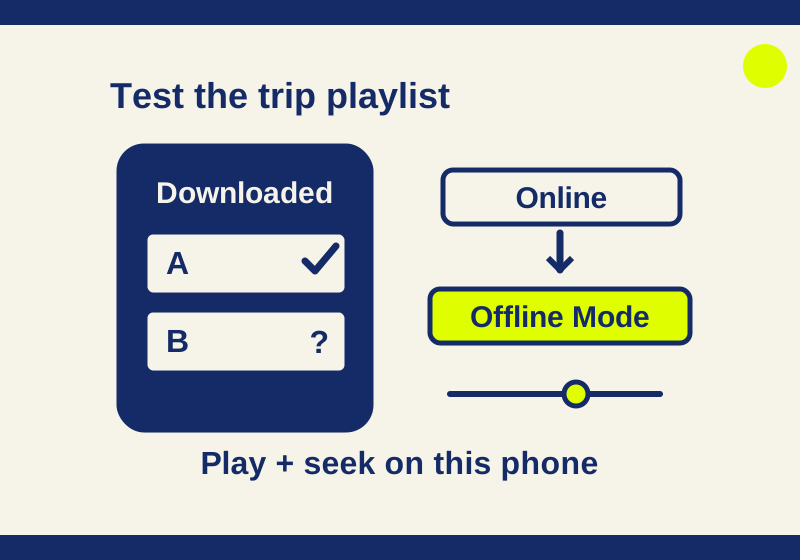
Check completed downloads on the actual travel device, compare online and Offline Mode playback, then investigate the account and local storage.
SOURCE-CHECKED47
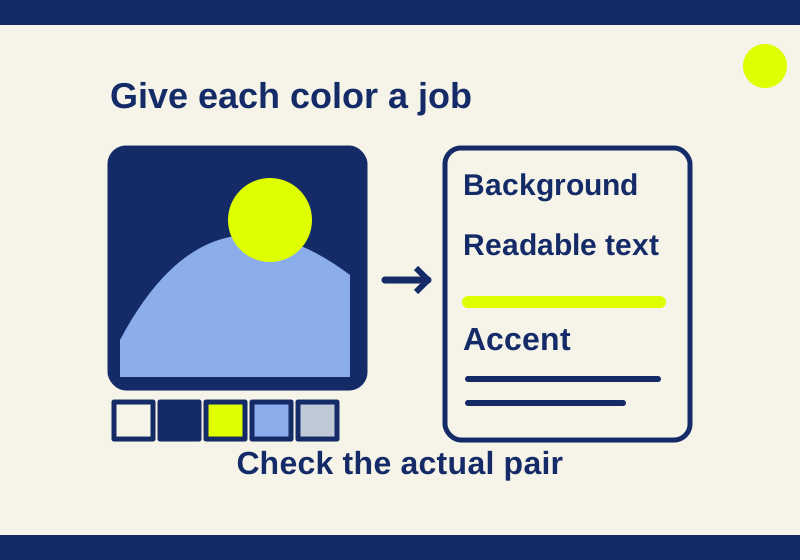
A color search becomes more useful when you compare real artworks, check their image rights and give each color a job.
SOURCE-CHECKED48
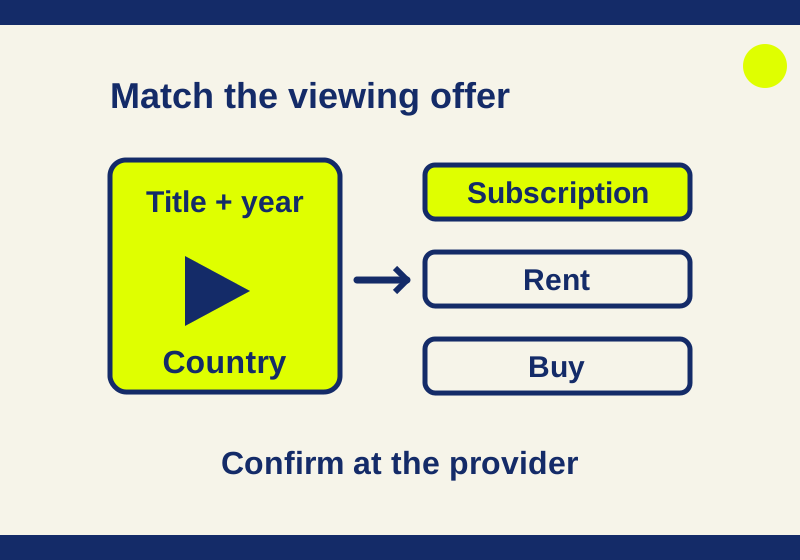
A familiar provider logo can lead to a subscription, a rental, or a channel you do not have. Read the exact offer to find the movie you want.
SOURCE-CHECKED49
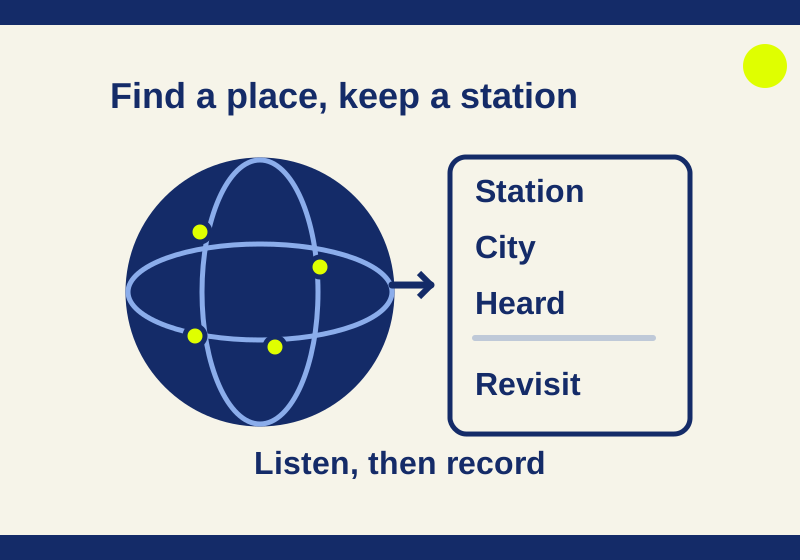
Start with a city, check the station in the player, and keep the finds you want to hear again. A blank listening log gives you a way to remember them.