SOURCE-CHECKED · APPS & THE WEB
Send Google Forms respondents to the right section
Route a multiple-choice answer to a follow-up section or submit the form, then set where the follow-up section leads.
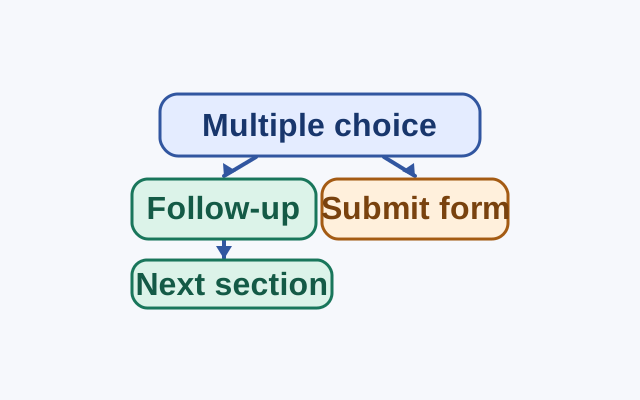
Suppose your form asks, “Do you need a callback?” You can send people who answer Yes to a Callback details section and let people who answer No submit the form. A separate control at the bottom of Callback details determines where those respondents go afterward.
Set up the callback path
- In the desktop Google Forms editor, add a Multiple choice question: “Do you need a callback?” Enter Yes and No as answers.
- Select Add section and name it Callback details. If the form needs a later section, add one named Next steps.
- On the callback question, select More at the bottom right, then Go to section based on answer. Send Yes to Callback details and No to Submit form.
- If you added Next steps, choose it at the bottom of Callback details as the section respondents visit afterward.
If Go to section based on answer is missing, check the question type. Google documents that option only for Multiple choice and Dropdown questions.
These instructions follow Google’s answer-based sections guide and desktop form-editing guide. The example was not independently tested.
KEEP GOING
More to explore.
SOURCE-CHECKEDApps & the web
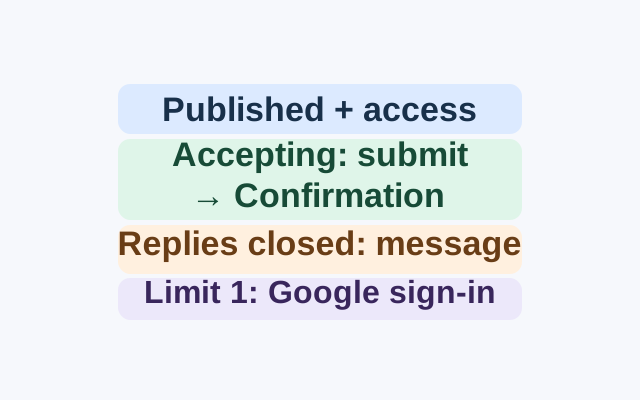
Make a Google Forms RSVP that closes when replies are due
A documented workflow that connects RSVP questions, responder access, the one-response sign-in choice, and the difference between publishing and accepting replies.
SOURCE-CHECKEDApps & the web
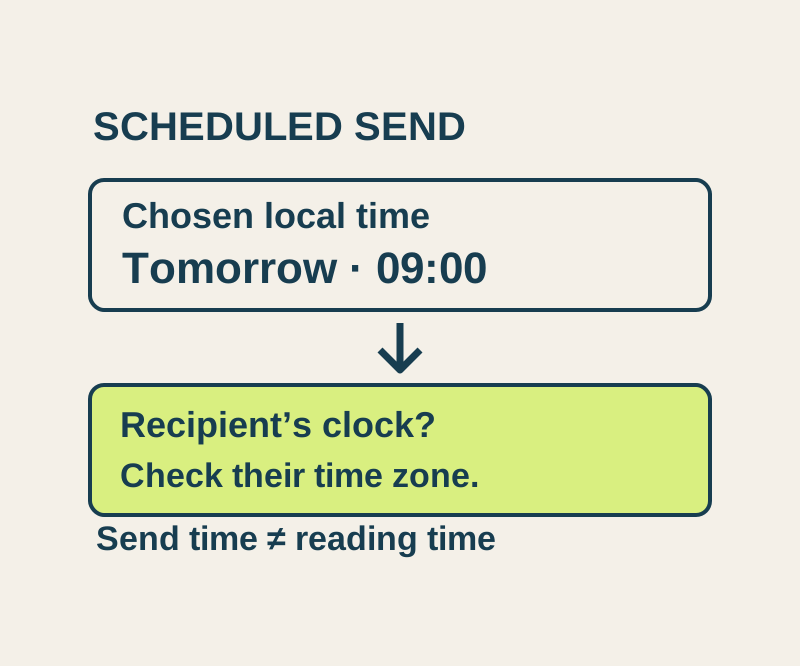
Gmail schedule send: choose Monday morning in the right time zone
Use the actual recipient date and time, understand Scheduled versus Drafts, and check a worked New York, London and Seoul example.