SOURCE-CHECKED · APPS & THE WEB
Gmail schedule send: choose Monday morning in the right time zone
Schedule Gmail for a recipient’s local morning, compare dated time-zone examples, and edit a queued message without leaving it as an unsent draft.
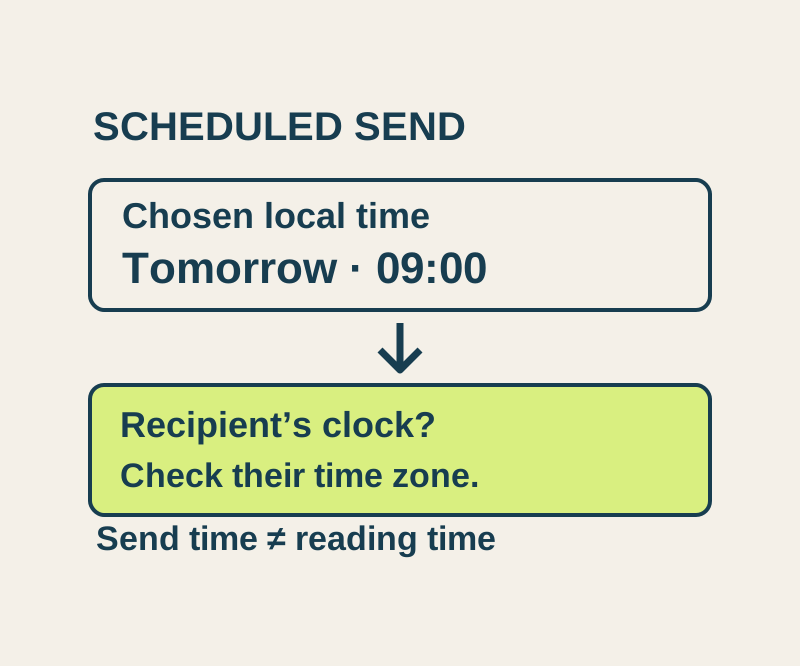
To send a late-night reply on Monday morning in your coworker’s city, finish the message in Gmail on a desktop, then choose a date and time with Schedule send. Check the scheduled time against the recipient’s local morning before you leave it queued. “Tomorrow morning” in your city may still be Sunday where they are.
Schedule the message
In Gmail, select Compose and write the email. Select the arrow beside Send, then Schedule send. Choose the date and time you want instead of selecting Send now. Gmail bases the schedule on the time zone in which you schedule the message, and Google says a scheduled email may send a few minutes late.
For example, a neutral project email could have the subject “Monday status update” and contain the update you want a coworker to see at the start of their workday. If that coworker is in New York, first work out what 9:00 a.m. Monday in New York means where you are scheduling. Then select the actual date and time. Compare that choice with the time zone you are using to schedule; do not assume the recipient’s clock is the one Gmail uses.
Allow time before a deadline for the documented delay.
Convert the recipient’s morning
These examples show why a fixed “New York is X hours behind Seoul” rule is unreliable across different dates. Both rows target 9:00 a.m. Monday in New York.
| Target in New York | Same moment in London | Same moment in Seoul |
|---|---|---|
| Monday, October 12, 2026, 9:00 a.m. | Monday, October 12, 2:00 p.m. | Monday, October 12, 10:00 p.m. |
| Monday, November 2, 2026, 9:00 a.m. | Monday, November 2, 2:00 p.m. | Monday, November 2, 11:00 p.m. |
If you schedule in Seoul’s time zone for a New York coworker, the October example calls for 10:00 p.m. Monday in Seoul. The November example calls for 11:00 p.m. Monday in Seoul. Selecting the same Seoul clock time for both dates would miss the New York target on one of them.
The day can change as well as the hour. 8:00 a.m. Monday, October 12 in Seoul is 7:00 p.m. Sunday, October 11 in New York. That is a useful check when you are replying on Sunday night and thinking of “tomorrow morning”: name the recipient’s intended weekday and date first, then convert that moment to the time zone you are using to schedule.
The example time conversions CSV includes the corresponding UTC instants. It is a reference for these examples; it does not schedule an email.
If you are also arranging a meeting, the Google Calendar time-zone guide covers checking how calendar times appear in both cities.
Change a queued email
Suppose the “Monday status update” is already scheduled, but you need to replace its attachment. Open Scheduled, choose the email, and select Cancel send. Google’s Gmail instructions say cancellation returns the message to a draft. Edit the draft, replace the attachment, and explicitly use Schedule send again.
A draft is waiting for you to send or schedule it. An entry in Scheduled is queued. After rescheduling, check the queued entry and its selected date and time. Gmail allows up to 100 scheduled emails.
Do not use Snooze for this job. Snooze temporarily removes a received email from your inbox until a chosen time; it does not queue your reply for delivery. Undo send is different too: Google describes a short cancellation window of 5, 10, 20, or 30 seconds, depending on the selected setting. It is not a way to recall an email later on Monday.
A message in Scheduled is the queued state to check before its selected time. A message in Sent has left that queue; neither state tells you that the coworker has read or replied. Before closing Gmail, confirm that the edited message is back in Scheduled for the recipient’s intended Monday morning.
The city-time examples use independently checked time-zone conversions. Gmail controls follow the linked Google instructions; no message was scheduled or sent for this article.
KEEP GOING
More to explore.
SOURCE-CHECKEDEveryday tech
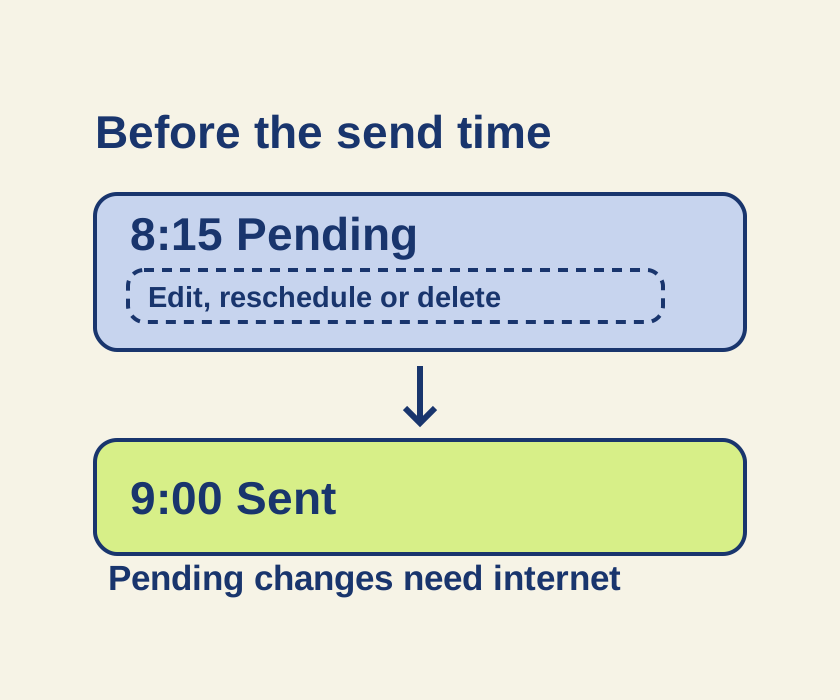
Schedule an iPhone text with Send Later, and change it before it sends
Turn an unsent late-night message into a scheduled iMessage, then use its pending controls if the plan changes.
SOURCE-CHECKEDApps & the web
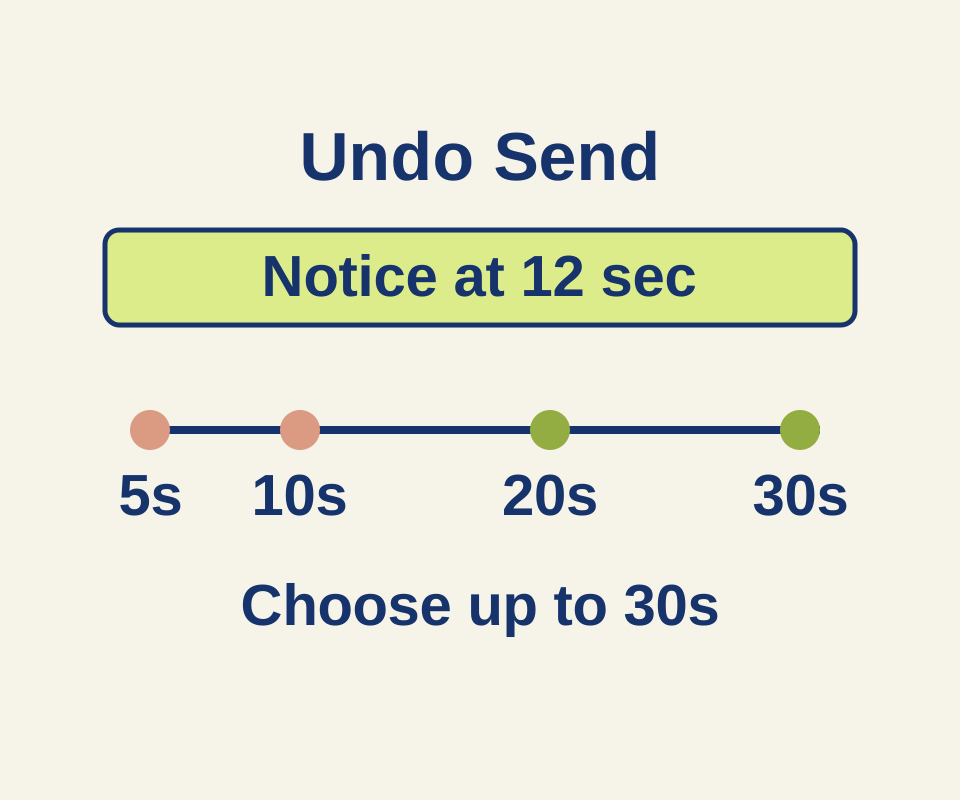
Gmail Undo Send: give yourself 30 seconds to fix an email
See what a 12-second delay means for each Undo Send setting, then use two correction examples for a wrong time or missing attachment.