SOURCE-CHECKED · APPS & THE WEB
Gmail offline: what your sync range means for an unsent reply
Set up desktop Gmail offline, choose how much mail to sync, and understand when a reply in Outbox sends.
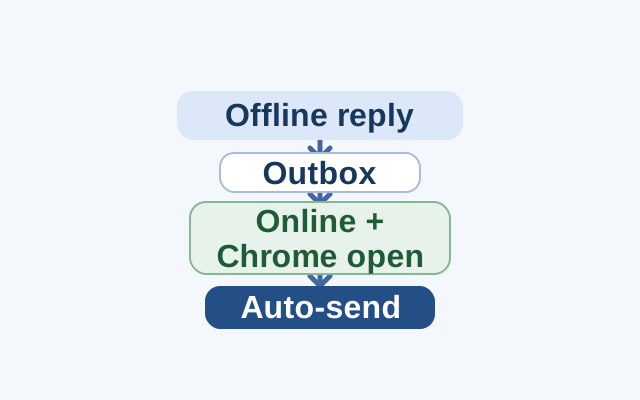
Gmail offline lets you read and reply to synced messages without an internet connection. Set it up in a regular Chrome window; it does not work in Incognito mode.
Turn on offline mail
- In Chrome, open Gmail’s Offline settings.
- Check “Enable offline mail.”
- Choose how many days of messages to sync, then select “Save changes.”
The day range determines which messages Gmail syncs for offline use. It does not set a waiting period for replies you send offline.
When your reply sends
If you send a reply without internet, Gmail saves it in a new Outbox folder. Gmail sends it automatically after you reconnect. Keep Chrome open for syncing; messages can sync only while Chrome is open.
If messages are not syncing, return to Offline settings and sync fewer days or turn off “Download attachments.” Offline mail uses the space available to your browser, which can be much less than the free space on your computer.
Offline mail applies to the account you used during setup. For another account, sign in to it and repeat the steps.
Source: Google Help, “Set up & use Gmail offline”, checked October 22, 2026.
KEEP GOING
More to explore.
SOURCE-CHECKEDApps & the web
Gmail templates: save reusable replies and keep the details personal
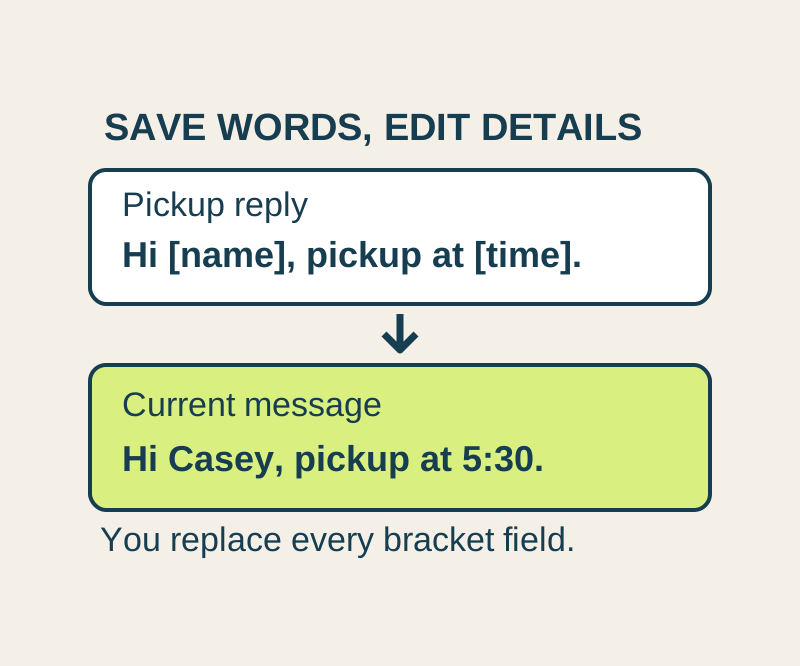
Save the wording you use often, then insert it into a message and update the details. Copy four useful replies or keep the text file.
SOURCE-CHECKEDEveryday tech
Android Private Space installs a second app, not a hidden copy
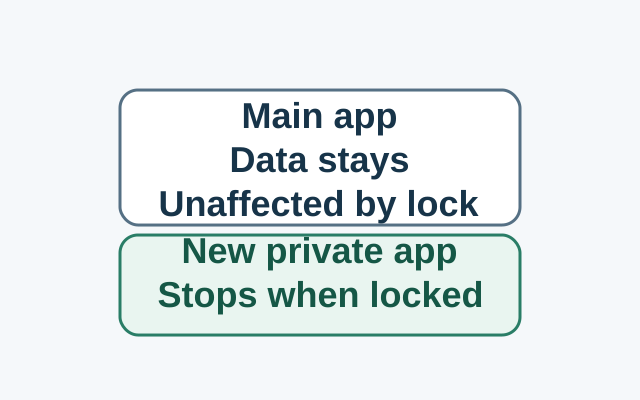
Installing in Private Space creates a separate app instance. The original app and its data stay in the main space; locking stops the private instance, while the original is unaffected.