TESTED · APPS & THE WEB
Make your first loop in Chrome Music Lab Song Maker
Build an original four-note Song Maker loop with no account, learn how its grid sets timing and pitch, and use Play, Stop and Undo.
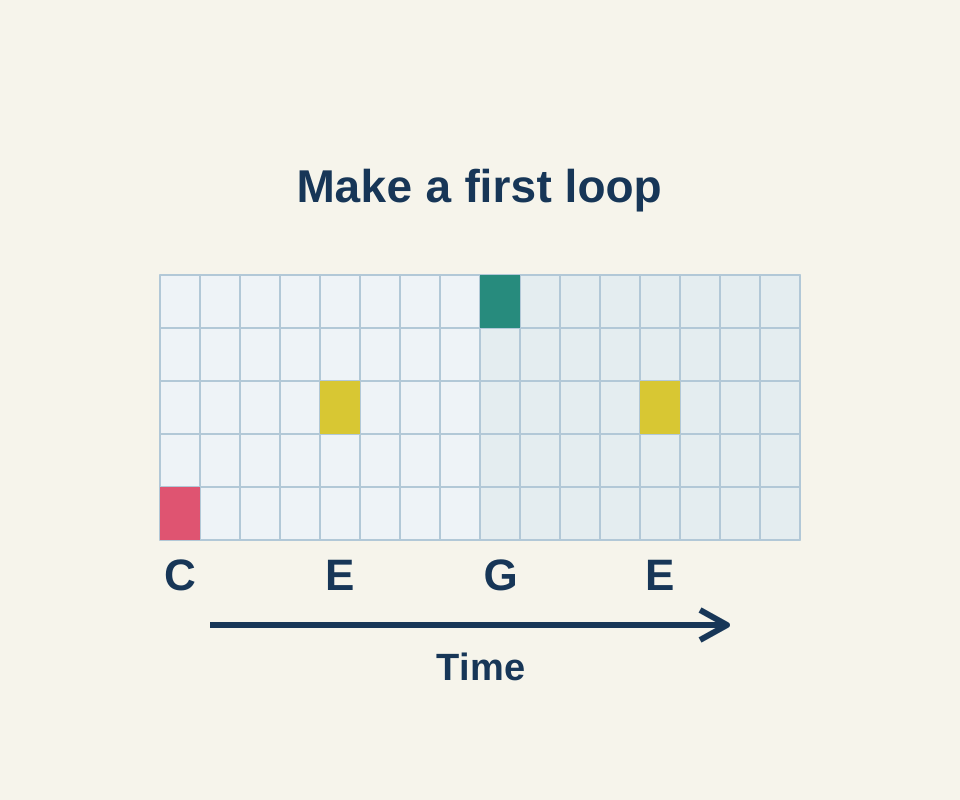
You can make a short melody in Chrome Music Lab Song Maker without creating an account. Click squares in the grid to place notes: left to right sets their timing, and higher rows set higher pitches. You don’t need to type sheet music.
Set up two bars
Open Settings and change Length to 2 bars, then select the checkmark. Leave the other starting settings as they are: 4 beats per bar, each beat split into 2, Major scale, Middle C, and a 2-octave range. That gives you 16 columns, 8 per bar.
Place four notes
Count columns from the left and melody rows upward from the bottom, starting at 1. Skip the two percussion-dot rows below the melody grid. Click these four squares:
- Column 1, row 1: C
- Column 5, row 3: E
- Column 9, row 5: G
- Column 13, row 3: E
The first bar contains C and E; the second contains G and E. Each note starts four columns, or two beats, after the previous one. Empty columns leave time between notes.
Keep Marimba and the starting tempo of 120 for this example. The original placement recipe has the settings and squares in a plain-text file; enter them manually in Song Maker.
Select Play to run the pattern. The button changes to Stop. Select Stop to end playback and restore Play. To try a different ending, select Undo to remove the last E, then click column 13, row 1 to put C at that time. Undo removed the final E in the recorded trial; the C ending is a variation for you to try.
The official experiment page describes making and sharing songs. Song Maker’s About panel explains that Save gives you a share link. The grid recipe above is an original practice example; no share link was created during the check.
Source and scope: Chrome Music Lab and Song Maker’s instructions were checked October 16, 2026. The settings, four note placements, Play/Stop, and Undo were checked in headless Windows Chrome 155.0.8059.40; audio, sharing, and other devices were not tested.
KEEP GOING
More to explore.
TESTEDFree digital life
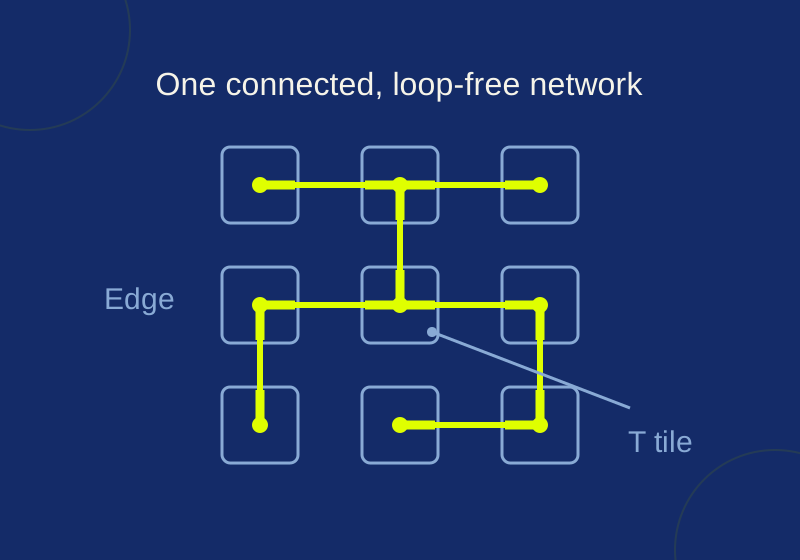
Simon Tatham's Net: play the free puzzle and learn the first moves
Try the recorded five-by-five game, then learn its deductions on an original smaller board with a worked answer.
SOURCE-CHECKEDApps & the web
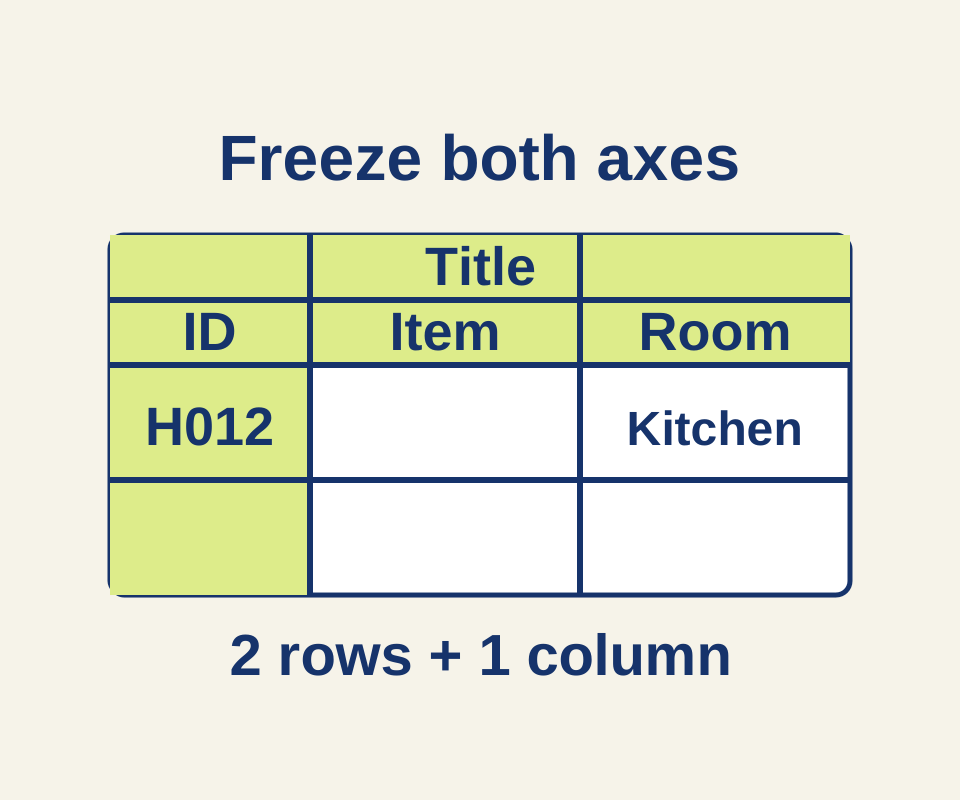
Freeze Google Sheets headers without losing the row labels
Use a 45-item inventory to choose the correct freeze and sorting boundaries, with separate settings for repeating headings in print.