TESTED · APPS & THE WEB
Google Earth Timelapse: see a place change, then compare two years
Compare Columbia Glacier in 1984 and 2022, keep the view steady, write a precise observation, and share a repeatable Google Earth Timelapse location.
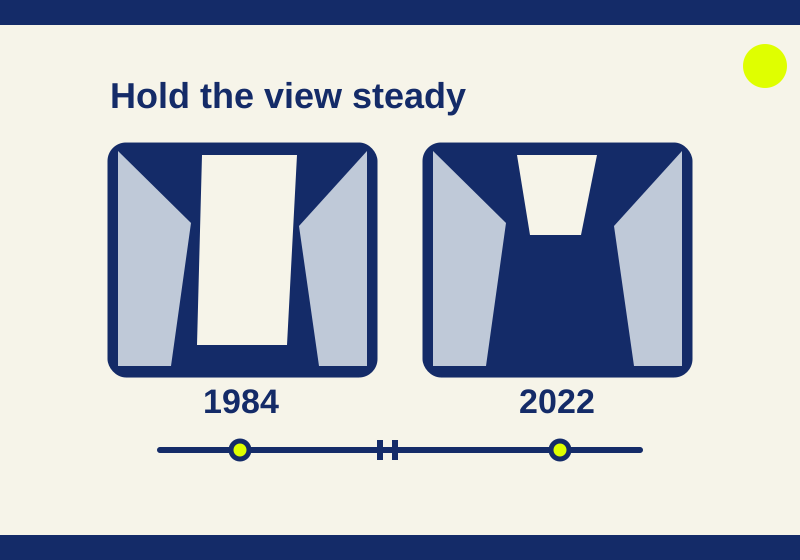
Google Earth Timelapse lets you watch a place change across years. Open the public player, choose a location, and pause on two years to compare the same area. Columbia Glacier in Alaska is a useful first example: a broad pale glacier in the 1984 view gives way to a much larger area of dark water in the 2022 view.
The animation catches your attention. Pausing gives you time to work out exactly which part of the picture changed, then describe it without guessing a distance or a cause.
Start with a place you can recognize
Open this Columbia Glacier location. The October 6 player check showed the preset Columbia Glacier Retreat, Alaska, USA, with years from 1984 through 2022 along the timeline.
For a first comparison, leave the location and zoom level alone. Find the main valley and the bay below it. The valley sides help you keep track of the same area as the year changes; the ice and water inside that area are the things you want to compare.
Let the animation play and watch where the largest visible difference appears. Then press Pause. In the checked player, the control changed to Play, so it was clear the sequence had stopped. Select 1984 on the timeline. If a year is outside the visible portion of the timeline, move along the year strip until you can select it.
Compare 1984 with 2022
In the 1984 view, broad pale ice filled the valley and reached farther toward the bay. Look at the lower end of that pale area and its position between the surrounding valley sides. Keep that location in mind, then select 2022 without moving the map.
In the 2022 view, dark water occupied much of the valley in front of narrower remaining ice. The surrounding land gives the comparison a reference: you are looking at different years of the same location, rather than comparing two unrelated pictures that happen to contain glaciers.
A useful written description is: “In the 1984 view, a broad pale glacier reaches farther toward the bay. In the 2022 view, dark water occupies much of the valley in front of the remaining ice.” It identifies the years, the area, and the visible difference. Someone opening the location can look for those same features.
You can download the two observation rows as a CSV. They describe the October 6 comparison and include its limits. The file contains written observations, not satellite measurements or a new imagery dataset.
For your own comparison, keep the place and years in separate columns. Put what you can see in the observation column. If a later source gives you a measured distance or an explanation, record that source separately so it remains clear which claim came from viewing the image.
Use playback to choose where to pause
Playback and a paused comparison answer slightly different questions. The moving sequence helps you notice an area worth examining. Holding one year still lets you find a boundary and describe its position. Switching to the other year lets you check what occupies that area later.
After comparing the endpoints, you can select a year between them and look at the same boundary again. This is a way to investigate the sequence yourself; the check here selected 1984 and 2022 only. Record the intermediate year you actually examine, rather than assuming the visible change happened evenly between the endpoints.
Avoid moving or zooming between year selections while you are writing the comparison. A change in framing can make a feature look bigger or smaller on your screen. If you lose your bearings, reopen the location and start again with the same surrounding valley sides as your reference.
Keep the description within what the picture shows
The two glacier views support a statement about visible ice and water. They do not supply a retreat distance in miles or kilometers, an individual image capture day, or an explanation of the cause. A year on this player is a historical imagery view, not a live camera showing today’s conditions.
That affects the question you can answer. “What looks different between these years?” is a good starting point. “How many kilometers did the glacier retreat?” needs a measurement method and more evidence. “Why did it change?” needs sources that explain the glacier’s behavior. A dramatic animation does not fill in those missing facts.
The checked player ended at 2022. This article’s comparison uses that specific player and range; it does not establish the newest imagery year in every Google Earth experience.
Share a location and the years
The Share button opened a Share Current View URL during the check. Use the Columbia Glacier link with a message such as: “Columbia Glacier, Alaska: pause on 1984, then compare 2022 without moving the view.”
Include the years in the message and have the recipient select them explicitly. The check confirmed the location link, but did not establish that a recipient would receive the same selected year or paused playback state. The long address alone also gives someone less context than the place name and the comparison you want them to make.
The player displayed other presets, including Mining in Alberta and Drying of the Aral Sea in Kazakhstan and Uzbekistan. Those offer other starting points for exploration, but their imagery was not examined in this check. The Search for a location field is another way to choose a place; arbitrary location searches were not tested.
If the embedded player is empty
Try the official standalone player. An initial embedded view in the October 6 check had a black viewport; a fresh guest Chrome session loaded the imagery and allowed the paused comparison. That provides an alternative entry point to try without changing browser security settings, though it does not identify the cause of every loading problem.
Source note: The official Timelapse page and standalone URL were checked on October 7, 2026. The glacier imagery, Pause control, year selections, and Share result described here were observed in Chrome on October 6, 2026. The comparison covers those two years and that location.
KEEP GOING
More to explore.
TESTEDFree digital life
Google Ngram Viewer: compare word history without misreading the chart
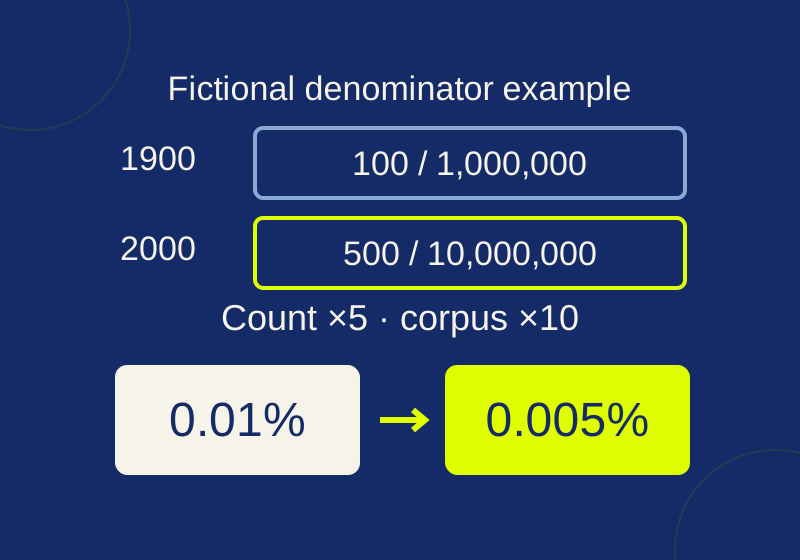
A ready-to-open word-history chart, a fictional calculation that explains its percentages, and a worksheet for following the evidence.
SOURCE-CHECKEDApps & the web
Share your Google Maps location for a limited time, then stop
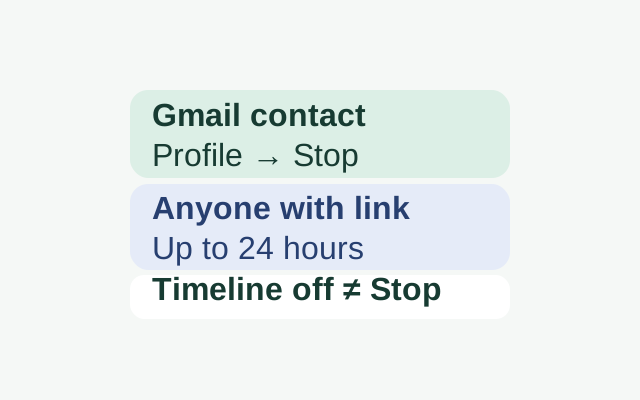
Choose a sharing duration for a Gmail contact, then use Stop when you want to end the share. Turning Timeline off does not end Location Sharing.