SOURCE-CHECKED · APPS & THE WEB
Brighten one part of a photo with Snapseed Selective, without washing out the background
Use a Snapseed control point to adjust a dark subject, inspect the affected red overlay, and practice with an original image that makes selection spill easy to see.
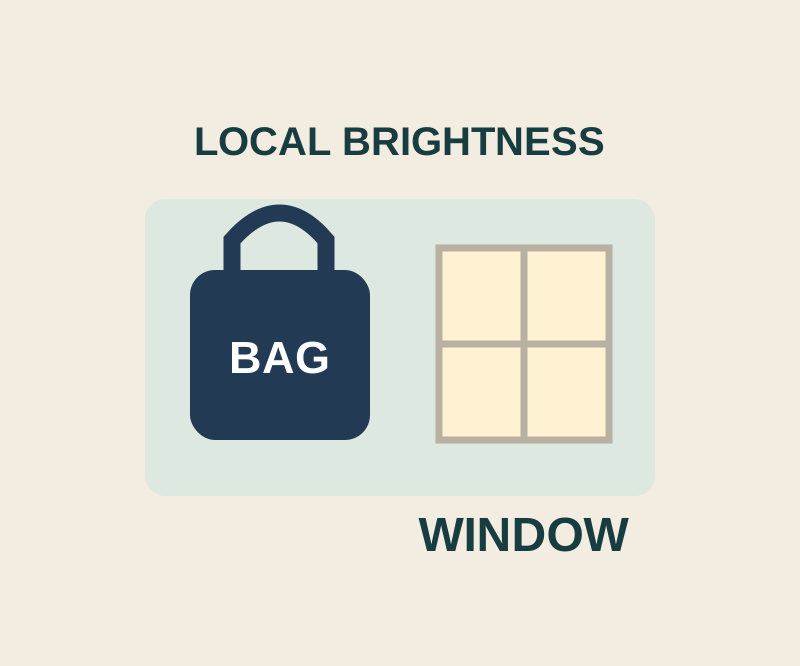
Snapseed’s Selective tool lets you adjust an area around a control point. Google lists Snapseed as free, with no subscriptions, purchases, ads, or watermarks on its current Android store page. Use it when a dark subject needs more brightness but another part of the image is already light. You can check the affected area before making the adjustment. Google’s Selective guide
Try it on the bag
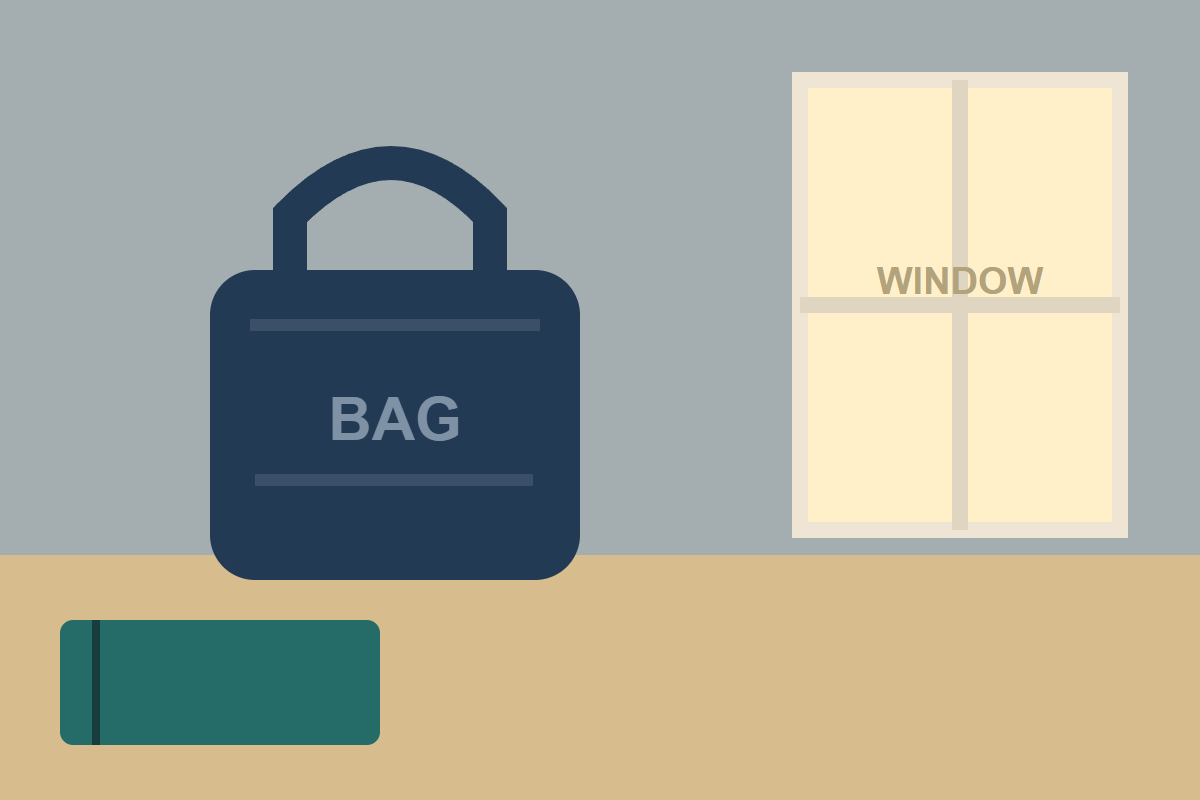
Open the practice PNG, save it to your phone, and open that saved image in Snapseed. The illustration has a dark navy bag labeled “BAG” on the left and a cream window labeled “WINDOW” on the right. A whole-image brightness change would affect both; the aim here is to brighten the bag while keeping the window light.
Open Selective and put a control point on the bag. Pinch while viewing the red overlay to resize the affected area. If the overlay reaches the window, move the point or make the area smaller before increasing Brightness. Swipe vertically to choose Brightness, then swipe horizontally to adjust it. Inspect the bag’s edge and the window as you go; the overlay helps you check coverage, but it does not promise a perfect boundary. Google’s Selective guide
For a second example, place a point on the teal notebook at the lower left and inspect its overlay separately. The Selective menu also offers Contrast and Saturation. Contrast changes tonal separation and Saturation changes color; use Brightness for the bag’s darkness. Google’s Selective guide
When you are ready to keep an edit on Android, Google’s published instructions say to tap EXPORT, then Save. Check the labels shown in your installed version. Google’s Android export guide
Source note: The steps come from Google’s published help. The PNG is a practice input, not a before-and-after result; no phone or app trial was recorded.
KEEP GOING
More to explore.
SOURCE-CHECKEDApps & the web
Free WhatsApp storage without deleting an entire conversation
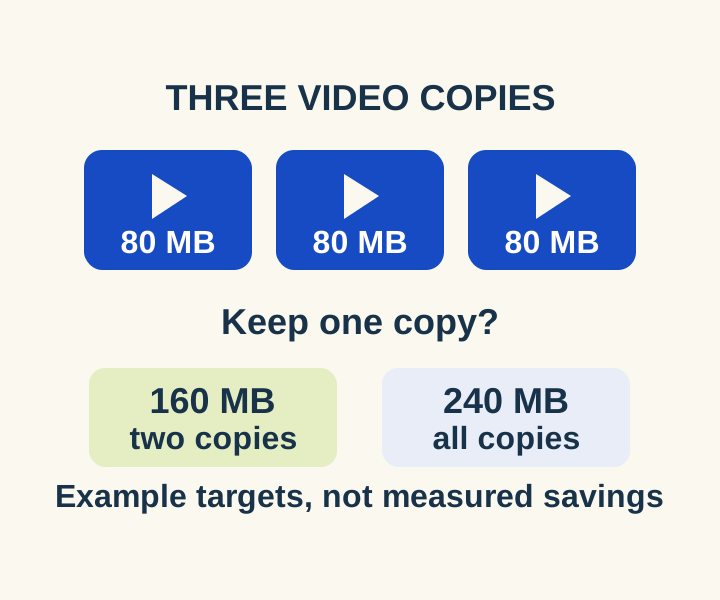
Review the biggest attachments first and see what a two-copy or all-copy deletion would remove before deleting media.
TESTEDEveryday tech
Chrome popup blocker: open the window you need without allowing every site
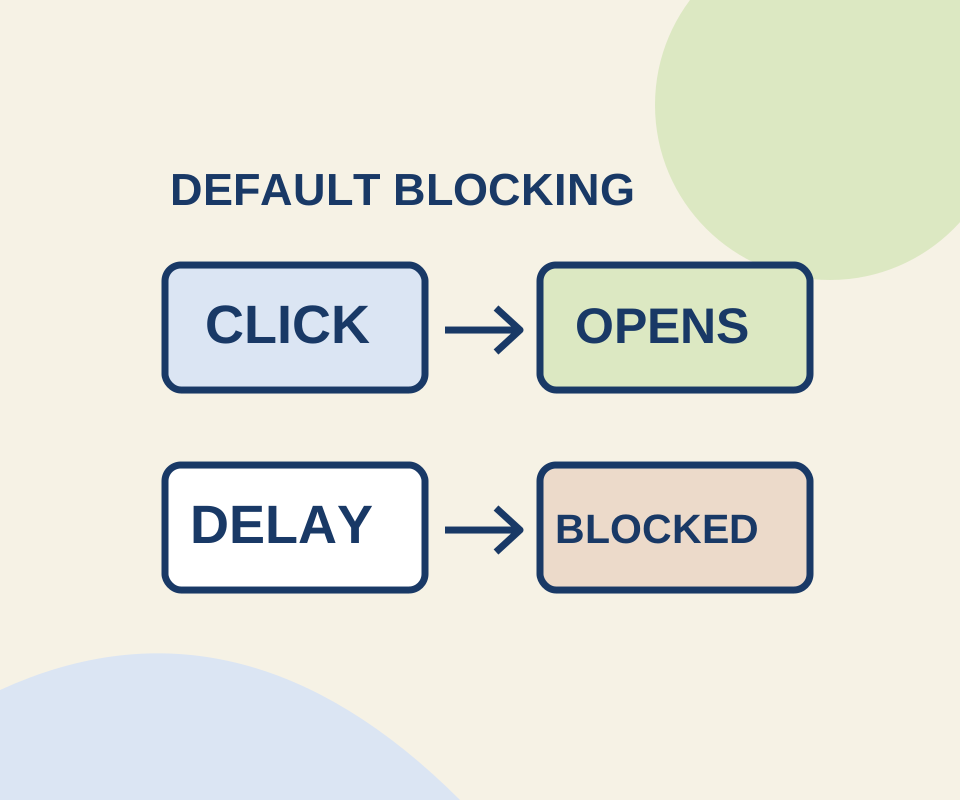
A direct click and a delayed request behaved differently in a controlled Chrome check. Use a site exception for the window you meant to open.