SOURCE-CHECKED · APPS & THE WEB
Make an iPhone grocery list that combines ingredients before you shop
Create an iPhone Reminders Groceries list, combine meal ingredients with an original shopping worksheet, subtract pantry stock, and correct categories.
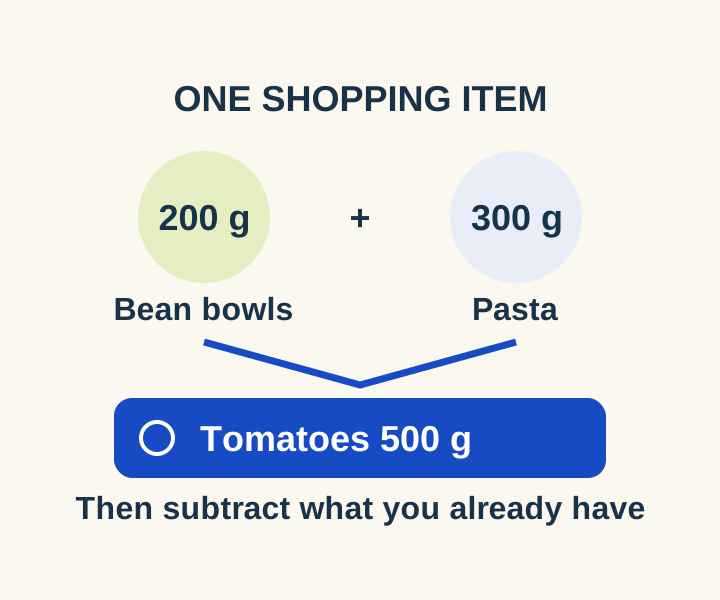
You can use a Groceries list in Apple Reminders to organize what you need by store section. If two meals call for tomatoes, add their amounts first and put one “Tomatoes 500 g” item on the list. Reminders sorts grocery items into categories, but it does not promise to add duplicate quantities for you.
Set up the Groceries list
Apple says the Groceries list type requires iOS 17 or later and iCloud turned on for Reminders. In Reminders, tap Add List, choose an account if prompted, and name the list. Tap List Type, choose Groceries, then tap Done. As you add items, Reminders places them in categories such as Produce, Meat, and Frozen Foods. Apple’s Groceries list instructions describe these steps.
Add one reminder for each ingredient you need to buy, with the quantity in its name. Keeping the quantity visible makes the list useful at the store even when an ingredient appears in more than one meal.
Combine ingredients from three meals
This example plans each meal for two people. The amounts are shopping inputs, not cooking instructions or dietary guidance.
| Meal | Ingredients |
|---|---|
| Bean bowls | Rice 150 g; drained beans 240 g; tomatoes 200 g; onion 100 g |
| Pasta | Dry pasta 180 g; tomatoes 300 g; onion 100 g; spinach 100 g |
| Omelets | Eggs 4; spinach 100 g; onion 50 g |
Before opening Reminders, combine repeated ingredients. Tomatoes total 500 g (200 g + 300 g), onion totals 250 g (100 g + 100 g + 50 g), and spinach totals 200 g (100 g + 100 g). The complete list to enter is:
- Rice 150 g
- Drained beans 240 g
- Tomatoes 500 g
- Onion 250 g
- Dry pasta 180 g
- Spinach 200 g
- Eggs 4
If you already have 100 g of onion, change the onion reminder to Onion 150 g. If you have at least as much as the meals require, you do not need a shopping reminder for it. The bean amount is drained beans, so do not treat it as the total weight printed on a can. These figures describe ingredient needs, not package sizes or prices.
Use the meal-list worksheet to choose one to eight people for each meal and enter pantry amounts in grams or egg counts. It combines the ingredients and subtracts your stock. Select and copy its shopping rows, then enter each line as a separate reminder. Multiline paste into Reminders has not been tested.
If four people will eat the bean bowls and two will eat each other meal, the worksheet changes rice to 300 g and drained beans to 480 g. Tomatoes become 700 g: 400 g for bowls plus 300 g for pasta. Onion becomes 350 g before pantry stock. Pasta, spinach and eggs keep their original totals because their meals still serve two. A pantry amount greater than the ingredient need removes that ingredient from the shopping output, rather than producing a negative quantity.
The worksheet works in your browser without connecting to Reminders. It does not convert cups, cans or package sizes. Enter edible pantry amounts in the displayed units; a can’s gross weight cannot stand in for drained beans.
Fix a category that looks wrong
If Reminders puts an ingredient in an unhelpful category, touch and hold the item, then drag it to the category you want. Apple says a Groceries list remembers that manual choice the next time you add the item. You can also open the item’s Info button, tap Section, and select a section. If the section you need is missing, choose New Section with Selection and enter a name. Apple documents both ways to change a section.
A single “Spinach 200 g” reminder covers both meals that use spinach. Check it off when you have bought the full amount, rather than after collecting only the pasta’s 100 g share.
Source and scope: Apple’s grocery-list instructions were checked October 8, 2026. The original worksheet’s default totals, diner scaling, pantry subtraction, excess stock, invalid inputs and mobile layout were tested in a browser. The meal quantities are planning examples. Reminders was not tested on an iPhone.
KEEP GOING
More to explore.
SOURCE-CHECKEDEveryday tech
Link iPhone Notes into a plan you can actually navigate
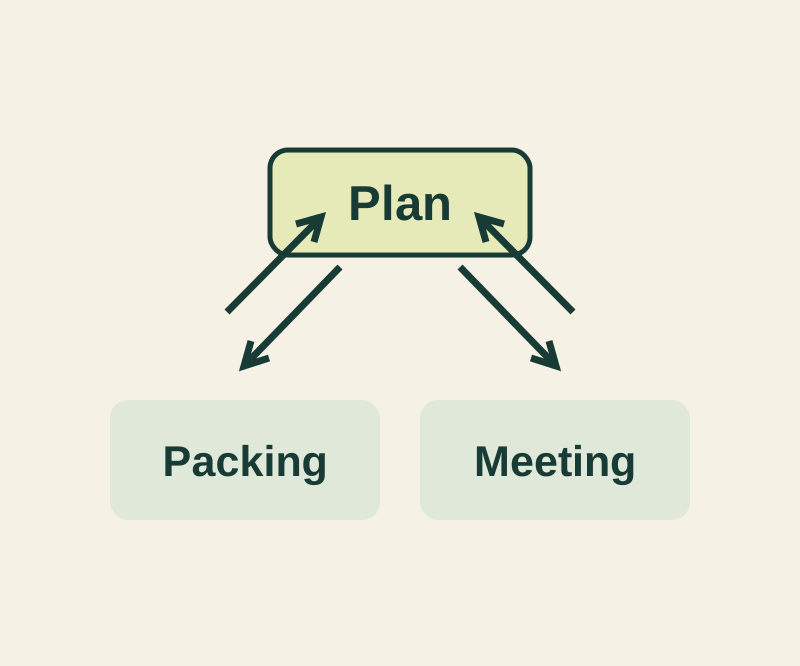
Keep the plan short and the details reachable with a complete three-note example and four deliberate links.
SOURCE-CHECKEDEveryday tech
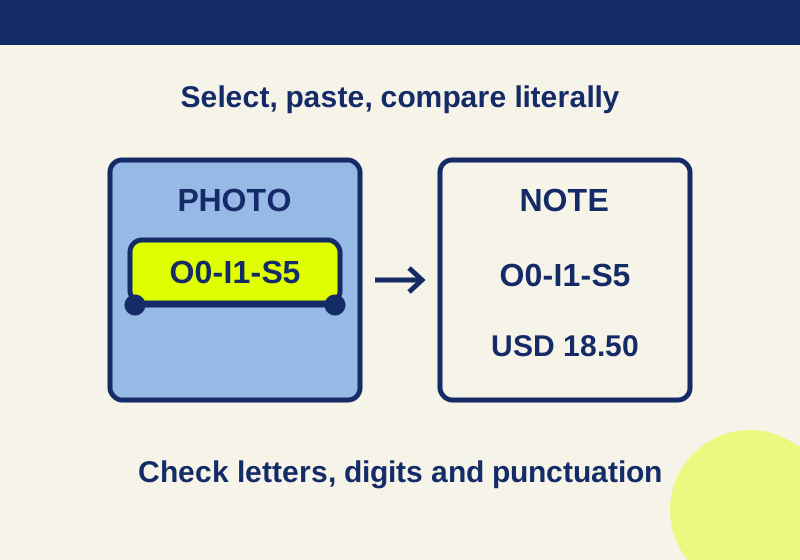
Copy text from an iPhone photo with Live Text, and catch the mistakes before you paste
Turn useful lines in a photo or paused tutorial into text you can edit in Notes.