SOURCE-CHECKED · APPS & THE WEB
Netflix download button missing? Diagnose it before resetting the app
Separate Windows limits, title rights, monthly allowances and expired downloads with a controlled check that protects the Netflix downloads you still have.
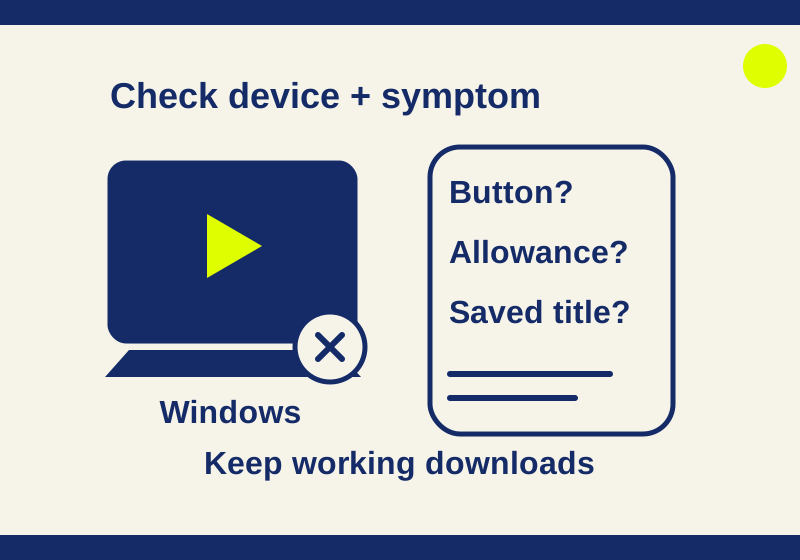
Netflix downloads are unavailable on Windows. On a supported phone or tablet, a missing button on one title, a download error and an expired saved title need different checks. Identify the symptom before clearing app storage or reinstalling, which can erase the downloads you already have.
Record the symptom first
Write down the device and operating system, whether you are using the Netflix app, and the exact movie or episode. Note whether the button is absent, a download attempt fails, or a saved title says it has expired. Keep the account and profile the same while checking other titles so that only one factor changes at a time.
If an error appears, copy its exact wording or code. Netflix directs users to search for the specific error rather than guess at its cause. Netflix Help: download problems
Check the device
A Windows laptop cannot download Netflix titles. Netflix supports streaming on Windows through a browser or its Windows app, but the download feature is unavailable there. Resetting the app will not add it. Plan to use the physical device on which you will watch the downloads. Netflix Help: download problems, Netflix Help: Netflix on Windows
Netflix lists Android phones and tablets, iPhone, iPad, Amazon Fire tablets, and Chromebooks with Google Play among its supported download devices. On Android, check that both the app and operating system are current; Netflix also says some Android devices are incompatible. Fire tablets require Fire OS 7 or later. These checks establish whether the device is a plausible place to troubleshoot, not whether a particular title is downloadable. Netflix Help: downloads, Netflix Help: download problems
Check your allowance before trying another download
Ad-free plans allow up to 100 active downloads per device, within the plan’s permitted device count. Plans with ads have a limit of 15 total downloads per device per calendar month. If a device has already used 14 of those 15 downloads, only one remains in that month’s total. Save it for something you want to watch. Deleting a saved title does not establish that the monthly allowance has increased. Netflix Help: downloads
Start with a comparison that requires no new download. Open Downloads > See What You Can Download, or Find More to Download on a Chromebook, and inspect the buttons on titles offered there. Then inspect the specific movie or episode you wanted. A series’ download control does not establish that every individual episode has the option. Record button presence without pressing it.
If other offered titles have buttons but your chosen episode does not, the missing button is specific to that title or episode. This observation does not identify the exact licensing reason or prove a new download would complete. Netflix says streaming and download rights are separate, including for some Netflix Originals made with partners. Resetting the app cannot grant unavailable rights. Netflix Help: title download availability
Next, inspect a completed download already on this device. If it still plays, you have a useful local playback comparison without spending another download. That checks the saved copy, not your remaining allowance or whether a fresh download would work.
Only attempt a new comparison download if you have an allowance remaining and actually want the title. Use one wanted title rather than two throwaway downloads. Record its result and exact error. A successful new download shows downloading worked for that title at that time. A failed attempt with an exhausted allowance cannot establish an app or device fault. If the remaining monthly count is uncertain, keep the button and existing-download observations and investigate any limit message first.
Take the renewal path for expired titles
An expired saved title is a different symptom from a missing button. Connect the device that holds it and try Netflix’s renewal process. A title removed from the catalog cannot be renewed, and some titles have a limited number of renewals. Use the device-specific delete-and-download-again steps in that page while connected. Check the title is still available before removing the expired copy. On iPhone or iPad, Netflix also says to check the device’s date and time, or enable Set Automatically. Netflix Help: renew downloads
Keep the distinction between devices clear: a download belongs to the physical device where it was saved. To watch it, remain signed in on that device. Netflix Help: downloads
When your laptop and phone disagree
Compare the same episode on the phone you intend to carry, not just on the laptop where you found it. A working stream on Windows establishes that you can watch it online there. It says nothing about whether the phone has a saved offline copy. If your phone already downloaded the episode, open that phone’s Downloads area and inspect its status instead of searching for a download button on the laptop.
A useful result to record is “episode visible in phone Downloads, no error shown” or “episode streams on laptop, phone has no download button.” Those describe different states. Keep the device in the observation so that a support conversation does not collapse both into “Netflix won’t download.” Netflix’s download guide says offline copies are available on the device that downloaded them.
Preserve working downloads before a reset
Before clearing Android app storage or reinstalling the iPhone or iPad app, list the downloads that still work and make sure you have your sign-in credentials. Consider whether you will have a connection and enough time to download titles again. Clearing storage on Android removes downloads and signs you out; reinstalling on iOS does the same. If you have no connection before departure, keep the working downloads rather than erase them during a speculative reset. Netflix Help: download problems
For a hypothetical family trip, an Android phone has two working downloads and has used 14 of its 15 monthly downloads. Episode 3 of the family’s chosen series has no download button. With the account and profile unchanged, other titles in See What You Can Download show buttons, and an existing saved movie still plays. The family can keep the saved movie and reserve the last download for a wanted title. These observations distinguish the missing button from existing-copy playback; they do not prove why the episode is unavailable or that the last new download would succeed.
A concise support report for that hypothetical case would read: “Android phone; app and OS checked for updates; same account and profile throughout. Episode 3 has no download button. Other offered titles show download buttons. An existing downloaded movie still plays. We have used 14 downloads this month and have not started a new comparison download. No error code appeared because the episode had no button to press. App storage has not been cleared.” It gives support the observed results without including passwords or account tokens.
Finally, check trip titles before relying on them abroad. Netflix says title availability, including downloads, can differ by country, and an existing downloaded title may be unavailable while traveling. Netflix Help: using Netflix while traveling
Source note: This workflow is based on the linked Netflix Help pages; it is not a paid offline playback test.
KEEP GOING
More to explore.
SOURCE-CHECKEDApps & the web
Prepare Google Translate languages before going offline
Check for Downloaded status before treating a missing Download button as a sign that a language cannot be saved.
SOURCE-CHECKEDApps & the web
Spotify downloads won't play offline? Test these before reinstalling
Check completed downloads on the actual travel device, compare online and Offline Mode playback, then investigate the account and local storage.