SOURCE-CHECKED · APPS & THE WEB
Spotify downloads won't play offline? Test these before reinstalling
Use a small playlist to isolate incomplete Spotify downloads, account trouble and playback failures. Check storage and preserve music before a destructive reset.
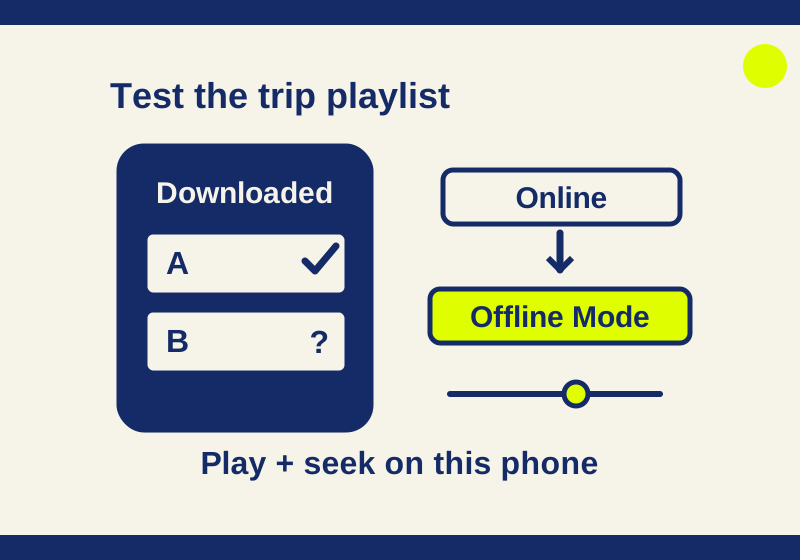
If you still have internet before a flight or commute, test a small downloaded playlist on the phone you plan to carry. It can show whether the problem affects one track, the playlist, or playback more broadly. It also gives you a chance to check the account and storage settings before taking a step that requires downloading everything again.
Test a small playlist
Choose two or three songs you expect to hear on the trip. Put them in one playlist and download the playlist while online. Spotify says an individual song must be added to a playlist before you can download it. Wait for the download completion indicator, shown as a green arrow. A saved song can appear in Your Library before you download it. Check the completion indicator on the device you will carry.
On the same phone, play each selected song while online. Then turn on Offline Mode through Profile > Settings and privacy > Data-saving and offline and try each song again. Start a song and seek to a later position. This checks more than whether a title appears in the playlist; it does not require waiting through every track.
Offline Mode tests what Spotify offers for offline playback. If you also want to test with no internet connection, use your phone’s flight mode and make sure Wi-Fi is off, then try the playlist again. Those are separate checks. If you exit and relaunch Spotify, check whether Offline Mode is still on and repeat the playback check rather than assuming the setting persisted. Turn Offline Mode off and reconnect when you want to resume ordinary browsing. Spotify documents the download controls and Offline Mode paths.
| If you observe this | Check next |
|---|---|
| The playlist has no green completion arrow | Finish the download while online before testing playback. |
| Both songs play online, but neither plays in Offline Mode | Check the signed-in account, reconnect while online, and check the downloads and available storage. |
| One selected song plays in Offline Mode and another does not | Compare those two songs and their download status. One working song does not prove the whole library is ready. |
| The same songs fail online too | Check the app and Spotify’s service status before treating this as a download-only problem. |
Keep the comparison on the same device
A playlist downloaded on a home computer does not establish the download state of the phone in your bag. Make the online and offline comparison in the same app on that phone, with the same selected tracks. Record whether the playback timer advances, whether sound is audible and whether an error appears. A moving timer with no sound belongs to audio troubleshooting; a track that will not start gives a different observation.
If one song works, add another known-available song to the small playlist while online and download it. Compare its result with the failing song instead of redownloading the entire library. That checks a smaller amount of content and keeps the failure visible. It is a diagnostic suggestion, not a promise that replacing a song will fix the app.
Check the account before signing out
Spotify’s US instructions say Premium can download music and podcasts; a Free account can download podcasts, but not music. If music downloads are missing, check which account is signed in and whether Premium is active there. A second account created with an email address, phone number, Apple, or Google sign-in can make a paid subscription appear to be missing. Spotify provides Edit login methods to help identify the account.
If a Family or Duo plan is involved, Spotify also lists manager removal and verification issues as possible reasons Premium may stop working. A pending bank charge does not establish that payment succeeded. For a subscription billed through a partner, Spotify directs users to the partner shown under Manage subscription for payment help. Check the signed-in account and subscription before purchasing another plan. If you need to sign out to correct the login, do it while you can reconnect and confirm the right credentials. Spotify Premium troubleshooting explains these account cases.
Check download limits and storage
Spotify says downloaded content requires the app to go online at least once every 30 days. It allows up to 10,000 downloaded tracks on each of up to five devices. Adding a sixth device can remove downloads from the least recently used device. An outdated app or an SD card problem can also explain missing downloads. If a playlist worked on an earlier trip, check these conditions before assuming it is still ready for this one.
Spotify recommends at least 1 GB of free storage. That is a recommendation, not a promise that your particular library will fit. Check the available space on the storage location your phone uses for Spotify. Spotify distinguishes its cache, which stores parts of streaming songs, from downloaded media; clearing cache is not a way to establish that a song is fully downloaded.
If you need to clear cache, use Spotify’s Clear cache control under Data-saving and offline > Storage on mobile, or Settings > Storage on desktop. Use the app’s Clear cache control for these instructions. Avoid substituting the phone’s Clear storage command when you are trying to retain downloads. On Android, Spotify offers an SD card storage option when the card is accessible and has at least 1 GB free. Selecting a storage location and tapping Continue restarts the app after the transfer. Follow the current Spotify storage instructions for your platform.
Separate a download problem from a playback problem
If a track is gray or unavailable even while online, Spotify says market availability may be the cause. Selecting that track in Offline Mode will not diagnose a failed playlist download. Try the selected songs that are available online.
If playback also fails online, restart or update Spotify. Try playing on another available device or player to narrow down whether the trouble is with this app or device, and check Spotify’s status and ongoing-issues pages. A sound problem, where playback appears to proceed but you hear nothing, calls for a different check from a song that will not start. Spotify’s playback troubleshooting links to sound and service-status help.
Leave reinstalling until you can redownload
Spotify says reinstalling the app requires downloading your music and podcasts again. If you are about to lose internet access, first finish the small-playlist check and the account, storage, and playback checks above. Reinstall only when you have a connection and time to restore the downloads you need. The official reinstallation page has device-specific steps.
If the problem remains, a useful support report identifies the device, account state, download indicator, and the exact point of failure without attaching credentials or payment details. For example, this hypothetical report gives support a specific pattern to investigate: “On my phone, Premium appears active in the signed-in account. My two-song trip playlist shows the green download arrow. Both songs play online. In Offline Mode, song A starts and seeks to a later position, while song B does not start. I checked the same playlist after relaunching the app.” Replace each statement with what you actually observed.
Source note: This guide uses Spotify’s US help pages for offline listening, storage, Premium troubleshooting, playback troubleshooting, and reinstallation, checked October 7, 2026. No independent Premium playback test was recorded.
KEEP GOING
More to explore.
SOURCE-CHECKEDApps & the web
Netflix download button missing? Diagnose it before resetting the app
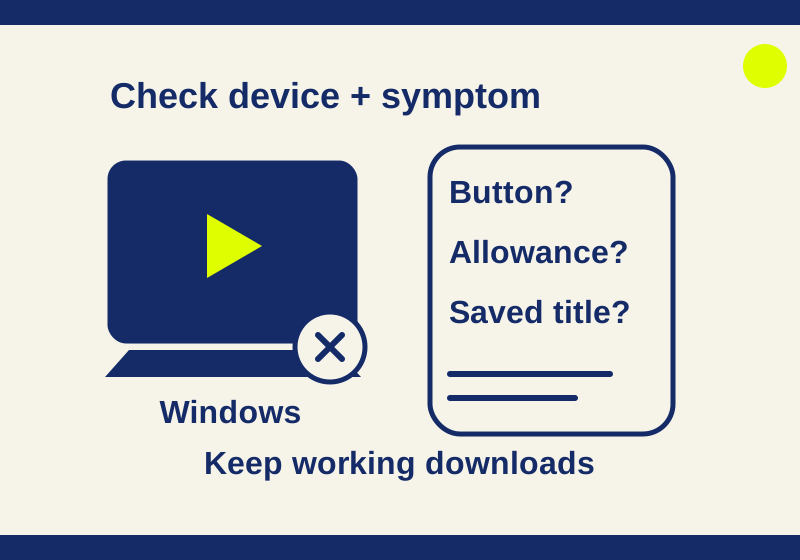
Check the device and monthly allowance, compare download buttons, and use an existing saved title before deleting app data. Windows cannot download Netflix.
SOURCE-CHECKEDApps & the web
Prepare Google Translate languages before going offline
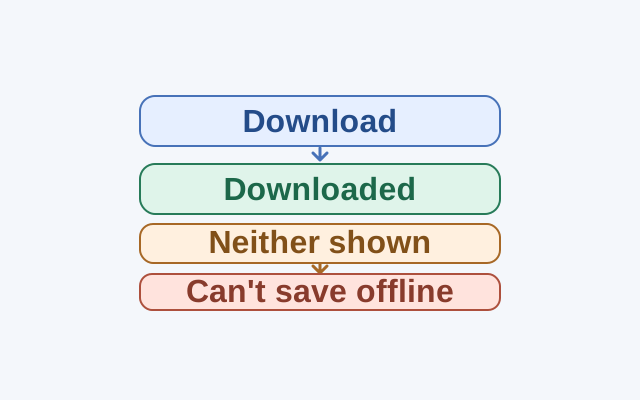
Check for Downloaded status before treating a missing Download button as a sign that a language cannot be saved.