SOURCE-CHECKED · APPS & THE WEB
VLC playing the wrong language? Choose the video’s audio track
In desktop VLC, use Audio Track to choose an available soundtrack. The audio device control changes where sound plays.
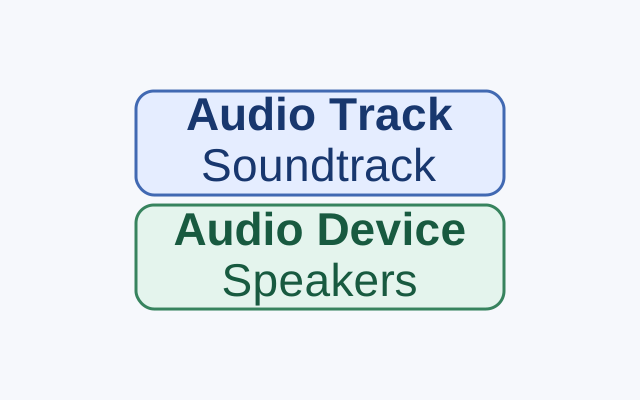
With a video playing in desktop VLC 3.0, open Audio → Audio Track and choose the track you want from the list. If you previously chose Disable, select a listed track in the same menu to turn it back on.
If the language is wrong, change the audio track. If sound is going to the wrong speakers or headphones, use the Audio menu’s device control. That changes where sound plays, not which soundtrack plays. The track menu cannot supply a language that is missing from the media.
These instructions come from VideoLAN’s Windows menu bar guide and Audio guide. They have not been hands-on tested.
KEEP GOING
More to explore.
SOURCE-CHECKEDApps & the web
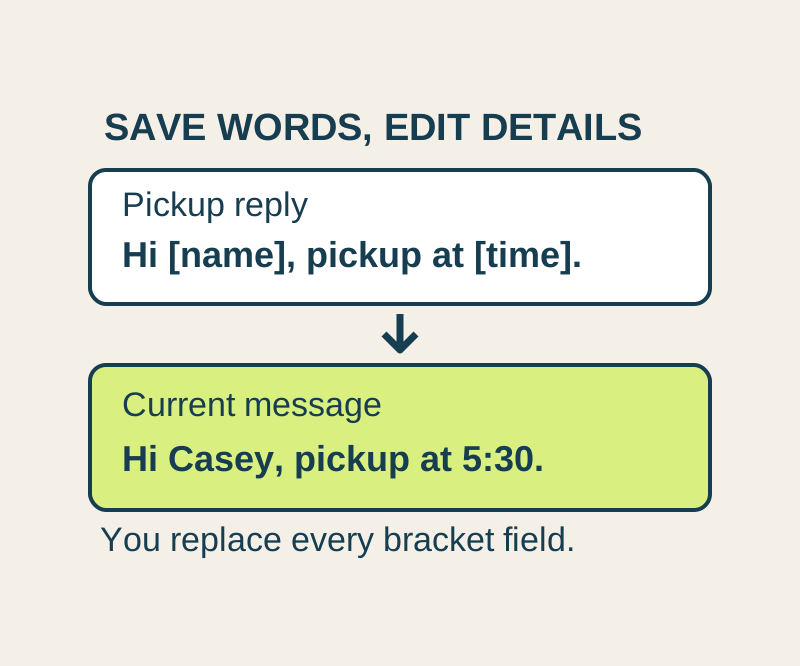
Gmail templates: save reusable replies and keep the details personal
Save the wording you use often, then insert it into a message and update the details. Copy four useful replies or keep the text file.

SOURCE-CHECKEDApps & the web
Google Maps Measure distance: draw a path and read the total
A 300-meter segment plus a 400-meter segment totals 700 meters; the direct line is 500. Try the point list before measuring your own map.