TESTED · APPS & THE WEB
Explore Earth and the Moon in NASA Eyes from your browser
Follow Earth and the Moon in NASA Eyes, visit the International Space Station, and compare its model with Hubble using the size and unit controls.
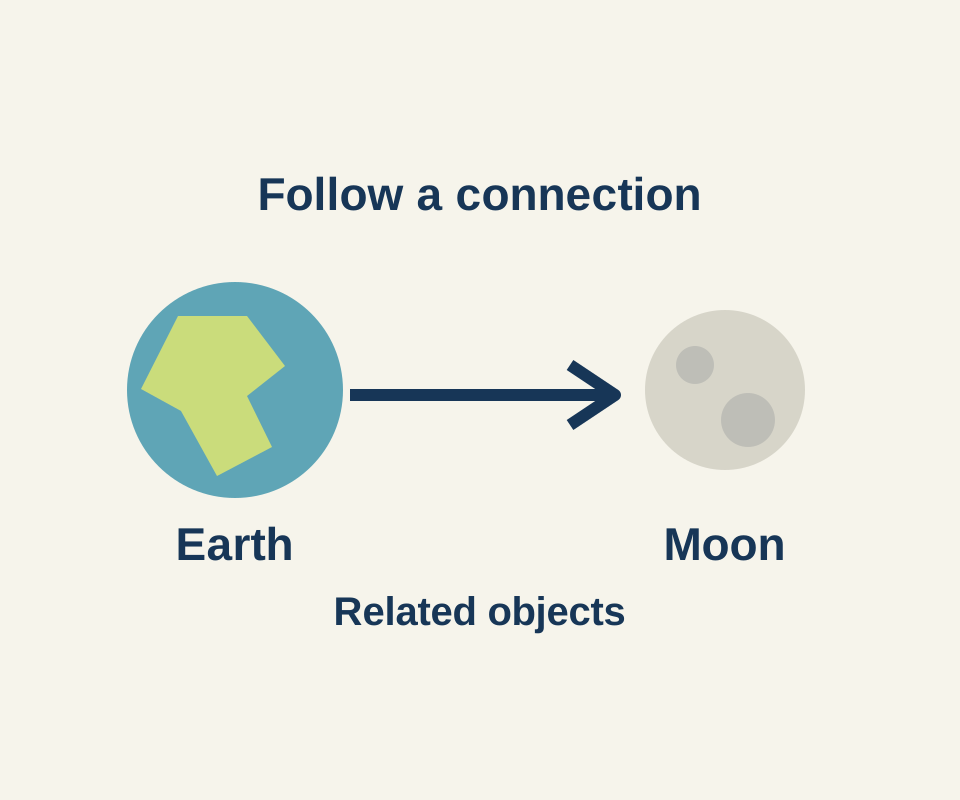
NASA Eyes lets you explore a 3D simulation built with NASA data and imagery. The displayed objects are rendered models rather than live camera footage. Start with a short tour of Earth and the Moon, then return to Earth to compare two spacecraft in the same view.
Follow Earth to the Moon
Open the Eyes solar system app. From Menu, find Earth under Planets & Moons. In Earth’s Info panel, choose Moon from Related. The breadcrumb Earth > Moons > Moon confirms which object you selected. From the Moon panel, you can continue to related spacecraft such as LCROSS, GRAIL A, and LADEE.
Compare spacecraft from Earth
Use Menu to select Earth again. This time, choose International Space Station from Earth’s Related list. Check the object title or breadcrumb: Earth may still be visible behind the panel, but the selected object should now be International Space Station, identified as a spacecraft.
Open Toolbox, then select the Compare Size row using its right-edge chevron. In the observed session, the comparison paired the station with Hubble. Check both names in your own view before interpreting it; the starting partner may differ.
Wait for the models and their Type and Length fields to appear. The first view briefly showed Loading and object labels without complete model and length information. Once ready, the station appeared on the left and Hubble on the right. Use the unit control before reading the numbers: Hubble’s displayed length changed from 43.3 FT to 13.2 M when the units changed. Those are the app’s displayed readings; the trial did not independently measure the spacecraft.
The shared view is useful for comparing the displayed sizes without judging two separately zoomed pictures. It does not show how far either spacecraft is from Earth. Select Exit at the bottom right to return to the station’s Info and Related view.
Source note: The Moon branch was confirmed in an earlier headless browser exercise. The station comparison, unit switch and Exit were observed in visible Chrome on October 16, 2026. Neither exercise tested a native app or an account; NASA’s FAQ says its older downloadable apps are unsupported.
KEEP GOING
More to explore.
TESTEDApps & the web
Find field-recorded nature sounds on Earth.fm and check free access
Recording details tell you the place and artist; the player and membership page explain what you can hear for free.
TESTEDApps & the web
Google Earth Timelapse: see a place change, then compare two years
A glacier and the water in front of it look different across two years. Pause on the same location to see what changed and keep the comparison precise.