SOURCE-CHECKED · APPS & THE WEB
Make a Google Docs itinerary with places readers can open
Pair readable itinerary text with place chips that identify locations and offer map previews or directions.
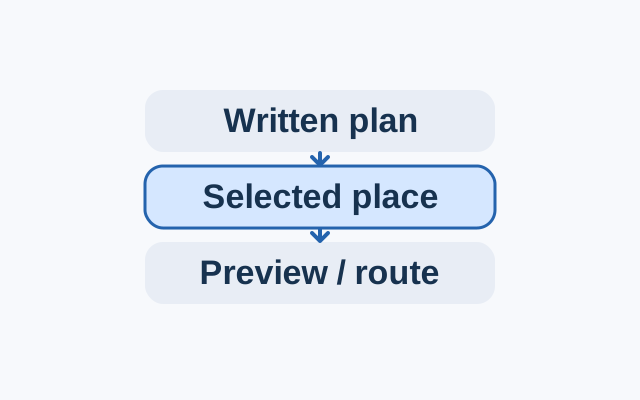
Write each stop’s time and purpose in plain text. Place its location chip beside the description, so the plan still makes sense without a map preview.
On a computer, open the itinerary in Google Docs. For each stop, choose Insert > Smart chips > Place, or type @.. Enter the place or its address and select the intended result from the dropdown.
Click or hover over a chip to see its place information. Hover over the map and click View Preview to see the location in a Docs side panel. To plan a route, click View Directions, add a starting point, and select a route. From either side panel, click Open in Maps to see the preview or directions in Google Maps.
Google Docs Help: Insert place chips
KEEP GOING
More to explore.
SOURCE-CHECKEDApps & the web
Make a Google Sheets dropdown that catches inconsistent entries
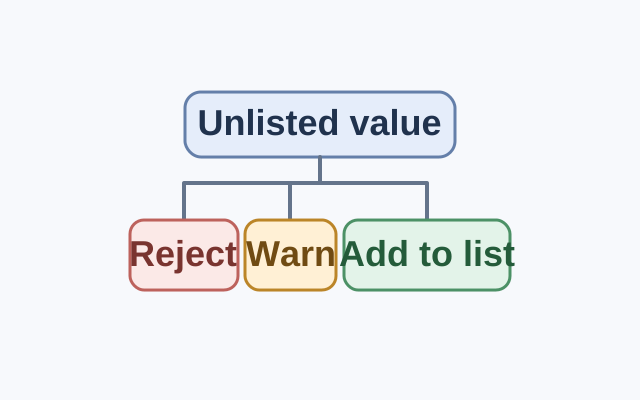
Google Sheets rejects entries outside a dropdown list by default. Show a warning allows them; adding a recurring value to the list makes it a standard choice.
SOURCE-CHECKEDApps & the web
Share a Google Maps places list without inviting edits by accident
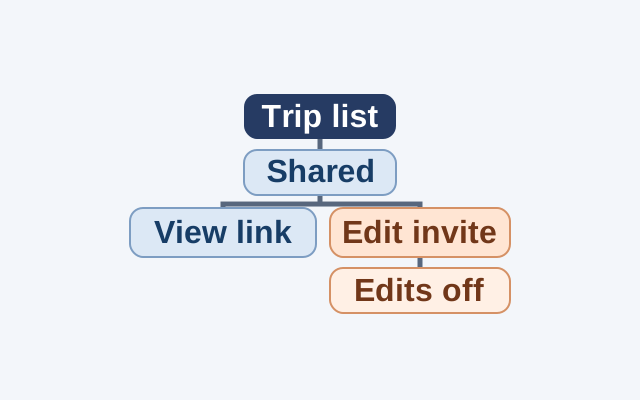
Use a hypothetical trip list to decide when to send a viewing link, invite an editor, and end editing access.