SOURCE-CHECKED01
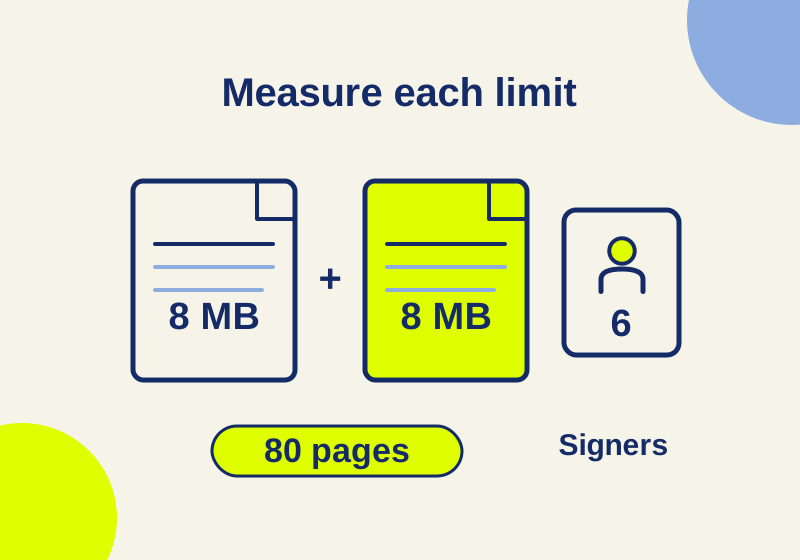
Adobe Acrobat Sign limits: why a 16 MB agreement can still fit
Separate file size, combined pages and signer count, with a downloadable worksheet and explicit annual volume calculations.
TOPIC / HOWCURIO
Practical guides to document approvals, signatures, version control, and client handoffs.
69 GUIDESCHOOSE YOUR OUTCOME
Choose a workflow for the people who need access, then verify the permissions and final document.
SOURCE-CHECKED01
Separate file size, combined pages and signer count, with a downloadable worksheet and explicit annual volume calculations.
SOURCE-CHECKED02
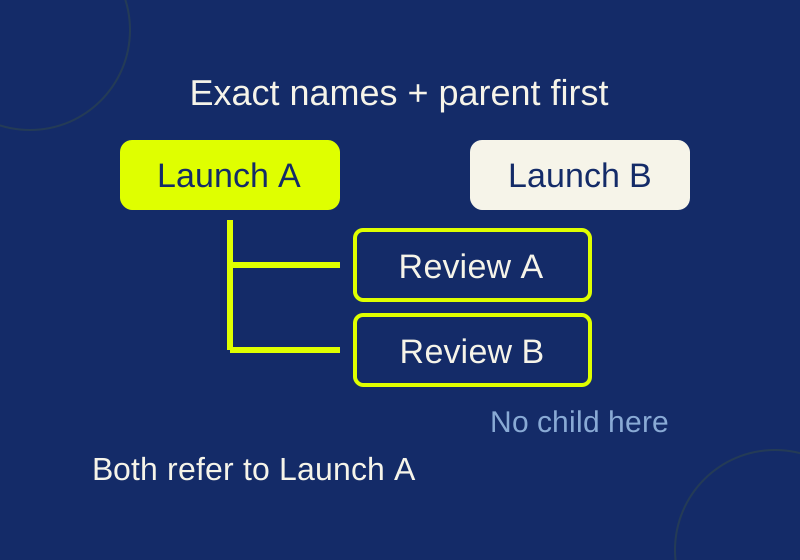
See exactly how repeated parent names and CSV row order change subtask relationships, then try the local checker.
SOURCE-CHECKED03
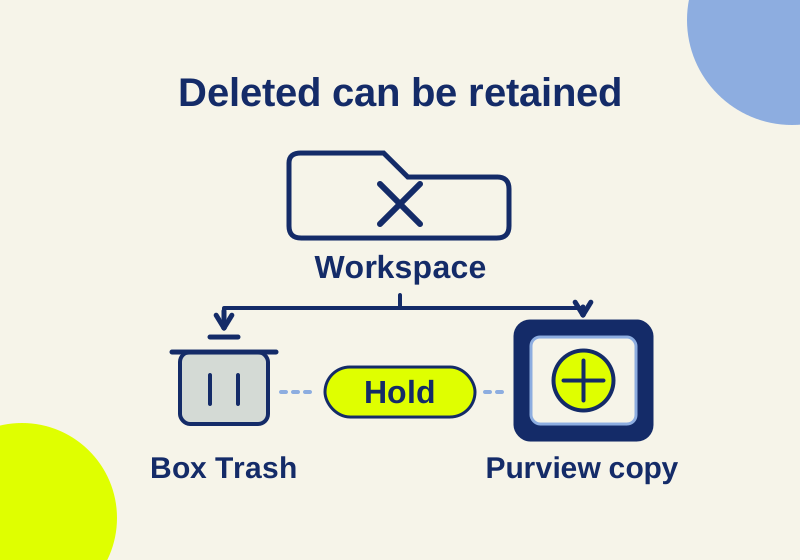
Understand Trash, Preservation Hold copies, competing expiry dates and legal holds in Box Governance and Microsoft Purview, with six worked file examples.
SOURCE-CHECKED04
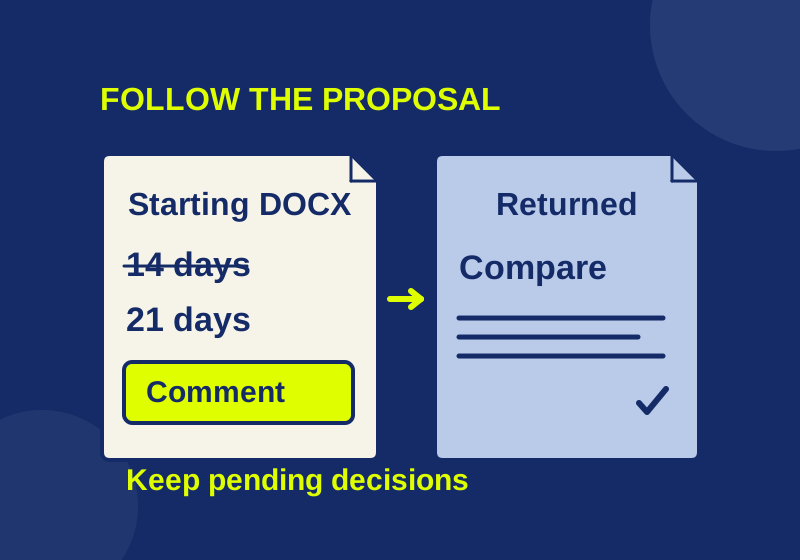
Find missing review material with Word controls and a read-only DOCX inventory before reconciling returned edits.
SOURCE-CHECKED05
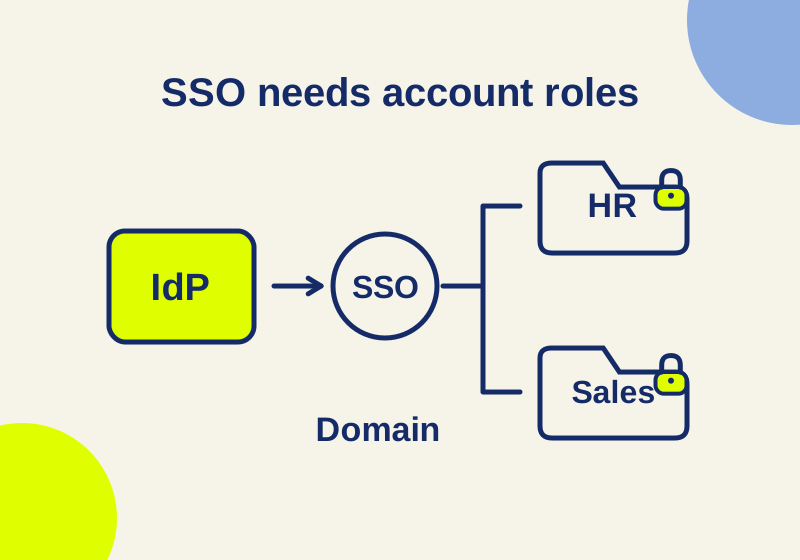
Map identity controls and account permissions before enforcing company SSO.
SOURCE-CHECKED06
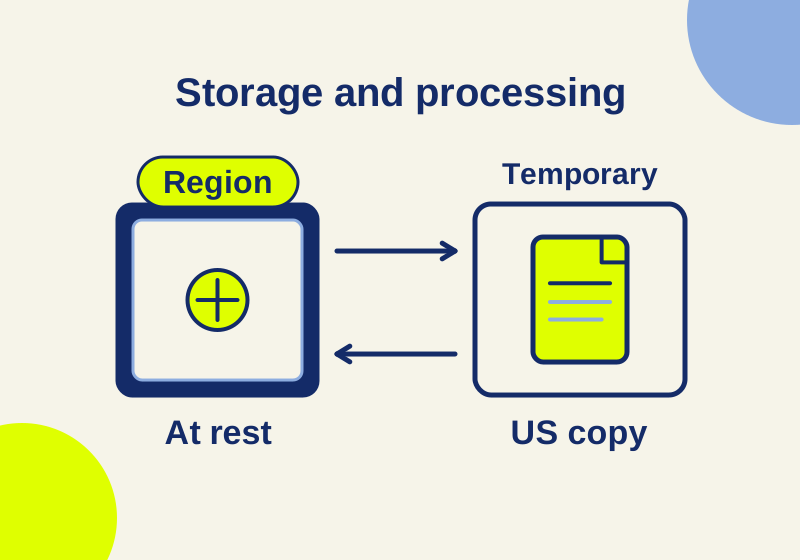
An EU signer does not select EU storage. Trace the account behind each request and check what a region change covers.
SOURCE-CHECKED07
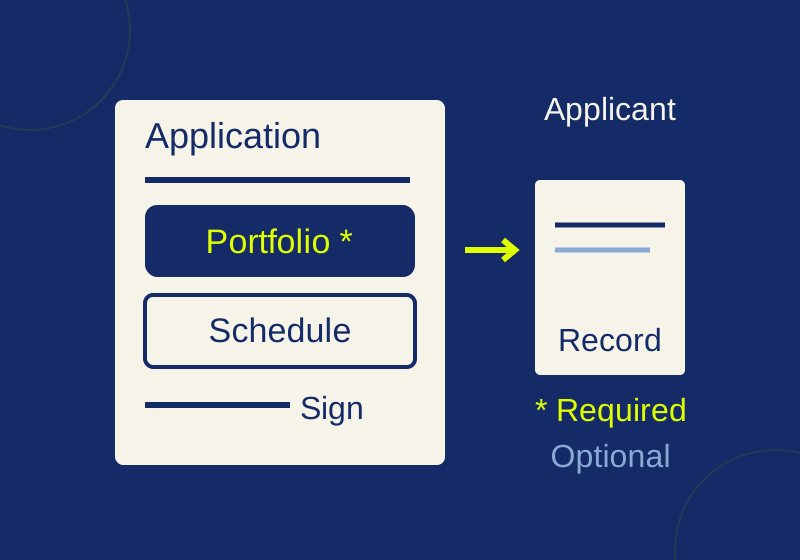
Collect a signed application and its portfolio together, with separate optional uploads and a clear route to the finished record.
SOURCE-CHECKED08
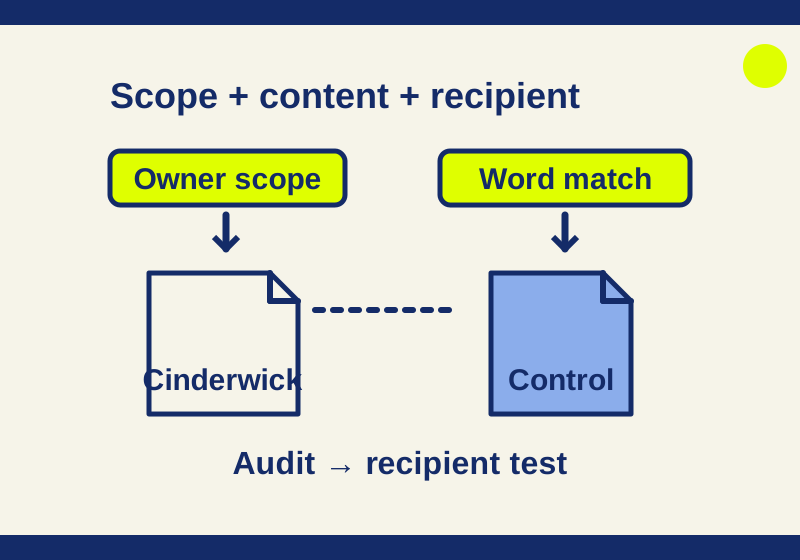
A worked Drive DLP example with fictional project files, actual local word-match results, and a separate tenant pilot.
SOURCE-CHECKED09
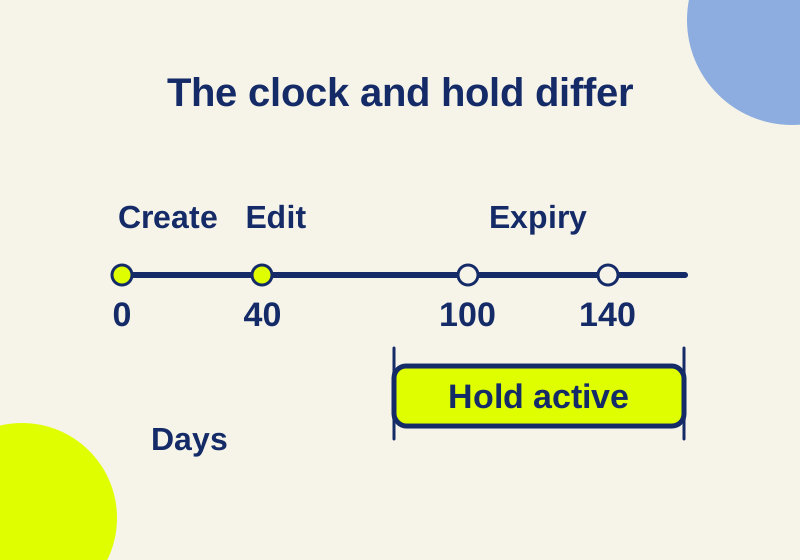
Follow a deleted file through retention clocks, holds, and cleanup, with the license differences that change what you can enforce.
SOURCE-CHECKED10
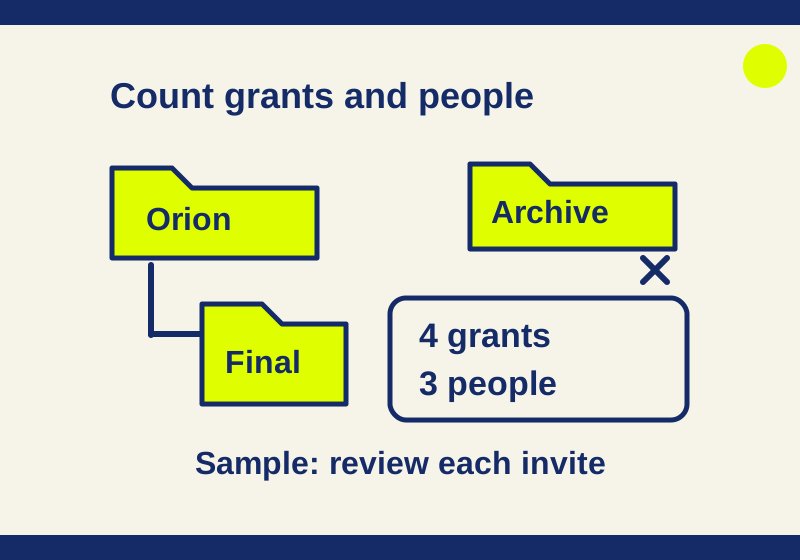
A worked Box collaboration audit catches old parent invitations, duplicate people, and shared links that need separate review.
SOURCE-CHECKED11
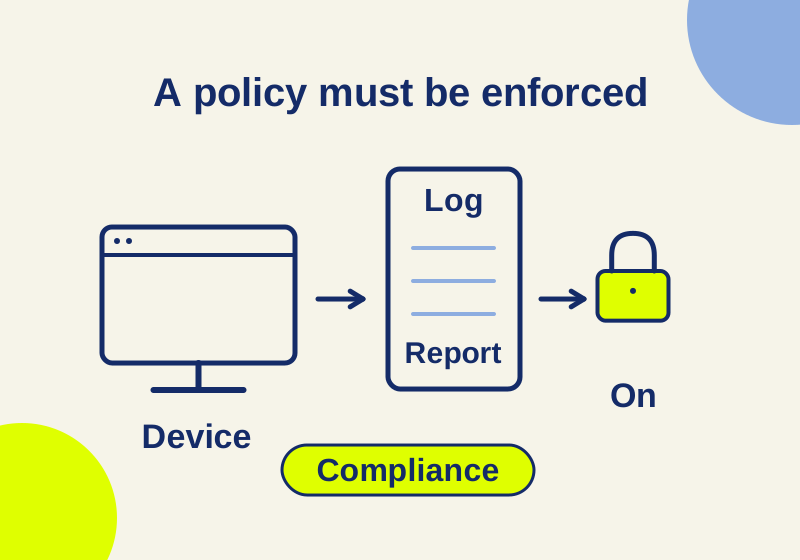
Premium adds device and access controls. Follow a scoped policy example and understand which users, apps, and devices it covers.
SOURCE-CHECKED12
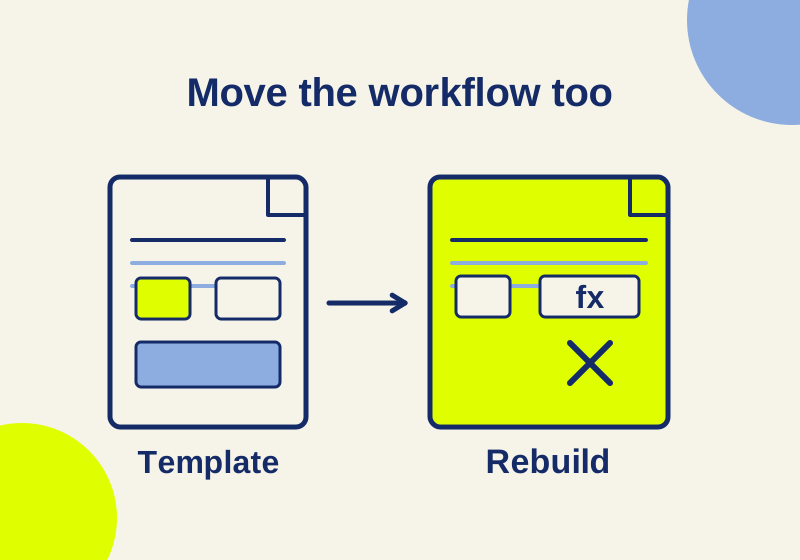
Find quota, field and workflow problems before sending a migrated template.
SOURCE-CHECKED13
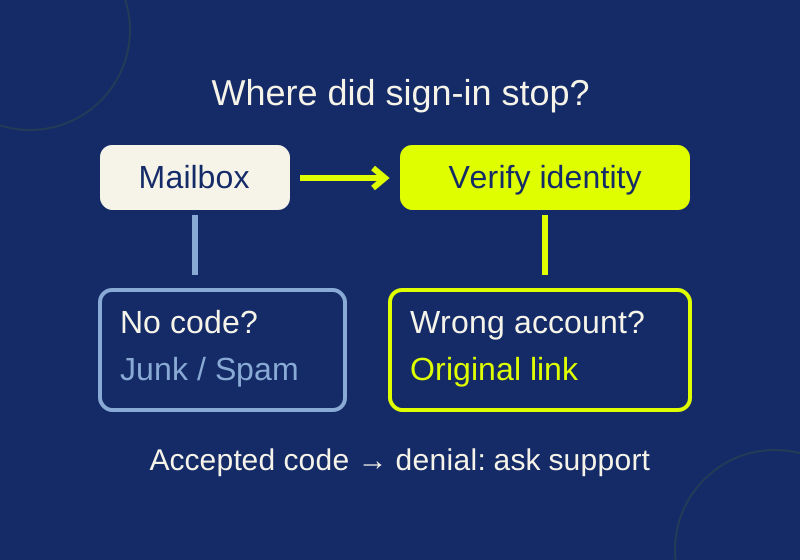
Locate the failed sign-in step, check the mailbox and identity, and give support the details needed to investigate guest access.
SOURCE-CHECKED14
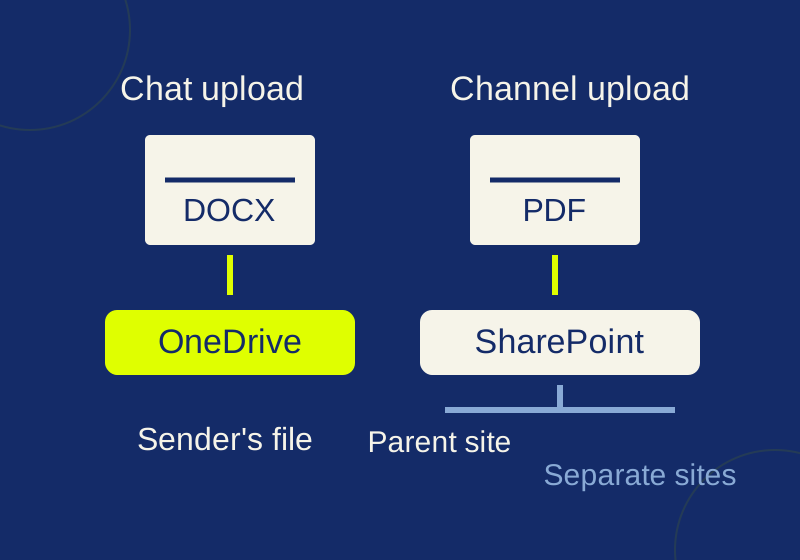
Trace a Teams attachment to its storage location and fix the intended handoff link.
SOURCE-CHECKED15
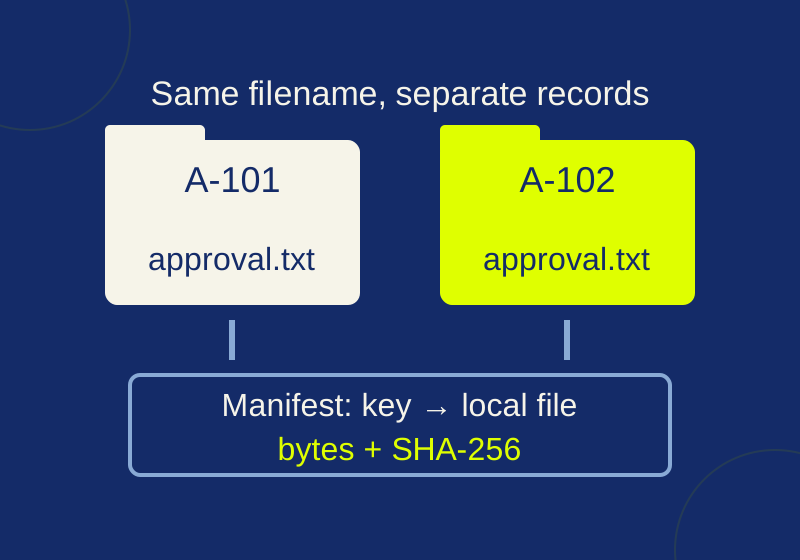
Save Airtable attachment bytes and check duplicate filenames, missing files and changed contents with the local practice kit.
SOURCE-CHECKED16
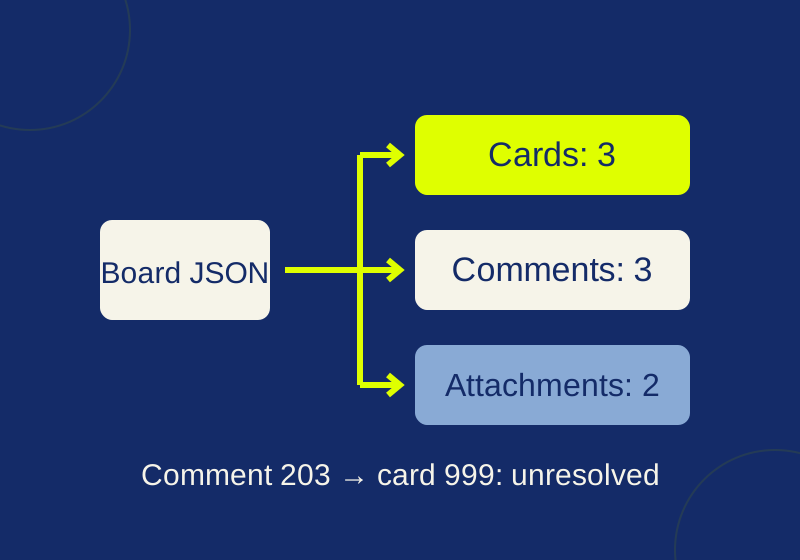
Download a local converter that keeps card rows, comments and attachment links separate.
SOURCE-CHECKED17
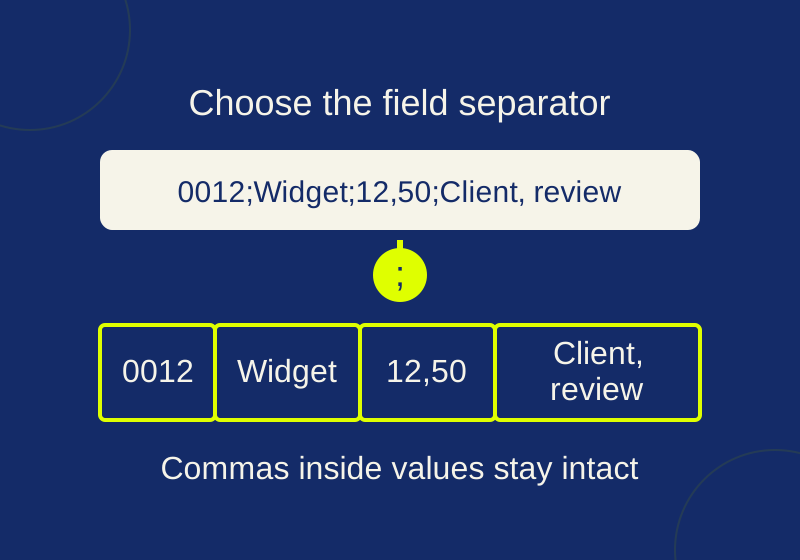
Import the original with its field separator. Four downloadable sample orders show why punctuation replacement can break amounts, notes and identifiers.
SOURCE-CHECKED18
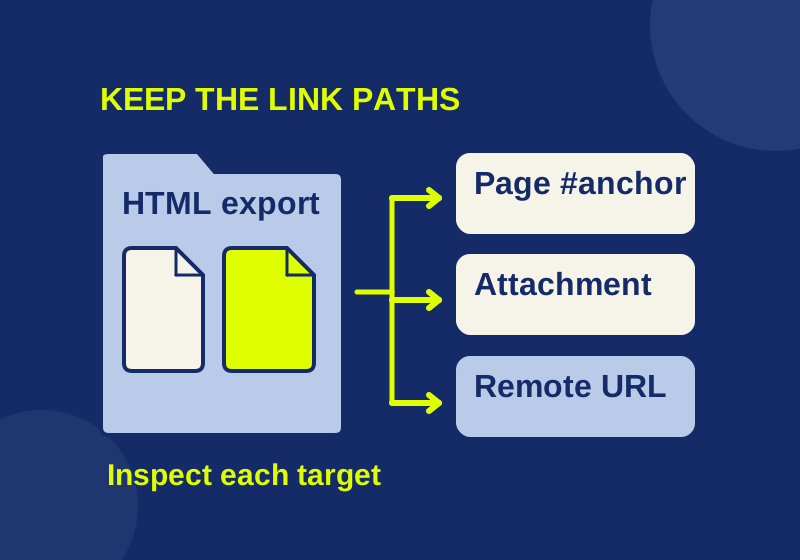
Find broken links in an exported Confluence HTML package and repair the parts your recipient needs.
TESTED19
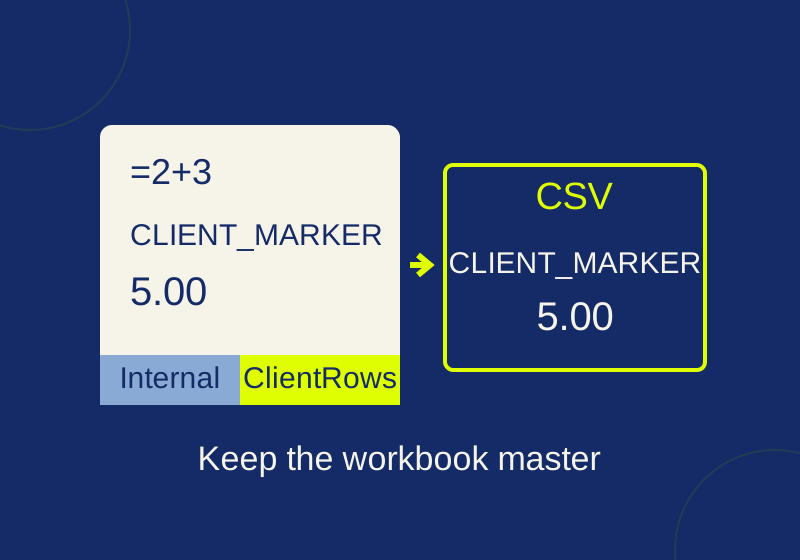
The sheet you select controls the export. Check its actual rows, delimiters, and values before sending it.
SOURCE-CHECKED20
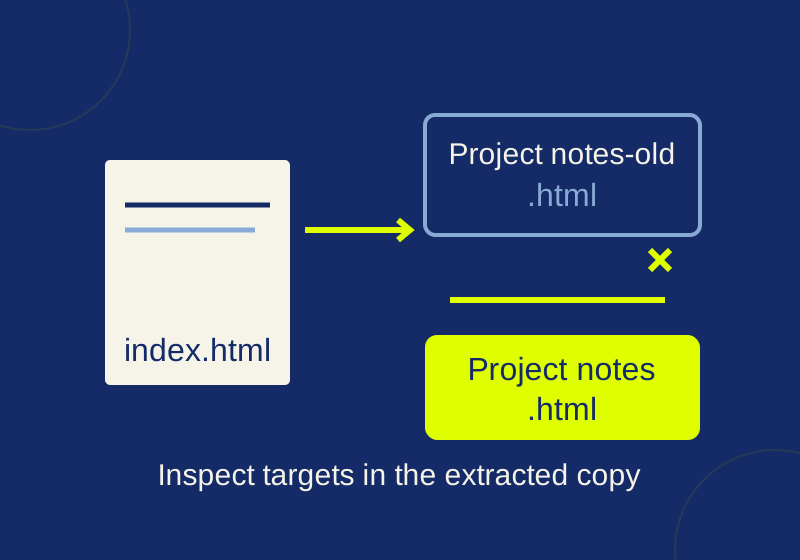
Run a local link check, read two real missing-file examples, and spot what a clean report can still miss.
TESTED21
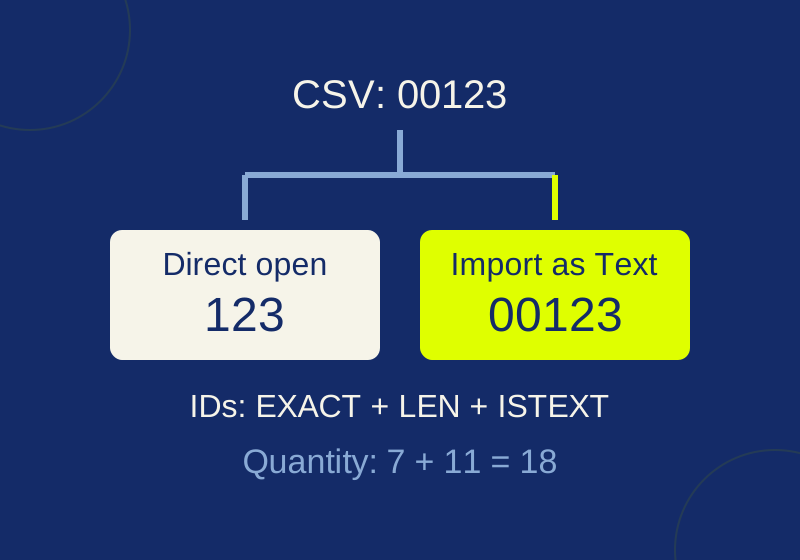
An intact CSV can turn into damaged IDs in Excel. Import as Text before conversion and check the full strings.
TESTED22
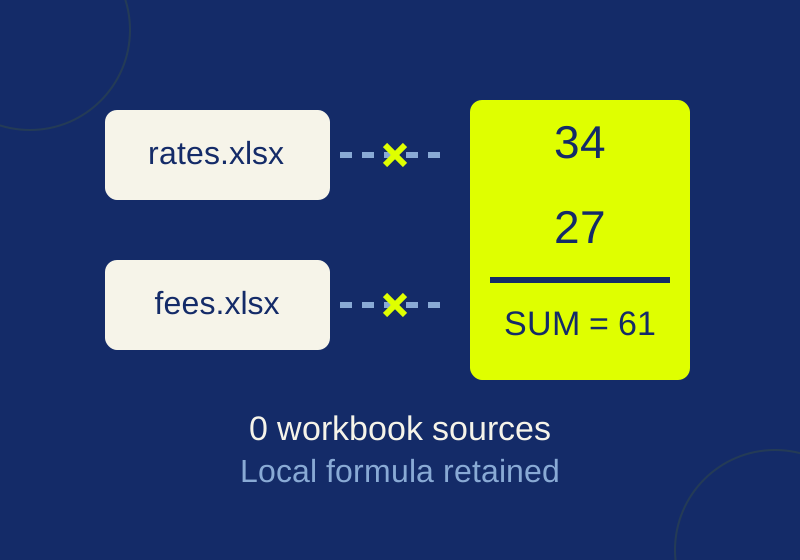
A two-source Excel example shows which formulas become values, which totals still calculate, and how to inspect the saved copy.
SOURCE-CHECKED23
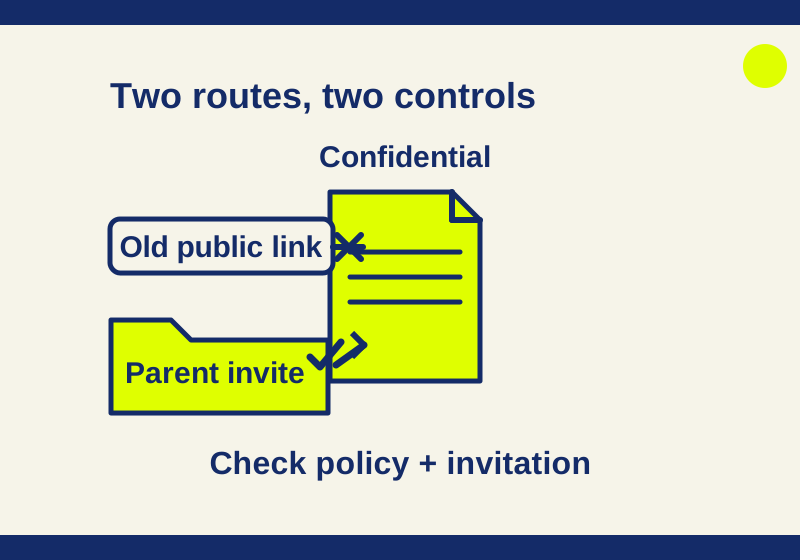
An invited agency can retain folder access after a public link closes. Trace the label, enforcement action, and collaboration origin.
TESTED24
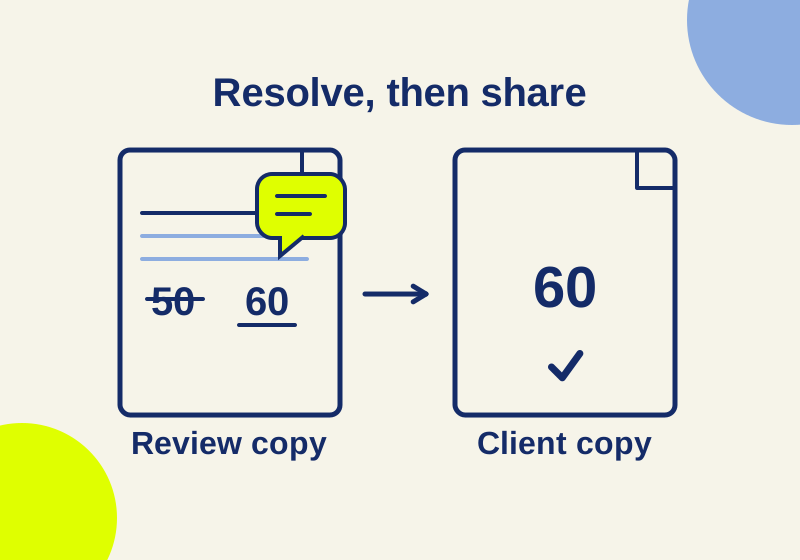
A Word document can look clean and still contain old edits. Use the fee-change sample to resolve the content before sharing.
SOURCE-CHECKED25
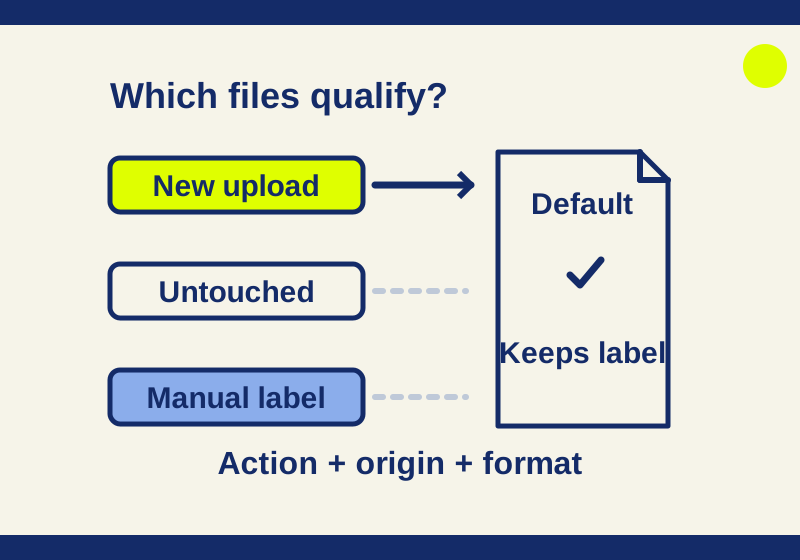
Work through ten file states, label priority, application timing, supported formats, and the licenses required for a library default.
SOURCE-CHECKED26
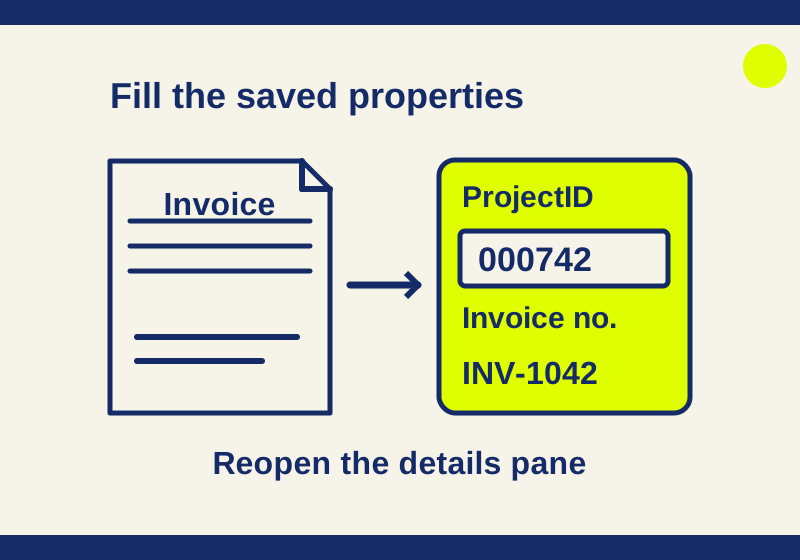
Repair an example Invoice and MeetingNotes library with exact field values, content-type rules, and before-and-after downloads.
SOURCE-CHECKED27
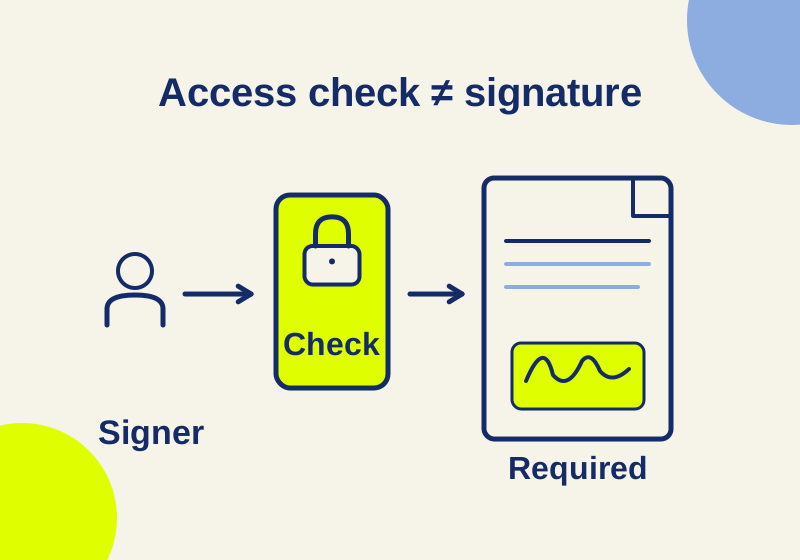
Match the exact signer check to its plan and administrator controls, including Pro’s identity-provider support and Sign’s certificate requirement.
SOURCE-CHECKED28
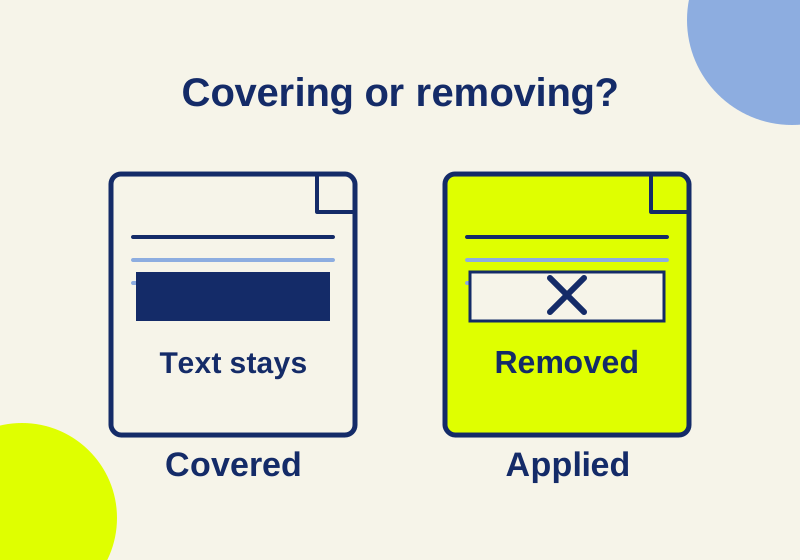
A real PDF covering-versus-removal example, current US prices and calculated costs for individual and team licenses.
SOURCE-CHECKED29
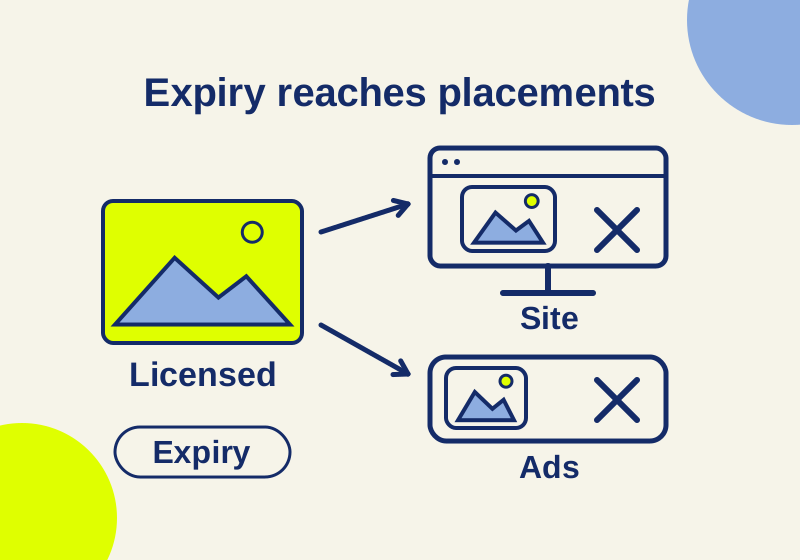
Compare scheduled asset archiving, Box link expiry and collaborator access with a complete licensed-photo record and withdrawal example.
SOURCE-CHECKED30
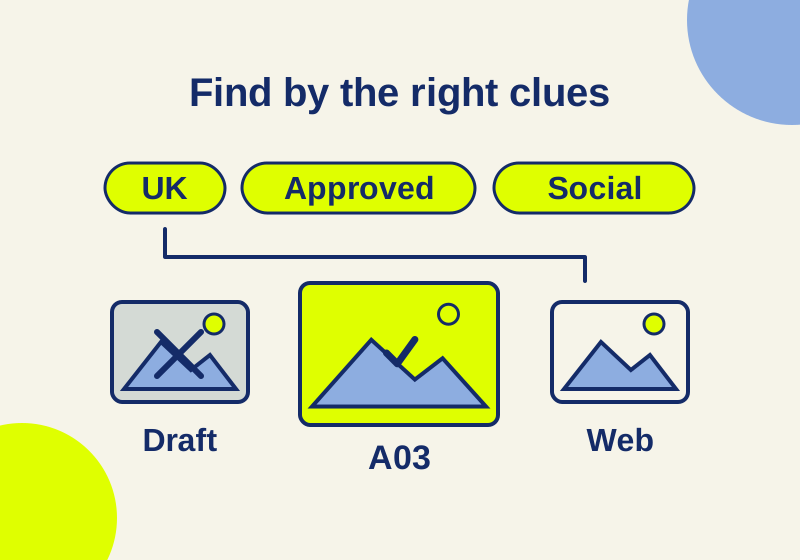
Build an eight-field brand taxonomy, add valid Dropbox tags and follow specific lookup routes for approved logos and campaign images.
SOURCE-CHECKED31
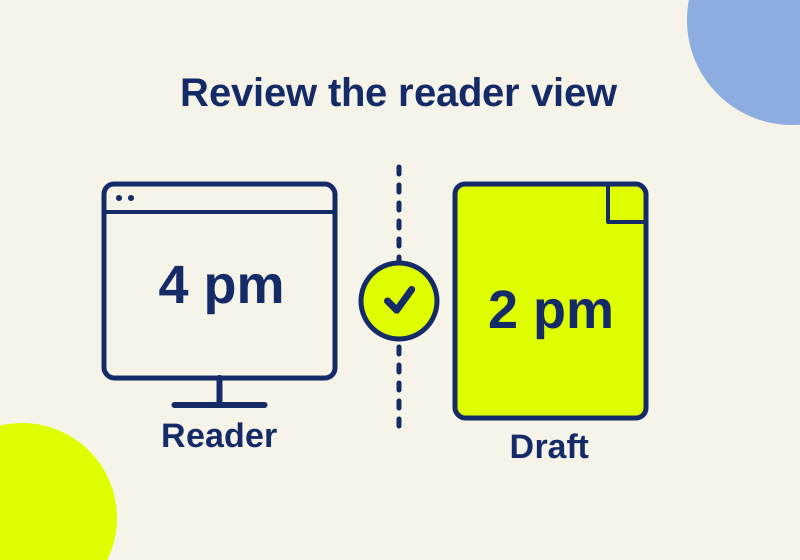
A revised service desk instruction shows what an approval has to protect before staff see it.
SOURCE-CHECKED32
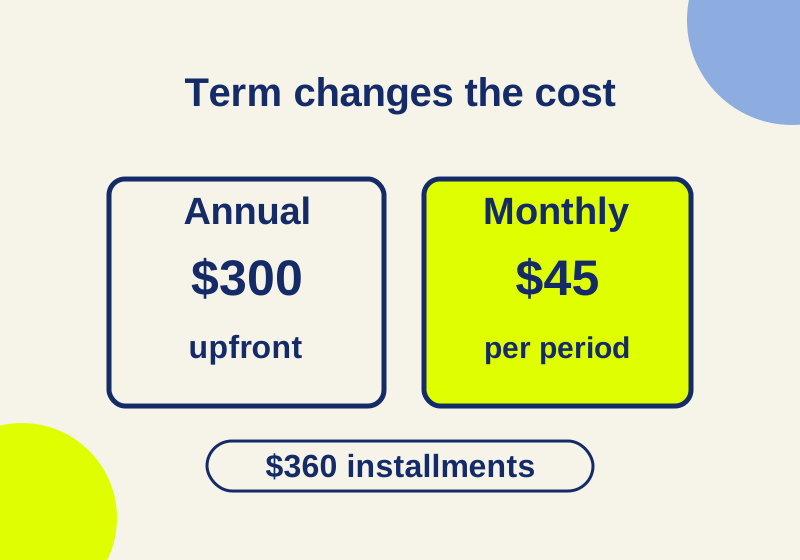
See the yearly commitment and real cost per send for four sending patterns.
SOURCE-CHECKED33
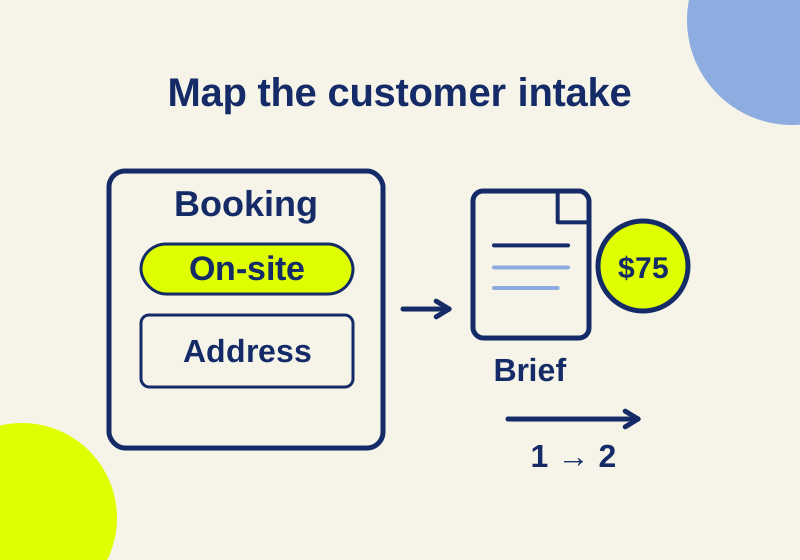
A worked booking form shows which steps require Business Pro.
SOURCE-CHECKED34
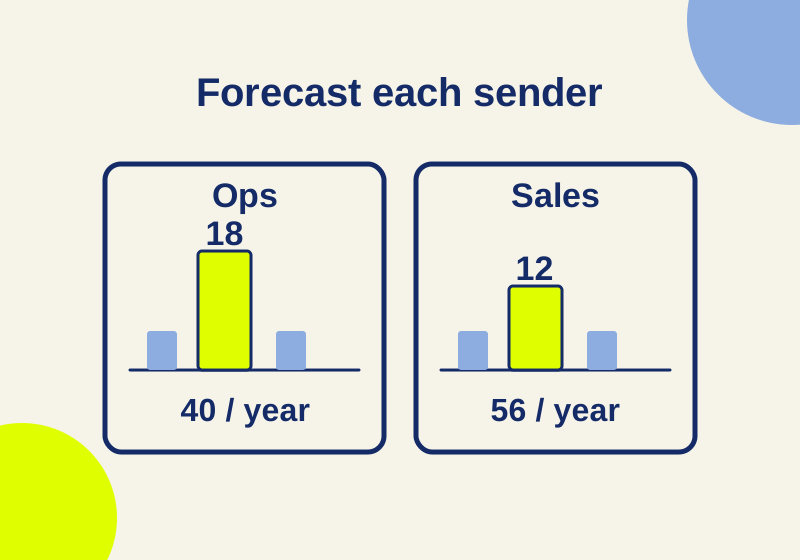
A team averaging eight sends a month can still exceed a sender’s allowance. Work through the numbers and an editable calculator.
SOURCE-CHECKED35
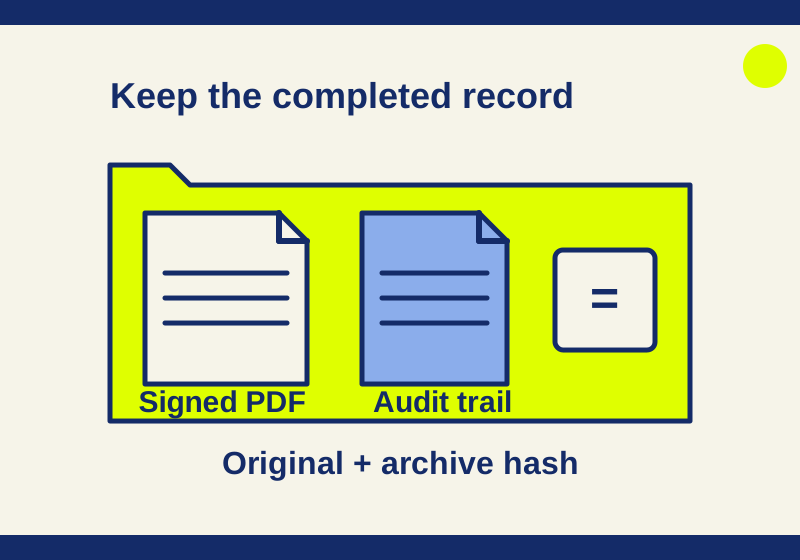
Find the completed agreement and audit record without archiving an old draft.
SOURCE-CHECKED36
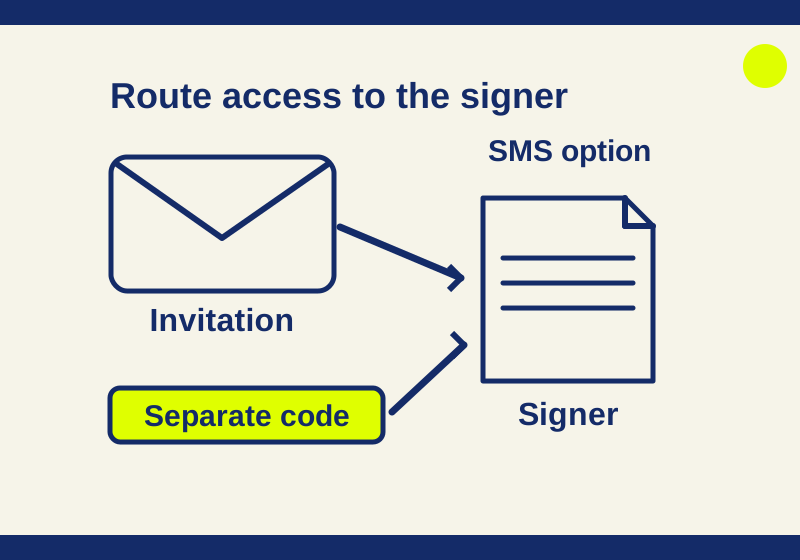
Set Dropbox Sign access codes or SMS authentication, separate recipient access from account 2FA, and troubleshoot missing or rejected codes.
SOURCE-CHECKED37
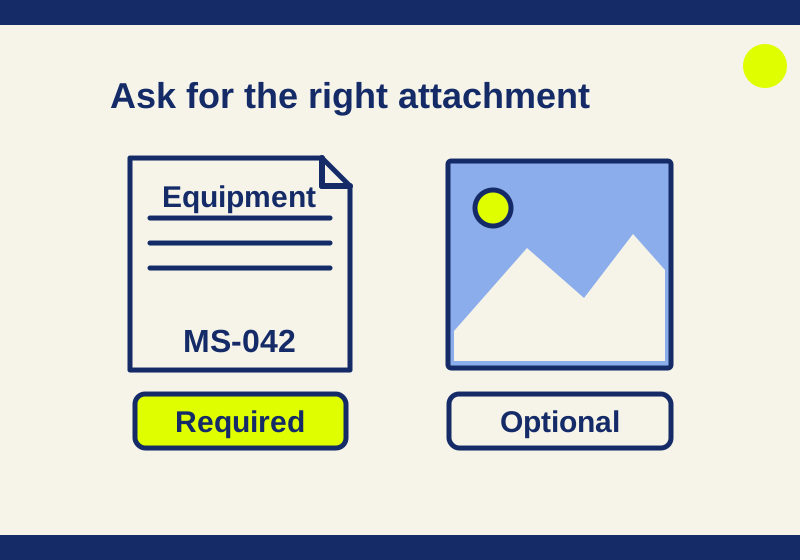
Collect the equipment list you need, keep a helpful photo optional, and give the signer instructions they can act on.
SOURCE-CHECKED38
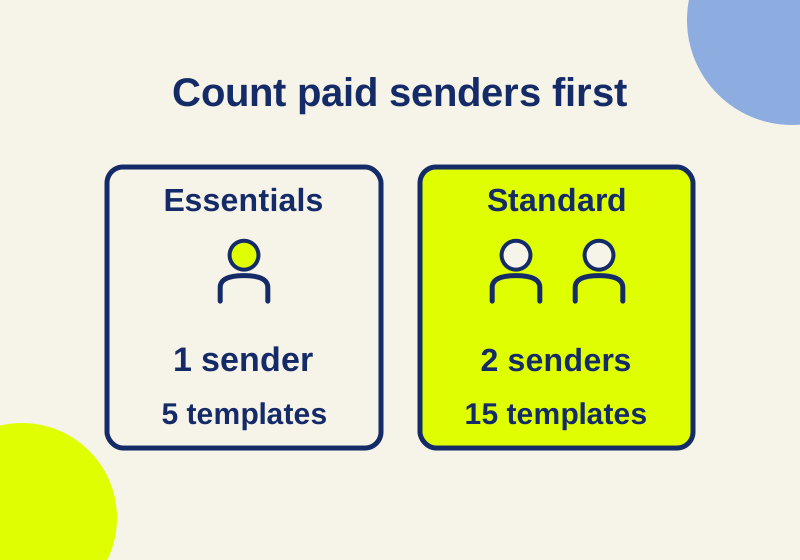
Standard starts with two paid senders. Work out whether shared templates, extra saved forms, or signer attachments justify that purchase.
SOURCE-CHECKED39
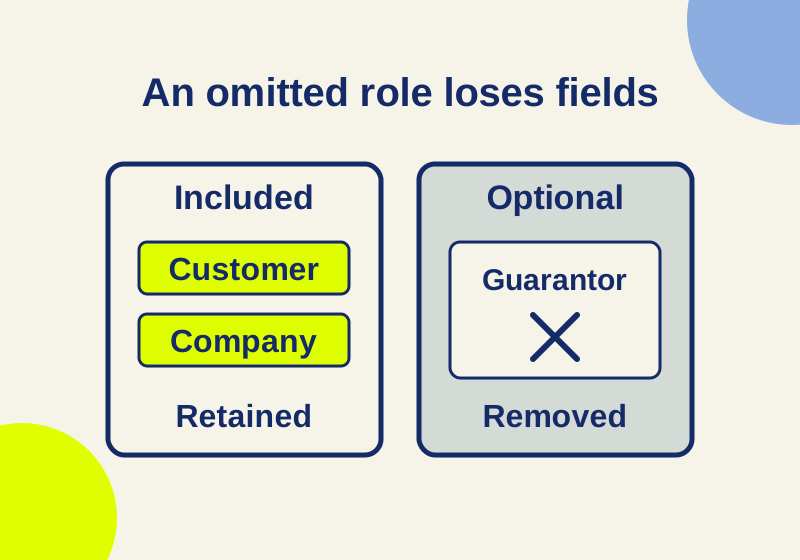
Keep the customer's fields when an optional co-signer is left out. Includes a six-field planning worksheet.
SOURCE-CHECKED40
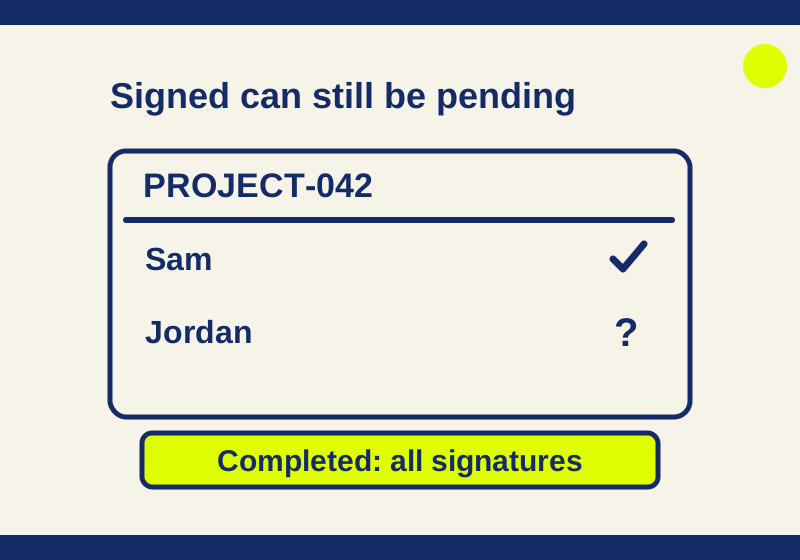
Understand Dropbox Sign Sent, Viewed, Signed and Completed states, find the exact request, and choose a reminder or correction that fits.
SOURCE-CHECKED41
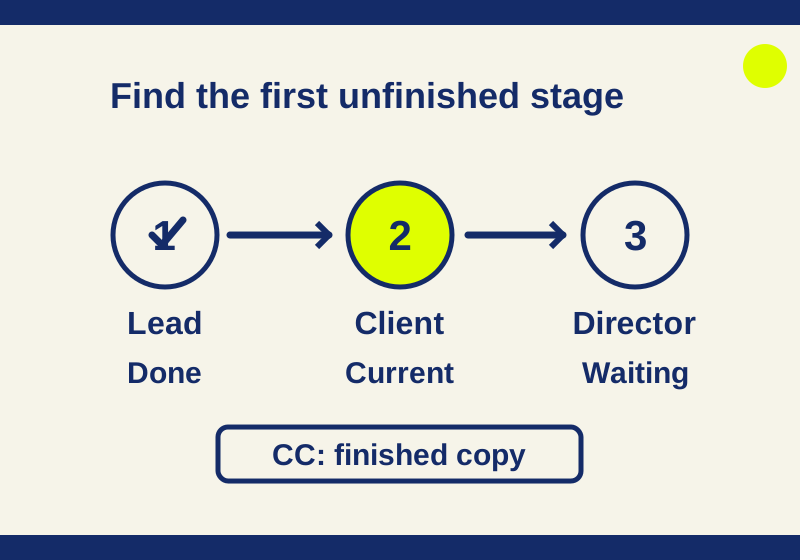
A three-person route, a field assignment mistake, and the difference between a waiting signer and a missing email.
SOURCE-CHECKED42
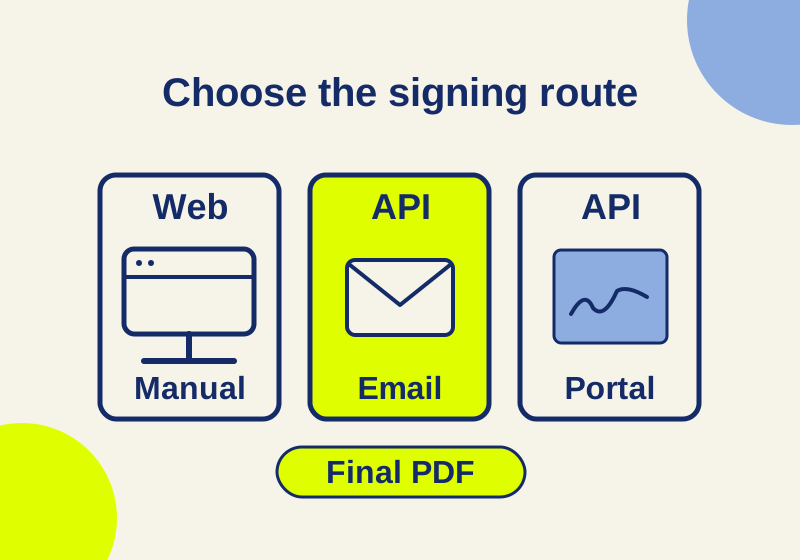
Trace a signing workflow from the plan choice to the finished PDF, including the API app production steps a web subscription does not cover.
SOURCE-CHECKED43
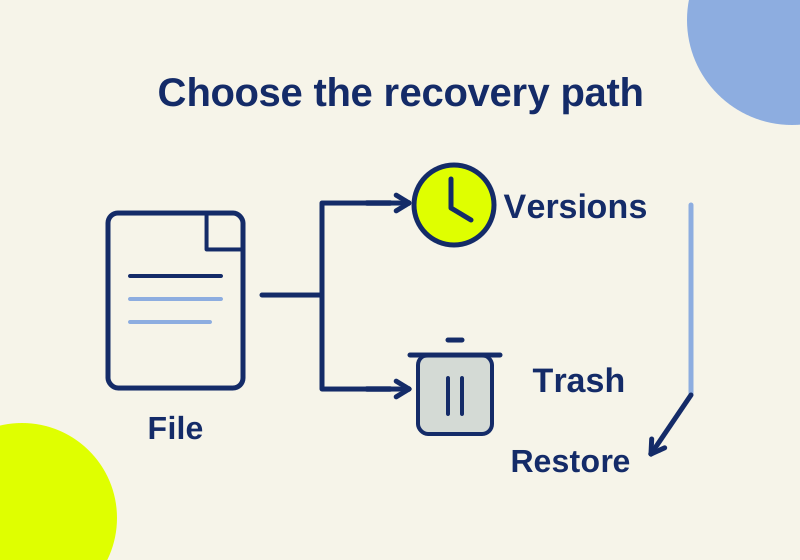
Recover an overwritten or deleted file with exact Dropbox plan windows, Google Drive version rules, native Docs history, and permission checks.
SOURCE-CHECKED44
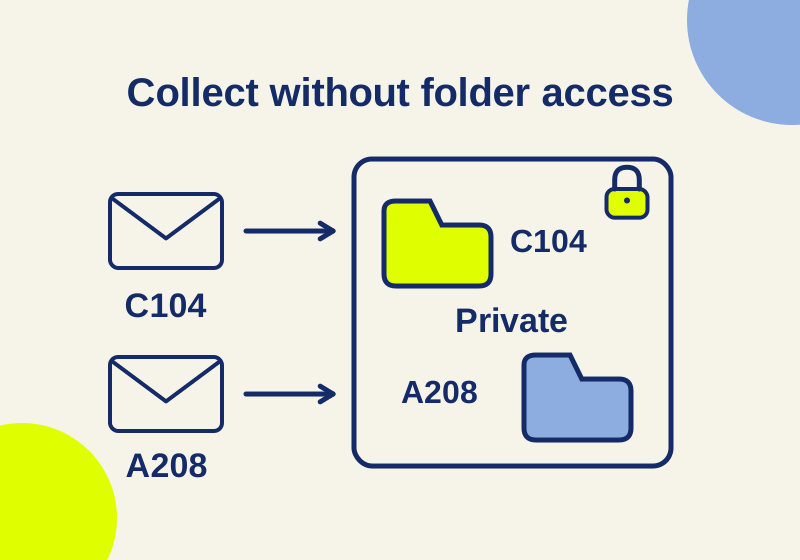
Collect client documents with the right upload limit and request fields, then match submissions to a case and close the link safely.
SOURCE-CHECKED45
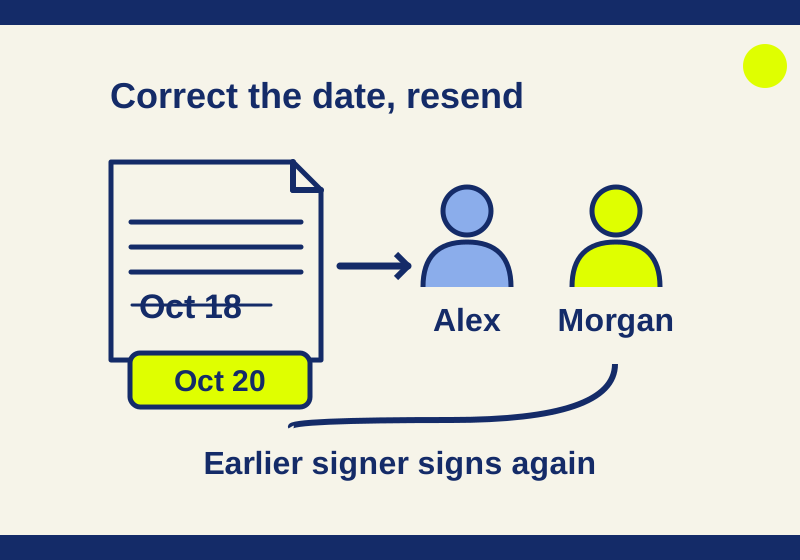
Fix a mistaken document date, explain the correction clearly, and avoid confusing the delivery date with the signature date.
SOURCE-CHECKED46
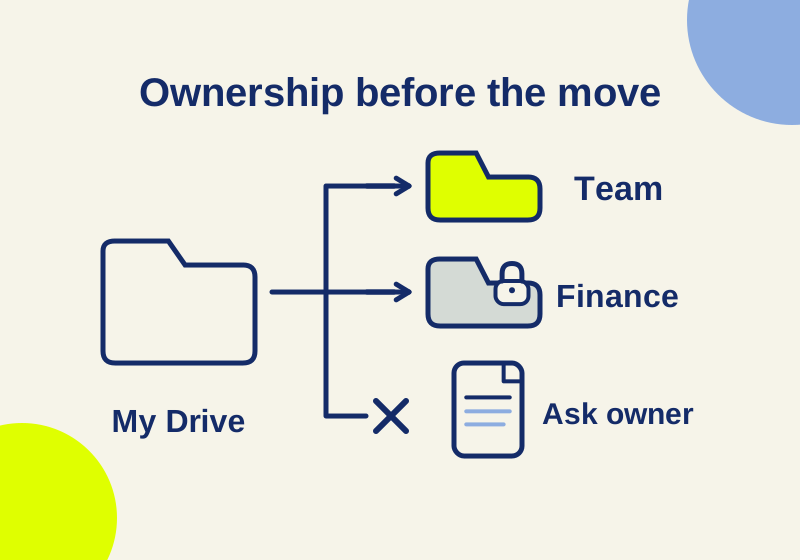
A departing colleague’s folder needs several different handoffs, including one file that cannot move.
SOURCE-CHECKED47
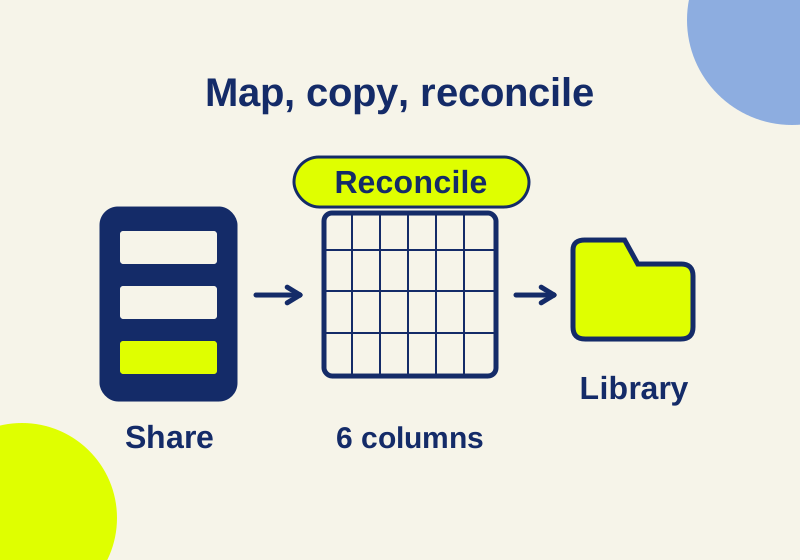
Move shared documents with a source-to-destination map and a clear account of which files arrived, were excluded, or still need repair.
SOURCE-CHECKED48
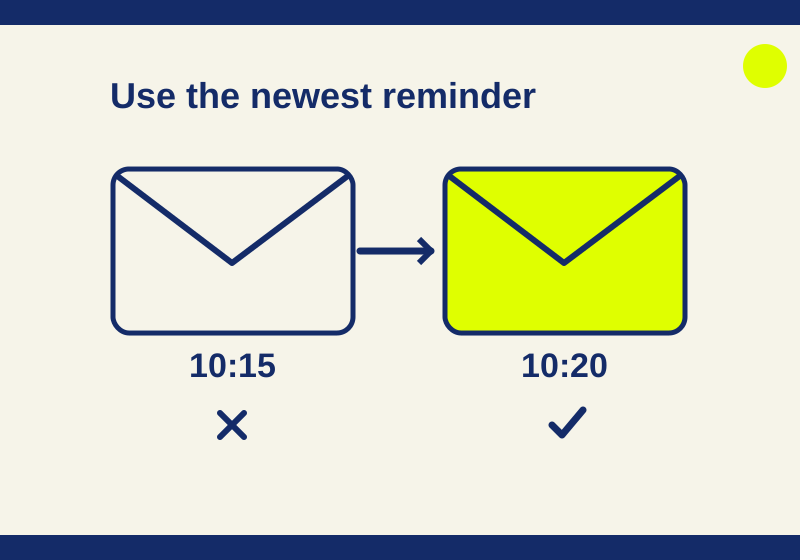
Find the current signer, send a fresh reminder, and help them identify the right email without restarting a valid request.
SOURCE-CHECKED49
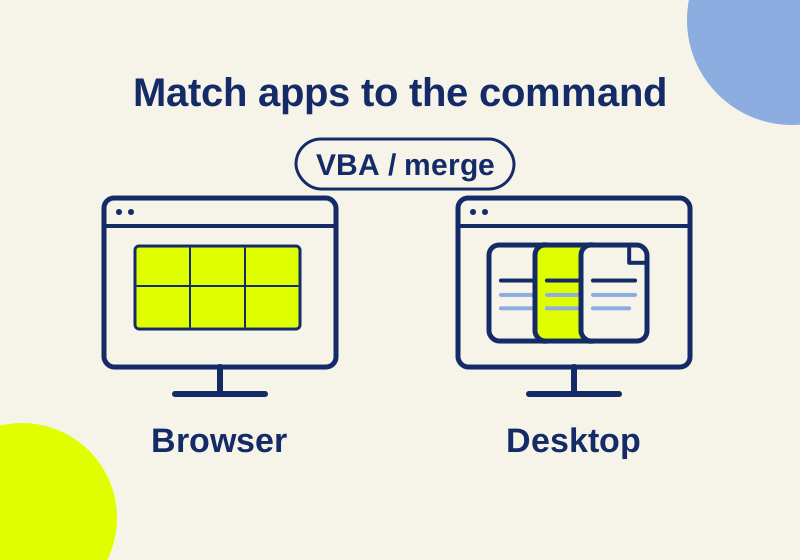
Basic covers browser Office work. Standard adds installed apps for mail merge, VBA, file comparison, and offline editing.
SOURCE-CHECKED50
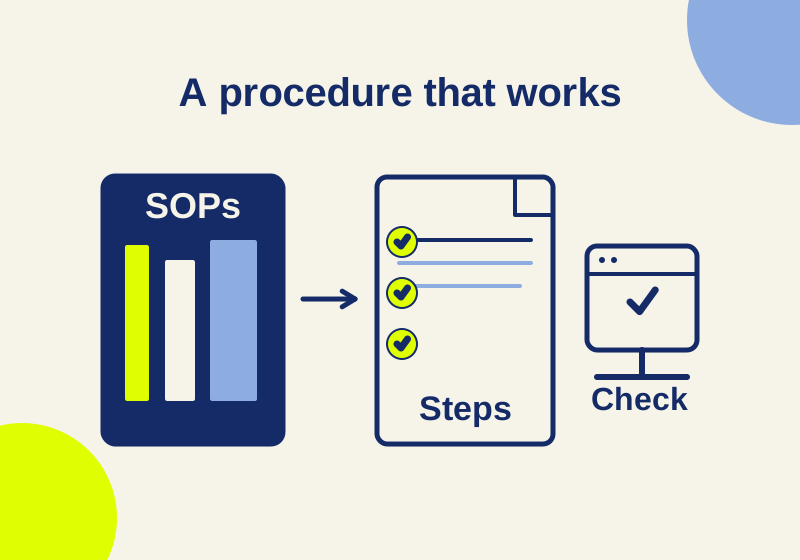
Build an owned SOP catalog with a worked procedure, exact wiki and template setup, and current Confluence approval limits.
SOURCE-CHECKED51
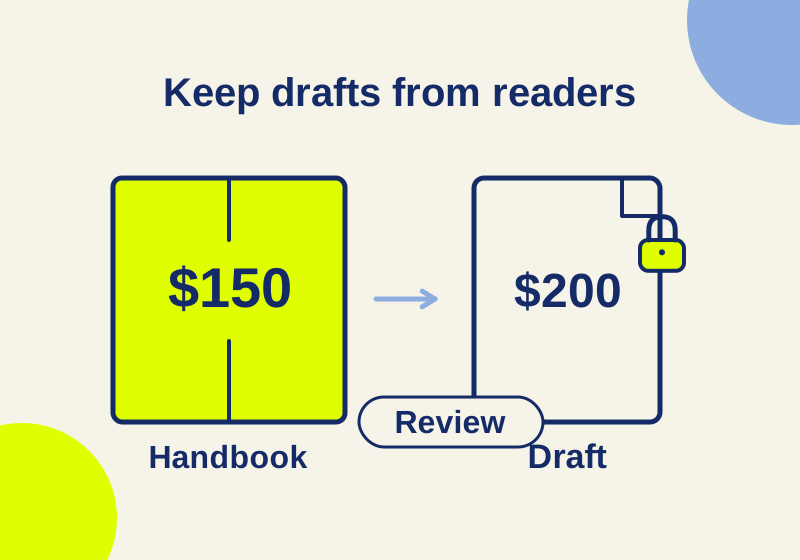
Keep draft policy changes separate from employee guidance with a worked approval lifecycle, SharePoint version settings, and Notion access boundaries.
SOURCE-CHECKED52
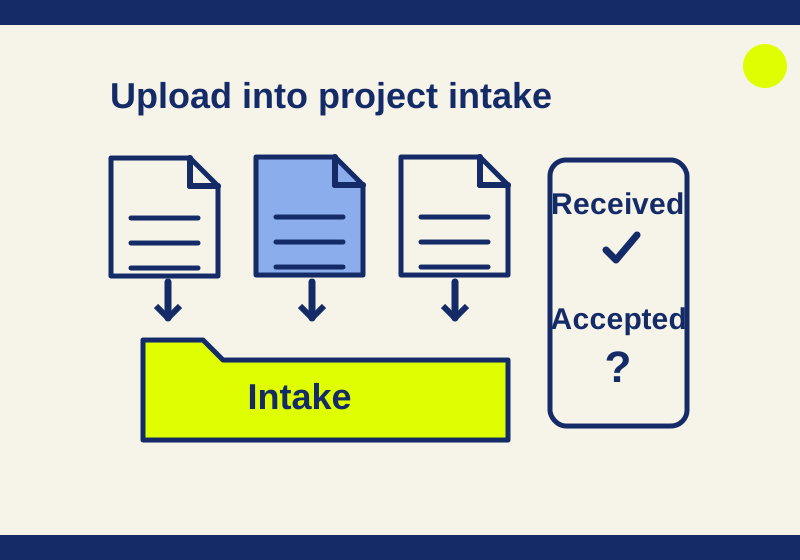
Collect client uploads, separate received from approved files, and handle corrections with an editable intake kit.
SOURCE-CHECKED53
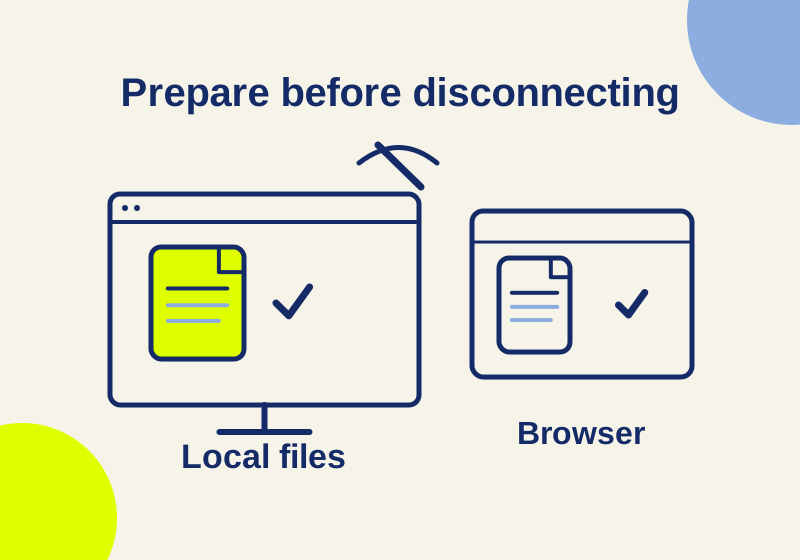
Set up offline laptop work with OneDrive status icons, Drive desktop streaming or mirroring, shared drives, and separate Google Docs browser access.
SOURCE-CHECKED54
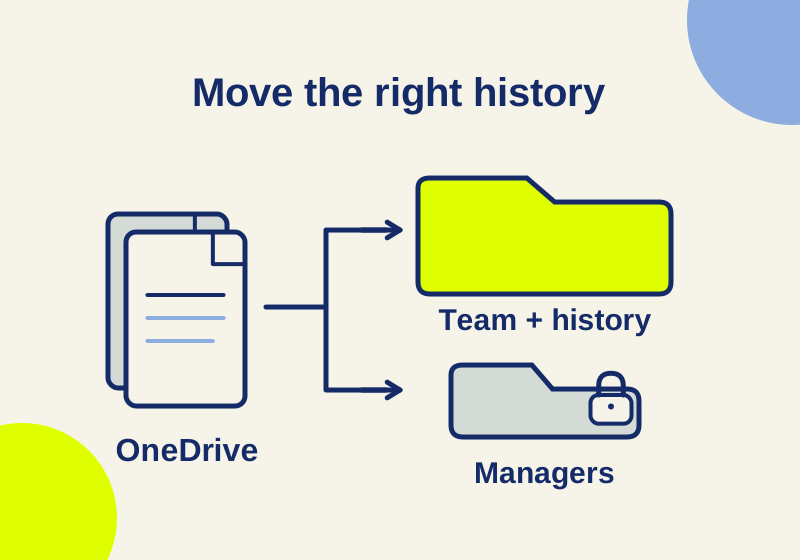
Transfer operating files into the right team library, preserve required history, and replace the links coworkers and guests actually use.
SOURCE-CHECKED55
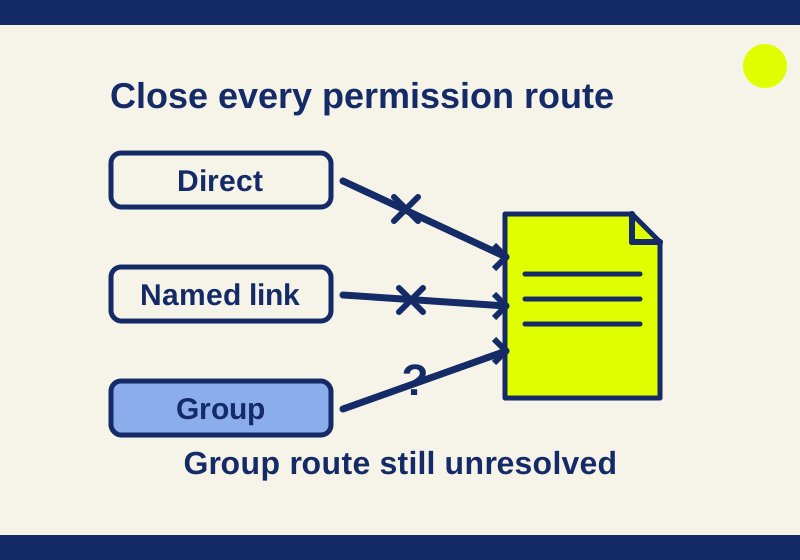
Find why someone can still open a shared file after you remove a link, and close the right permission routes.
SOURCE-CHECKED56
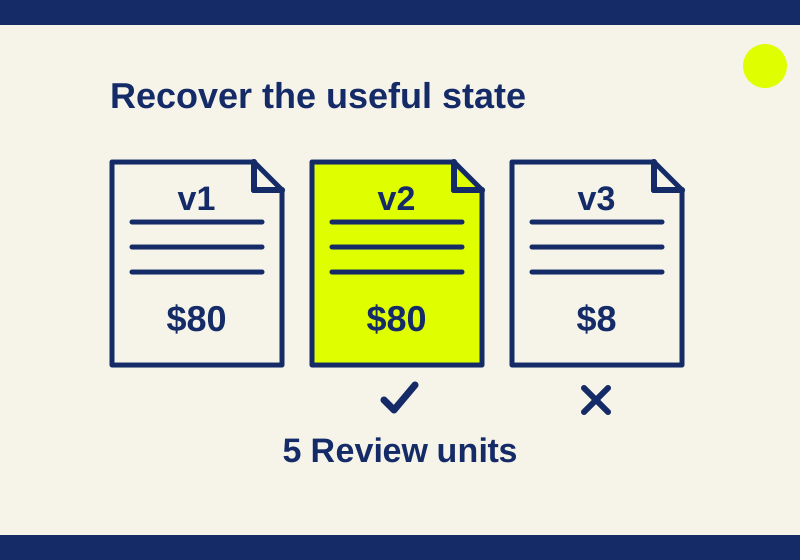
Choose a recovery target by its contents and keep legitimate edits when undoing an overwritten price.
SOURCE-CHECKED57
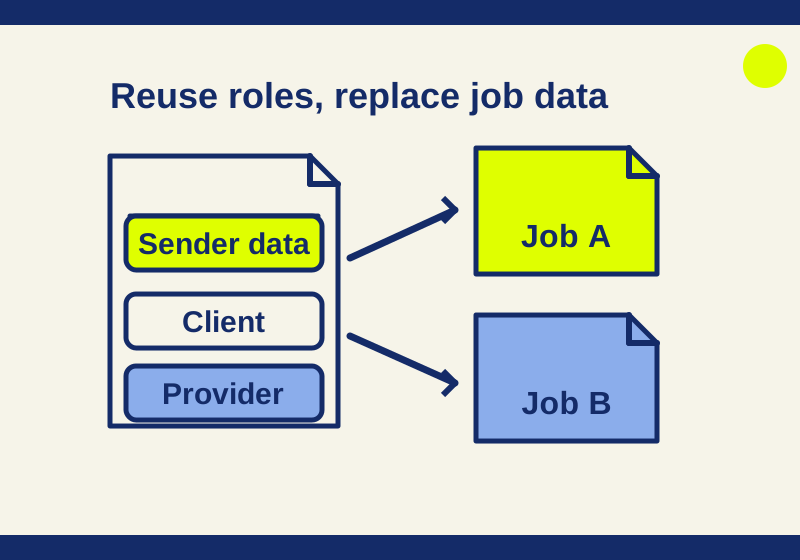
Map Dropbox Sign template roles, sender merge fields and changing project details with a downloadable field worksheet and a two-signer example.
SOURCE-CHECKED58
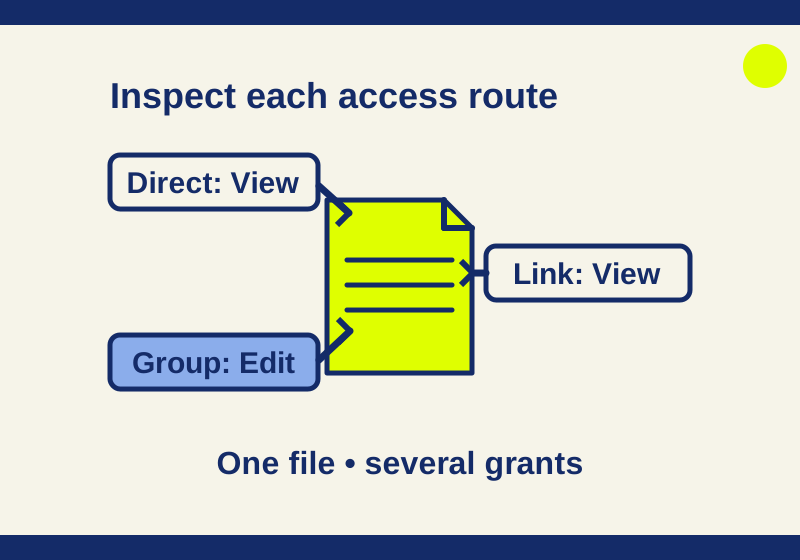
Find the permission route behind unexpected access, including a View link that coexists with Edit rights.
SOURCE-CHECKED59
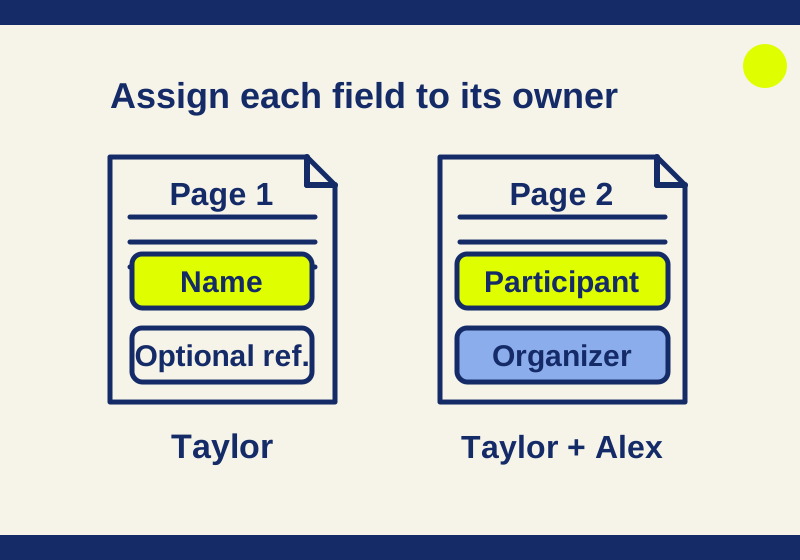
A two-page practice document shows exactly which fields belong to each signer, including an optional answer and a copy-only recipient.
SOURCE-CHECKED60
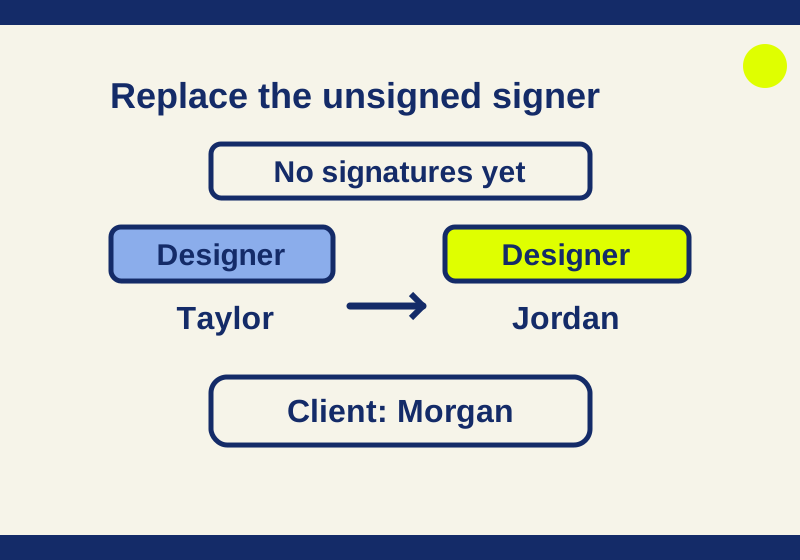
Correct the intended signer without mixing up the recipient role, email address, document content, or authentication settings.
SOURCE-CHECKED61
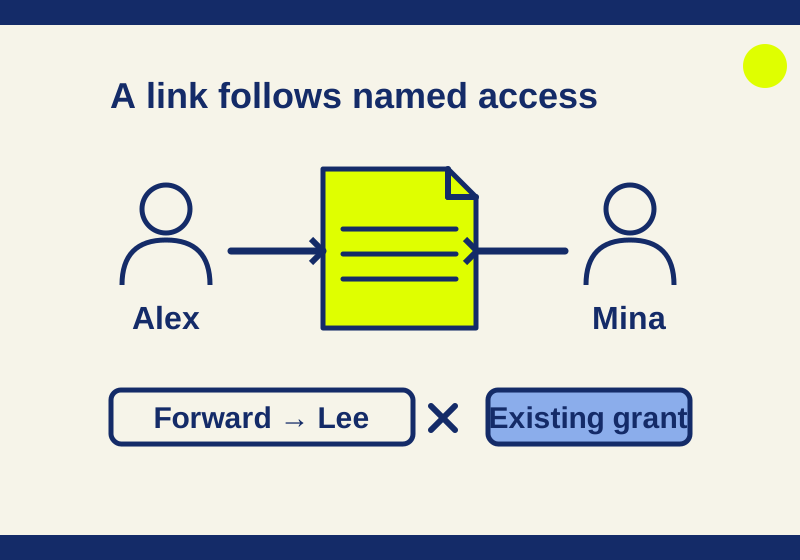
Send a named file invitation and understand who can still open it when the link gets forwarded.
SOURCE-CHECKED62
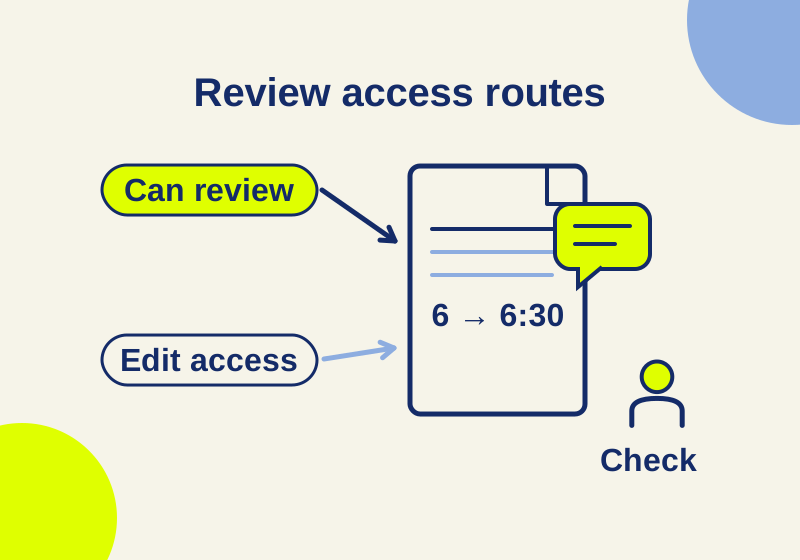
Share a Word document for comments and suggestions, understand why existing edit access wins, and plan a recipient check before a review round.
SOURCE-CHECKED63
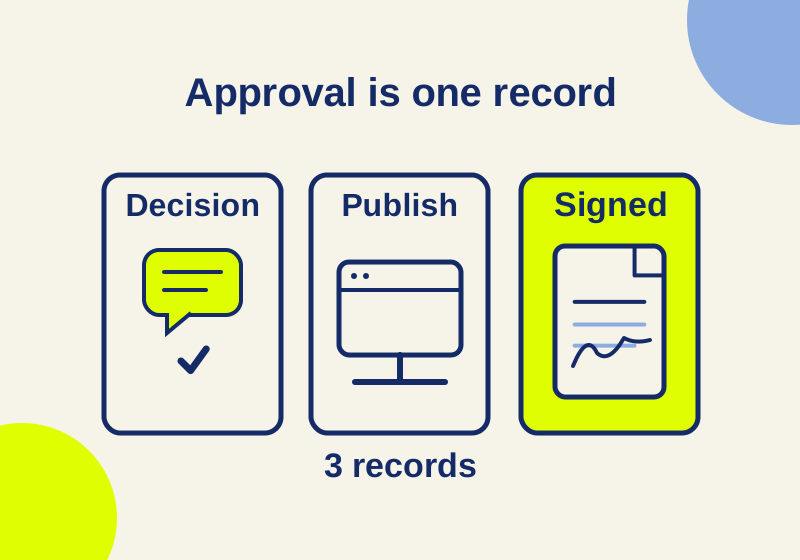
An Approved label can mean an internal decision or reader visibility. Signing has its own request and completed file.
SOURCE-CHECKED64
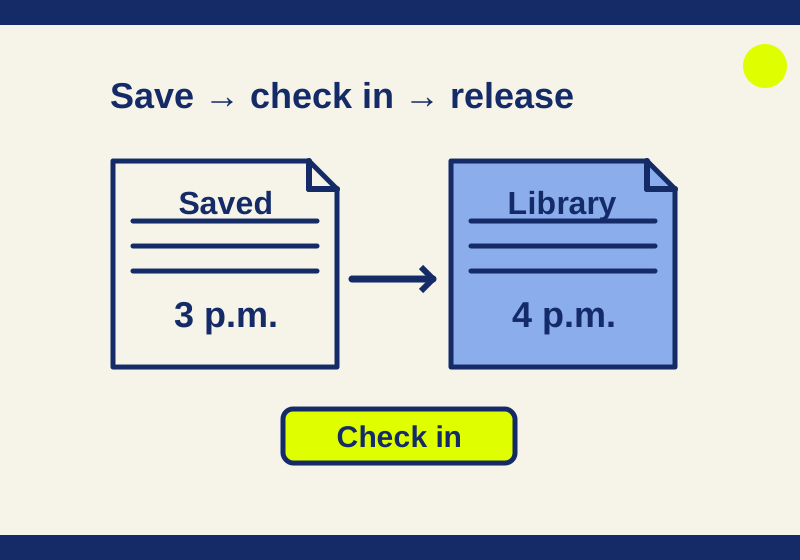
Find the difference between a saved edit and a checked-in copy, then choose the right recovery action.
SOURCE-CHECKED65
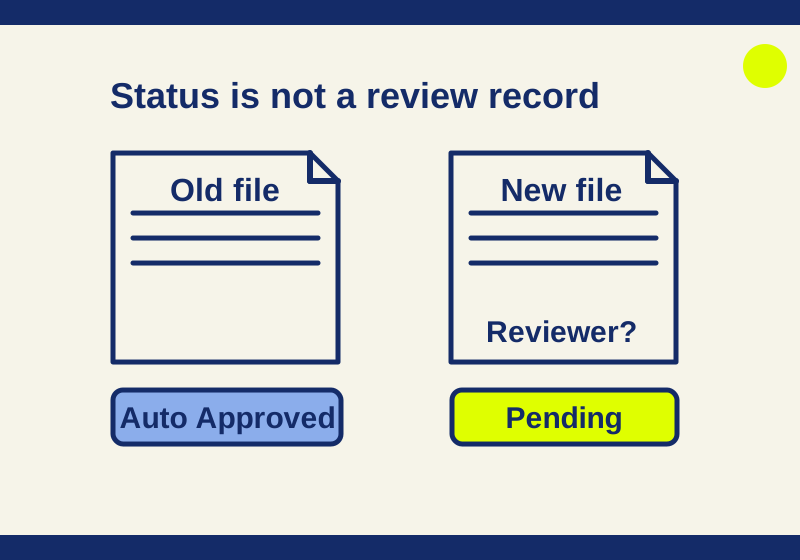
Separate automatic approval of old library files from review decisions on new submissions and draft audience.
SOURCE-CHECKED66
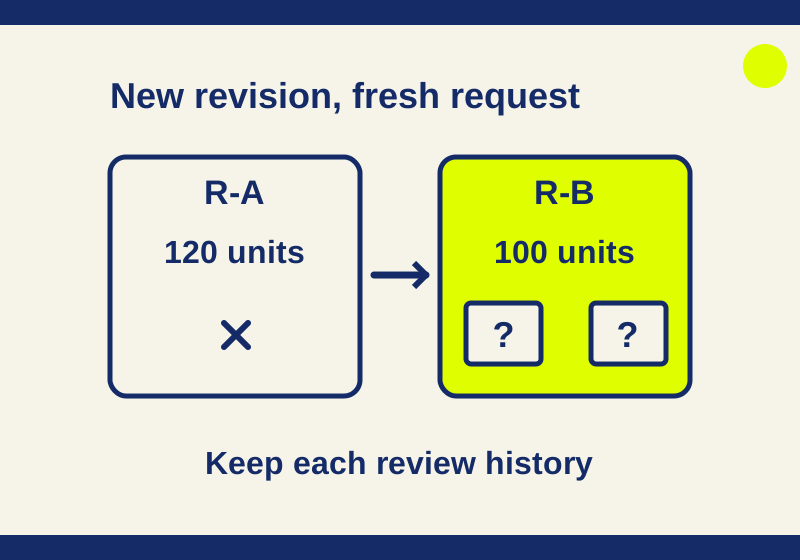
Choose the response rule for a file review and trace a canceled request separately from its replacement.
SOURCE-CHECKED67
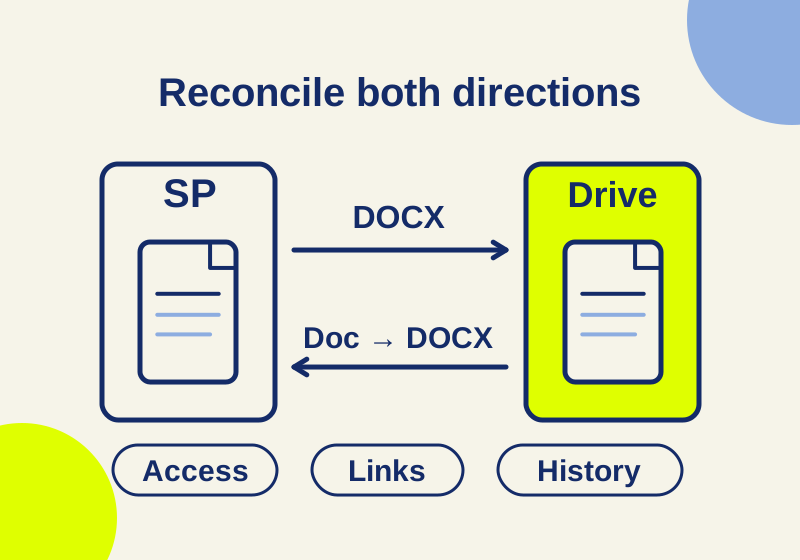
The two native migration tools handle formats, restricted files, history and guest access differently. Plan the transfer around those differences.
SOURCE-CHECKED68
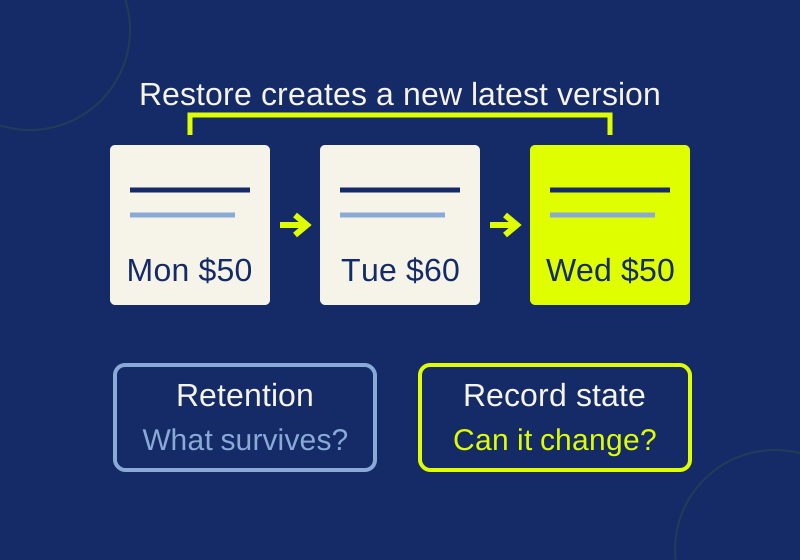
Distinguish version recovery from content retention and record edit or deletion restrictions.
SOURCE-CHECKED69
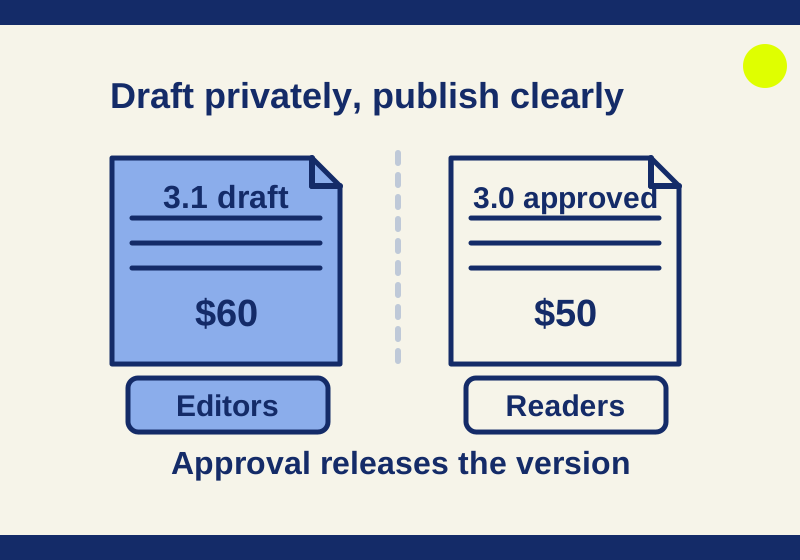
Keep unfinished policies out of readers’ view while editors collaborate and retain useful history.