SOURCE-CHECKED01
Box shared links vs collaborator invites: reading, comments and revised files
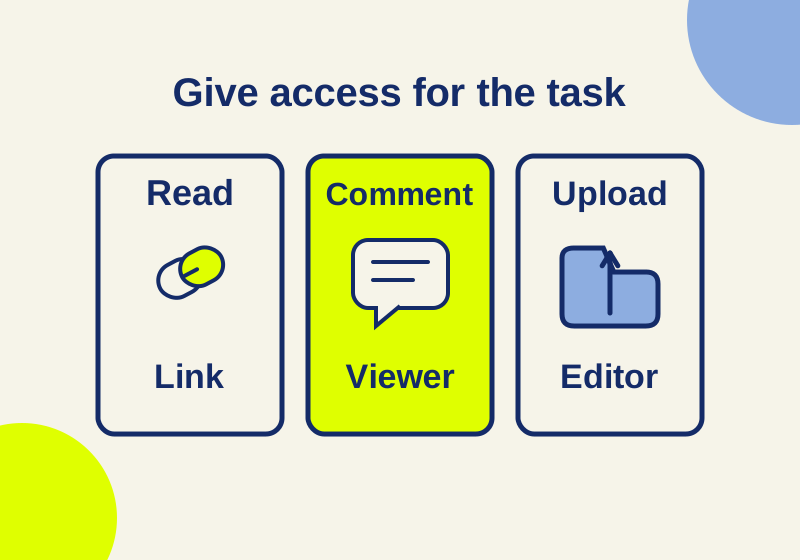
Choose Box link audiences and reviewer roles for reading, comments or uploads. Includes ready-to-use review requests and fixes for common access mistakes.
TOPIC / HOWCURIO
Ways to transfer a file or collaborate on a document, with a check on what recipients can access.
35 GUIDESCHOOSE YOUR OUTCOME
Pick a sharing method for the recipient, then test the link or exported file before handing it over.
SOURCE-CHECKED01
Choose Box link audiences and reviewer roles for reading, comments or uploads. Includes ready-to-use review requests and fixes for common access mistakes.
SOURCE-CHECKED02
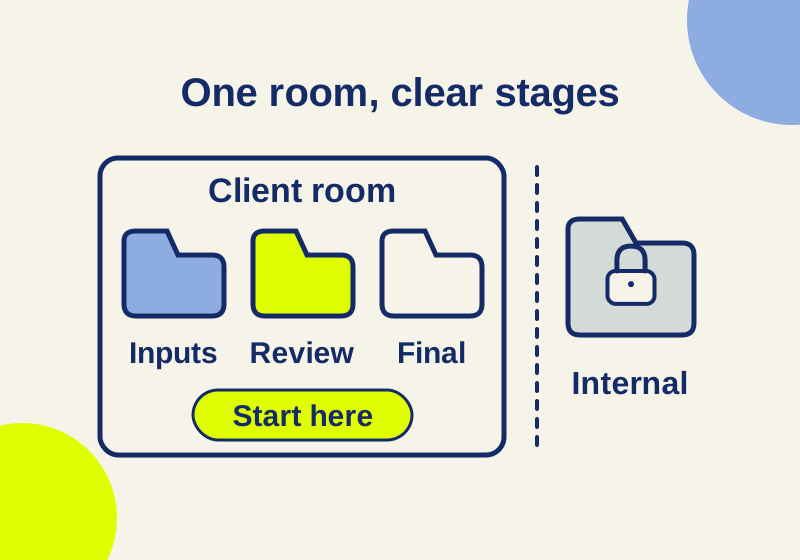
Organize received files, review copies and approved delivery in a Box or SharePoint client room, with an eight-item room manifest and a closeout workflow.
SOURCE-CHECKED03
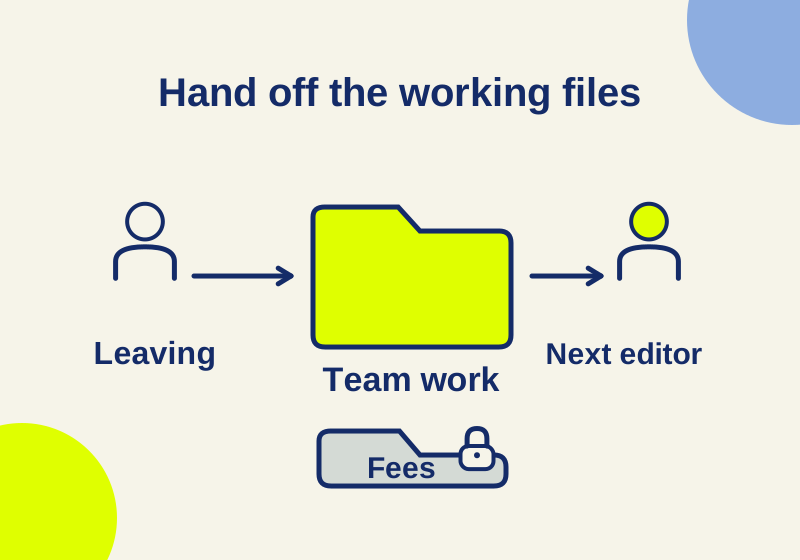
Put shared projects in the right team folder, separate restricted files, and use the correct ownership or account-transfer process when someone leaves.
SOURCE-CHECKED04
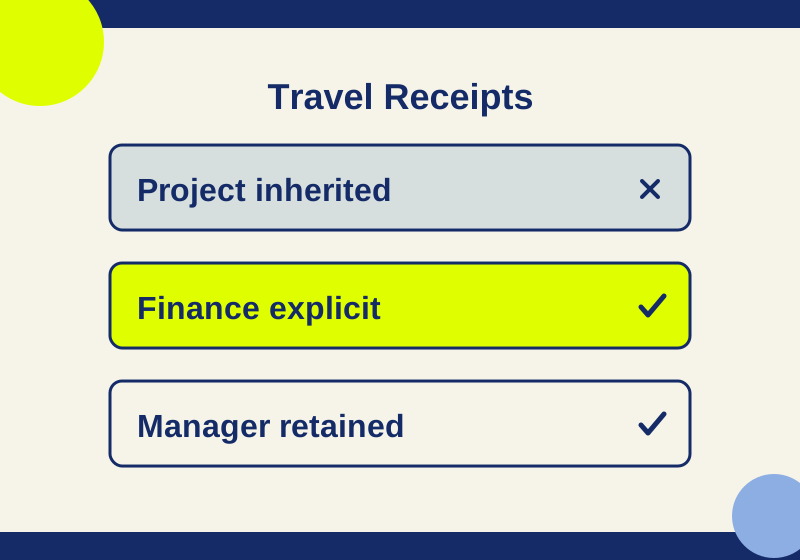
Map each route into a restricted subfolder and check the Manager, group, and General access exceptions.
SOURCE-CHECKED05
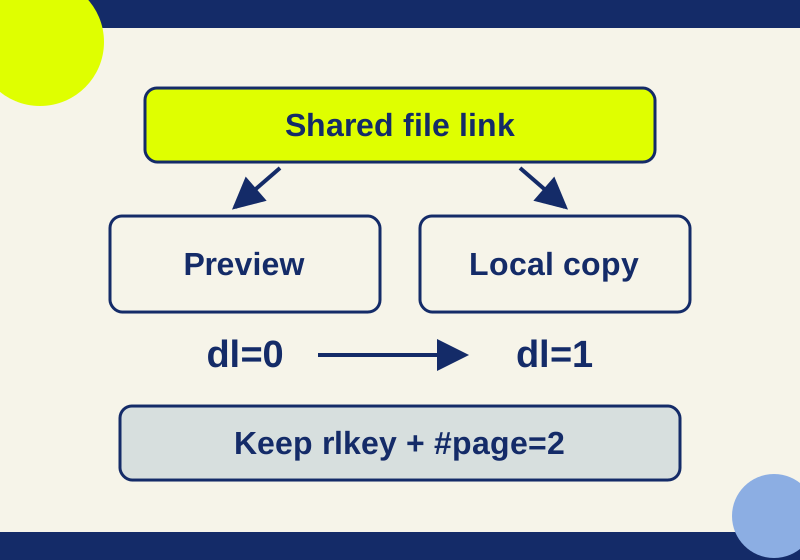
Use a shared link for reading or downloading, diagnose account and permission prompts, and keep the access key when changing URL mode.
SOURCE-CHECKED06
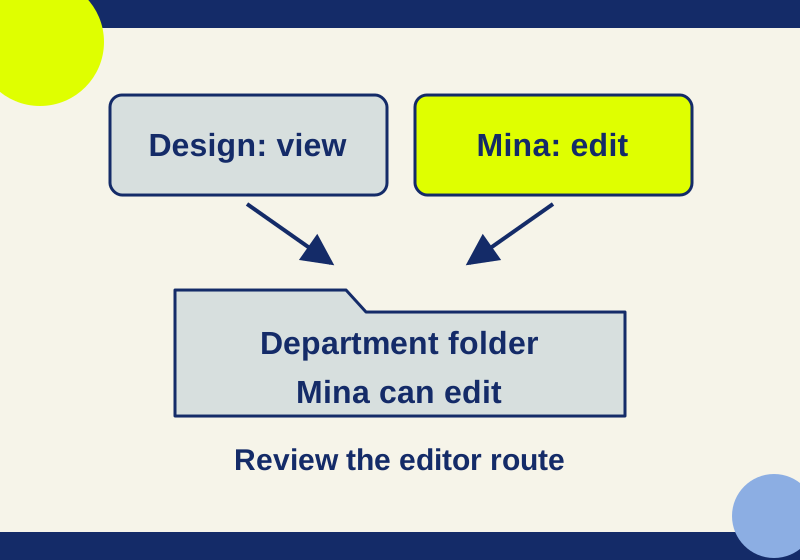
A view-only group can coexist with an editor grant. Follow five worked access cases and keep membership changes scoped.
TESTED07
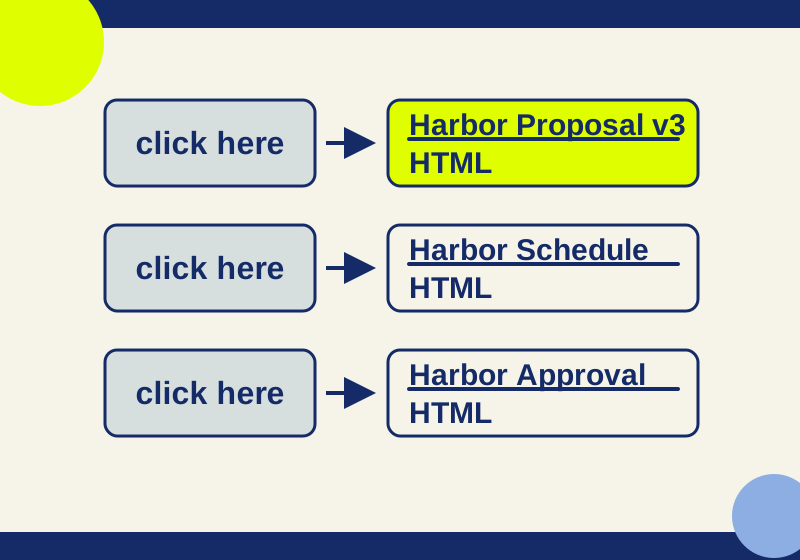
Replace ambiguous file links with labels readers can identify without rereading the surrounding message.
SOURCE-CHECKED08
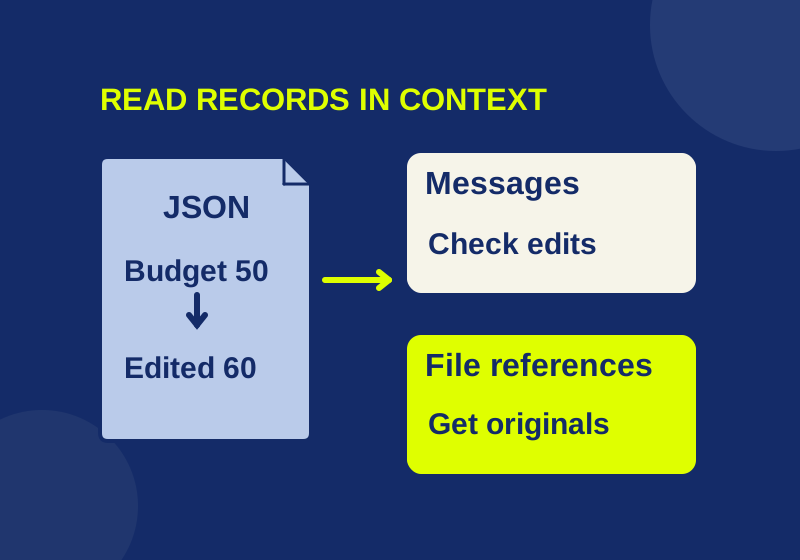
Turn dated Slack JSON into searchable records and file references while preserving the context of edits.
SOURCE-CHECKED09
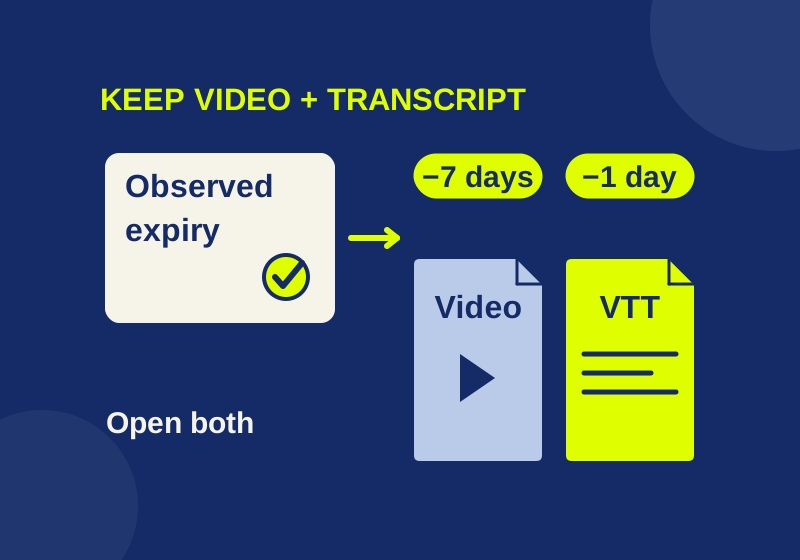
Use the actual recording deadline, two calculated reminders, and a separate transcript to keep a meeting useful after the hosted link expires.
SOURCE-CHECKED10
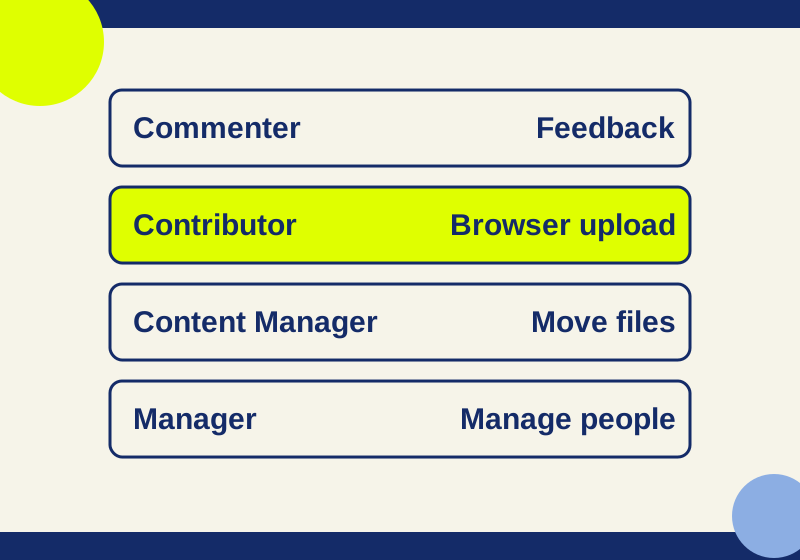
Match browser edits, desktop uploads, file moves, and member changes to the right shared drive role.
SOURCE-CHECKED11
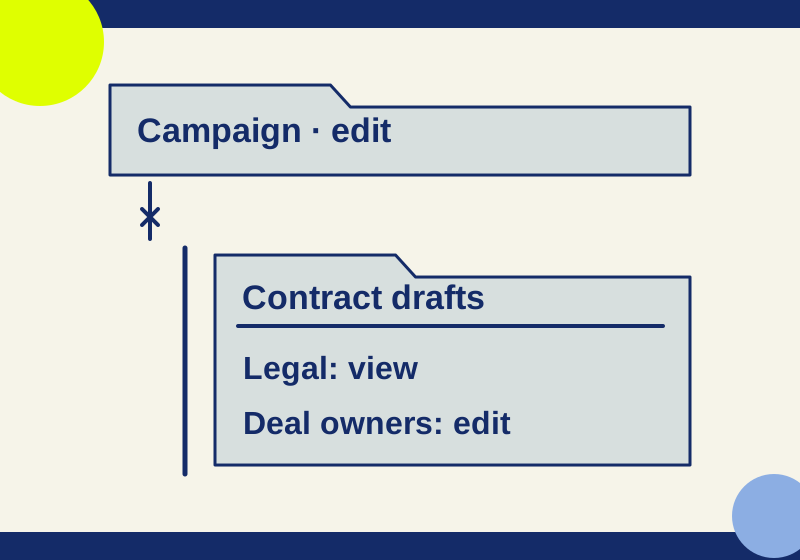
Remove the broad child-folder grant, retain the smaller audience, and distinguish parent-access resets from deleted-folder restores.
SOURCE-CHECKED12
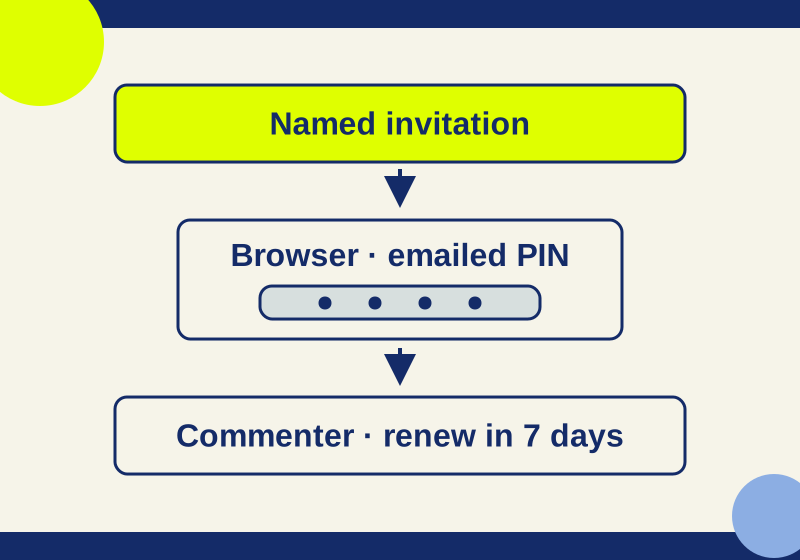
Work through invitation, PIN, browser, and re-verification problems with a recipient note you can reuse.
SOURCE-CHECKED13
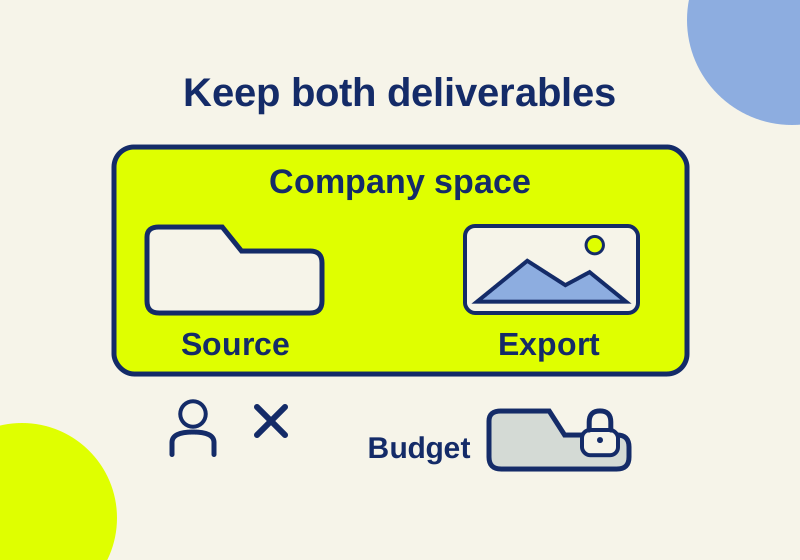
Keep editable agency work in company-controlled storage. Compare Box folder inheritance, Google shared-drive ownership and the desktop role that can block uploads.
SOURCE-CHECKED14
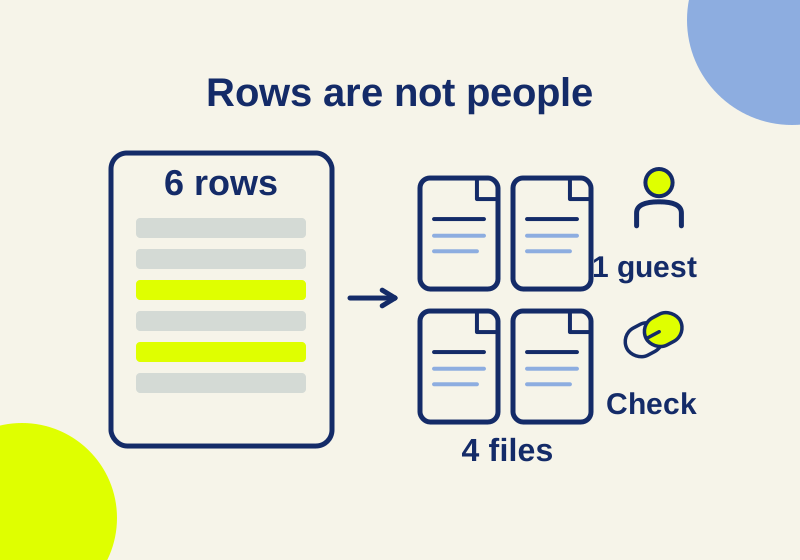
Read Box and SharePoint sharing CSVs without mistaking rows for people or missing links for no access. Download and reproduce a six-row worked audit.
SOURCE-CHECKED15
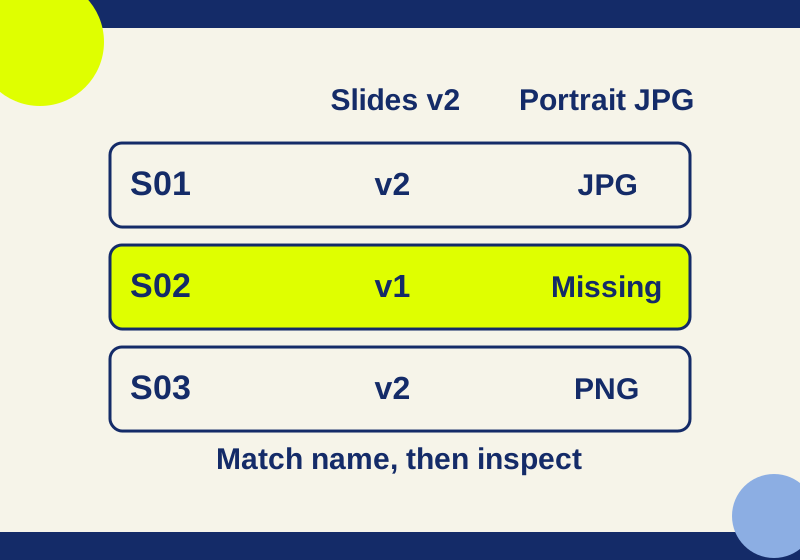
Set up a file request and use a six-item sample to spot missing portraits, old slides and unmatched submissions.
SOURCE-CHECKED16
Compare actual transfer and upload limits, expiry and client access before delivering large files with Dropbox Transfer or Box.
SOURCE-CHECKED17
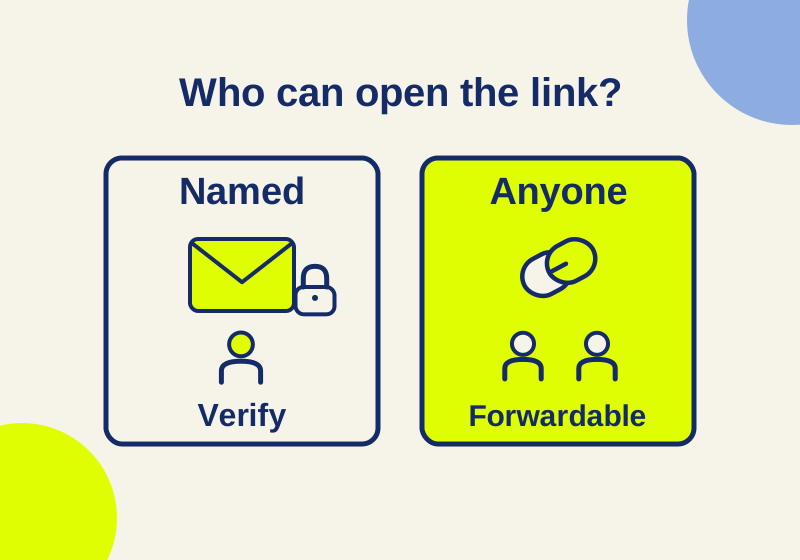
Set up client review links with the right recipient access, download controls and expiry in Dropbox or OneDrive.
SOURCE-CHECKED18
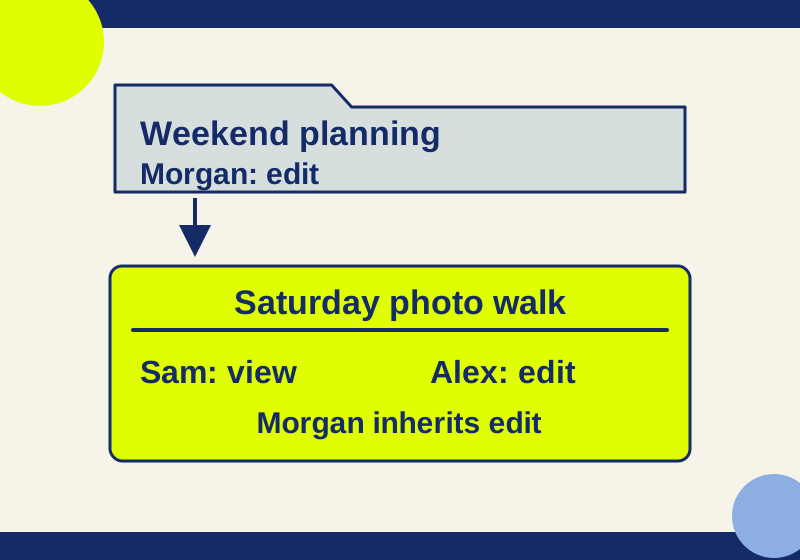
A view-only link can coexist with editor invitations. Follow each person’s access path before changing a FigJam board’s sharing.
SOURCE-CHECKED19
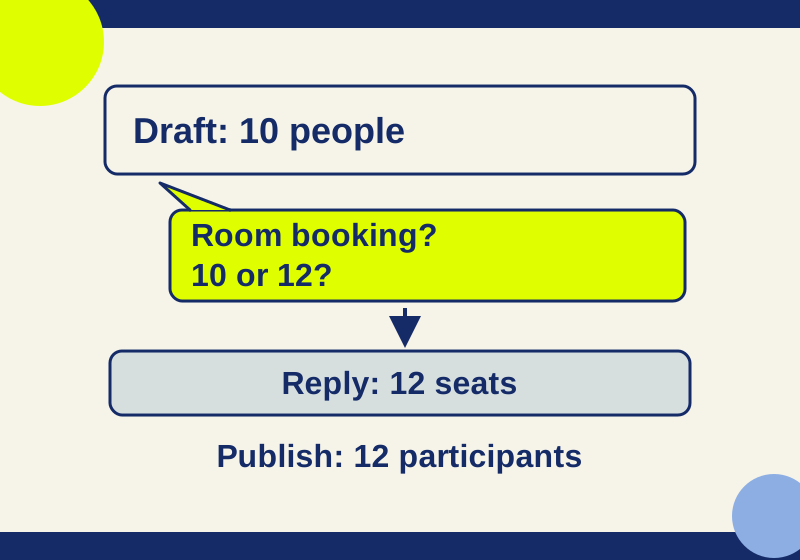
Follow four complete Google Docs review threads from the original paragraph to corrected wording, then distinguish mentions, assignments, and suggestions.
SOURCE-CHECKED20
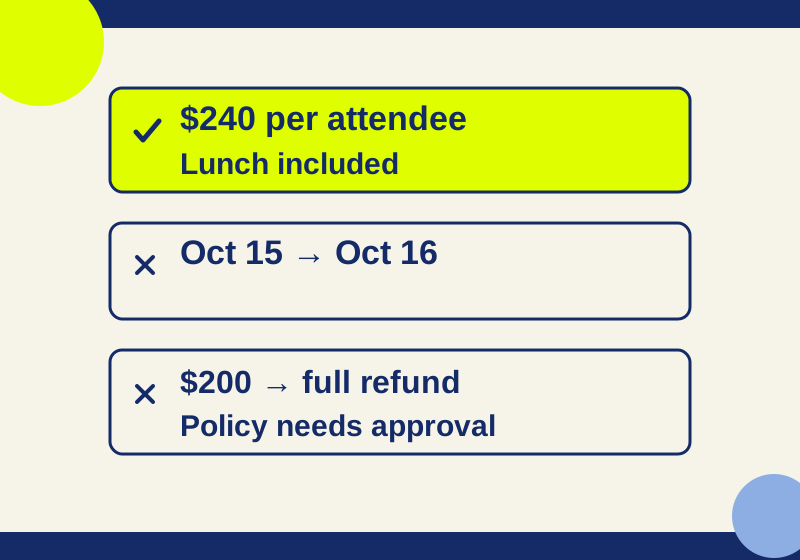
A complete wording exercise shows how four suggestions change a notice, with downloadable original and final text.
SOURCE-CHECKED21
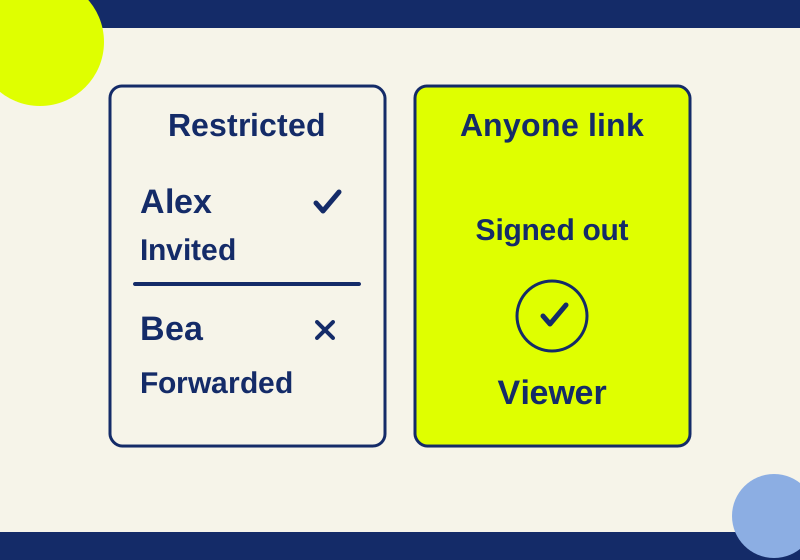
Restricted can still include folder and group members. Trace who can open your file before you send its link.
SOURCE-CHECKED22
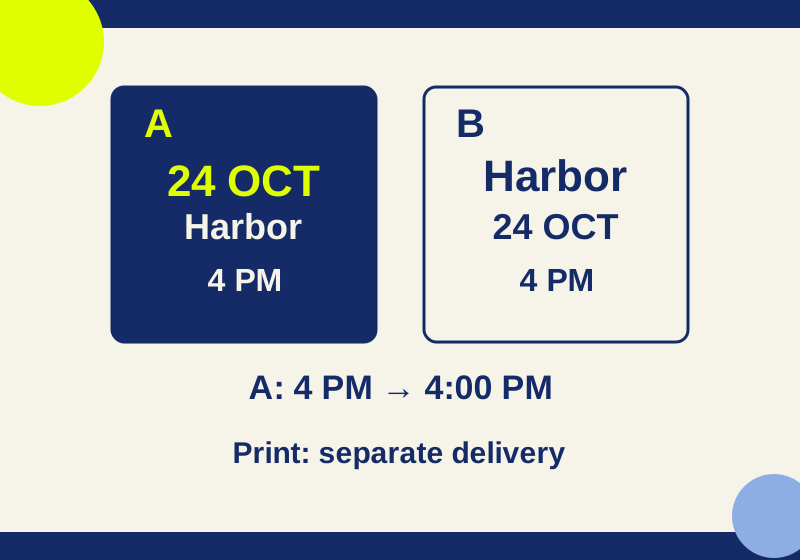
Dropbox view-link download restrictions depend on the plan and preview support; use a review copy that fits the recipient’s task.
SOURCE-CHECKED23
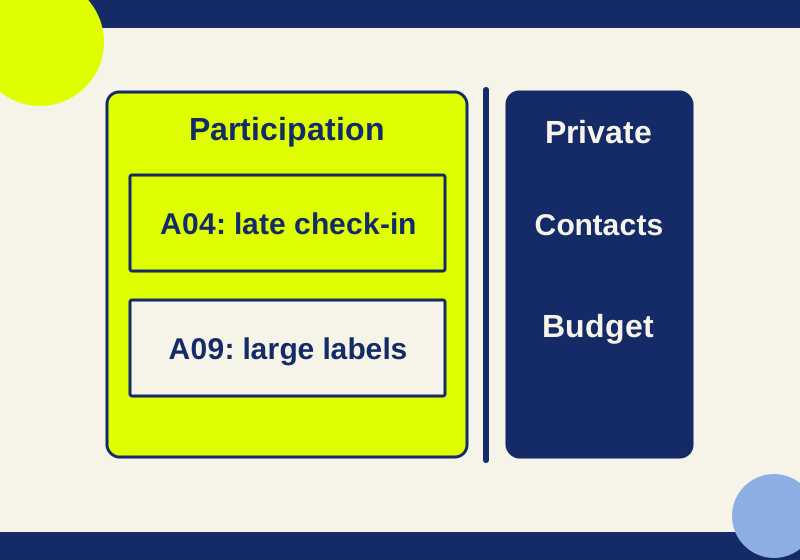
A worked repair cafe workshop separates public participation from private preparation, with exact visitor and guest editing limits.
SOURCE-CHECKED24
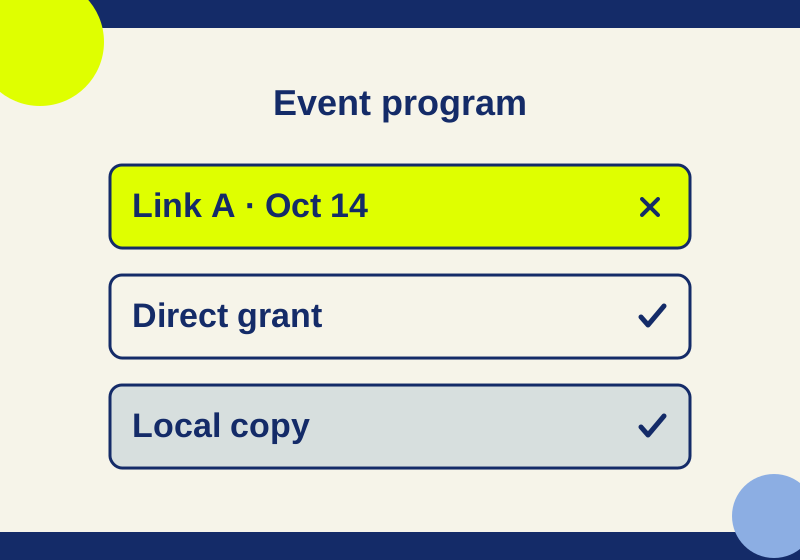
An expired sharing link can fail while the file remains accessible through a different route.
SOURCE-CHECKED25
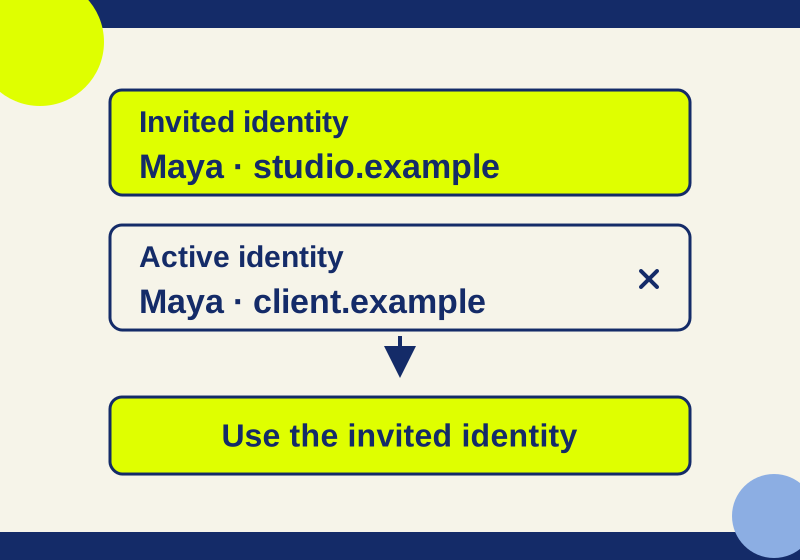
Forwarding an invitation does not add a recipient. The invited identity and active browser account need to agree.
SOURCE-CHECKED26
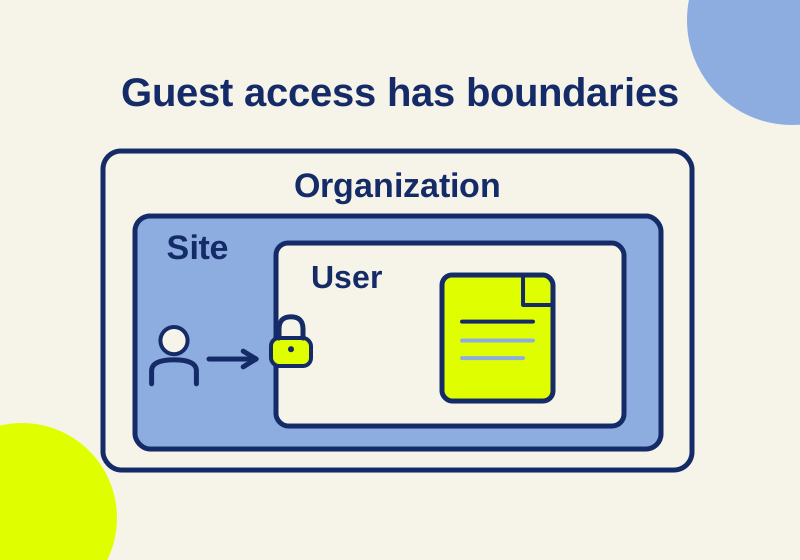
A client’s failed link can come from its audience, the site, the organization, or a narrower OneDrive setting.
SOURCE-CHECKED27
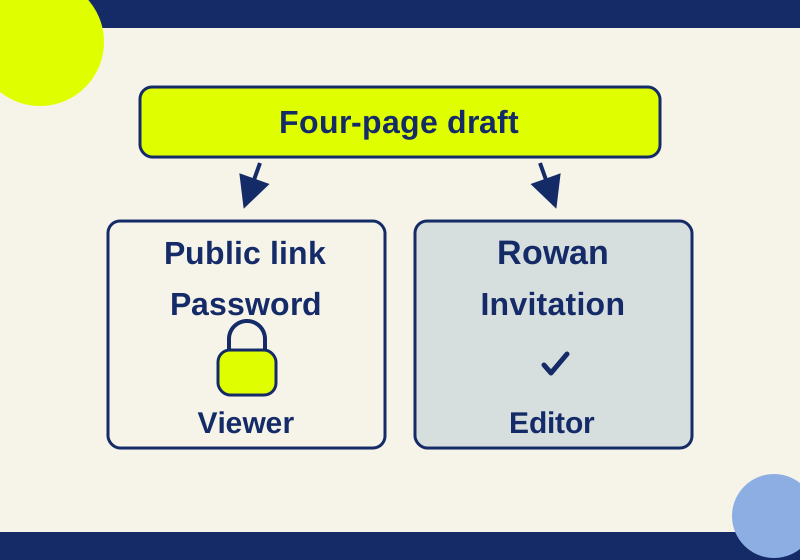
A public-link password and an email invitation control different ways to reach the same item.
SOURCE-CHECKED28
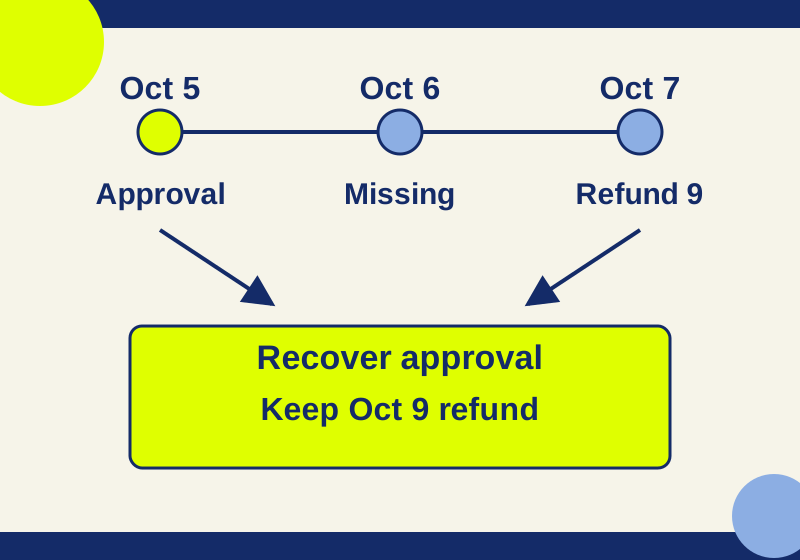
Three complete versions show how to recover an approval condition while preserving a newer refund cutoff and contact address.
SOURCE-CHECKED29
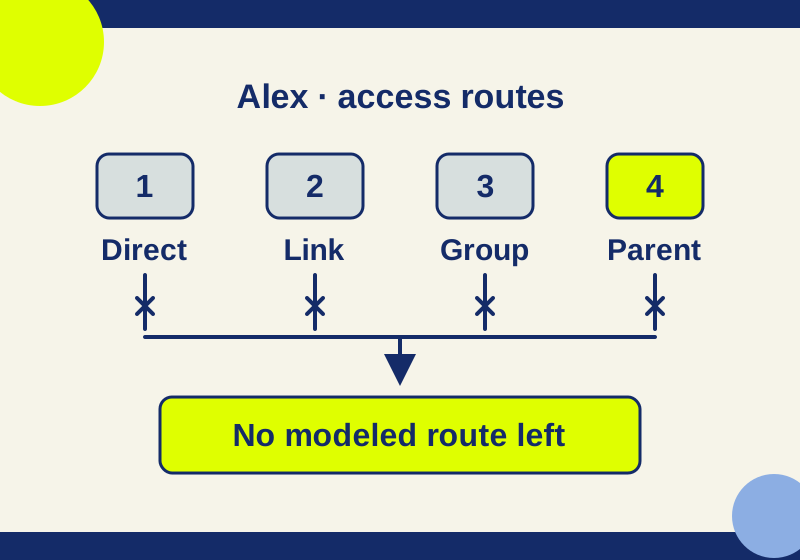
Removing one person can leave other access routes open. Follow a five-stage example and locate the grant that survived.
SOURCE-CHECKED30
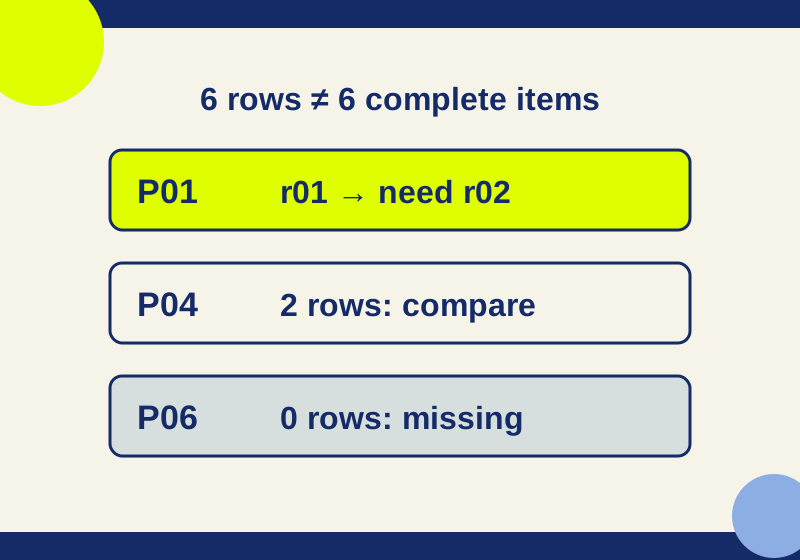
Six received rows can hide an older portrait and a missing caption. Compare the downloadable roster, received list and reconciliation result.
SOURCE-CHECKED31
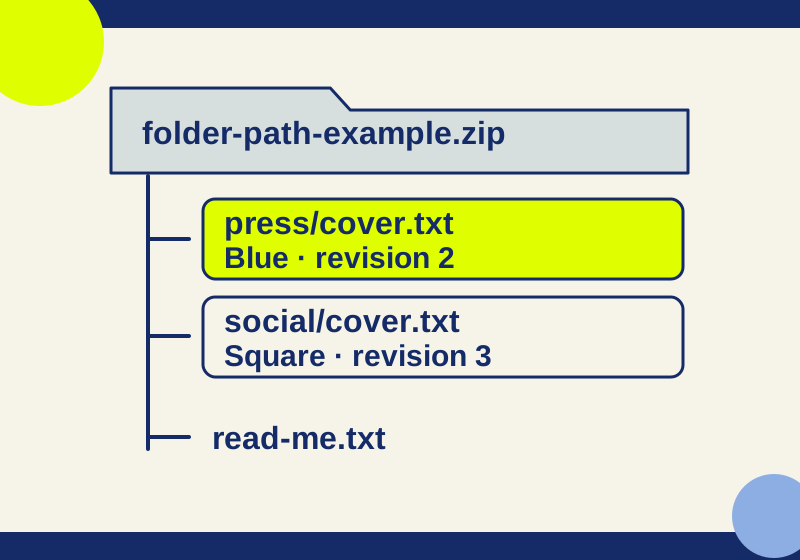
A downloadable three-file ZIP shows why duplicate names need folder paths. Set the delivery channel, package revision and actual expiry before sending.
SOURCE-CHECKED32
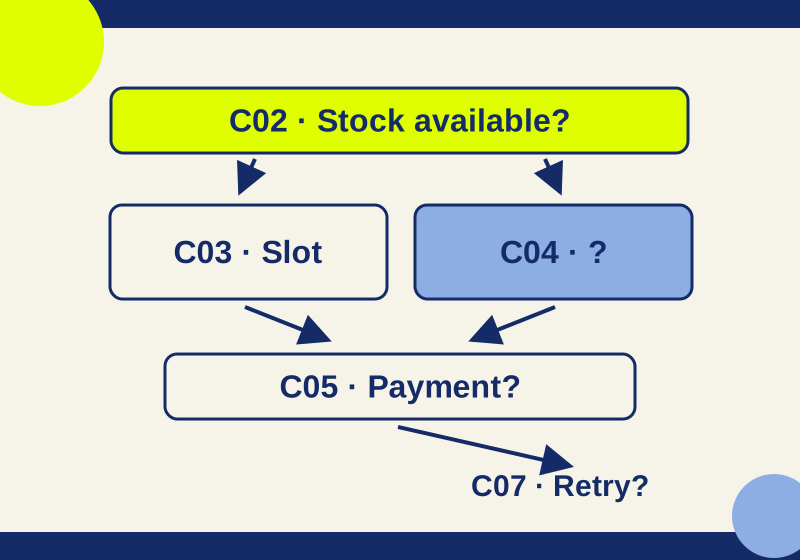
Use file guests or comment links, then route reviewers to actual decisions with board positions and object links.
SOURCE-CHECKED33
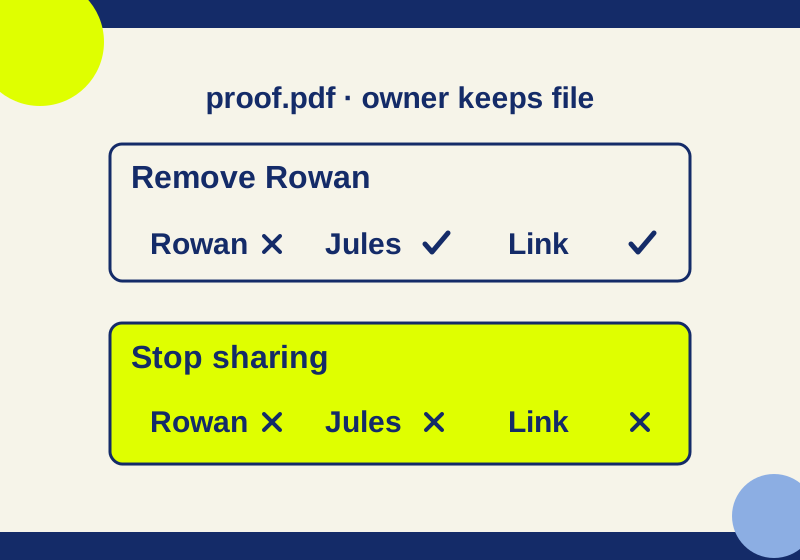
Stop sharing removes the public link and all invitees. Removing one invitation can leave another way to reach the file.
SOURCE-CHECKED34
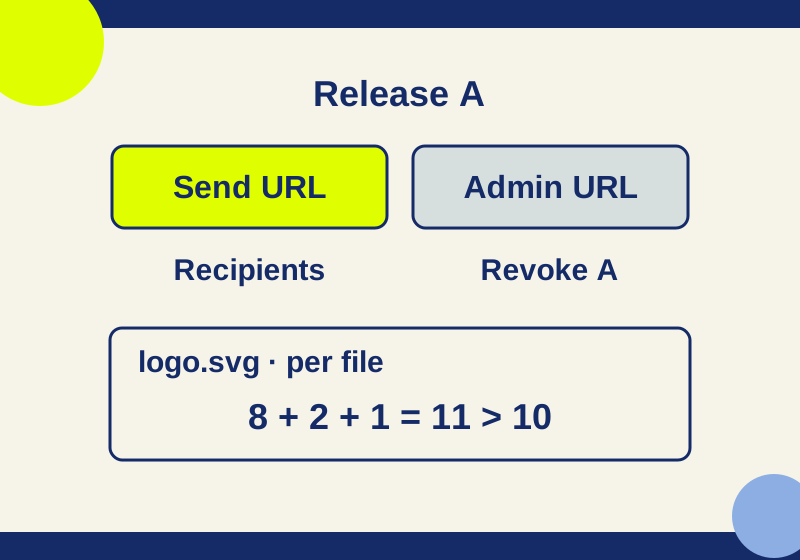
Keep the recipient and Admin links separately. A replacement upload and a per-file download count solve different problems.
SOURCE-CHECKED35
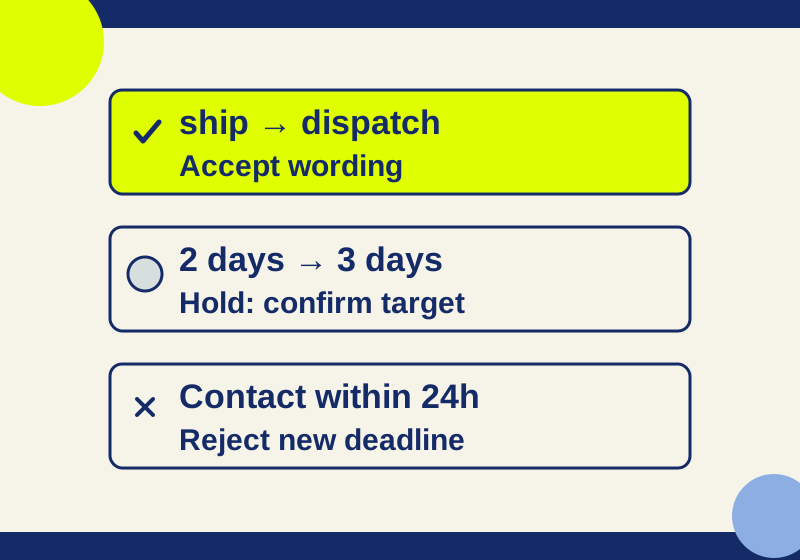
Check existing access before relying on a review link, then decide tracked suggestions against the facts each change needs.