SOURCE-CHECKED GUIDE · SHARING WORKFLOWS
Share a Whimsical board for outside review
Prepare a Whimsical board for an outside reviewer with a useful starting position and deliberate access permissions.
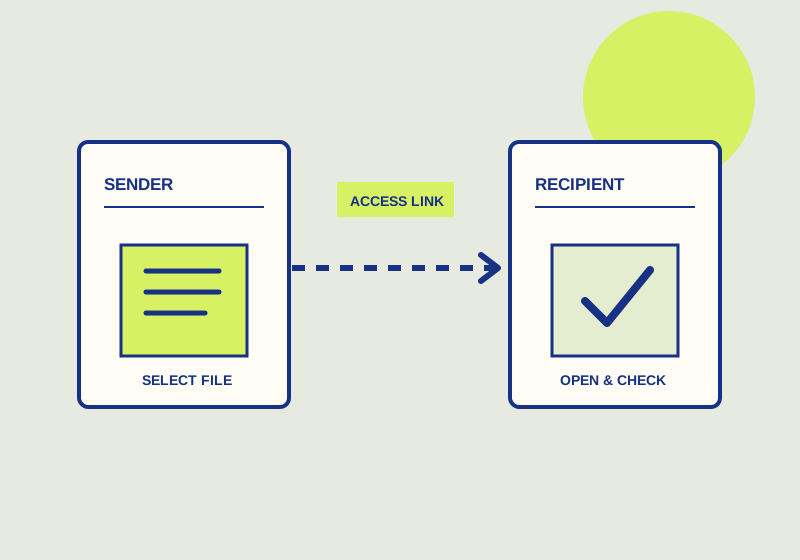
For outside review of a Whimsical board, choose the reviewer’s permission, decide who can use the link, and send a link to the part of the board that needs attention. Whimsical’s sharing FAQ lists Anyone with link settings for view, comment, edit, or no access; guest invitations with view, comment, or edit permissions; board-position links; and an optional password setting. Link sharing for a private file is disabled until it is enabled.
Decide what feedback belongs on the board
Write the review request before changing access. If the reviewer will read the board and reply by email, view access fits that task. If comments should stay beside the work, consider comment access. Give edit access when the reviewer is meant to change board content. Include the scope of the request in the invitation, such as which flow to review and whether the recipient should identify missing steps or propose wording changes.
Next, choose between an Anyone with link setting and a guest invitation. The first centers access on the link; the second lets you invite a particular reviewer with a selected permission. Whimsical says guests are available on every plan, including Free. Check the current setting on the private file, since a copied link does not mean link sharing has been enabled.
If the review involves sensitive material, check whether the password option is available in your account and suits the handoff. Tell the reviewer how to obtain the password without placing it in the same message as the link when your normal practice calls for a separate channel. A password is one part of the sharing choice; the audience and permission still need to match the request.
Give the reviewer a starting point
Open the portion of the board you want reviewed and use a board-position link when that position will help the recipient find it. Name the area in the message as well. A request such as “Please review the checkout decision flow, starting with the payment step, and comment on any missing branches by Thursday” tells the reviewer what to inspect and what to return. If several areas need attention, list them in review order so the first link position remains useful.
Whimsical notes that an anonymous comments or edits option may allow people without accounts to participate. Check that option if account-free feedback is required, along with the applicable permission. If the recipient needs a fixed reference for a meeting or record, consider Whimsical’s export or print options. Say whether feedback should go on the board or come back separately when sending a static copy.
Review the handoff
- Check that link sharing is enabled if you intend to send a private file link.
- Select view, comment, or edit for the work requested.
- Confirm whether the recipient will use an Anyone with link setting or a guest invitation.
- Review the optional password and anonymous participation choices if either matters.
- Copy a board-position link for the relevant area and name that area in the message.
- Include the requested response and a deadline if the review has one.
- Ask the reviewer to open the link and confirm that the intended board area appears and that their view, comment, or edit action works.
These controls prepare access to the board. They do not tell the recipient which questions to answer, so keep the review instructions specific and short.
This guide explains a workflow using the linked primary sources. We did not independently run every step or verify the result for your files; check the current service screen and your own output.
Primary sources:
KEEP GOING
Related checks.
SOURCE-CHECKED GUIDESharing workflows
Remove access to a Google Drive file
Check both the file’s general access and its individual collaborators before deciding what to revoke.
SOURCE-CHECKED GUIDESharing workflows
Set FigJam file access before sending a link
Use the file’s Share modal to set access, then confirm the link points to the intended spot.