SOURCE-CHECKED GUIDE · SHARING WORKFLOWS
Turn Google Docs comments into clear review actions
Write Google Docs comments that identify a review decision, the responsible person, and the file access needed to respond.
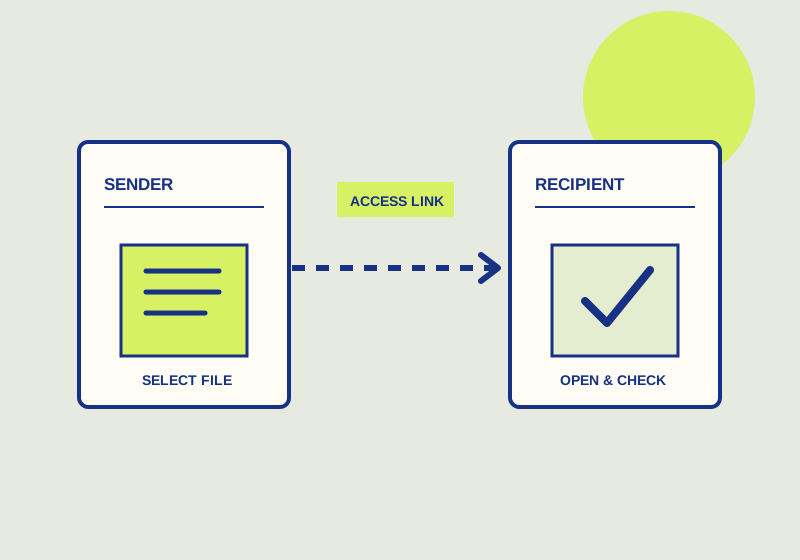
Attach a Google Docs comment to the passage that needs attention, ask for a specific response, and identify who should provide it. Comments can be attached to selected text, replied to, resolved, and reopened. A mention may notify someone, but it does not necessarily give that person access to the file. Google’s comment guidance also says action item assignment is available to work or school accounts.
Anchor each request
Select enough text to show what the comment concerns. A date may need only the sentence that contains it; a question about an argument may need the whole paragraph. Then state the action in the comment. “Can you confirm this date against the approved schedule?” gives the recipient a check to perform. “Please review” leaves the recipient to decide whether you want a fact check, a rewrite, or approval.
Keep separate decisions in separate comments when different people or sources are involved. If a paragraph has an uncertain figure and an unclear phrase, ask for confirmation of the figure in one comment and clarification of the phrase in another. The author can then see which issue is settled and which still needs work. Quote the term or claim at issue when the selected text contains several possible targets.
For a feedback round, agree on a response format that fits the work. A respondent might reply with the confirmed value and where the team should verify it, or state which of two wordings the author should use. The reply stays with the original comment, giving the author the question and response in one place. If a response raises another decision, continue the discussion there until the next action is clear.
Assign responsibility and check access
Name the intended respondent when one person owns the answer. A mention may draw their attention, but check separately that they can open the document. If they cannot access it, ask the person managing the file to arrange appropriate access before relying on the comment as a handoff. This matters most when a reviewer mentions someone who was not already part of the document’s sharing group.
For a work or school account, consider an action item when an explicit assignment fits the team’s process. Availability depends on the account type stated in the Google guidance. If assignment is unavailable, a comment can still identify the responsible person, the requested answer, and a due date agreed by the team. Keep the task description specific enough that the recipient can tell when their response is complete.
For example, on a proposed service agreement, select the sentence about the cancellation period and comment: “@Taylor, please check this period against the approved contract and reply with the clause that supports it before our review closes.” That asks for evidence, not a vague approval. Taylor’s reply should name the clause or say that the period cannot yet be confirmed. If Taylor receives a notification but cannot open the document, the owner must address file access first; another mention will not supply it. If the account offers no assign-action option, keep the request in the comment and track the agreed deadline in the team’s normal task list.
Close discussions deliberately
Read the selected passage and its replies before resolving a comment. Confirm that the requested answer has been given and that any needed text decision has been made. Resolve the thread when that discussion is complete. If someone later finds a missing condition or a new question about the same passage, reopen the resolved comment and continue from its existing context.
At the end of the round, check open comments for requests that lack an owner or answer. Check resolved comments for decisions the author still needs to reflect in the document. Resolved comments remain accessible in the original file, so a closed thread can provide context for a later review. Resolution records the state of the discussion; the team must still check the document’s content against the answers it received.
The checkable finish is both a reply that answers the selected question and document wording that matches that answer. If the clause is still unverified, leave the comment open or reopen it. A resolved marker by itself is not evidence that the agreement text was corrected.
This guide explains a workflow using the linked primary sources. We did not independently run every step or verify the result for your files; check the current service screen and your own output.
Primary sources:
KEEP GOING
Related checks.
SOURCE-CHECKED GUIDESharing workflows
Inspect and restore a Google Docs earlier version
A recovery workflow for comparing earlier collaborative drafts and preserving current text.
SOURCE-CHECKED GUIDESharing workflows
Remove access to a Google Drive file
Check both the file’s general access and its individual collaborators before deciding what to revoke.