TESTED GUIDE01
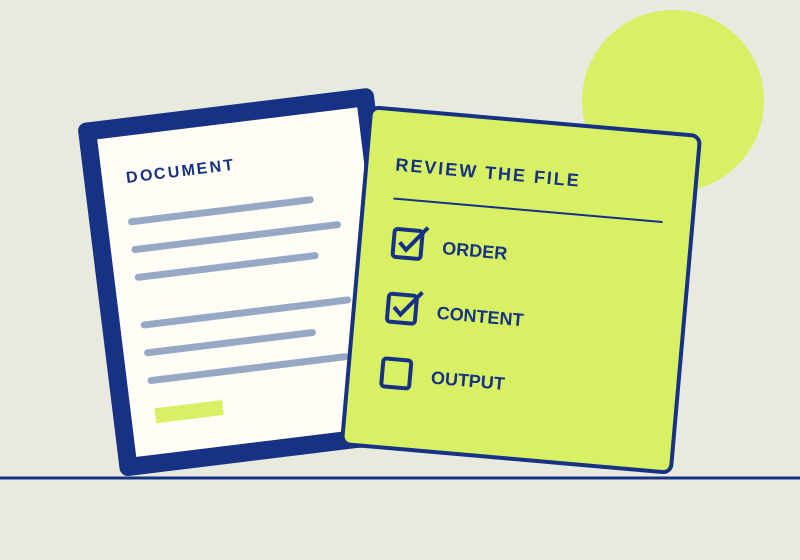
Add visible page numbers to a PDF
To add visible page numbers in Adobe Acrobat, open the PDF and choose Edit > Header and footer > Add.
Published Sep 29, 2026Read guide
TOPIC / HOWCURIO
Practical PDF guides for merging, editing, checking, and sharing documents, with each article stating whether it was tested or checked against source instructions.
10 GUIDESCHOOSE YOUR OUTCOME
Different PDF tasks call for different output checks. Each guide shows the source or test behind its advice and what still needs checking on your own file.
TESTED GUIDE01
To add visible page numbers in Adobe Acrobat, open the PDF and choose Edit > Header and footer > Add.
SOURCE-CHECKED GUIDE02
To compare two PDF versions in Acrobat Pro, go to All tools > Compare files, choose the earlier PDF as old and the revised PDF as new, and run the comparison.
TESTED GUIDE03
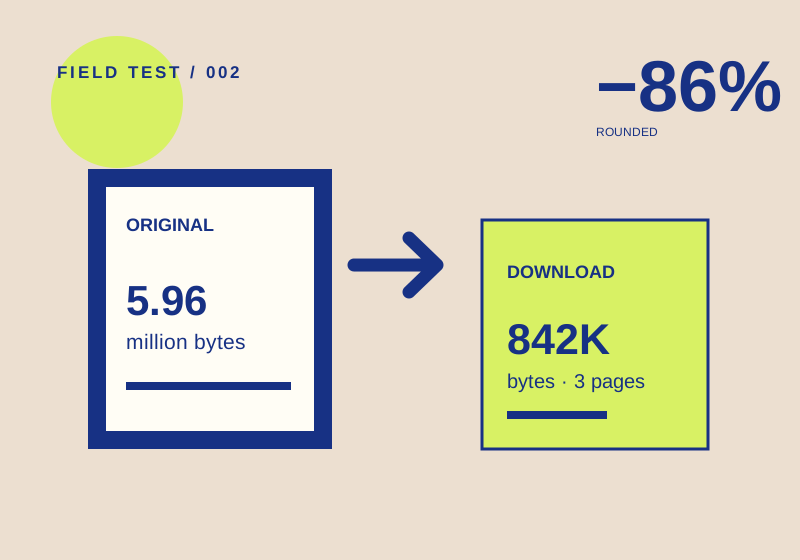
A test file became 85.9% smaller. Page count and labels survived, but visual detail still needs your own check.
SOURCE-CHECKED GUIDE04
To convert a PDF to an editable Word document in Adobe Acrobat, choose Convert > Microsoft Word, select DOCX or DOC, choose Convert, and save the result.
TESTED GUIDE05
To crop PDF margins in Acrobat on web, use Edit > Crop pages, drag the crop handles around the area you want visible, and select Crop.
TESTED GUIDE06
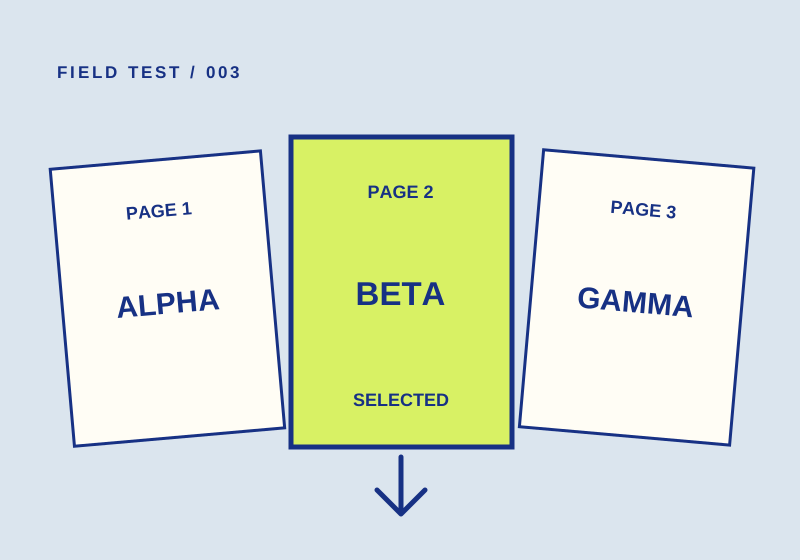
A 2-to-2 range produced one page marked BETA. Check both the page count and content before sharing yours.
TESTED GUIDE07
Put text and checkmarks on a static PDF form in Acrobat, including what to do if the document forbids filling.
SOURCE-CHECKED GUIDE08
To make a scanned PDF searchable in Adobe Acrobat, open the PDF, go to All tools > Scan & OCR > In this file, choose the page range and language, and select Recognize Text.
TESTED GUIDE09
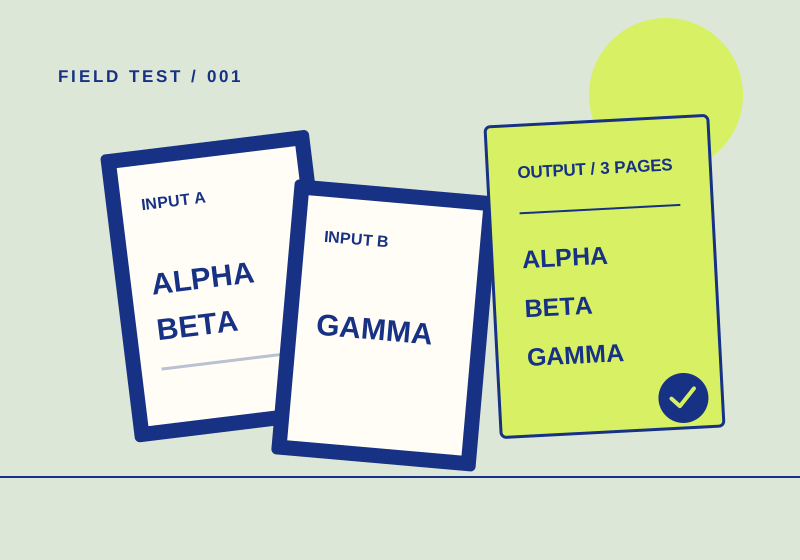
Two test PDFs went in; a three-page file came out in the expected order. Here's how to check your own.
TESTED GUIDE10
To require a password before a PDF can be opened in Adobe Acrobat, select All tools > Protect a PDF > Encrypt with Password, choose Require a password to open the document, enter and confirm the password, and save the PDF.