TESTED GUIDE · PDF WORKFLOWS
Compress a PDF and check what survived
We compressed a three-page test PDF, measured its actual byte reduction, and checked the downloaded pages and text. Use the same checks on your file.
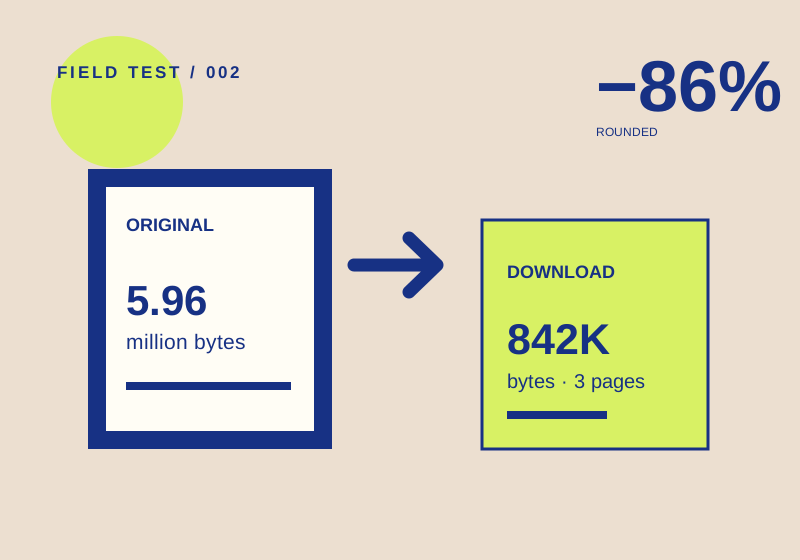
A smaller PDF is useful only if it keeps what you need. Keep the original, compress a copy, and inspect the downloaded file before attaching or sharing it.
A measured result, with a limit
Our September 29, 2026 test used a synthetic three-page PDF with color-pattern images and the labels IMAGE ONE, IMAGE TWO, and IMAGE THREE. We uploaded it to iLovePDF Compress PDF without signing in and used the page’s default compression selection.
| Check | Original | Download |
|---|---|---|
| File size | 5,961,152 bytes | 842,240 bytes |
| Pages | 3 | 3 |
| Text labels | IMAGE ONE, TWO, THREE | IMAGE ONE, TWO, THREE |
That’s an 85.9% byte reduction for this file. The service displayed 86%, reflecting its units and rounding. We checked the downloaded PDF’s page count and text labels independently. We did not compare fine image detail or print quality, so the number is no promise that an image-heavy page still looks good.
Check your compressed file
- Save the original and note its size. Identify a page, image, or text passage that must remain usable.
- Choose a compression setting at the official tool page. It offers Extreme, Recommended, and Less Compression. Our run used the default; we did not compare the other settings.
- Download the result. Compare its file size with the original, then open it and count the pages. Check the text or images you identified in step one.
- If visual quality matters, compare a critical page at the size you will actually view or print. If it is degraded, use the original and try another setting, repeating the same checks.
The 85.9% result belongs to a file full of synthetic color patterns. A text-only PDF, a photograph, or an already compressed scan may behave differently. This test also did not check OCR, annotations, accessibility, or embedded data. Inspect those separately when they matter.
Before uploading a sensitive file
Our test file had no personal data. If yours does, decide whether an online upload is acceptable under your privacy requirements. We did not independently verify the service’s storage or security practices. The method page records what we checked, and no service paid for this guide.
We used controlled inputs and checked the resulting output as described above. The scope of that test is limited to the stated files and steps.
Primary sources:
KEEP GOING
Related checks.
TESTED GUIDEPDF workflows
Extract one PDF page and verify the download
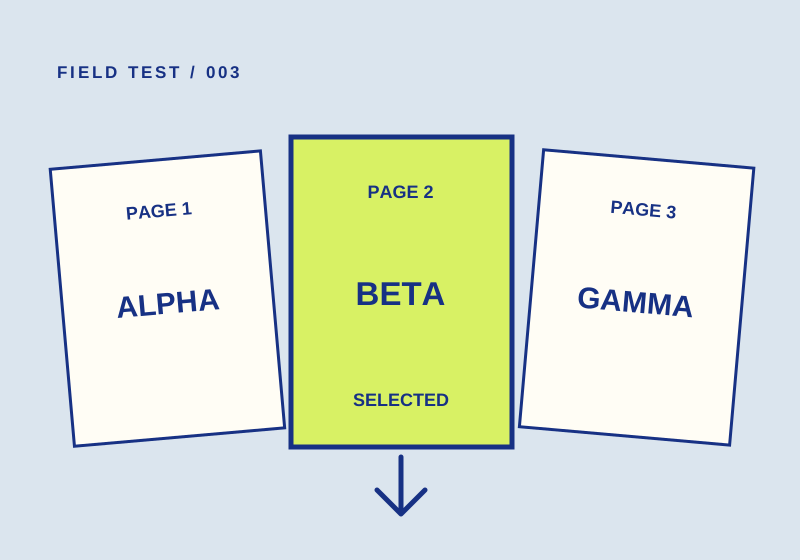
A 2-to-2 range produced one page marked BETA. Check both the page count and content before sharing yours.
TESTED GUIDEPDF workflows
Merge two PDFs and check the page order
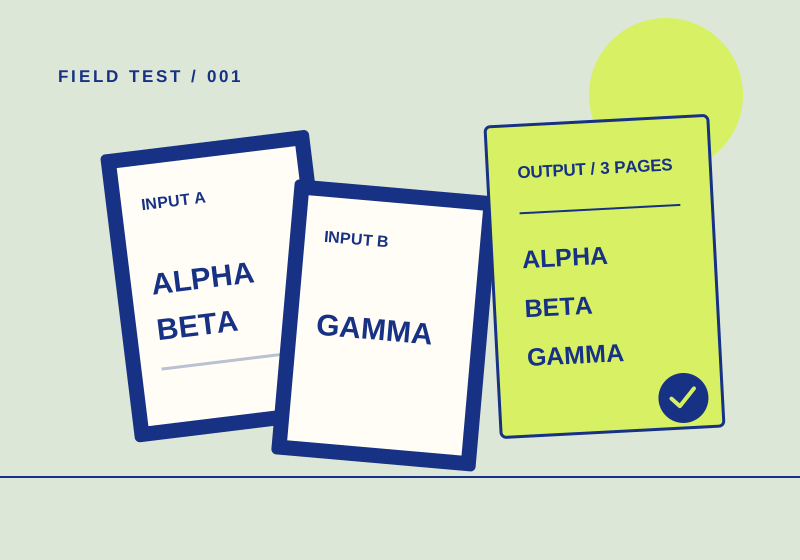
Two test PDFs went in; a three-page file came out in the expected order. Here's how to check your own.